
Gutfels LR 67013 Manual
PDF manual · 38 Pages
English



Quick check
Incorrect answer, please try again.
Chat with your Gutfels LR 67013 manual using AI
Get instant AI answers from your Gutfels LR 67013 manual
Ask anything about the Gutfels LR 67013. Answers come from this manual, with the pages they are based on.
LR 67013 Maintenance Schedule
Vacuum dust from the front. Place in a ventilated area to dissipate gases. Do not use water or press too hard.
Place in a ventilated area to allow harmful gases and germs to dissipate. Do not use water to clean these filters.
Unplug the device. Remove the sensor cover and wipe the lens with a dry cotton swab to remove dirt.
Suggested period to replace filters #2 and #3 is 6 months based on the performance index table.
Suggested period to replace filter #1 is 2 years based on the performance index table.
Clean the surface with a vacuum or wash with water. Allow to dry thoroughly before reinstalling.
After the indicator flashes every 320 hours, clean filter No. 1 and press the reset button for 5 seconds.
The indicator stays on after 1500 hours. Replace filters No. 2 and No. 3, then press the reset button for 5 seconds.
Wipe the plug with a dry cloth if dust or moisture is present to prevent fire hazards. Unplug before cleaning.
Free maintenance reminders
Timed to your purchase date. Always free, unsubscribe anytime.
Ask a Question
Do you recommend LR 67013?
Yes NoFrequently Asked Questions
You should clean the pre-filter approximately twice a month using a vacuum cleaner or by washing it with water and letting it dry thoroughly.
Is this answer helpful?
No, do not use this product in the kitchen or other areas that emit fumes, as this can damage the unit and reduce its effectiveness.
Is this answer helpful?
Auto mode uses the sensor to automatically adjust fan speed based on air quality, while Compulsory mode lets you manually set the speed and choose which features like UV or ions are active.
Is this answer helpful?
After cleaning or replacing the filters, press and hold the Reset button for five seconds until the indicator light stops flashing.
Is this answer helpful?
No, the negative ion generator and UV sterilization are designed to purify air without creating harmful ozone or secondary pollution.
Is this answer helpful?
Advantages and Disadvantages
Advantages

- Multi-stage filtration including HEPA and cold catalyst for superior air cleaning
- Integrated evaporative humidifier adds moisture to dry air
- Smart auto-mode adjusts fan speed based on real-time PM2.5 sensor data
- UV sterilization and negative ion technology effectively kill germs and settle dust
- Includes remote control and child-lock safety feature for convenience
Disadvantages

- Requires regular cleaning of the pre-filter every two weeks
- Specialized filters need replacement every six months to two years
- Cannot be used near gas appliances or in extremely humid areas like showers
- Remote control requires specific button cell batteries not included
- Machine must be placed on the floor for optimal pollen and dust removal
Product Specification
Power
95W
Color
white, black
Recommended Room Size
up to 753 sq ft
Air Circulation
15860 cu ft/h
Water Tank Capacity
0.45 gal
Filtration
4-stage, HEPA filter, activated carbon filter, cold catalyst filter, water purification
Display
yes
Features
remote control, night mode, switchable ionization, switchable UV disinfection, air quality monitoring (dust, fine dust, pollen, bacteria)
Noise Level
18-55dB(A)
Dimensions
9x24x16 in (WxHxD)
Weight
23.81 lbs
Product Description
Experience Pure Air with the Gutfels LR 67013
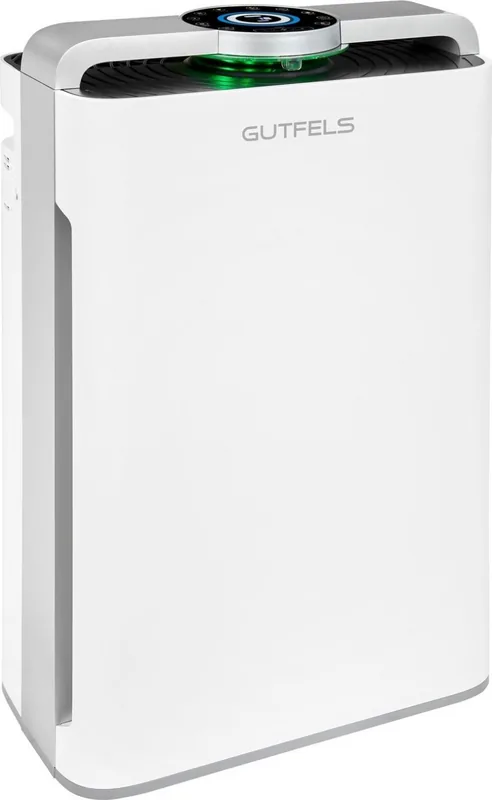
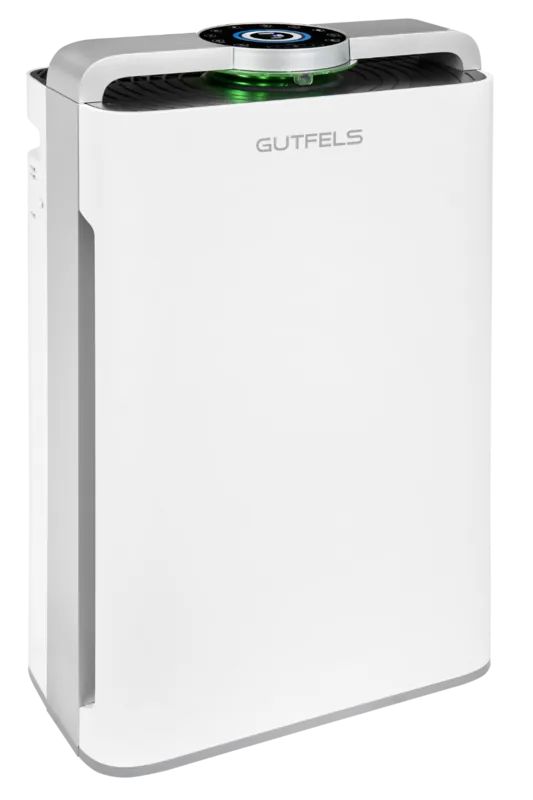
Welcome to a new era of indoor comfort with the Gutfels LR 67013 Luftbefeuchter/Luftreiniger. This advanced appliance is designed to transform your living space by combining powerful air purification with effective humidification. Whether you suffer from allergies, live in a smoky environment, or simply desire fresher air, this unit offers a comprehensive solution.
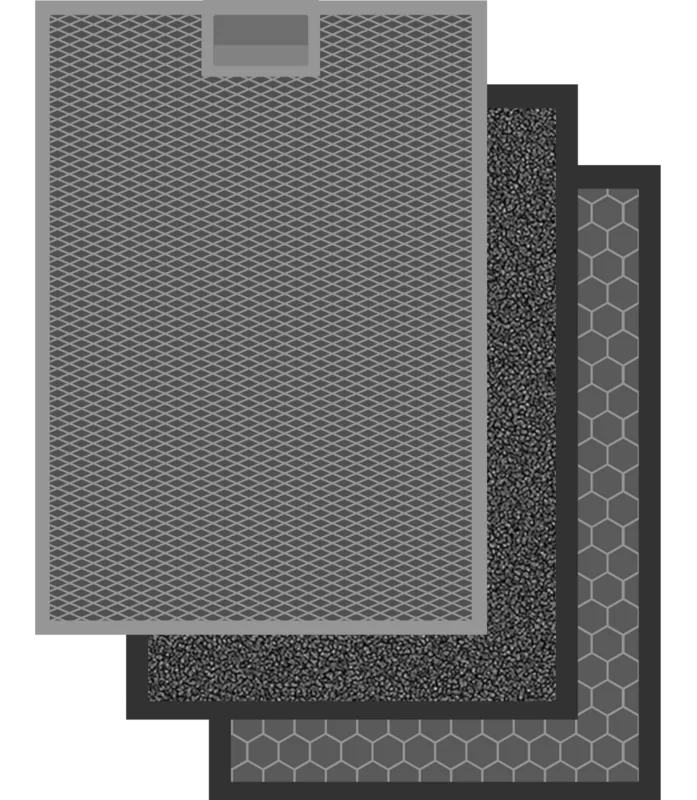
The Gutfels LR 67013 utilizes a multi-stage filtration system that targets pollutants at every level. Starting with a washable pre-filter made of aluminum alloy, it captures large dust particles and pet dander. The process continues through a cold catalyst filter that safely breaks down harmful gases like formaldehyde without producing secondary pollution. A cellular activated carbon filter absorbs odors, while an antibacterial cotton filter and a high-efficiency HEPA filter work together to trap microscopic particles, bacteria, mold, and viruses as small as 0.3 microns.
Beyond filtration, the device features a sterilizing UV light that eliminates airborne bacteria and a negative ion generator that helps heavy pollutants settle out of the air naturally. For added comfort during dry seasons, the integrated evaporative humidifier releases moisture into the room automatically when water is added to the side tank. The unit also includes smart sensors that adjust fan speed based on real-time PM2.5 data, ensuring efficient operation whether in Auto, Night, or Manual modes. With its sleek design, remote control, and child-lock safety feature, the Gutfels LR 67013 is the perfect addition to any modern home seeking health and hygiene.
Search for 67,732 Manuals online


Type-in Brand or Model