
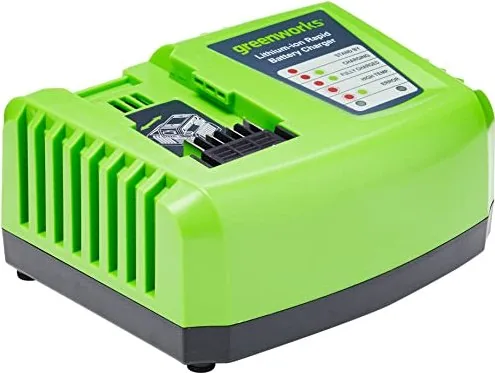
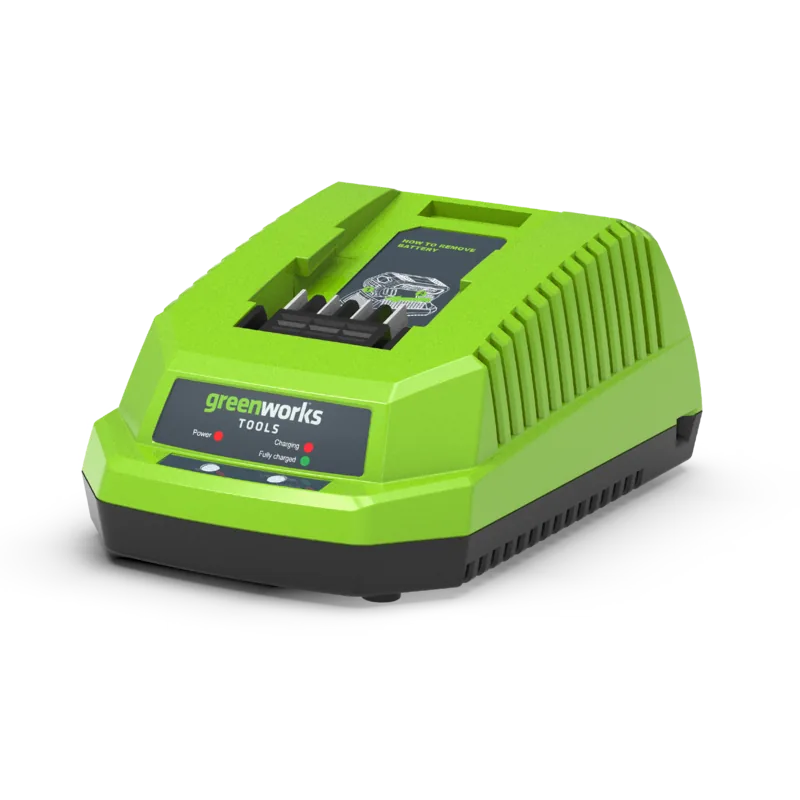
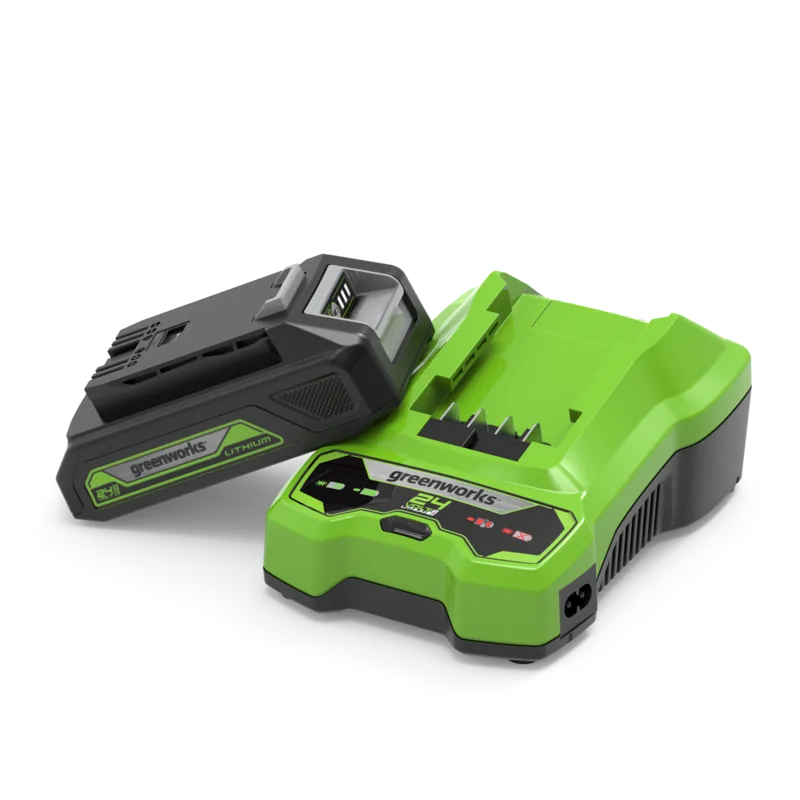
Greenworks Tools G40UC4 Manual
PDF manual · 209 Pages
English



Quick check
Incorrect answer, please try again.
Chat with your Greenworks Tools G40UC4 manual using AI
Get instant AI answers from your Greenworks Tools G40UC4 manual
Ask anything about the Greenworks Tools G40UC4. Answers come from this manual, with the pages they are based on.
G40UC4 Maintenance Schedule
If the battery is not used or charged for a long time, store it in a cool, dry place and charge it for 2 hours every 2 months.
Wipe the outside of the charger with a dry, soft cloth. Do not use water, hose down, or damp cloths/detergents.
Free maintenance reminders
Timed to your purchase date. Always free, unsubscribe anytime.
Ask a Question
Do you recommend G40UC4?
Yes NoFrequently Asked Questions
Using standard chargers like model 2910907, a 2.0Ah battery takes approximately 60 minutes. When using the quick charger model 2924107, charging time reduces to about 30 minutes for this specific capacity level.
Is this answer helpful?
If the battery is too warm, the charger orange LED will illuminate. You must remove the battery and let it cool outside for approximately 30 minutes. Do not attempt to charge a hot battery immediately.
Is this answer helpful?
No. It is strictly prohibited to charge non-rechargeable batteries using this device. Doing so may cause dangerous leakage, fire, or explosion. Only use specified 40V lithium-ion rechargeable batteries.
Is this answer helpful?
It is compatible with the 29717, 2925807, 2925707, 29727, 2922607, and 2923307 models listed in the manual. Always verify the specification matches the charger output voltage and current.
Is this answer helpful?
Li-ion batteries must not go in regular trash. Contact your local waste disposal agency. Cover terminals with tape before disposal. Do not incinerate or puncture the battery pack under any circumstances.
Is this answer helpful?
Yes, the charger supports wall mounting using two screws. For models 2910907, drill holes 6cm on center. For model 2924107, drill holes 14.5cm on center. Do not fasten directly to soft surfaces like blankets.
Is this answer helpful?
Blinking lights often indicate a defective battery or false defect. Remove the battery for 1 minute and reinsert. If lights still blink after reconnection, the battery is defective and needs replacement.
Is this answer helpful?
Advantages and Disadvantages
Advantages

- Supports multiple battery capacities from 2.0Ah to 6.0Ah
- LED indicators provide diagnostic feedback on charge status
- Durable design suitable for indoor workshop environments
- Wall mounting capability allows for space saving installation
- Fast charging options available with compatible models
Disadvantages

- Batteries do not ship fully charged out of the box
- Unit requires specific wall outlet voltage for operation
- Ventilation slots must remain clear to prevent overheating
- Charging time varies significantly based on battery size
- Non-rechargeable batteries cannot be used with this unit
Product Specification
Type
Charger
Compatible with
Greenworks Tools
Battery Voltage
40V
Battery Type
Li-Ion
Features
Charge status indicator
Product Description
Power Management with the Greenworks Tools G40UC4 Charger
Maintaining your cordless power tools requires reliable energy solutions. The Greenworks Tools G40UC4 Charger stands out as a critical component for your equipment. It ensures your lithium-ion batteries remain charged and ready for heavy duty work. Consulting the Greenworks Tools G40UC4 Charger Manual provides essential insights for safe operation. This device is designed to handle various battery capacities within the 40V system. It supports users in maximizing tool runtime and extending battery life significantly. Professional landscapers and DIY enthusiasts rely on stability for consistent results.
Compatibility and Charging Speeds
This charger is compatible with multiple battery models from the Greenworks lineup. You can charge packs ranging from 2.0 Ah up to 6.0 Amperes. Smaller batteries charge faster with specific adapter configurations. The standard units typically utilize different timeframes for full cycles. Larger capacity packs require longer durations to reach full power levels. Efficiency is prioritized to minimize downtime during your projects. The LED indicators provide clear status updates throughout the process. Users should observe color changes to diagnose potential problems early.
Safety Features and Environmental Considerations
Safety protocols are integrated into the design to prevent accidents. The unit includes mechanisms to detect defective cells or heat issues. Avoid exposing the charger to water or extreme moisture conditions. Overheating protection ensures components do not fail under stress. If electrolyte leaks occur, neutralize the substance with vinegar or lemon juice. Proper disposal is required for damaged units to protect the environment. Follow local regulations for lithium-ion battery recycling. Never incinerate these packs under any circumstances.
Maintenance and Storage Instructions
Regular maintenance keeps the charger in peak condition. Clean the exterior surface with a dry cloth regularly. Do not use detergents that might damage the housing. Store the unit in a cool dry place when not needed. Disconnect the power cord during extended periods of inactivity. This prevents unnecessary power consumption and potential electrical hazards. Wall mounting is available for secure installation in workshops. Ensure ventilation remains unobstructed to allow proper airflow for the system.
Critical Usage Guidelines
- Check outlet voltage before plugging in the charger.
- Remove batteries prior to any cleaning procedures.
- Do not cover the ventilation slots during operation.
- Keep children away from the active charging station.
- Monitor the battery for swelling or unusual odors.
- Replace damaged cables immediately with manufacturer approved parts.
- Avoid shorting terminals with metal tools or keys.
Search for 67,732 Manuals online


Type-in Brand or Model