

Free Greenworks Tools Manuals – Read, Download & Print
37 Manuals
Manuals
169 Pages

260 Pages

166 Pages

262 Pages

260 Pages

110 Pages

256 Pages

162 Pages

160 Pages

157 Pages
178 Pages

143 Pages
226 Pages

186 Pages

244 Pages

246 Pages

235 Pages

8 Pages
209 Pages

56 Pages

203 Pages

3 Pages

233 Pages
16 Pages

220 Pages

172 Pages

305 Pages

136 Pages

89 Pages

256 Pages

158 Pages

151 Pages

162 Pages

211 Pages

184 Pages

112 Pages

188 Pages
Categories

Free Greenworks Tools Manuals - Read, Download & Print
Find helpful Greenworks tools manuals for outdoor power equipment, lawn care machines, batteries, chargers, pressure washers, and more. A manual is an essential resource for understanding how a product works, setting it up correctly, maintaining it safely, and solving common operating issues. Whether you need instructions for a cordless mower, string trimmer, chainsaw, leaf blower, hedge trimmer, snow thrower, or pressure washer, the right manual can provide clear product-specific guidance.
Read Greenworks Manuals Online
Reading a Greenworks manual online is a convenient way to quickly locate important information without searching through paper documents. Digital manuals commonly include sections covering safety warnings, product diagrams, assembly steps, operating controls, maintenance schedules, troubleshooting advice, technical specifications, and warranty information.
Online access can be especially useful when you need a fast answer before using a tool. For example, you may want to confirm how to install a battery, adjust a cutting height, replace trimmer line, lubricate a chain, connect a hose, clean a filter, or store equipment after a season. Instead of guessing, review the applicable manual and follow the instructions designed for your particular model.
Find Instructions for Your Exact Model
Greenworks produces many tool variations, including different voltages, cutting widths, motor capacities, battery platforms, and regional product versions. Because of these differences, it is important to identify the exact model number before using a manual.
The model number may be found on a rating label, product housing, battery compartment, handle frame, motor cover, packaging, or original receipt. It can include numbers, letters, or a combination of both. Check the label carefully and compare it with the manual title before relying on any instructions.
Using the correct model manual helps ensure that information about replacement parts, controls, batteries, chargers, accessories, and safety requirements matches the equipment you own. Similar-looking products may have different features or service procedures.
Download Greenworks Tool Manuals
Downloading a manual gives you access to important product information even when you do not have an internet connection. A saved PDF can be kept on a phone, tablet, laptop, or desktop computer for easy reference in the garage, shed, workshop, or yard.
Downloaded manuals are useful for seasonal equipment that may only be used a few times each year. Before starting a mower in spring, using a leaf blower in fall, or operating a snow thrower in winter, review the relevant instructions to refresh your understanding of safe operation and routine maintenance.
Benefits of Saving a Digital Copy
A downloaded manual can help you build an organized library for all of your outdoor equipment. Create folders by product type, model number, or battery platform so that documents are easy to find when needed. Saving manuals can also be useful if the original printed booklet is misplaced, damaged, or no longer readable.
Digital copies allow you to search for keywords such as "battery," "charger," "blade," "chain," "oil," "filter," "storage," or "troubleshooting." This can save time when you are looking for a specific topic in a long document. You can also print only the pages you need, such as a maintenance chart or parts diagram.
Print Manuals for the Workshop
Printing a Greenworks manual can make it easier to follow instructions while working on equipment. A paper copy is practical when your hands are dirty, when the work area has limited connectivity, or when you prefer to mark maintenance dates and notes directly on the page.
For best results, print important sections such as safety instructions, assembly diagrams, startup procedures, maintenance schedules, and troubleshooting tables. Keep the pages in a labeled binder or plastic sleeve to protect them from moisture, dust, oil, and grass clippings.
Useful Pages to Print
Not every manual page needs to be printed. Focus on the information most likely to be used during setup, operation, or care. Helpful pages may include:
- Product identification and model details
- Safety symbols and warnings
- Assembly instructions and illustrations
- Battery and charger directions
- Operating control descriptions
- Maintenance intervals
- Replacement part references
- Troubleshooting charts
- Storage and transportation guidance
A printed quick-reference section can be particularly useful for equipment shared by multiple family members or workers. Everyone can review the same directions before operating the tool.
Greenworks Equipment Covered by Manuals
Greenworks manuals can cover a wide variety of corded, battery-powered, and outdoor power products. Product documentation may vary by model, but many manuals provide the same core types of information.
Lawn Mowers
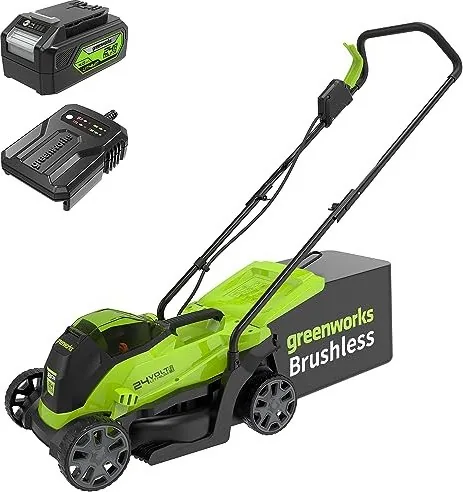
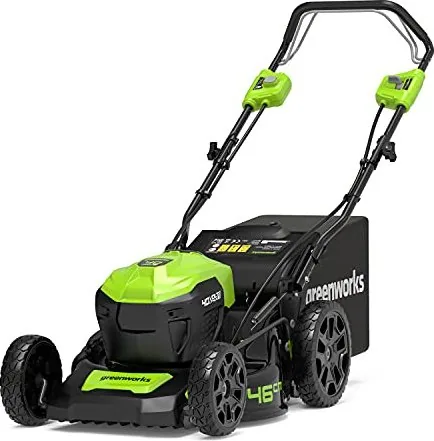
Mower manuals often explain handle assembly, grass bag installation, mulching functions, height adjustment, blade care, battery insertion, startup methods, cleaning, and off-season storage. They may also include advice for avoiding uneven cutting, poor collection performance, or reduced runtime.
String Trimmers and Edgers
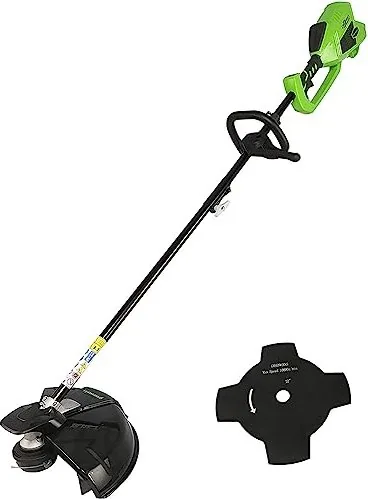
Trimmer manuals can show how to assemble the shaft, attach a guard, install line, advance line, convert between trimming and edging functions, and clean debris from the cutting head. Follow line diameter and replacement directions carefully to help prevent damage or unsafe operation.
Chainsaws and Pole Saws
Chainsaw and pole saw documentation typically includes critical safety information about protective equipment, chain tension, bar lubrication, kickback awareness, cutting methods, and storage. Review these instructions before each use, especially when replacing a chain or bar.
Leaf Blowers and Vacuums
Blower manuals may cover nozzle installation, speed settings, turbo controls, battery use, intake cleaning, and proper handling. If a unit has vacuum or mulching functions, the manual can explain bag installation and debris management.
Pressure Washers
Pressure washer manuals commonly provide guidance for hose connections, water supply requirements, spray tip selection, detergent use, startup and shutdown procedures, winterization, and cleaning clogged nozzles. Always follow safety directions related to high-pressure spray and electrical connections.
Safety Information in Every Manual
Safety instructions are among the most important sections of any Greenworks tool manual. Outdoor power equipment can involve moving blades, rotating lines, sharp chains, high-pressure water, electrical power, and rechargeable batteries. Read all warnings before assembly, charging, use, maintenance, or storage.
Wear the recommended personal protective equipment for the job. Depending on the tool, this may include eye protection, hearing protection, gloves, sturdy footwear, long pants, and head protection. Keep children, pets, and bystanders away from the work area. Inspect tools before use and do not operate damaged equipment.
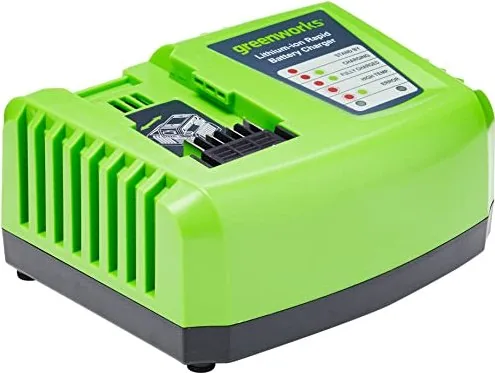
For battery-powered products, use only compatible batteries and chargers identified for the tool. Do not expose batteries to excessive heat, fire, water, or physical damage. If a battery shows swelling, leaking, overheating, or other signs of failure, stop using it and follow applicable disposal guidance.
Troubleshooting Common Greenworks Tool Issues
Manuals often contain troubleshooting tables that can help identify simple causes of common problems. If a tool does not start, check the battery charge, battery connection, safety key, switch position, extension cord condition when applicable, and any required safety interlocks.
If performance seems weak, inspect for debris buildup, dull cutting components, clogged air passages, incorrect attachments, or a low battery. For mowers, check the blade, deck, grass bag, and cutting height. For trimmers, inspect the line spool and guard. For chainsaws, verify chain tension, lubrication, and battery condition.
Do not attempt repairs beyond the instructions provided for the product. Disconnect power or remove the battery before cleaning, inspecting, adjusting, or replacing approved user-serviceable parts. Contact qualified service support for issues involving internal electrical components, damaged housings, malfunctioning safety systems, or major mechanical failures.
Keep Your Manual Available
A Greenworks tool manual is more than a setup guide. It is a useful reference throughout the life of the equipment. Keep a digital or printed copy available so you can review correct operation, complete routine care, order suitable parts, and prepare tools for storage.
Always compare the manual with the model label on your product, and consult current manufacturer resources for the most accurate product documentation, safety notices, and support details. With the right manual on hand, you can use your Greenworks equipment with greater confidence, convenience, and care.
Search for 67,732 Manuals online


Type-in Brand or Model