
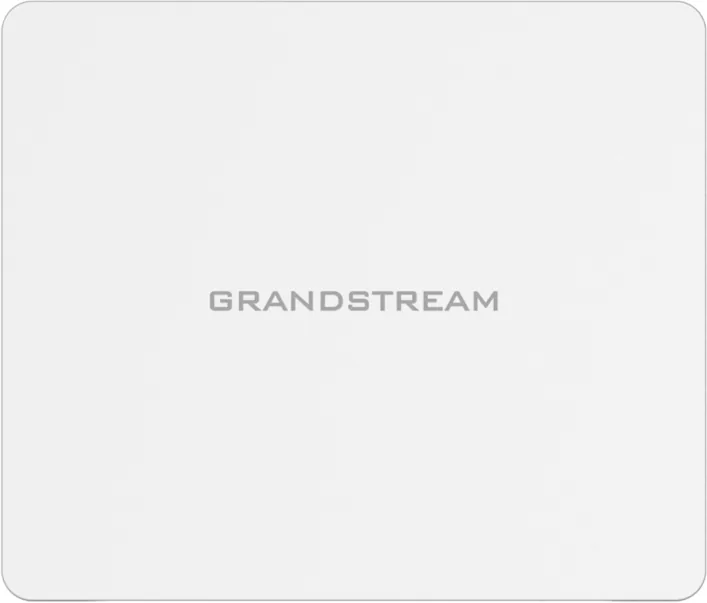
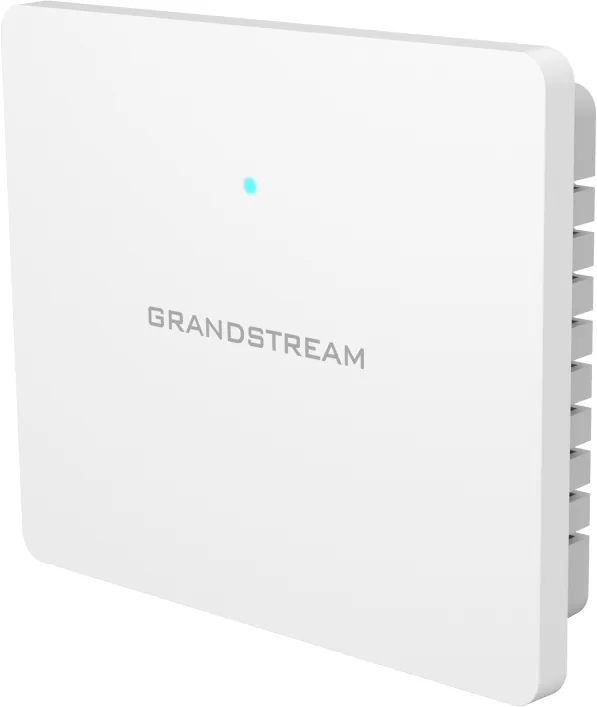
Grandstream GWN7602 Manual
PDF manual · 71 Pages
English



Quick check
Incorrect answer, please try again.
Chat with your Grandstream GWN7602 manual using AI
Get instant AI answers from your Grandstream GWN7602 manual
Ask anything about the Grandstream GWN7602. Answers come from this manual, with the pages they are based on.
GWN7602 Maintenance Schedule
Configure automatic upgrade to check for new firmware at set intervals (hours, daily, or weekly) via the Maintenance > Upgrade page.
If Logserver is enabled, configure rotation frequency (minutes, hours, day of week) and file size limits to manage logs on connected USB drives.
Ask a Question
Do you recommend GWN7602?
Yes No
omnis_nesciunt
7 months ago
What level of performance can I realistically expect from this item?
Frequently Asked Questions
Yes, it can function in default standalone mode immediately after powering on, broadcasting a default SSID based on its MAC address. However, for full configuration and management, it requires a Master GWN76XX AP or a GWN Management Platform.
Is this answer helpful?
The GWN7602 supports up to 80 concurrent wireless clients. This limit applies to the total connections across all configured SSIDs on the device.
Is this answer helpful?
You can configure a Captive Portal via the Master GWN76XX Web GUI under the Captive Portal menu. Options include internal splash pages, external URLs, social media logins, and voucher-based authentication systems.
Is this answer helpful?
Yes, the GWN7602 supports Mesh networking. It can act as a Range Extender (RE) when paired with a Central Access Point (CAP) or Master controller to extend wireless coverage wirelessly.
Is this answer helpful?
The device supports DC 12V power adapter input and Power over Ethernet (PoE/PoE+) via the Gigabit uplink port. It also provides PSE output on two 10/100M ports to power connected devices.
Is this answer helpful?
Advantages and Disadvantages
Advantages

- Supports dual-band 802.11ac with speeds up to 867 Mbps for high throughput
- Integrates with GWN Cloud and GWN Manager for centralized administration
- Includes built-in Captive Portal with social login and voucher support
- Features Mesh networking capability for extended wireless coverage
- Provides PoE/PoE+ power options and three Ethernet ports for flexibility
Disadvantages

- Cannot operate as a standalone master controller without another GWN76XX unit
- No direct web GUI for local configuration without a master or cloud platform
- Limited to 100 Mbps on LAN ports which may bottleneck gigabit internet
- Mesh functionality requires specific pairing steps and compatible hardware
- Maximum of 80 concurrent clients may be insufficient for very large venues
Product Specification
LAN
1x 1000Base-T (PoE+ PD), 3x 100Base-TX (2x PoE)
Wireless
WLAN 802.11a/b/g/n/ac (Wi-Fi 5), simultaneous
Transmission Rate
300Mbps (2.4GHz), 867Mbps (5GHz)
Security
64/128bit WEP, WPA, WPA2
Antennas
internal
Power Consumption
20W (consumption, operation), not specified (max. power supply rating)
Dimensions
5.3x4.5x1.2in
Features
MU-MIMO, VLAN, IPv6
Band Capability
Dual Band (simultaneous)
Product Description
Grandstream GWN7602: The Mid-Tier Wi-Fi Solution for Modern Networks
The Grandstream GWN7602 is a versatile mid-tier 802.11ac wireless access point designed to deliver robust network performance for small to medium-sized businesses, coffee shops, restaurants, and hotels. This device features dual-band 2x2:2 technology with an intelligent antenna design that ensures optimal throughput and extensive coverage ranges up to 100 meters. It combines high-speed data rates with sophisticated management capabilities, making it an ideal choice for deployments requiring reliability and ease of use.
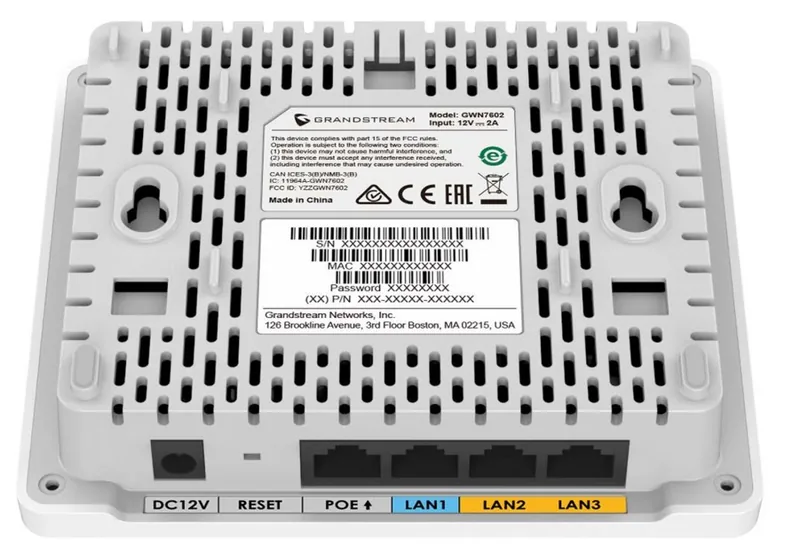
Equipped with three Ethernet ports, including one Gigabit uplink supporting PoE/PoE+ and two 10/100M ports with Power over Ethernet output, the GWN7602 offers flexible connectivity options for IP phones, PCs, and other peripherals. While it lacks a standalone web interface, it integrates seamlessly into larger ecosystems managed by a Master GWN76XX Access Point or through cloud platforms like GWN.Cloud and on-premise solutions like GWN Manager. This centralization allows administrators to configure SSIDs, manage client access, and enforce security policies across multiple devices effortlessly.
Security and customization are at the forefront of the GWN7602 experience. Users can leverage advanced features such as Captive Portals with social media login integration, voucher-based authentication for guest networks, and granular bandwidth rules to control network traffic per user or device. The support for Mesh networking further extends coverage without the need for additional cabling, while scheduled LED controls help minimize light pollution in sensitive environments. With support for up to 80 concurrent clients and comprehensive QoS settings, this access point ensures a smooth experience for real-time applications and general browsing alike.
Search for 67,706 Manuals online


Type-in Brand or Model
Bailee Kautzer
4 months ago
Does this product live up to its promises or are expectations too high?
Manual.ly
4 months ago
The product delivers solid performance and meets the advertised claims. While it is reliable, users should not expect miracles or extraordinary results beyond its standard capabilities.