
GIGABYTE G34WQC A Manual
PDF manual · 40 Pages
English



Quick check
Incorrect answer, please try again.
Chat with your GIGABYTE G34WQC A manual using AI
Get instant AI answers from your GIGABYTE G34WQC A manual
Ask anything about the GIGABYTE G34WQC A. Answers come from this manual, with the pages they are based on.
Ask a Question
Do you recommend G34WQC A?
Yes No
Joel Kelly
5 months ago
How does the color performance compare to IPS monitors for gaming, and does it support G-Sync?
GamerMax92
4 months ago
Does the included cable work reliably, or are there known contact issues?

Manual.ly
4 months ago
Thank you for your inquiry. We have received reports of potential contact issues with the included VGA cable on some units. If you experience problems, we recommend using a high-quality replacement cable to ensure optimal performance and image quality.

DarkModeFan
4 months ago
Is this monitor suitable for playing dark games due to its contrast levels compared to IPS panels?
Frequently Asked Questions
This monitor supports a maximum refresh rate of 144Hz when connected via DisplayPort or HDMI, ensuring smooth motion for gaming and video playback.
Is this answer helpful?
Yes, the GIGABYTE G34WQC A includes AMD FreeSync Premium technology to reduce screen tearing and stuttering during gameplay.
Is this answer helpful?
Yes, it features a VESA 100x100 mm mounting hole pattern compatible with standard wall mounts and monitor arms.
Is this answer helpful?
The monitor comes equipped with two HDMI 2.0 ports, two DisplayPort 1.4 ports, and a headphone output jack.
Is this answer helpful?
Yes, it includes a Low Blue Light filter mode certified by TÜV Rheinland to help reduce eye strain during extended use.
Is this answer helpful?
No, the GIGABYTE G34WQC A does not come with integrated speakers; users must use external audio devices or headphones.
Is this answer helpful?
The native resolution is 3440x1440 pixels, which provides the best image quality and full utilization of the 21:9 curved screen.
Is this answer helpful?
Advantages and Disadvantages
Advantages

- High refresh rate of 144Hz for ultra-smooth gameplay
- AMD FreeSync Premium support eliminates screen tearing
- Wide 34-inch curved screen with 21:9 aspect ratio
- Multiple connectivity options including DP 1.4 and HDMI 2.0
- Adjustable stand with height tilt and ergonomic flexibility
Disadvantages

- No built-in speakers included in the package
- HDR functionality requires specific GPU settings on DisplayPort
- Pip/Pbp modes are incompatible with HDR and FreeSync
- Stand does not include swivel or rotation capabilities
- Curved panel may cause distortion for some non-gaming tasks
Product Specification
Function
Monitor (stationary)
Diagonal
34" (86.4cm)
Resolution
3440x1440 (UWQHD), 21:9, 110ppi
Panel
VA
Backlight
LED, blue light filter, flicker-free
Brightness
350cd/m^2 (typical)
Contrast
4,000:1 (static)
HDR
VESA DisplayHDR 400
Response Time
1ms (MPRT)
Refresh Rate
144Hz (3440x1440)
Variable Synchronization
Adaptive Sync, AMD FreeSync Premium certified (48-144Hz via DisplayPort, 48-120Hz via HDMI, with LFC support, with HDR)
Blur Reduction Function
GIGABYTE Aim Stabilizer
Signal Frequency
48-144Hz (V)
Connectors
2x HDMI 2.0 (100Hz@3440x1440), 2x DisplayPort 1.4 (144Hz@3440x1440), 1x 3.5mm jack (Line-Out), 1x AC-In C13 (Power Input)
Shape
curved (curved), 1500R/1.50m
Viewing Angle
178°/178°
Coating
non-glare (matte)
Color Depth
8bit (16.7 million colors)
FRC
unknown
sRGB
120%
DCI-P3
90%
Speakers
Speakers (2x 2W)
Operation
Control Cross
Ergonomics
with base, height adjustable (100mm), Pivot N/A, rotatable N/A, tiltable (+20°/-5°)
VESA
100x100 (occupied)
Power Consumption
80W (max), 0.5W (standby)
Energy Efficiency SDR (A to G)
39kWh/1000h (G)
Energy Efficiency HDR (A to G)
65kWh/1000h (G)
Features
Security Lock (Kensington Security Slot), Picture-in-Picture, Slim Bezel
Screen-to-Body Ratio
90.35% (calculated)
Dimensions
808.9x488.8x234.8mm (WxDxH) with base compressed, 808.9x363.5x114.5mm (WxDxH) without base
Color
black (display frame) / black (lower bezel) / black (base) / black (back)
Weight
8.40kg (with base)
Power Supply
internal
USB Spelling
Link
Product Description
Discover the GIGABYTE G34WQC A: The Ultimate 34-Inch Curved Gaming Experience
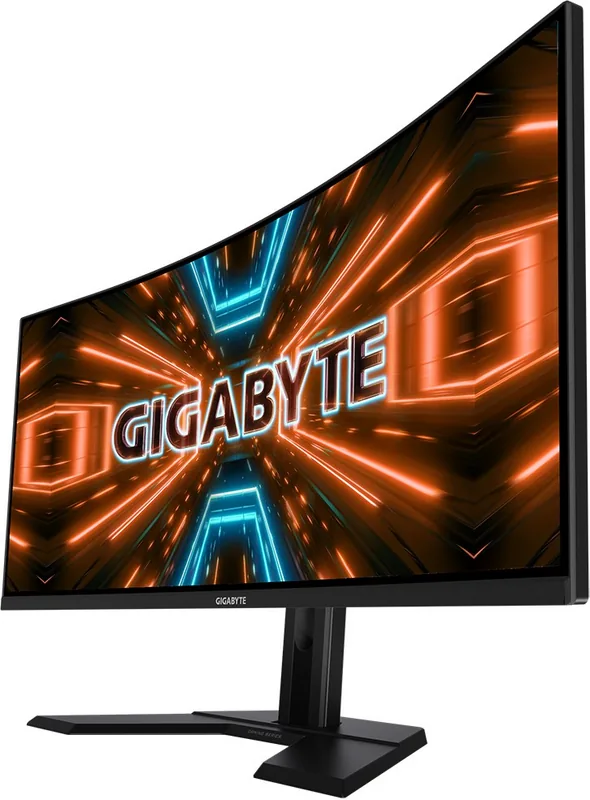
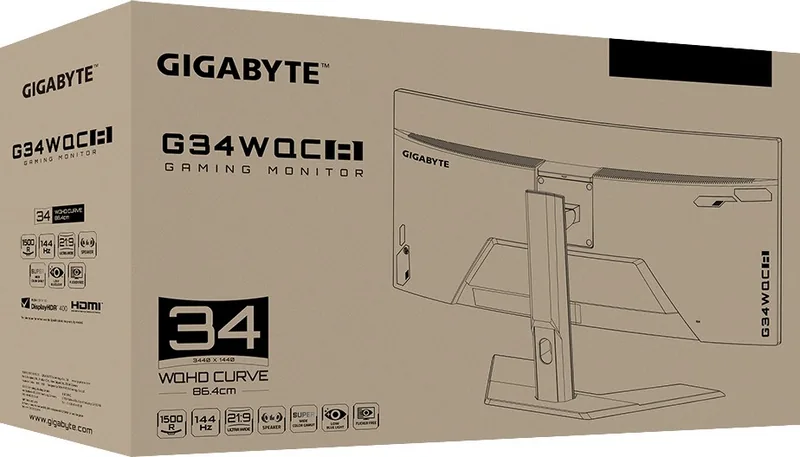
The GIGABYTE G34WQC A stands as a premier choice for gamers and professionals seeking an immersive visual experience. This 34-inch curved monitor delivers stunning clarity with a native resolution of 3440x1440 pixels, offering a crisp and expansive view that perfectly complements its 21:9 aspect ratio. Whether you are diving into fast-paced shooters or managing complex multitasking workflows, this display ensures every detail is rendered with precision.
At the heart of this monitor lies a high-performance panel capable of refreshing at up to 144Hz. This smooth frame rate eliminates motion blur and screen tearing, providing a fluid gaming environment that gives users a competitive edge. The inclusion of AMD FreeSync Premium technology further synchronizes the refresh rate with the graphics card, ensuring seamless visuals even during intense action sequences. With a rapid response time and advanced gaming features like Black Equalizer and Aim Stabilizer, the G34WQC A adapts to various genres, from First-Person Shooters to Real-Time Strategy games.
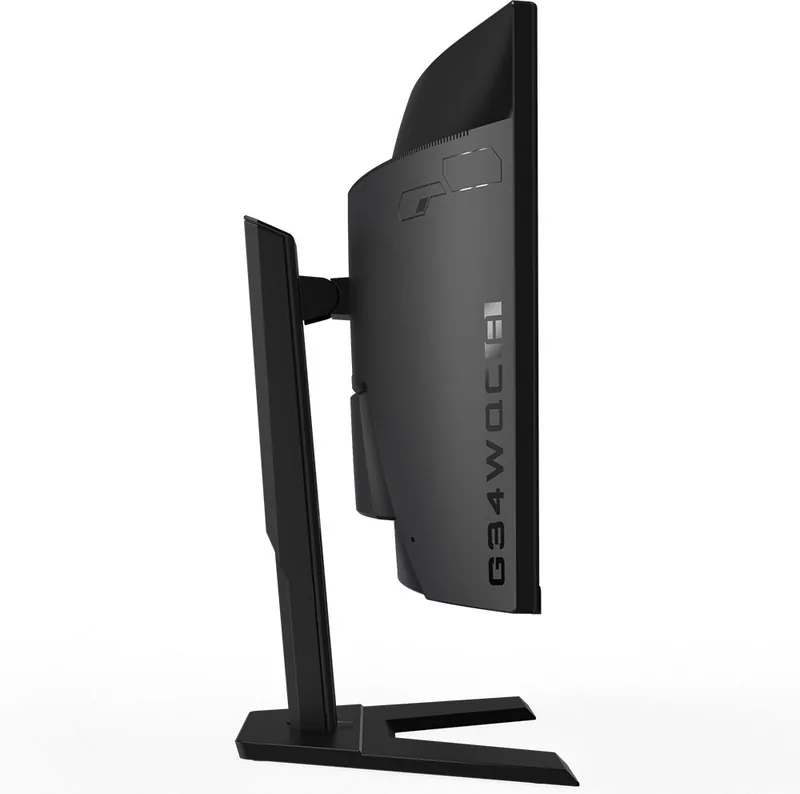
Ergonomics play a crucial role in user comfort, and this model excels in that regard. The adjustable stand allows for height adjustments up to 100mm and tilts between -5 and 20 degrees, enabling users to find their perfect viewing angle. For those who prefer a cleaner desk setup, the monitor supports VESA 100x100 mm wall mounting. Connectivity is robust, featuring two HDMI 2.0 ports and two DisplayPort 1.4 inputs, alongside a dedicated headphone jack for immersive audio without external speakers.
The GIGABYTE G34WQC A also prioritizes eye health with its Low Blue Light filter, certified by TÜV Rheinland, which reduces harmful blue light exposure during long sessions. Combined with its sleek design and superior build quality, this monitor represents a significant upgrade for any desktop setup looking to enhance both performance and visual fidelity.
Search for 67,706 Manuals online


Type-in Brand or Model
Vladimir Marks
7 months ago
Does the included cable have any known contact issues, and is it suitable for high-contrast gaming?
Manual.ly
7 months ago
Thank you for your feedback. While most units function correctly, some users have reported occasional contact errors with the included VGA cable. We recommend testing the connection thoroughly upon setup or using a high-quality replacement cable if you experience signal instability. For optimal contrast in dark gaming scenarios, ensure your monitor settings are calibrated to your preference, as the panel technology supports deep blacks effectively.