
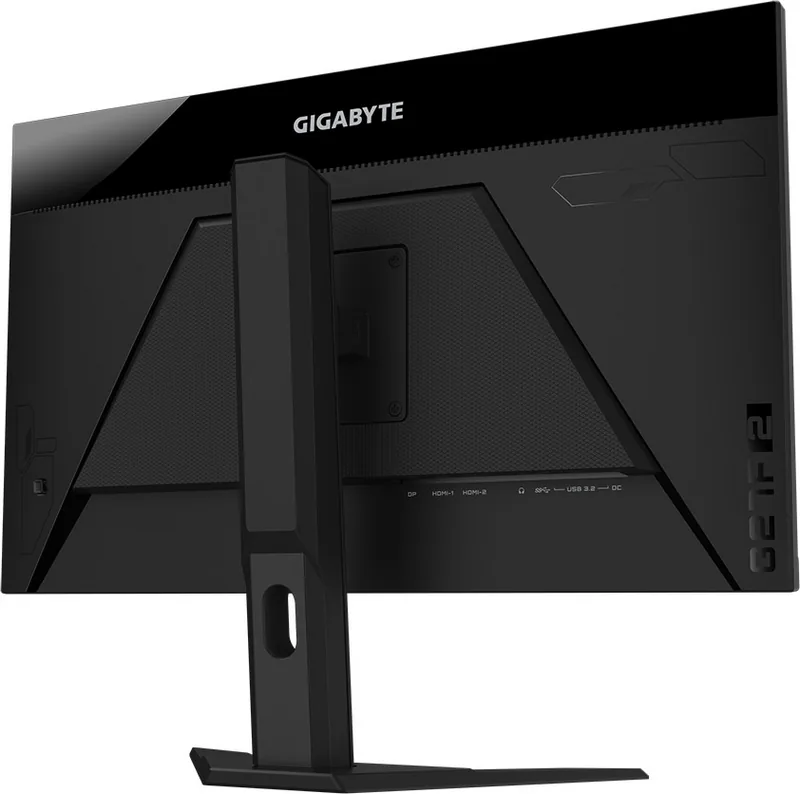
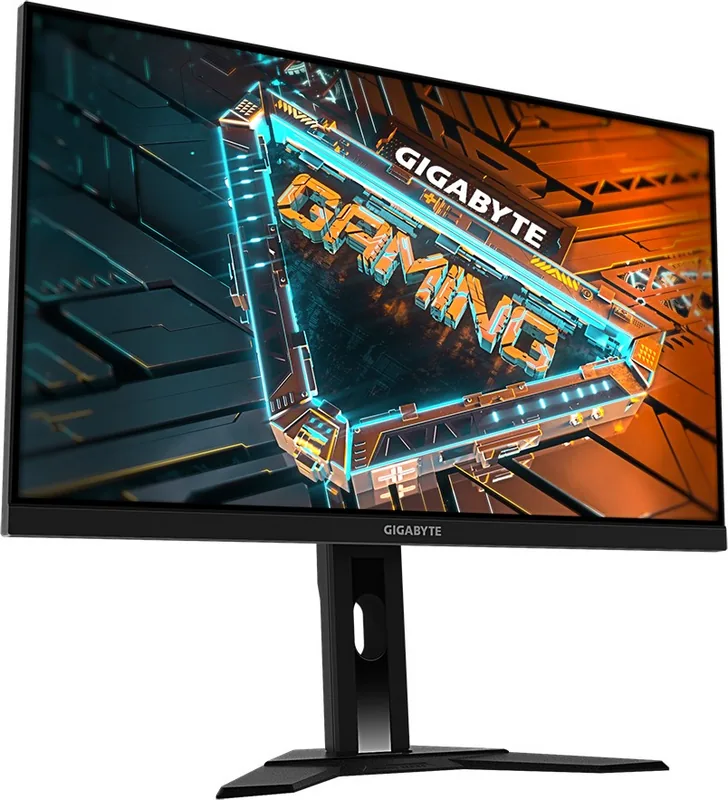
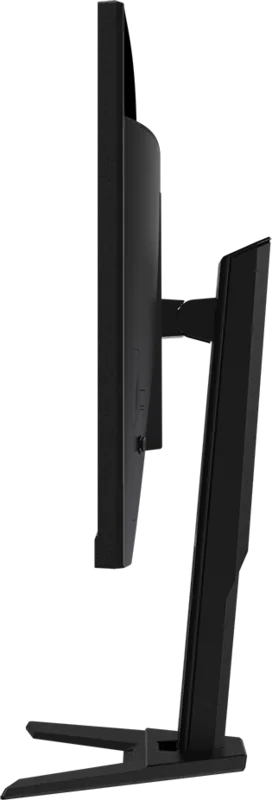
GIGABYTE G27F 2 Manual
PDF manual · 44 Pages
English



Quick check
Incorrect answer, please try again.
Chat with your GIGABYTE G27F 2 manual using AI
Get instant AI answers from your GIGABYTE G27F 2 manual
Ask anything about the GIGABYTE G27F 2. Answers come from this manual, with the pages they are based on.
Ask a Question
Do you recommend G27F 2?
Yes No
Lars Schmidt
7 months ago
The review mentions pixel density issues. Is the 144Hz refresh rate worth it if I sit close to the monitor, or do I need a deeper desk?

Manual.ly
7 months ago
To ensure the best visual experience, we recommend maintaining an appropriate viewing distance with this panel due to its pixel density. While the 144Hz refresh rate offers excellent motion clarity for gaming, sitting too close may reveal individual pixels. If your desk setup does not allow for a deeper position, the 24-inch variant is a more suitable choice for closer viewing comfort.

Anna Klinger
6 months ago
Should I buy the 24-inch version if I have limited desk space, or will I miss out on the large screen experience?
Frequently Asked Questions
This monitor supports a maximum refresh rate of 165Hz. It also supports 120Hz and 100Hz for different signal inputs. This ensures smooth gameplay without tearing.
Is this answer helpful?
No, the monitor does not have built-in speakers. It features a dedicated headphone jack for audio output. You will need external speakers or headphones.
Is this answer helpful?
Yes, the monitor supports VESA wall mounting. It is compatible with the standard 100 x 100 mm wall mount kit. Please use recommended brackets for safety.
Is this answer helpful?
Use a soft, lint-free cloth to wipe the screen. Spray cleaning fluid onto the cloth, not the screen directly. Avoid acidic or abrasive cleaners to prevent damage.
Is this answer helpful?
The official manual instructions are accessible via the GIGABYTE website. Users can find detailed safety and setup guides there for reference.
Is this answer helpful?
The panel supports 16.7 million colors. This is standard for Full HD displays to ensure vibrant and accurate graphics.
Is this answer helpful?
Yes, it has USB 3.2 ports with BC 1.2 charging capability. However, some specific devices may not be compatible with the charging mode.
Is this answer helpful?
Advantages and Disadvantages
Advantages

- High 165Hz refresh rate for smooth gaming visuals
- AMD FreeSync Premium eliminates screen tearing issues
- Flicker-Free and Low Blue Light for eye protection
- Adjustable stand with tilt and height adjustments
- USB 3.2 ports support device charging capabilities
Disadvantages

- Resolution is Full HD which may appear pixelated at 27 inches
- No built-in speakers for audio output
- External power adapter may clutter desk space
- Height adjustment limited to 130mm maximum
- USB charging not compatible with all devices
Product Specification
Feature
Monitor (stationary)
Diagonal
27" (68.6 cm)
Resolution
1920x1080 (FHD), 16:9, 82 ppi
Panel
IPS
Backlight
LED, Blue Light Filter, flicker-free
Brightness
400 cd/m2 (Typical)
Contrast
1,000:1 (Static)
HDR
HDR10
Response Time
1 ms (MPRT)
Refresh Rate
165 Hz (170 Hz OC, 1920x1080)
Variable Refresh Rate
Adaptive Sync, AMD FreeSync Premium Certified (48-170 Hz via DisplayPort, 48-170 Hz via HDMI, with LFC Support, with HDR)
Motion Blur Reduction Function
GIGABYTE Aim Stabilizer
Signal Frequency
48-170 Hz (V)
Ports
2x HDMI 2.0 (170 Hz@1920x1080), 1x DisplayPort 1.2 (170 Hz@1920x1080), 1x USB-B 3.0 (Upstream, 5 Gb/s), 2x USB-A 3.0 (Downstream, 5 Gb/s, BC), 1x 3.5mm Jack (Line-Out), 1x DC-In (Power Input)
Shape
Flat
Viewing Angle
178 deg / 178 deg
Coating
Non-Glare (Matte)
Color Depth
8-bit (16.7 Million Colors)
FRC
N/A (8-bit Native)
sRGB
130%
DCI-P3
95%
Controls
Joystick
Ergonomics
with Stand, Height Adjustable (5.12 in), Pivot N/A, Swivel N/A, Tilt (+20 / -5 deg)
VESA
100x100 (Mount Included)
Power Consumption
60 W (Max), 21 W (Typical), 0.5 W (Standby)
Energy Efficiency SDR (A to G)
21 kWh/1000h (F)
Energy Efficiency HDR (A to G)
40 kWh/1000h (G)
Features
Security Lock (Kensington Security Slot), Slim Bezel
Screen-to-Body Ratio
88.93% (Calculated)
Dimensions
24.22 x 21.09 x 7.62 in (WxHxD) with Stand (Compact), 24.22 x 14.46 x 1.66 in (WxHxD) without Stand
Color
Black (Display Frame) / Black (Bottom Bezel) / Black (Stand) / Black (Back)
Weight
11.46 lbs (with Stand), 7.72 lbs (without Stand)
Power Supply
External
USB Branding
Link
Product Description
GIGABYTE G27F 2, 27 Gaming Monitor Review
The G27F 2, 27 monitor delivers exceptional performance for competitive gaming enthusiasts. This 27-inch display features a Full HD panel with a rapid 165Hz refresh rate. Gamers appreciate the smooth motion and lack of tearing thanks to AMD FreeSync Premium support. The screen provides vibrant colors and deep contrasts suitable for various game genres.
Eye Health and Ergonomics
Comfort is a priority during extended play sessions. The panel utilizes Flicker-Free technology to reduce eye strain effectively. A Low Blue Light mode filters harmful rays to protect vision health over time. These certifications ensure the monitor meets TUV Rheinland safety standards globally. Users can adjust viewing angles easily with the flexible stand. Tilt options range from negative five degrees to positive twenty degrees.
Advanced Settings and Control
The On-Screen Display menu offers extensive customization capabilities for users. Navigate using the single control button located on the back panel. Picture modes include Standard, FPS, Movie, and Reader presets for optimized visual output. You can tweak brightness, contrast, and color vibrance settings directly. Gaming tools like the Black Equalizer improve visibility in dark scenes quickly.
Aim Stabilizer helps reduce motion blur during high-speed action sequences. The crosshair feature provides precise targeting assistance for shooters. Real-time refresh rates display on screen via the dashboard function. System stats like CPU temperature and GPU usage are shown simultaneously. Quick switch hotkeys allow rapid access to common settings without menu diving.
Connectivity and Hardware Specs
Connection options include two HDMI 2.0 ports and one DisplayPort 1.2 input. Multiple USB 3.2 ports enable peripheral expansion and device charging functionality. Audio output is available through a dedicated headphone jack on the device. A dedicated DC input powers the unit via the external power adapter. Power consumption stays efficient at 21 watts during normal operation.
Maintenance and Safety
Clean the screen carefully using a soft microfiber cloth only. Avoid spraying liquids directly onto the panel to prevent damage. Ensure ventilation holes remain clear to prevent overheating during operation. Secure the monitor to furniture or wall mounts to prevent tipping hazards. Cables should be routed safely away from tripping paths for children.
Refer to the GIGABYTE G27F 2, 27 Manual for detailed installation instructions regarding wall mounting. This ensures proper alignment and prevents potential safety issues during setup. Always verify voltage compatibility before connecting the power supply cord.
Note: Regular maintenance extends product life significantly. Ensure all ventilation areas stay unblocked by furniture or dust.
Search for 67,706 Manuals online


Type-in Brand or Model
Lukas Weber
5 months ago
Is the pixel density low enough that I need a large desk depth to avoid seeing individual pixels, or is it fine for standard setups?
Manual.ly
5 months ago
Thank you for asking. While the 144Hz refresh rate ensures smooth motion, we recommend sitting at least 60cm away to maintain image clarity due to the pixel density. For users with smaller desks, our 24-inch variant may be a better fit. This ensures a comfortable viewing experience without compromising visual quality. Please review the product specifications for detailed dimensions.