
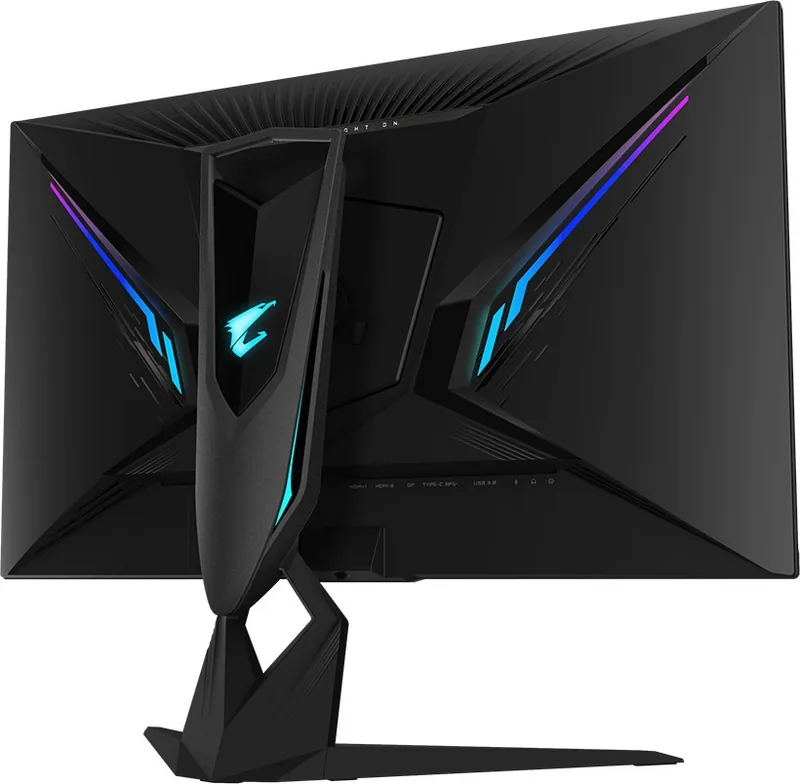
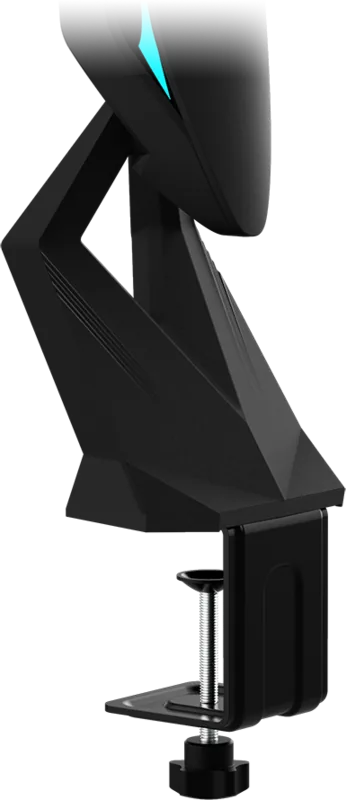
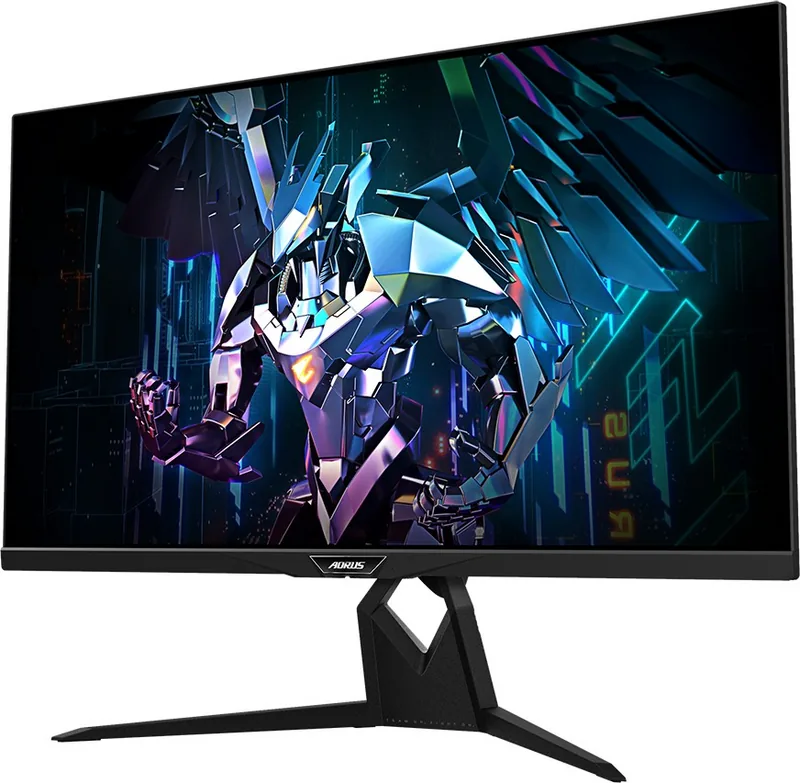
GIGABYTE AORUS FI32Q X Manual
PDF manual · 55 Pages
English



Quick check
Incorrect answer, please try again.
Chat with your GIGABYTE AORUS FI32Q X manual using AI
Get instant AI answers from your GIGABYTE AORUS FI32Q X manual
Ask anything about the GIGABYTE AORUS FI32Q X. Answers come from this manual, with the pages they are based on.
Ask a Question
Do you recommend AORUS FI32Q X?
Yes NoFrequently Asked Questions
The monitor supports a maximum refresh rate of 270Hz when connected via DisplayPort at its native 2560x1440 resolution. Overclocking capabilities allow users to push these limits further depending on their graphics card.
Is this answer helpful?
Yes, the GIGABYTE AORUS FI32Q X includes two HDMI 2.1 ports. This allows for high bandwidth transmission supporting higher resolutions and refresh rates compatible with next-generation consoles and PCs.
Is this answer helpful?
Absolutely. The monitor supports VESA 100x100mm wall mounting. You will need to purchase a separate wall-mount bracket kit and remove the standard stand to install it securely on a wall.
Is this answer helpful?
The Dashboard displays real-time system information such as CPU temperature, GPU frequency, and fan speeds directly on the screen. It requires the OSD Sidekick software to function properly.
Is this answer helpful?
While primarily a gaming monitor, it covers sRGB well and offers precise color controls. However, for professional color grading, dedicated professional monitors might offer better calibration out of the box.
Is this answer helpful?
Use the provided Type-C cable to connect your laptop to the monitor's Type-C port. This single cable can transmit video, data, and charge your laptop simultaneously, simplifying your desk setup.
Is this answer helpful?
Advantages and Disadvantages
Advantages

- High refresh rate up to 270Hz ensures ultra-smooth gameplay
- Comprehensive connectivity with HDMI 2.1 and USB-C support
- Ergonomic stand offers tilt, swivel, and height adjustments
- Advanced Game Assist features like crosshairs and timers
- Real-time system monitoring via integrated Dashboard
Disadvantages

- Max brightness of 400 nits may be lower than premium HDR models
- No built-in speakers included in the package
- Type-C power delivery is limited compared to some competitors
- Stand footprint is relatively large for smaller desks
- Overdrive settings can introduce inverse ghosting if misconfigured
Product Specification
Function
Monitor (stationary)
Diagonal
32" (81.3 cm)
Resolution
2560x1440 (QHD), 16:9, 92 ppi
Panel
IPS
Backlight
LED, Blue Light Filter, Flicker-Free
Brightness
400 cd/m^2 (typical)
Contrast
1000:1 (static)
HDR
VESA DisplayHDR 600, HLG
Response Time
1ms (GtG), 1ms (MPRT)
Refresh Rate
240Hz (270Hz OC, 2560x1440)
Variable Synchronization
Adaptive Sync, AMD FreeSync Premium Certified (48-240Hz via DisplayPort, 48-240Hz via HDMI, with LFC Support, with HDR)
Motion Blur Reduction Function
GIGABYTE Aim Stabilizer
Connectivity
2x HDMI 2.1, 1x DisplayPort 1.4, 1x USB-C 3.0 with DisplayPort (Upstream, 5 Gb/s, PD 18W), 1x USB-B 3.0 (Upstream, 5 Gb/s), 2x USB-A 3.0 (Downstream, 5 Gb/s), 2x 3.5mm Jack (Line-Out), 1x 3.5mm Jack (Line-In), 1x AC-In C13 (Power Connector)
Shape
Straight (flat)
Viewing Angle
178°/178°
Coating
Non-glare (Matte)
Color Depth
8-bit (16.7 Million Colors)
FRC
Unknown
sRGB
157%
Adobe RGB
99%
DCI-P3
95%
Operation
Control Joystick
Ergonomics
With Stand, Height Adjustable (5.12 in), Pivot (+90°), Tilt (+21°/-5°), Swivel (±20°), Stand with Desk Clamp
VESA
100x100 (Occupied)
Power Consumption
160W (Max), 0.5W (Standby)
Energy Efficiency SDR (A to G)
41 kWh/1000h (G)
Energy Efficiency HDR (A to G)
56 kWh/1000h (G)
Features
Security Lock (Kensington Security Slot), Backlight on Rear (RGB), KVM Switch, Picture-in-Picture, Slim Bezel
Screen-to-Body Ratio
89.42% (Calculated)
Dimensions
28.7x23.5x11.5 in (WxDxH) with stand compressed, 28.7x17.0x2.8 in (WxDxH) without stand
Color
Black (Display Frame) / Black (Lower Bezel) / Black (Stand) / Black (Rear)
Weight
22.77 lb (with stand), 15.43 lb (without stand)
Power Supply
Internal
USB Writing
Link
Product Description
GIGABYTE AORUS FI32Q X 32: The Ultimate Tactical Gaming Experience
The GIGABYTE AORUS FI32Q X 32 stands as a pinnacle of gaming monitor technology, designed specifically for tactical gamers who demand precision and speed. This 32-inch display delivers a stunning 2560x1440 resolution with a rapid refresh rate that ensures every frame is rendered smoothly. Whether you are engaging in fast-paced first-person shooters or immersive role-playing adventures, this monitor provides the visual clarity and responsiveness needed to gain a competitive edge.
Designed with an ergonomic foundation, the FI32Q X allows for extensive adjustments including tilt, swivel, and height changes to ensure optimal viewing comfort during marathon gaming sessions. The inclusion of a versatile stand kit supports various mounting options, from desk clamps to wall brackets, accommodating diverse setup preferences. Connectivity is robust, featuring HDMI 2.1 ports, DisplayPort 1.4 with DSC support, and a comprehensive Type-C connection that handles both video and data transmission efficiently.
Beyond raw performance, the monitor integrates advanced software features like the Dashboard for real-time system monitoring and Game Assist tools such as crosshairs and timers. These functionalities transform the screen into an intelligent hub that adapts to your specific gaming needs. The panel boasts excellent color reproduction with sRGB coverage and HDR support, making it suitable not just for gaming but also for content creation and media consumption. Safety and reliability are prioritized with certifications ensuring compliance with global standards, while the durable construction promises longevity for years of intense use.
Key Highlights
- Immersive 32-inch QHD display
- High refresh rates up to 270Hz for fluid motion
- Advanced gaming utilities and system monitoring
- Comprehensive connectivity including HDMI 2.1 and USB-C
- Ergonomic design with full adjustability
Important Notes
Always secure the monitor to prevent tipping hazards. Use only recommended accessories for installation. Keep packaging materials for future transport to protect the panel.
Search for 67,706 Manuals online


Type-in Brand or Model