
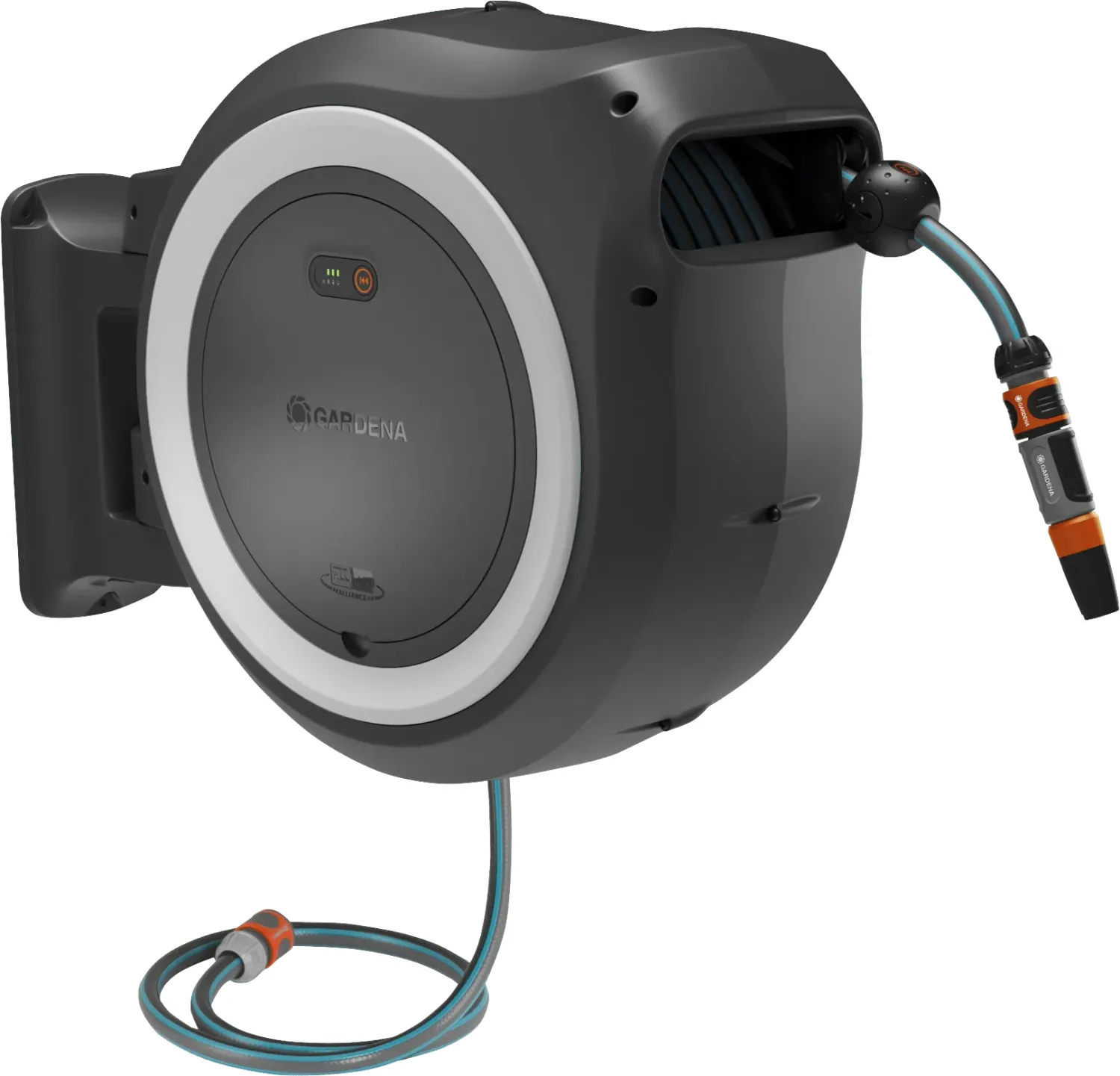
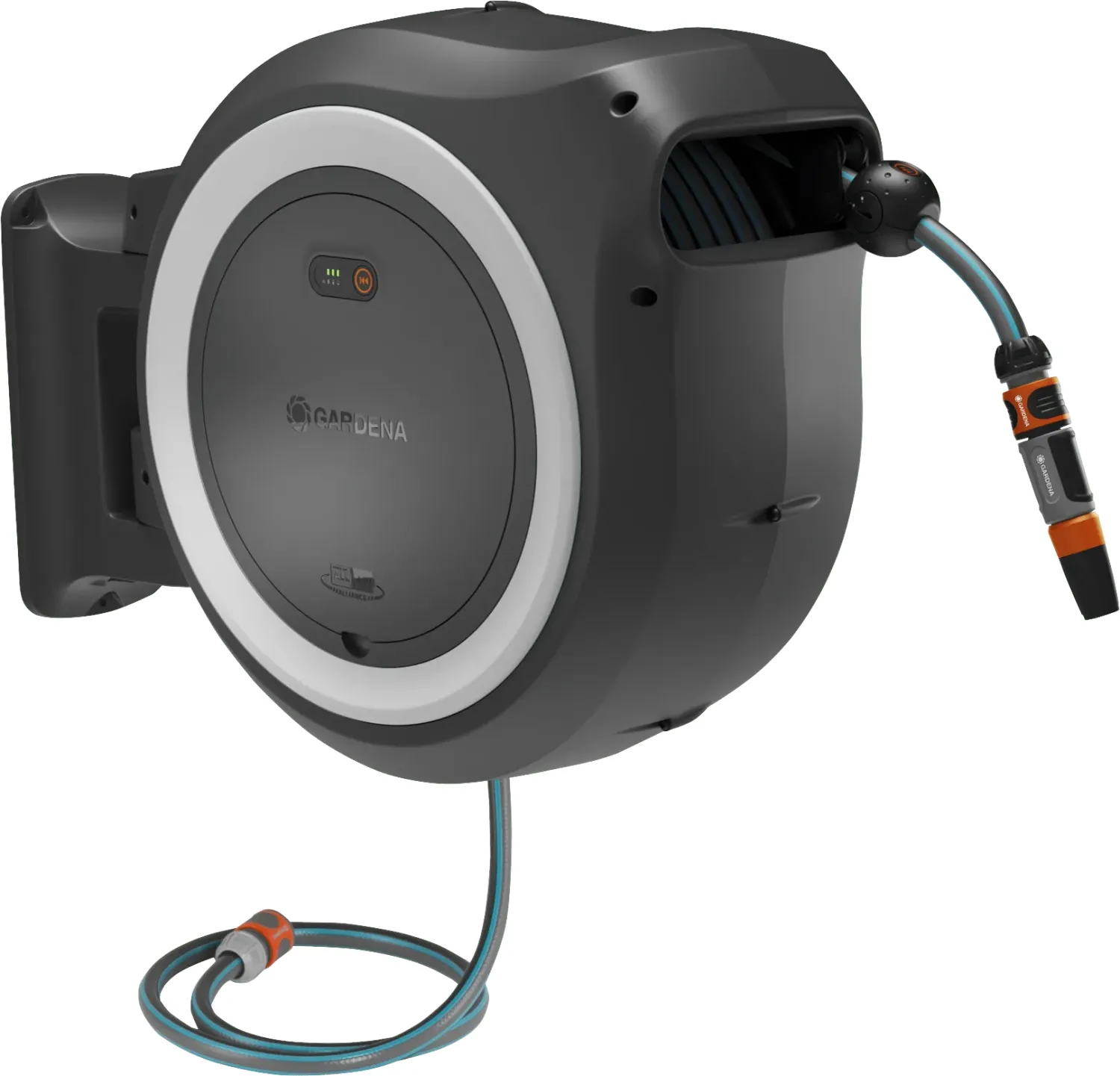
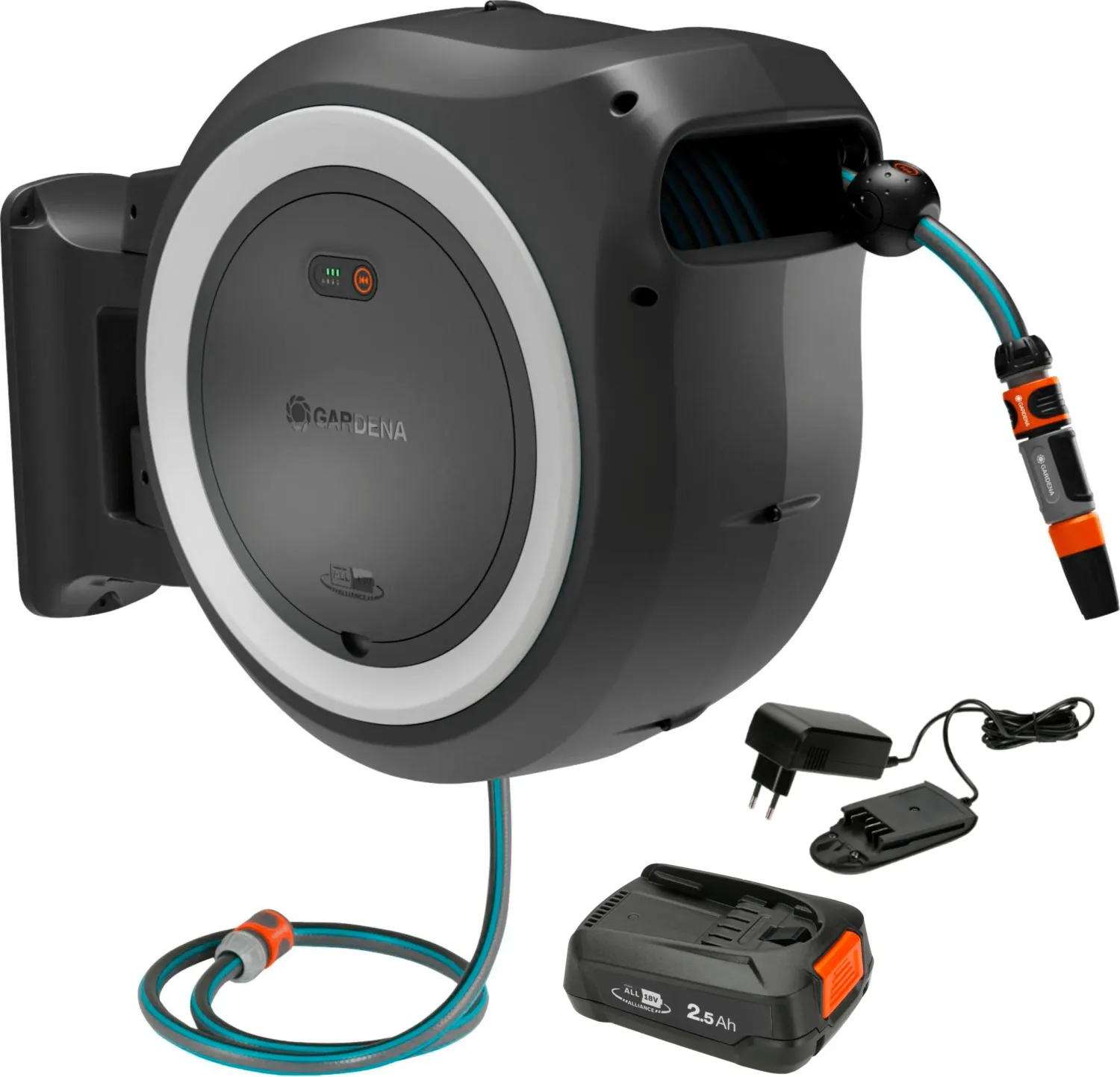
Gardena PowerRoll Manual
0.0 · 0 Ratings
PDF manual · 140 Pages
English



Loading...

13
5. Keep used batteries out of the reach of children.
6. Dispose of the used battery properly, see 11. DISPOSAL.
4.6. Replacing the radio stopper (if defective) [Fig. C1–C7]:
For a new radio stopper, Art. 18640-00.610.00, contact GARDENA
Service (see 10. SERVICE).
When a new radio stopper is purchased a type CR 2032 3V battery is
already inserted in the radio stopper.
4.6.1 Removing the radio stopper from the hose [Fig. C2–C3]:
1. Open the battery hatch.
2. Remove the battery from the battery holder.
3. Loosen both screws from the radio stopper.
4. Remove the radio stopper from the hose.
4.6.2 Mounting the new radio stopper on the hose and connec-
ting it to the hose box [Fig. C4–C7]:
1. Screw the new radio stopper onto the hose.
2. Press and hold the button on the hose box.
3. At the same time, insert the battery into the battery holder until the 4
LEDs ash.
4. Now release the button on the hose box.
5. You have 10 seconds to briey press the button on the new wireless
stopper.
The radio stopper is coupled to the hose box. The 4 LEDs no longer
ash.
6. To start the radio receiver, click on the button on the hose box.
5. DECOMMISSIONING AND STORAGE
De-pressurise the hose when it is not in use for long periods of time.
The wall-mounted hose box can remain outside in a de-pressurised
state throughout the winter months.
Remove the battery.
Keep the product and battery out of the reach of children.
Empty the hose completely before storing the hose box.Let the motor
cool down before storing the hose box.
Store the product only at temperatures of -20°C–+50°C.
6. TROUBLESHOOTING
Problem Possible cause Remedy
Radio stopper does
not work.
The radio receiver has
switched o to save
power.
Briey click on the but-
ton on the hose box
[Fig. B13], or pull the
hose out approximate-
ly 50cm.
The battery is empty. Replace the battery,
see 4.3 Replacing the
battery.
The radio stopper is
defective.
Contact GARDENA
Service.
Slow hose feed does
not work.
Hose cut o or radio
stopper moved, or
the battery was not inser-
ted when the hose was
pulled out.
The hose box must
recongure the distance
to the radio stopper.
Unroll the hose a few
metres and allow it
to be pulled in until it
stops.
Hose feed does not
start or stops.
The force required to
retract the hose is too
high. For example, by
hooking the hose.
Remove all obstacles.
Make sure that the
hose is not stuck.
Do not hold the hose
rmly when the hose is
being fed in.
Hose feed does not
start or stops.
The LED ashes green
[Fig. C5].
The battery is at. Charge the battery.
3.5.2 Battery charge indicator on the product [Fig. B11]:
After starting the hose feed, the battery state of charge indicator is display-
ed for 5 seconds.
Battery state of charge indicator Battery state of charge
, and light up green
67–100% charged
and light up green
34–66% charged
lights up green
11–33% charged
ashes green
0–10% charged
If the LED ashes green, the battery must be charged.
If the error LED lights up or ashes, see 7. TROUBLESHOOTING.
4. MAINTENANCE
WARNING!
Risk of short circuit due to water on the battery and bat-
tery charger.
Do not use water for cleaning. Dry the surface and contacts of the
battery before inserting it into the battery charger.
4.1. Changing the hose:
The hose must be changed by a GARDENA service partner only. Plea-
se use the contact address on the back.
4.2. Cleaning the hose box:
Clean the hose box in the battery holder with a dry, clean cloth.
4.3. Cleaning the battery and the battery charger:
4.3.1 Cleaning the battery:
Use a soft, clean, dry brush to clean the ventilation slots and the con-
tacts of the battery from time to time.
4.3.2 Cleaning the battery charger:
Use a soft, dry cloth to clean the contacts and the plastic parts.
4.4. Replacing the battery hatch [Fig. D1–D3]:
Requirement: New battery hatch, Art. 18640-00.600.21
1. Open the battery hatch as far as it will go.
2. Use a screwdriver to push the two locking hooks inwards and hold
them down.
3. Open the battery hatch until you can remove it.
4. Insert the new battery hatch and close it until it clicks into place.
4.5. Replacing the battery [Fig. B1–B4]:
When purchasing the product, a type CR 2032 3V battery is already
inserted in the radio stopper.
CAUTION!
Risk of explosion and short circuit from heated battery.
Protect the battery from heat, e.g. from continuous sunlight and
re. Protect the battery from dirt, water and moisture.
WARNING!
Swallowing the battery may cause internal injuries.
Swallowing the CR 2032 battery can cause organ damage and death
due to harmful chemical reactions.
Keep batteries out of the reach of children.
If there is a suspicion that a battery has been swallowed, seek
medical advice immediately.
1. Keep children away from the battery.
2. Open the battery compartment anticlockwise using a coin or the bat-
tery itself.
3. Replace the used battery with a new type CR 2032 3V.
Make sure that the plus pole marker is pointing towards you.
4. Close the battery compartment clockwise using a coin or the battery
itself.
en
Quick check
I'm not a robot
Incorrect answer, please try again.
Chat with your Gardena PowerRoll manual using AI
Get instant AI answers from your Gardena PowerRoll manual
Ask anything about the Gardena PowerRoll. Answers come from this manual, with the pages they are based on.
PowerRoll Maintenance Schedule
Interval
Maintenance task
In the manual
Regular intervals
Check battery charge while charging
Check the state of charge at regular intervals while the battery is charging.
Show in the manual
(page 12)
Occasional
Clean battery ventilation slots and contacts
Use a soft, clean, dry brush to clean the ventilation slots and contacts of the battery from time to time.
Show in the manual
(page 13)
Occasional
Clean battery charger contacts and plastic parts
Use a soft, dry cloth to clean the contacts and plastic parts of the battery charger.
Show in the manual
(page 13)
Ask a Question
0/1000
Do you recommend PowerRoll?
Yes NoProduct Specification
Diameter
0.51 in (1/2")
Product Description
Search for 67,706 Manuals online


Type-in Brand or Model