
Feiyu Tech SPG Manual
PDF manual · 16 Pages
English



Quick check
Incorrect answer, please try again.
Chat with your Feiyu Tech SPG manual using AI
Get instant AI answers from your Feiyu Tech SPG manual
Ask anything about the Feiyu Tech SPG. Answers come from this manual, with the pages they are based on.
Ask a Question
Do you recommend SPG?
Yes NoVideo Manual
Feiyu Tech SPG - Install Smartphone & Balance Adjustment
Frequently Asked Questions
The SPG fits iPhone 7/7 Plus/6s/6s Plus/6/6 Plus/SE/5s/5c and similarly sized smartphones. For best balance and performance remove bulky protective cases before mounting and ensure the device sits securely in the quick‑release adapter.
Is this answer helpful?
Typical usage time is about 7 hours per fully charged 22650 battery. You can charge the gimbal via the micro USB port or remove the battery and charge it externally with a compatible charger.
Is this answer helpful?
Place the gimbal on a static, flat surface and triple-tap the function button. Successful initialization is indicated by the blue light flashing three times periodically. Re-attempt if the indicator shows failure.
Is this answer helpful?
The SPG supports panning, panning and tilting, and lock modes. Multi-tap sequences on the function button enable mode switching, 180° rotation, reset and initialization. The joystick controls pan/tilt and app lens zoom when paired via Bluetooth.
Is this answer helpful?
Download firmware and tools from feiyu-tech.com. Update via micro USB connection to a PC or use Bluetooth updates through the Feiyu ON app when supported. Follow on-screen prompts to download and install new firmware.
Is this answer helpful?
Blue light variations indicate modes: single flash for panning, double for panning & tilting, constant for active, triple flash for standby or initialization confirmation. Red flashing three times indicates low battery. Refer to the manual for full indicator mapping.
Is this answer helpful?
No. The SPG is splash resistant but must not be submerged in water. Avoid heavy exposure to moisture and protect the gimbal during wet conditions.
Is this answer helpful?
Advantages and Disadvantages
Advantages

- Three-axis stabilization for smooth pan, tilt and roll control.
- Compact and lightweight for easy handheld and travel use.
- Physical joystick and multi-tap function button for versatile control.
- Bluetooth support with Feiyu ON app for remote shutter, time‑lapse and firmware updates.
- Long runtime (~7 hours) and USB charging or removable battery option.
Disadvantages

- Not waterproof — only splash resistant; cannot be submerged.
- Requires manual balancing which can take time with larger phones or cases.
- Older micro USB port rather than USB-C for charging and data.
- Limited to phones of similar size to supported iPhone models.
- Firmware updates require PC or app interaction; potential compatibility issues with updates.
Product Specification
Compatibility
Smartphone, Action camera
Pan axis
360°
Roll axis
320°
Tilt axis
320°
Display
no
Connection
Bluetooth
Power supply
Battery (22650, replaceable)
Operating time
8h
App control
yes
Handling
one-handed
Special features
splash-proof
Dimensions
11.61x4.45x2.83in
Weight
0.77lb
Product Description
Feiyu Tech SPG — Smooth Mobile Stabilization
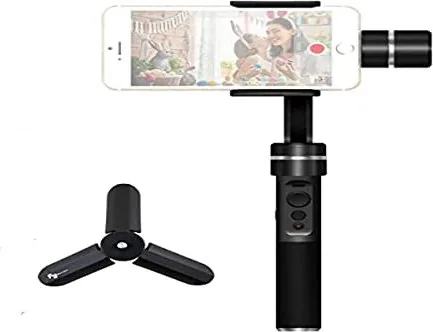
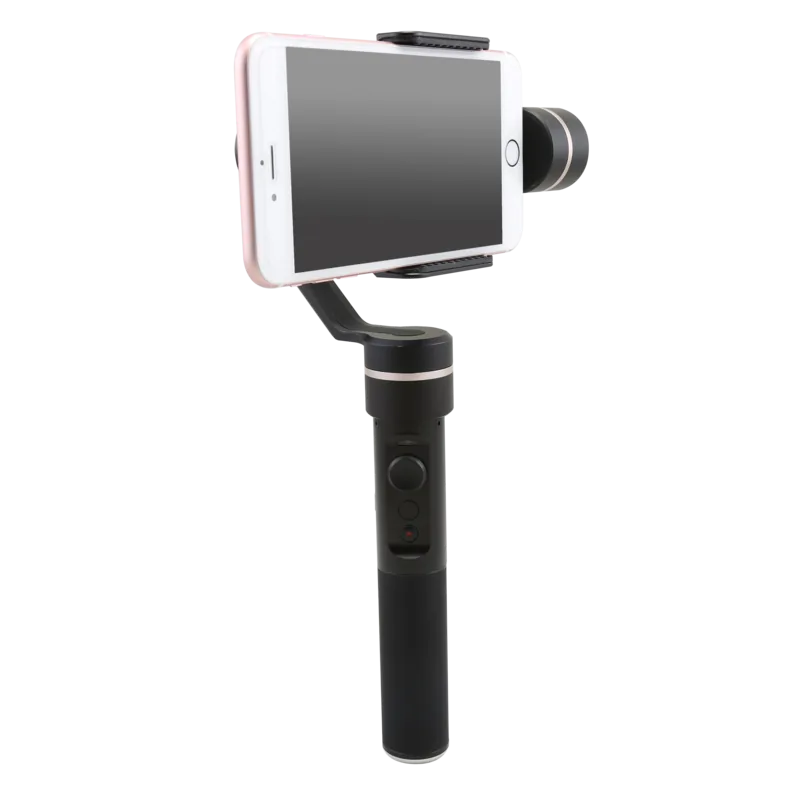
The Feiyu Tech SPG is a compact 3-axis handheld gimbal designed for smartphones such as iPhone 7/7 Plus/6s series and similar-sized devices. Built for creators who need fluid, professional-looking footage without bulky equipment, the SPG balances portability with capable performance. It offers panning, tilting and rolling stabilization, a joystick for manual control, a function/trigger button for mode switching, and Bluetooth connectivity to pair with the Feiyu ON app for expanded features like time-lapse, video, and photo modes.
Key Features and Use
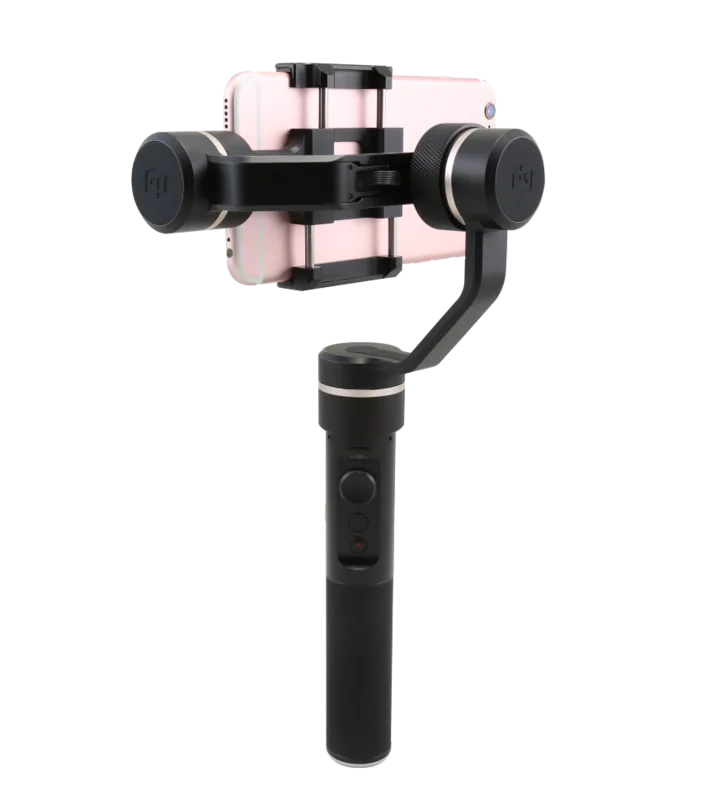
Balancing is simple: loosen the knob ring and adjust the cross arm until the phone sits level, then tighten. The SPG supports in-handle batteries (22650) with around 7 hours of usage per charge and can be charged via micro USB or by removing the battery for external charging. The unit has a 1/4-inch screw hole for mounting accessories or tripods, and a USB port for firmware upgrades or charging. LED indicators communicate mode, battery status and initialization outcomes.
Operation centers around the function button and joystick. Single, double, triple and quadruple taps trigger different modes: panning mode, panning and tilting mode, lock mode, 180° rotation, and initialization. A long press toggles power and standby states. The joystick controls panning and tilt in-app lens zoom when connected. Bluetooth shutter functionality lets you trigger photos remotely once paired with the Feiyu ON app.
Firmware can be updated through the Feiyu Tech website, either by connecting the gimbal to a PC via micro USB or by using Bluetooth updates through the app. Initialization is recommended when the smartphone is not level, after long storage, or after extreme temperature changes — place the gimbal on a flat surface and triple-tap the function button to initialize.
The SPG supports wide angle ranges (panning 360°, tilting/rolling ~320°) and variable speeds (panning 3°/s–150°/s, tilting 2°/s–75°/s). It is splash-resistant (not submerged) and intended for typical mobile filmmaking, vlogging, and stabilized handheld shots.
Notes
- Remove protective phone cases before mounting for best balance.
- Always secure the smartphone before powering on.
- Fully charge the battery before first use.
- Visit feiyu-tech.com for firmware, drivers, and the latest documentation.
Search for 67,706 Manuals online


Type-in Brand or Model
Lena Richter
9 months ago
Does this gimbal work reliably with my phone? I read the app has connection dropouts, firmware updates may fail, and iPhones like the iPhone 7 sometimes cannot pair. Is it compatible with Android too?
Manual.ly
9 months ago
We often see reports that the gimbal feels excellent but that software setup causes issues. Before judging performance, please do these steps: 1) Pair using the official app supported by the gimbal model and check the app has the needed permissions (Bluetooth, location). 2) For firmware updates, install the update using the method required by your package/model; if an extra adapter is needed and not included, you will not be able to update via USB or wireless. 3) If pairing drops or fails (for example on older iPhones), fully power off both devices, retry pairing from the app, and consider reinstalling the app. 4) For Android, compatibility depends on the model and app version; some users manage basic recording via Open Camera, but advanced features like Face Tracking require the dedicated app.