
Feiyu Tech SPG Live Manual
PDF manual · 4 Pages
English



Quick check
Incorrect answer, please try again.
Chat with your Feiyu Tech SPG Live manual using AI
Get instant AI answers from your Feiyu Tech SPG Live manual
Ask anything about the Feiyu Tech SPG Live. Answers come from this manual, with the pages they are based on.
Ask a Question
Do you recommend SPG Live?
Yes NoVideo Manual
Inspiring Features of the SPG Plus | Feiyu Tech
Frequently Asked Questions
Typical usage time is about seven hours on a fully charged 22650 battery, though actual runtime depends on phone weight, usage patterns, and active features.
Is this answer helpful?
Yes. Removing protective cases is recommended to achieve better balance and ensure the smartphone mounts securely on the quick-release adapter.
Is this answer helpful?
Mount the phone, adjust the sliding mounts and add the supplied counterweight or heavy counterweight as needed. If the phone tilts left or right, swap or add the 1 mm counterweight per the balance guidance until the phone stays level.
Is this answer helpful?
Yes. Firmware upgrades can be done via PC by connecting with a micro USB cable or via Bluetooth through the Feiyu ON app on your smartphone.
Is this answer helpful?
The gimbal offers Panning Mode, Panning & Tilting Mode, Lock Mode, and a Vertical Shooting mode. Quick taps on the function button switch modes and perform actions like 180° rotation and axis resets.
Is this answer helpful?
Initialize the gimbal using the triple-tap function or the app instructions. Rebalance the phone, adjust counterweights, and perform calibration if misalignment persists.
Is this answer helpful?
Feiyu ON provides Bluetooth shutter control, advanced stabilization settings, shooting modes, and the ability to check for and apply firmware updates for ongoing improvements.
Is this answer helpful?
Advantages and Disadvantages
Advantages

- Reliable 3-axis stabilization that reduces shake and smooths footage
- Portable design with removable 22650 battery and around seven hours usage
- Feiyu ON app enables Bluetooth shutter, advanced settings, and firmware updates
- Intuitive multi-tap controls for quick mode switching and axis reset
- Dedicated vertical shooting mode for portrait and social media content
Disadvantages

- Phone protective cases must be removed for optimal balancing
- Fine balance adjustment and counterweight setup can be fiddly
- Uses removable 22650 battery which may not be readily available to all users
- Shutter button only works reliably when paired with the app
- Charges via micro USB instead of modern USB-C standard
Product Specification
Compatibility
Smartphone, Action camera
Pan axis
360°
Roll axis
320°
Tilt axis
320°
Display
no
Connection
Bluetooth
Power supply
Battery (22650, exchangeable)
Operating time
8 hr
App control
yes
Handling
one-handed
Weight
0.78 lb
Product Description
Feiyu Tech SPG Live — Smooth Stabilization for Mobile Creators
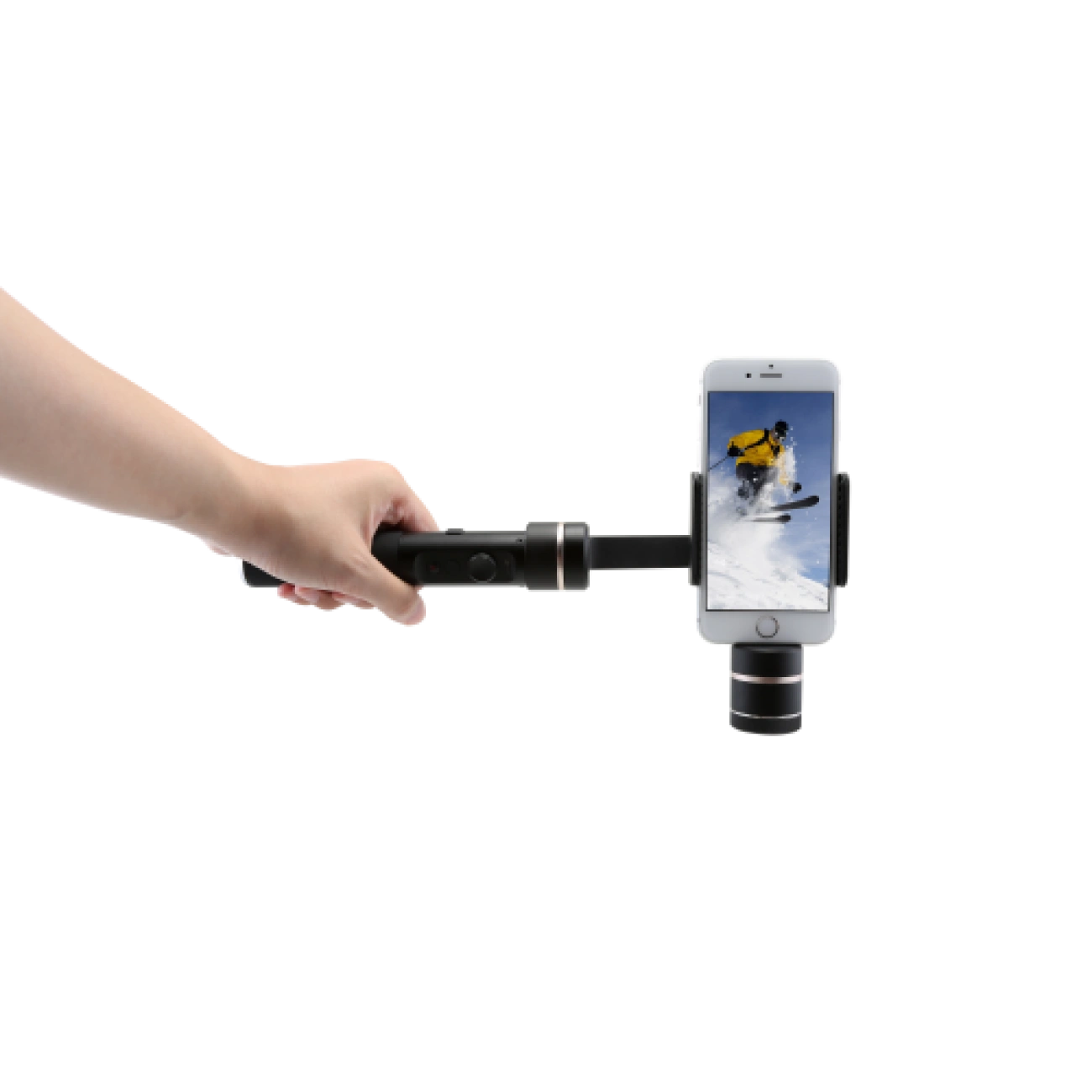
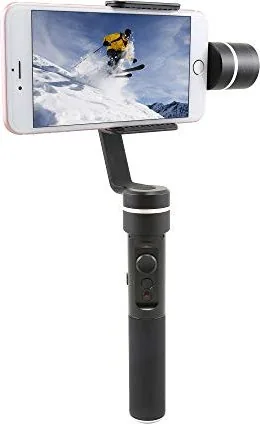
The Feiyu Tech SPG Live is a compact 3-axis handheld gimbal designed to bring professional stabilization to smartphone videography. Lightweight and thoughtfully engineered, it balances portability with robust feature sets like multiple shooting modes, Bluetooth app integration, and easy firmware upgrades. Ideal for vloggers, travel creators, and casual filmmakers, the SPG Live helps deliver steady, cinematic footage from everyday devices.
Key Features and Experience
Feiyu Tech SPG Live supports three-axis stabilization (panning, tilting, rolling) and several working modes including Panning Mode, Panning & Tilting Mode, and Lock Mode. A dedicated vertical-shooting setting makes portrait-oriented content simple and reliable. The handle houses a removable 22650 battery, offering up to about seven hours of runtime depending on usage. Physical controls include a joystick, a multi-function button for powering and mode switching, and Bluetooth shutter integration for app-driven control.
The gimbal uses a quick-release adapter for fast phone mounting; removing phone cases before installation helps achieve better balance. Balance adjustments are aided by included counterweights (standard and heavy) to accommodate phones across weight ranges. Indicators on the device show mode and battery status; red flashing warns of low battery. Charging is possible via micro USB or by removing the battery and using an external charger.
Connectivity centers on the Feiyu ON app (iOS and Android), which pairs over Bluetooth (device name format FY_SPGLive_xx). The app unlocks advanced features, firmware updates, and shutter control. Firmware upgrades can be performed via PC (micro USB) or smartphone (Bluetooth), ensuring ongoing improvements and added functions.
The SPG Live includes quick control gestures: single, double, triple and quadruple taps on the function button change modes, rotate the lens 180°, reset axes, or initialize the gimbal. Initialization and recalibration steps are provided for situations where the camera is not level or after long storage or temperature extremes.
Practical Notes
- Remove phone protective cases before balancing for better results.
- Use the correct counterweight depending on phone weight; heavy counterweight for larger phones.
- Charge fully before first use and monitor the red-flashing low-battery indicator.
- Initialize the gimbal if axes are misaligned or after firmware updates.
Pros and Cons
Pros:
- Reliable 3-axis stabilization for smooth footage
- Portable design with removable battery and ~7h runtime
- Feiyu ON app for Bluetooth control and firmware updates
- Multiple quick-tap controls for fast mode switching
- Vertical shooting mode for portrait content
Cons:
- Requires case removal for optimal balance
- Balance adjustment can be fiddly for some phone sizes
- Uses removable 22650 battery which may require sourcing
- Limited native shutter functionality without the app
- Micro USB charging rather than USB-C
Search for 67,706 Manuals online


Type-in Brand or Model
Adele Knight
10 months ago
Is the gimbal really steady for travel videos, and are there any noticeable issues like a small jitter at the start or problems in windy conditions?
Manual.ly
10 months ago
Based on customer feedback, the Gimbal noticeably improves shake-free results versus filming handheld, which is great for travel videos. Some users report a slight “jolt” at the beginning when panning sideways; in most cases it can be removed by trimming the first seconds. For windy conditions and with larger/heavier phones, stabilization can struggle and the video may look more shaky. To get the best performance, mount the phone firmly, balance it properly, use a slimmer/lighter case if possible, and avoid strong wind whenever you can. Keeping the device steady at startup also helps minimize any initial movement.