
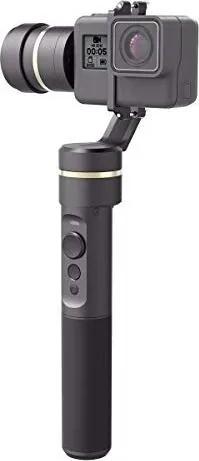
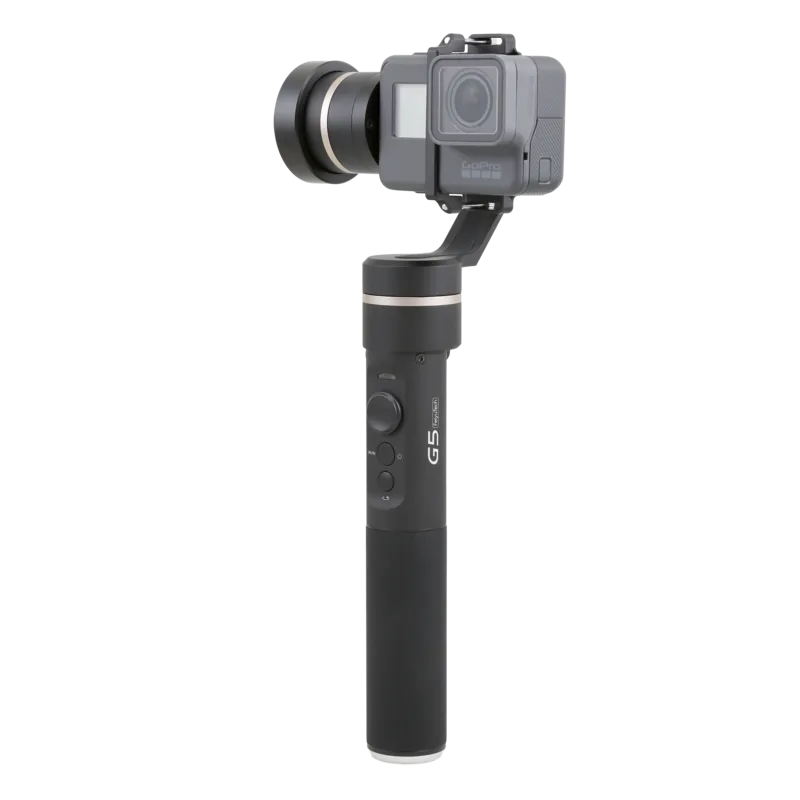
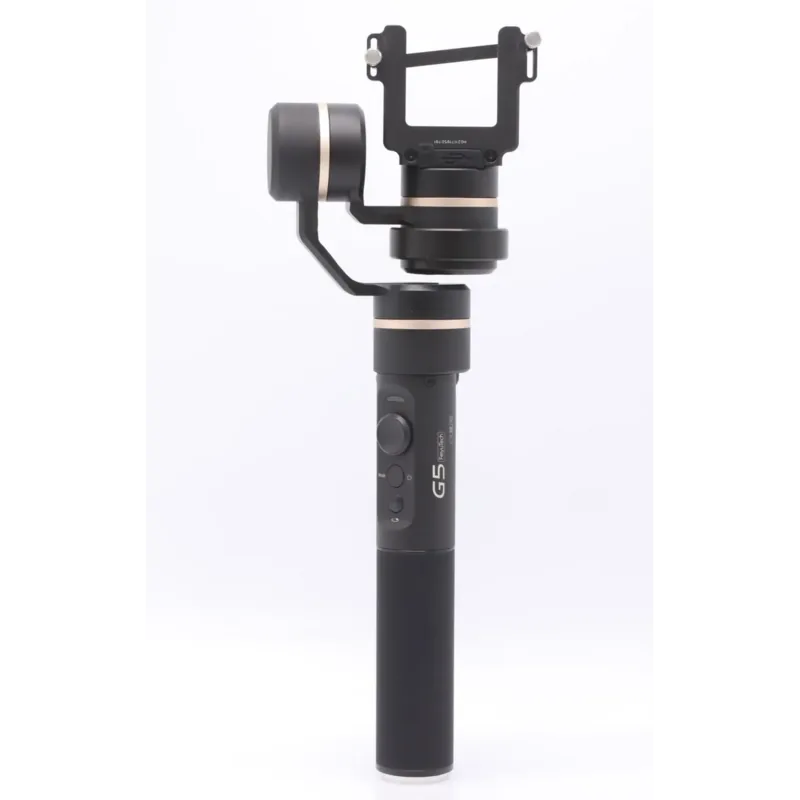
Feiyu Tech G5 Manual
PDF manual · 16 Pages
English



Quick check
Incorrect answer, please try again.
Chat with your Feiyu Tech G5 manual using AI
Get instant AI answers from your Feiyu Tech G5 manual
Ask anything about the Feiyu Tech G5. Answers come from this manual, with the pages they are based on.
Ask a Question
Do you recommend G5?
Yes NoFrequently Asked Questions
You can initialize the gimbal by placing it on a flat surface and waiting for it to detect it is static. Alternatively, tap the function button five times to automatically enter initialization. The blue light will cycle three times. If it fails, turn off and restart.
Is this answer helpful?
The gimbal is water splash proof. It can handle light splashes from rain or sweat. However, you should never submerge the gimbal in water as this can damage the electronics.
Is this answer helpful?
This mode allows the gimbal to automatically pan or tilt between a set start and end position. You record the positions by pulling the axis to the point and holding the function button. It is useful for timelapse photography.
Is this answer helpful?
You can charge via a micro USB cable connected to the gimbal or remove the 22650 battery and charge it with a separate charger. Ensure the battery is fully charged before powering on for the first time.
Is this answer helpful?
Yes, the gimbal is compatible with GoPro HERO5, HERO4, HERO3+, and HERO3. You may need to adjust settings in the camera for better audio and video recording while attached to the gimbal.
Is this answer helpful?
In Panning Follow or All Follow modes, press and hold the trigger button to enter locking mode. This fixes the camera angle. Release the button to return to the previous mode.
Is this answer helpful?
Advantages and Disadvantages
Advantages

- Three-axis stabilization provides smooth video and steady footage
- Compatible with multiple action cameras including GoPro and Yi
- Features Autorotation mode for creative timelapse photography
- Feiyu ON App allows for speed settings and firmware upgrades
- Long battery life allows for approximately 8 hours of use
Disadvantages

- Requires user to install 22650 battery separately
- Manual balancing is needed before powering on for best results
- Device is splash proof but cannot be submerged in water
Product Specification
Compatibility
Action Camera
Pan Axis
360°
Roll Axis
245°
Tilt Axis
360°
Display
No
Connection
Bluetooth
Power Supply
Battery
Runtime
8h
App Control
Yes
Handling
One-handed
Special Features
Splash-proof, charging function for external devices
Dimensions
3.35x9.69x3.35in
Weight
0.60 lbs
Product Description
Capturing Smooth Footage with the Feiyu Tech G5
The world of action videography demands stability above all else. The Feiyu Tech G5 addresses this need perfectly by offering a robust three-axis stabilized handheld gimbal. Designed for sports enthusiasts and content creators, this device ensures your camera captures professional-grade footage even while moving. Compatible with popular action cameras like the GoPro HERO5, HERO4, HERO3+, as well as Yi Cam 4K and AEE models, this gimbal adapts to your existing setup. One of the standout features is the ability to balance various camera weights using adjustable counterweights and weight rings found in the package. Proper balancing before operation is crucial for motor longevity and performance.
Understanding the Operation Modes
Users can switch between several distinct modes depending on the shooting scenario. The Panning Follow mode allows the lens to move according to your hand while keeping the tilt fixed. All Follow mode restricts the rolling direction to keep the horizon level while following your panning movements. There is also a Locking Mode that fixes the camera orientation completely for static shots. For creative projects, the Autorotation mode offers unique timelapse photography capabilities. This function records a start and end position for automated pans, creating cinematic movement without a human operator. You can enter this mode by tapping the function button four times. The LED indicators provide visual feedback on the current status, flashing blue for initialization and constant red for power off warnings.
Control and Features
The joystick on the handle allows for intuitive control over the roll or pitch axes. Pressing the trigger button enters locking mode temporarily during follow modes. The self-timer button has a double tap function to rotate the lens horizontally by 180 degrees for selfies or unique angles. Audio effects can be optimized when using specific cameras by adjusting settings for wind noise. Charging options include using the micro USB cable on the unit or removing the 22650 battery for external charging. The Feiyu ON app facilitates firmware upgrades and speed adjustments for autorotation sequences. This app allows users to control speed settings conveniently via Bluetooth connectivity on their smartphones.
Power and Maintenance Specifications
Powering the unit involves a specific 22650 battery which fits inside the handle. The device is water splash proof but should never be submerged in liquid. Initializing the gimbal is straightforward, often requiring five taps on the function button or waiting for the device to detect a stationary position for auto-initialization. Always ensure the camera is secure before powering on to prevent damage to the motors or camera mount. Always balance the camera carefully to achieve better performance. The handle provides a comfortable grip for extended shooting sessions. Whether you are filming adventures on mountain trails or creating studio content, the G5 provides the mechanical support needed to elevate your video quality. Regular updates ensure the best compatibility with new camera models.
Search for 67,706 Manuals online


Type-in Brand or Model
lbednar82
5 months ago
Does this gimbal support GoPro cameras and work with tablets like iPad Pro for filming vacations?
Manual.ly
5 months ago
Yes, user feedback confirms reliable compatibility with GoPro 5 and tablets such as the iPad Pro 9.7 inch. Connections to smartphones like the Huawei P10 Plus also function properly. The app is described as usable for setup and control. Please contact us if you need specific assistance with your device setup.