
Feiyu Tech AK4500 Manual
PDF manual · 37 Pages
English



Quick check
Incorrect answer, please try again.
Chat with your Feiyu Tech AK4500 manual using AI
Get instant AI answers from your Feiyu Tech AK4500 manual
Ask anything about the Feiyu Tech AK4500. Answers come from this manual, with the pages they are based on.
AK4500 Maintenance Schedule
Upgrade firmware through the Feiyu ON App to repair bugs and add new functions.
Initialize the gimbal if not used for a long period or after extreme temperature variations by selecting Settings-Calibration on the display.
Free maintenance reminders
Timed to your purchase date. Always free, unsubscribe anytime.
Ask a Question
Do you recommend AK4500?
Yes NoFrequently Asked Questions
It is used to stabilize DSLR and mirrorless cameras for smoother handheld shooting. It helps reduce shake in video, supports creative motion shots, and adds direct control over camera functions during filming.
Is this answer helpful?
Yes. The detachable versatile arm handle is designed to help with low-angle shots and one-handed operation. It also allows more flexible rigging when used with a tripod or compatible accessories.
Is this answer helpful?
The AK4500 is rated for up to about 12 hours of operation, depending on load, balance, and usage. Proper balancing can help extend battery life and improve motor performance.
Is this answer helpful?
Yes, with a compatible camera and the proper cable, you can control capture, recording, and in some cases follow focus or zoom. Camera support varies by model, so compatibility should be checked first.
Is this answer helpful?
The gimbal can be used without the app for basic operation, but the Feiyu ON app is useful for setup, mode changes, firmware updates, timelapse configuration, and extra control options.
Is this answer helpful?
Balancing helps the motors work efficiently, improves smoothness, and can increase battery life. If the camera or accessories change, the gimbal should be rebalanced for best results.
Is this answer helpful?
Advantages and Disadvantages
Advantages

- Strong 3-axis stabilization for smoother handheld video and less shake.
- Touch screen, joystick, and knob make on-gimbal control fast and intuitive.
- Detachable versatile arm supports low-angle shots and flexible handling.
- Up to 12 hours of runtime suits long shooting days and travel sessions.
- High payload support works well with many DSLR and mirrorless setups.
Disadvantages

- Setup is detailed and balancing each axis takes time, especially for beginners.
- Some camera controls require the right shutter cable or USB connection.
- Camera is not included, so buyers need to build a compatible setup separately.
- Advanced features depend on the app, firmware, and supported camera models.
Product Specification
Compatibility
DSLR
Pan axis
230°
Roll axis
360°
Tilt axis
360°
Max. payload
10.14 lb
Display
yes, Touchscreen
Connection
Bluetooth, Wi-Fi (WLAN)
Power supply
Battery (4x 18650, replaceable)
Operating time
12h
App control
yes
Handling
one-handed
Features
mechanical axis fixation, control wheel, charging function for external devices, accessory port (5x 1/4"), tripod (detachable)
Weight
3.64 lb
Product Description
Feiyu Tech AK4500 Manual: A Practical Look at a Pro 3-Axis Gimbal
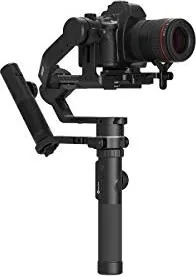
The Feiyu Tech AK4500 stands out as a serious handheld gimbal built for DSLR and mirrorless creators who want smoother footage without overcomplicating the workflow. Inspired by the guidance in the Feiyu Tech AK4500 Manual, this model blends stabilization, smart controls, and flexible mounting options into one travel-friendly tool for video, photography, and content creation.
At its core, the AK4500 is a 3-axis stabilized gimbal designed to keep movement steady across pan, tilt, and roll. That makes it a strong match for run-and-gun shooting, interviews, event coverage, and cinematic walking shots. It also offers a detachable versatile arm handle, which helps unlock low-angle shooting and one-handed operation. For creators who like compact rigs, the ability to mount a tripod or use accessories adds even more usefulness.
One of the most appealing parts of the AK4500 is its control layout. The LCD touch screen, function buttons, joystick, and multifunction knob give users direct access to shooting modes, calibration, rotation settings, and camera-related controls. With compatible cameras and the proper cable, you can trigger photo capture, recording, zoom, or follow focus right from the gimbal. That keeps the setup efficient and reduces the need to touch the camera during a shoot.
The Feiyu ON app expands the experience further. Through Bluetooth connection, users can adjust settings, switch modes, manage time-lapse functions, and handle firmware updates. Features like panning mode, follow mode, lock mode, portrait shooting, inception-style rotation, and motion timelapse make the AK4500 versatile enough for both everyday filming and more creative production work.
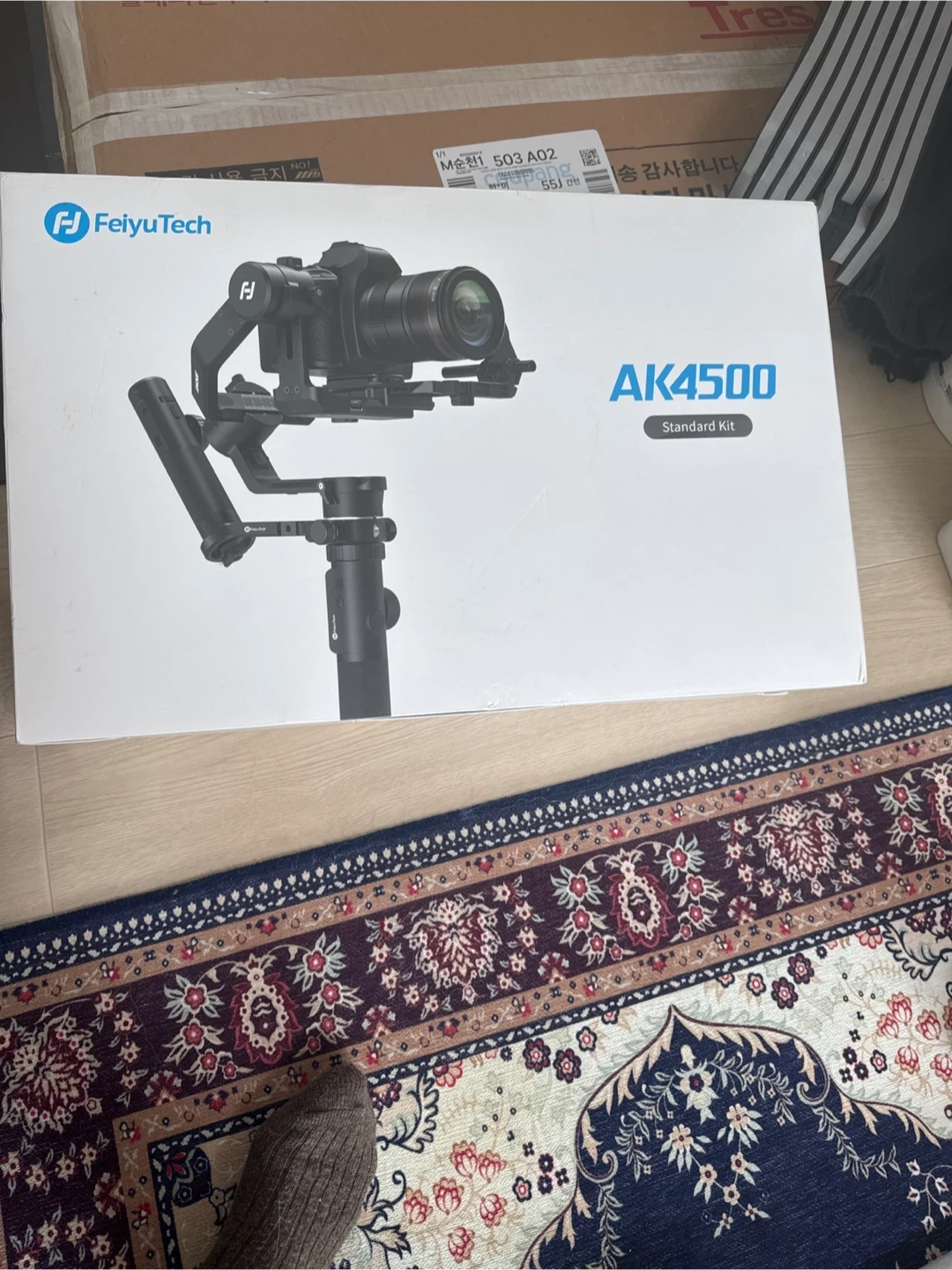
Battery life is another highlight. With up to 12 hours of operation and support for a hefty payload, the AK4500 is built for long sessions and larger camera setups. The included accessories, such as the tripod, extension rod, and remote controller in standard kits, make it feel ready for real-world use rather than just quick testing.
Still, this is a tool that rewards patience. Proper balancing, correct battery installation, and axis unlocking are essential for performance. Once tuned correctly, however, the AK4500 becomes a dependable stabilizer that can elevate handheld footage and improve shooting confidence.
Notes
- Balance the camera carefully before powering on.
- Use the Feiyu ON app for advanced setup and updates.
- Check camera and cable compatibility before buying.
- Rebalance after adding lenses or accessories.
Search for 67,706 Manuals online


Type-in Brand or Model