
Feiyu Tech AK2000 Manual
PDF manual · 24 Pages
English



Quick check
Incorrect answer, please try again.
Chat with your Feiyu Tech AK2000 manual using AI
Get instant AI answers from your Feiyu Tech AK2000 manual
Ask anything about the Feiyu Tech AK2000. Answers come from this manual, with the pages they are based on.
Ask a Question
Do you recommend AK2000?
Yes NoFrequently Asked Questions
It is best suited for handheld video work that needs stable movement, such as travel footage, interviews, product clips, and cinematic b-roll. Its multiple modes help adapt to both smooth tracking and fixed framing.
Is this answer helpful?
The AK2000 supports up to 2800 g when the camera is properly balanced. Actual results depend on the camera body, lens size, and how well the setup is centered on the gimbal.
Is this answer helpful?
Yes. Balancing the tilt, roll, and pan axes is essential before powering on. Proper balance improves stabilization, reduces motor strain, and helps the gimbal perform smoothly during shooting.
Is this answer helpful?
Yes. It connects to the Feiyu ON app through Bluetooth. The app can be used for setup, parameter changes, firmware updates, and other advanced configuration options.
Is this answer helpful?
The AK2000 includes panning mode, follow mode, all follow mode, lock mode, rolling follow, and auto-rotation features. These modes give more control over how the camera responds to hand movement.
Is this answer helpful?
The gimbal is rated for up to 12 hours of operation, though real-world runtime depends on camera weight, motor load, and how often features like rotation or follow behavior are used.
Is this answer helpful?
Advantages and Disadvantages
Advantages

- Strong 3-axis stabilization helps create smooth handheld footage in motion-heavy scenes.
- High payload support makes it suitable for many DSLR and mirrorless camera setups.
- Touch screen, joystick, and multifunction knob provide fast on-device control.
- Multiple modes and app support add flexibility for both simple and advanced shooting.
Disadvantages

- Careful balancing is required before use, which adds setup time for beginners.
- Camera and lens compatibility is specific, so not every setup will fit well.
- Some advanced functions depend on the app or connected camera accessories.
- Firmware updates may change features or behavior compared with the printed guidance.
Product Specification
Compatibility
DSLR
Pan Axis
360°
Roll Axis
360°
Tilt Axis
360°
Max. Load Capacity
6.17 lb
Display
yes, Touchscreen
Connection
Bluetooth, Wi-Fi (WLAN)
Power Supply
Battery (4x 18650, exchangeable)
Operating Time
12h
App Control
yes
Handling
two-handed
Features
mechanical axis fixation, control wheel, charging function for external devices, accessory port (4x 1/4")
Weight
2.76 lb
Product Description
Feiyu Tech AK2000: A Smart 3-Axis Gimbal for Smooth, Confident Shooting
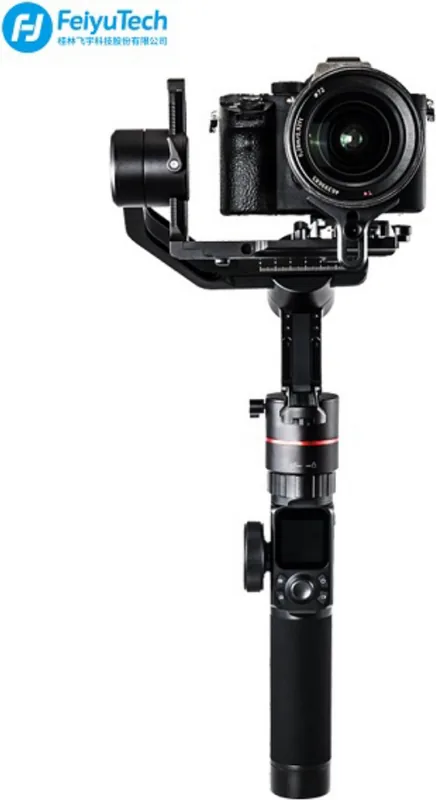
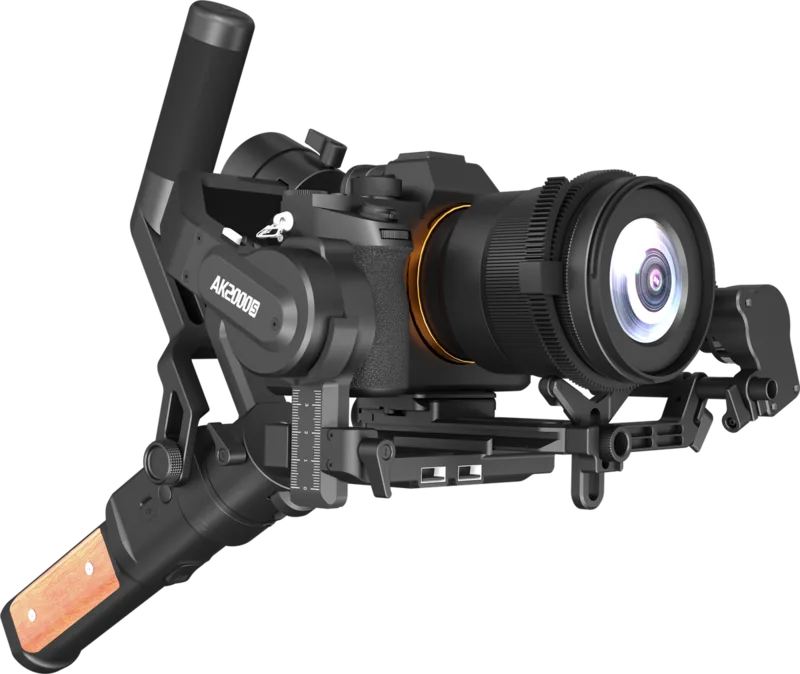
The Feiyu Tech AK2000 Manual points to a gimbal built for creators who want steadier footage without complicating their workflow. The AK2000 is a 3-axis stabilized handheld gimbal designed for DSLR and mirrorless cameras, combining strong load capacity with a compact control system that feels practical for everyday filming. Whether you are shooting travel clips, interviews, or cinematic b-roll, it aims to keep movement fluid and controlled.
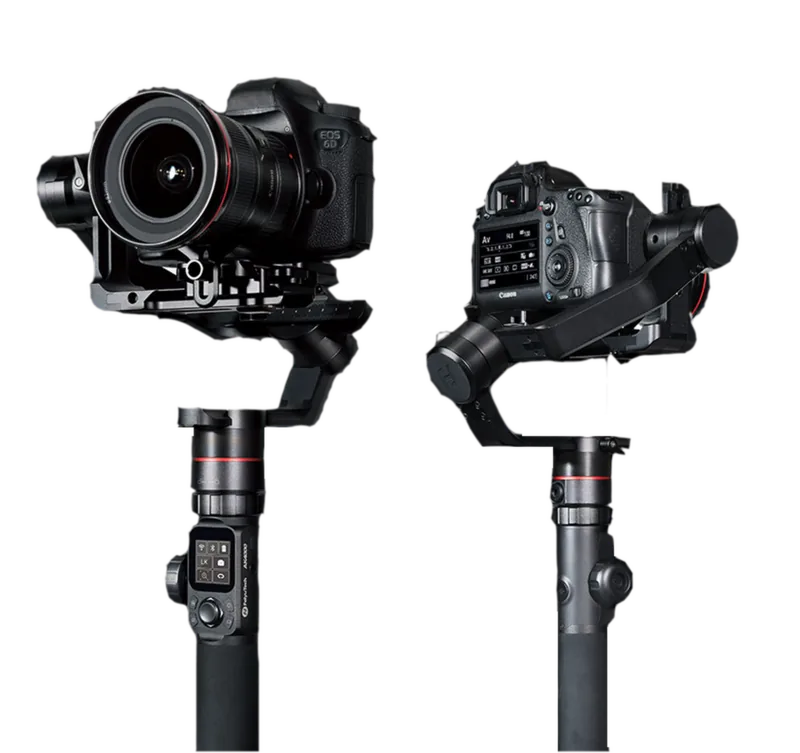
One of the most appealing parts of the AK2000 is its balance of power and usability. It supports cameras up to 2800 g in a centered balanced setup and offers up to 12 hours of operation, making it suitable for long sessions. The touch screen interface helps users switch modes, check battery status, and adjust settings quickly, while the joystick and multifunction knob give more hands-on control when precise framing matters.
The gimbal also stands out for its flexible shooting modes. Users can work in panning mode, follow mode, all follow mode, lock mode, or rolling follow mode depending on the motion they want to capture. That variety makes it easier to match the tool to the scene, from smooth walking shots to locked, stable compositions. Auto-rotation features add another layer of creative control for repeatable motion shots and time-lapse-style setups.
Setup is straightforward, but like most gimbals, the AK2000 performs best when balance is done carefully. The manual explains how to adjust the tilting, rolling, and panning axes step by step, which is important for getting smooth stabilization and protecting the motors from unnecessary strain. It also supports app connection through Feiyu ON for firmware updates and advanced configuration, keeping the device adaptable over time.
Notes
- Best results come from careful balancing before powering on.
- Camera compatibility varies, so matching the right body and lens is essential.
- The touch screen and app make advanced features easier to access.
- Auto-rotation and follow modes expand creative shooting options.
Overall, the AK2000 is a strong choice for creators who want a reliable gimbal with useful smart controls and enough flexibility to handle different cameras and shooting styles.
Search for 67,706 Manuals online


Type-in Brand or Model