
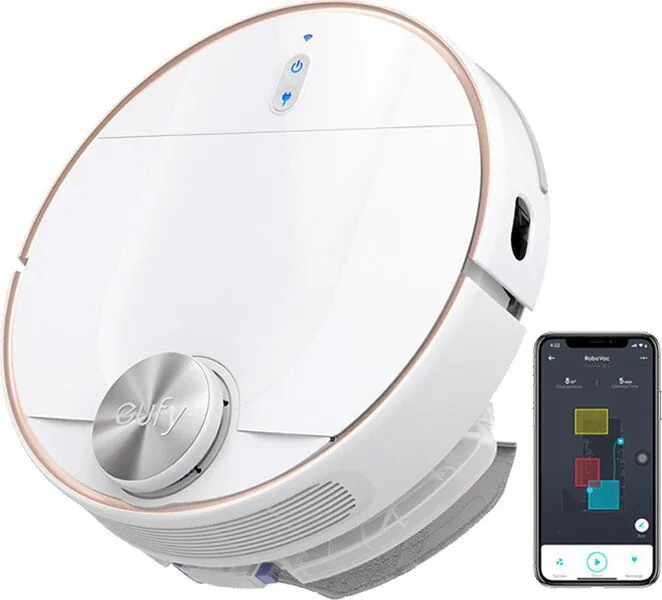
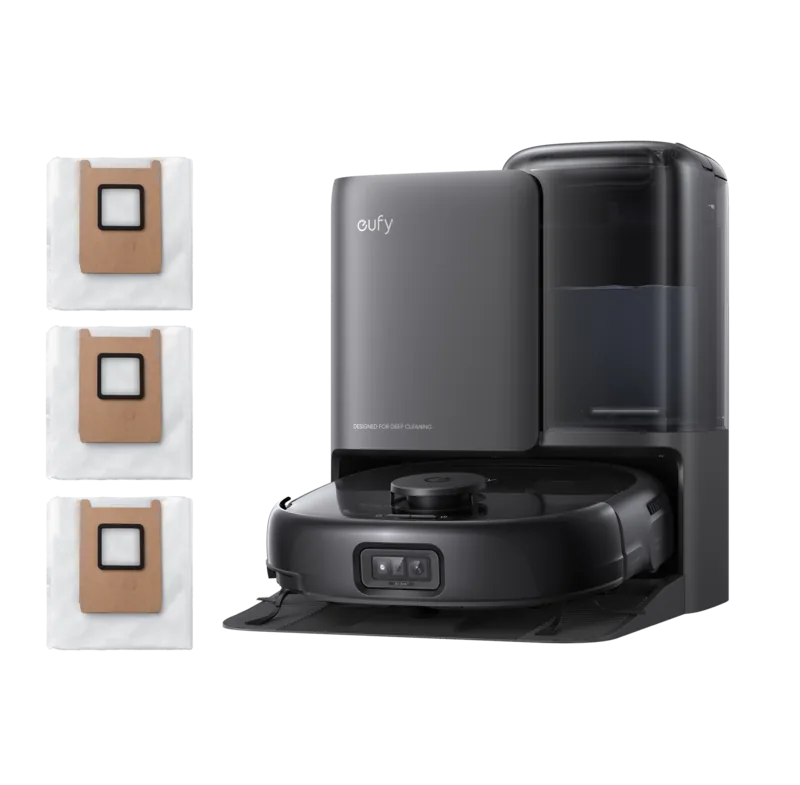
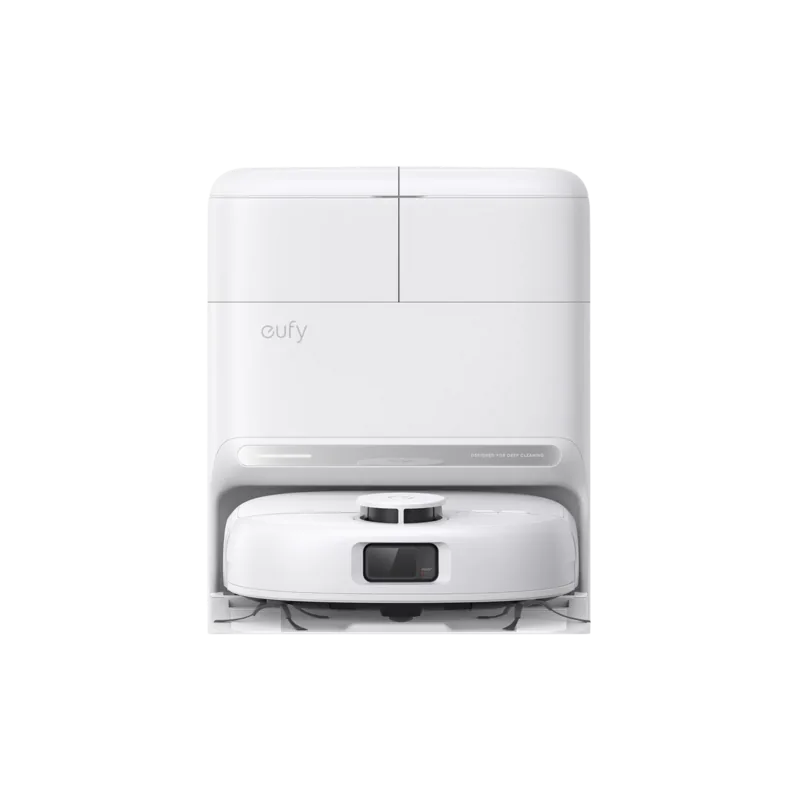
eufy RoboVac L70 Hybrid Manual
PDF manual · 128 Pages
English



Quick check
Incorrect answer, please try again.
Chat with your eufy RoboVac L70 Hybrid manual using AI
Get instant AI answers from your eufy RoboVac L70 Hybrid manual
Ask anything about the eufy RoboVac L70 Hybrid. Answers come from this manual, with the pages they are based on.
RoboVac L70 Hybrid Maintenance Schedule
Remove pre-filter, foam filter, and high-performance filter. Clean with vacuum/brush or wash for deep cleaning.
Unlock brush guard, remove rolling brush, and clean with a tool or vacuum to remove hair and debris.
Unscrew side brush, unwind tangled hair/string, and wipe dust with damp cloth. Ensure dry before reuse.
Dust off drop sensors and charging contact pins using a dry cloth or cleaning brush to maintain performance.
Pull out wheel, remove entangled hair/debris from axle and cavity, and reinstall until it clicks. Do not use water.
Remove mopping cloth, wash with water, and air-dry completely to prevent mildew and odor.
Replace side brushes every 3 to 6 months or when visibly worn, bent, or damaged.
Replace the mopping cloth every 3 to 6 months or when it shows visible signs of wear.
Replace the filter assembly every 6 months to maintain optimal suction power and filtration efficiency.
Empty dust, rinse with water, and air-dry completely before next use. Do not use hot water or detergent.
Empty remaining water after mopping. Rinse tank and ensure it is dry before storing to avoid mold.
Replace the rolling brush every 6 to 12 months depending on wear and usage frequency.
Free maintenance reminders
Timed to your purchase date. Always free, unsubscribe anytime.
Ask a Question
Do you recommend RoboVac L70 Hybrid?
Yes NoFrequently Asked Questions
You should clean the filters once every week and replace them every six months or when visibly worn. Regular maintenance ensures optimal suction power and prevents clogs in the air pathway during operation.
Is this answer helpful?
Yes, you can control the robot using Amazon Alexa or the Google Assistant. You must first set up the integration through the EufyHome app and connect your smart speaker account to enable voice commands.
Is this answer helpful?
The robot will automatically return to the charging base to recharge. Once it reaches 80 percent capacity, it will resume cleaning the remaining tasks to ensure the entire floor is cleaned without manual intervention.
Is this answer helpful?
No, do not use the mopping module on carpets as it may damage the fabric or the robot. You should set a No-Mop zone in the app to prevent water from being released on carpeted areas during operation.
Is this answer helpful?
Ensure your router supports the 2.4GHz band as the 5GHz band is not supported. Also check that your network password is correct and there are no strong firewalls blocking the connection to Eufy servers.
Is this answer helpful?
Make sure the device is not on the charging base. Use a clip to press the Reset button on the unit. Then dock it or press the button to turn it on. This restores factory settings.
Is this answer helpful?
The maximum suction power mode is called Max in the app settings. You can also select Quiet or Standard modes depending on your cleaning needs and floor type for optimal efficiency.
Is this answer helpful?
Advantages and Disadvantages
Advantages

- Real-time laser mapping for efficient cleaning paths
- Hybrid vacuum and mop system for hard floors
- BoostIQ technology increases suction on carpets automatically
- Long battery life providing up to 150 minutes per charge
- Smart app integration with virtual zones and schedules
Disadvantages

- Requires manual emptying of dust collector and filters
- Not suitable for extremely thick high-pile carpets
- Wi-Fi connection restricted to 2.4 GHz band only
- Mopping module requires manual water tank filling
- Charging pin sensors require regular cleaning to function correctly
Product Specification
Robot Vacuum
Battery
14.4V, Li-Ion
Color
White
Capacity
450ml
Cleaning Modes
Vacuum, Vacuum & Mop
Navigation
Laser Sensor, Zones, No-Go Zones, Carpet Detection
Filtration
Washable Filter
Display
No
Features
1x Main Brush, 1x Side Brush, Programmable Cleaning Times
Smart Home
App Control (EufyLife), Voice Assistant (Amazon Alexa, Google Assistant)
Runtime
2.5h
Charge Time
5h
Charging System
Automatic
Package Contents
Station, Mop Attachment
Station
Station Color
White, Black
Station Display
No
Station Features
Automatic Charging Function
Product Description
Discover the eufy RoboVac L70 Hybrid Vacuum/Mop Robot Manual
Cleaning your home has never been easier with the eufy RoboVac L70 Hybrid Vacuum/Mop Robot Manual providing essential guides. This advanced robot combines vacuuming and mopping capabilities to tackle various floor types efficiently. The device features a sophisticated laser navigation system that maps your home in real-time. This ensures systematic cleaning paths rather than random patterns covering every inch of your floor space. Users will appreciate the ability to manage zones directly through the smartphone application interface.
Performance and Versatility
The RoboVac L70 uses BoostIQ technology. This feature automatically increases suction power when carpets or heavy debris are detected. It offers four suction modes ranging from quiet to max power settings. The device maintains a powerful cleaning standard while navigating around obstacles like furniture legs safely. Be sure to review the manual for specific setup instructions. The machine highlights that the robot should start each cleaning cycle from the charging base. This ensures accurate map relocalization if the surroundings change significantly during operation. The machine also returns to charge automatically when the battery is low.
Maintenance and Care
Regular maintenance is crucial for optimal performance over the long term. You should empty the dust collector after every use to prevent clogs. Filters require cleaning once a week. The side brushes and rolling brushes also need attention to prevent hair tangles. Hair can easily get caught in the side brush mechanism which stops rotation. Cleaning sensors and charging pins monthly helps avoid navigation errors. The water tank needs filling only for mopping tasks on hard floors. Do not use cleaning solutions other than water to prevent clogging the system. Always air dry components thoroughly before reuse to prevent mildew.
Smart Integration
Connectivity is seamless with compatible smart speakers like Alexa. You can control the device using Amazon Alexa or Google Assistant features. Setting up virtual barriers is possible via the app without physical strips. This adds flexibility to your daily cleaning routine significantly. The battery lasts up to 150 minutes on a single charge cycle. Charging takes approximately 240 to 300 minutes fully. Recharging automatically resumes cleaning at 80 percent capacity. Always ensure your router supports the 2.4GHz band for Wi-Fi connection. Following these guidelines ensures years of reliable service without issues.
Notes
Always remove power cords before cleaning to avoid accidents. Do not vacuum burning objects or wet spills like water or chemicals. Store the unit at room temperature only to protect the battery. The device is not suitable for extremely thick carpets but performs well on hard floors. Physical barriers are recommended near balconies or fireplaces. Red lights indicate errors found in the troubleshooting section. Voice alerts provide specific codes for problems. Reset the system if buttons do not respond. Keep the device away from wet areas during operation.
Search for 67,706 Manuals online


Type-in Brand or Model