
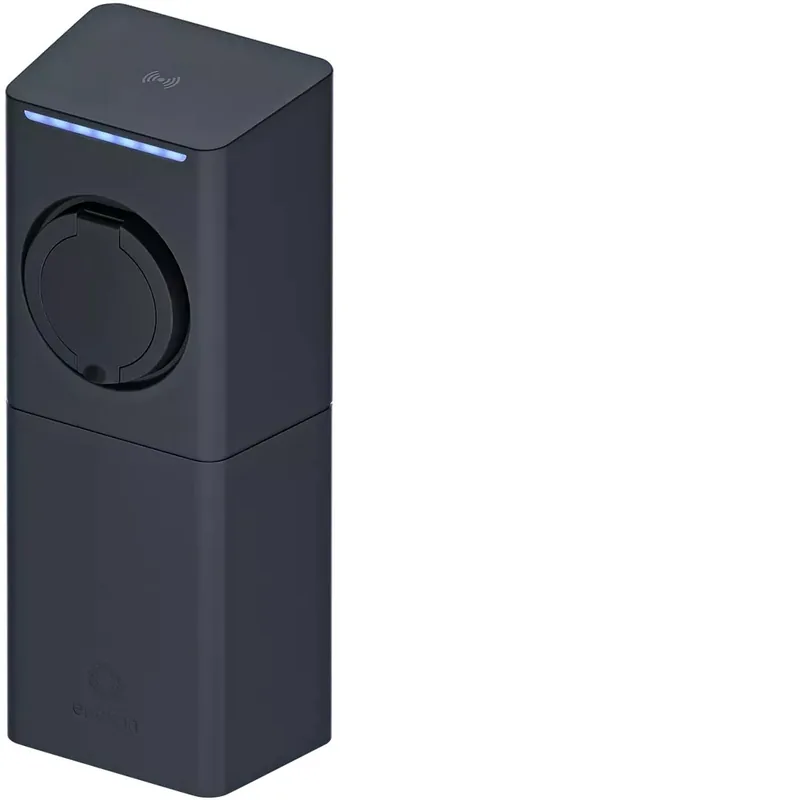
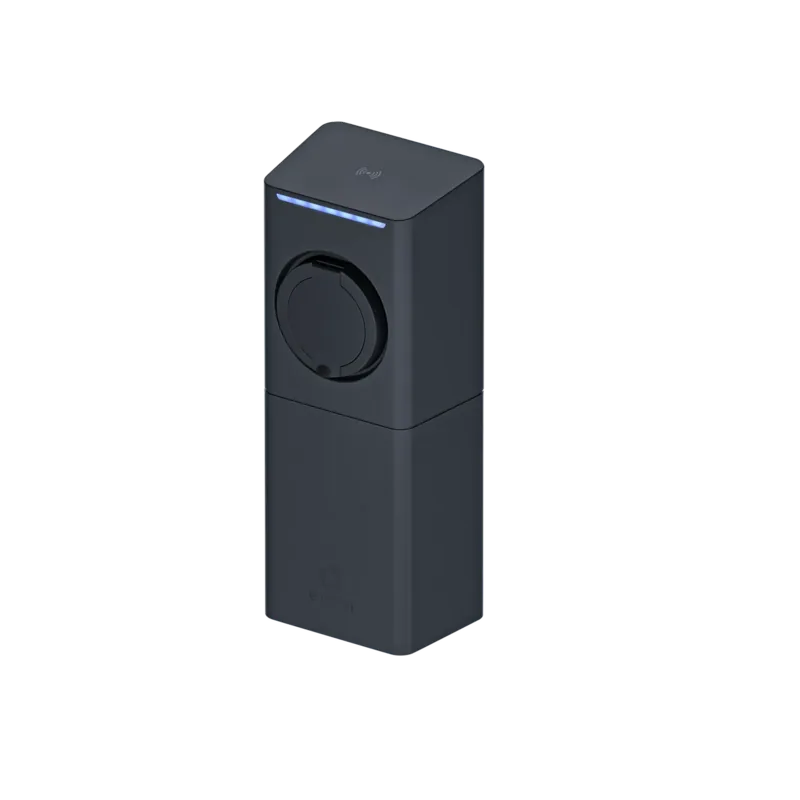
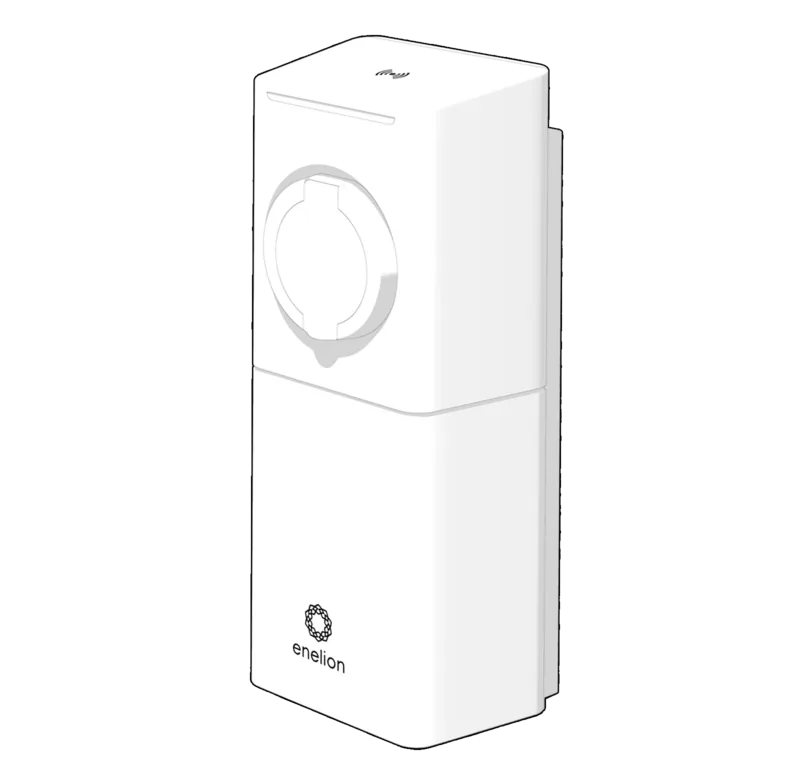
Enelion Lumina Manual
PDF manual · 22 Pages
English



Quick check
Incorrect answer, please try again.
Chat with your Enelion Lumina manual using AI
Get instant AI answers from your Enelion Lumina manual
Ask anything about the Enelion Lumina. Answers come from this manual, with the pages they are based on.
Lumina Maintenance Schedule
Never clean with high pressure or running water. Do not immerse in liquids. Use a damp cloth if needed.
Do not use if damaged, wet, or dirty. Check for tripping hazards. Ensure plug is pulled by handle, not cable.
Measure continuity of protective conductors and effectiveness of electric shock protection as per manual.
Ask a Question
Do you recommend Lumina?
Yes NoFrequently Asked Questions
The installation process is designed for speed and can be completed in no more than fifteen minutes of the installation process.
Is this answer helpful?
A flashing or steady red light indicates an error or fatal error respectively. You should stop using the station and report the situation immediately.
Is this answer helpful?
No. Due to the IP 54 class, it is forbidden to wash the charger with pressure washers or any other stream of water.
Is this answer helpful?
Connect the cable to the charger and then to the car. For Freecharge, it starts automatically. For RFID, place the tag on the reader first.
Is this answer helpful?
One-phase systems support 1.4 to 7.4 kW. Three-phase systems support power capacity up to 22 kW for faster delivery.
Is this answer helpful?
You can update the software using the Update section in the configuration panel via a web browser connected to the device.
Is this answer helpful?
This product may only be installed, repaired or serviced by an authorized electrician or authorized service centre.
Is this answer helpful?
Advantages and Disadvantages
Advantages

- Quick installation completes in fifteen minutes or less for most scenarios
- Modular structure allows easy upgrades and changes to the base module
- Supports multiple connectivity options including WiFi and GSM LTE networks
- LED bar provides clear visual status indicators for operation and errors
- Remote software updates and diagnostics support long-term reliability
Disadvantages

- Installation requires a certified electrician following local safety regulations
- Device cannot be cleaned with high pressure water due to IP 54 rating
- Freecharge mode limits advanced billing features without system integration
- Network configuration requires specific access to the configuration panel
- Locking mechanisms may need specific configuration to match station setup
Product Specification
Number of charge points
1
Maximum charging power
22kW 3-phase
Charging mode
IEC 61851-1 (Mode 3)
Number of phases
3-phase
Voltage
400V (AC)
Max current per phase
32A
Plug type
Type 2
Connector type
Socket
Mounting
Wall mounted
Authentication
RFID
Interfaces
LTE, OCPP, Wi-Fi
Features
Shutter
IP Rating
IP54
Dimensions
6.10x15.35x5.24in (WxHxD)
Weight
9.26lbs
Product Description
Discover Electric Charging Excellence
The Enelion Lumina Charging Socket Manual provides essential insights for modern electric vehicle owners who want reliable and fast power delivery. This device transforms how we approach power distribution at home or commercial locations. With a modular structure, users can build and upgrade their solution using the same base module without disruption or significant downtime. Installation is designed for speed, allowing the unit to become online in just under fifteen minutes. This efficiency saves time for both professional installers and business owners managing electric fleets.
Safety and Operation
Proper operation ensures longevity and security for the entire electrical system. The unit meets high standards for protection against water and dust, classified as IP 54. This means it withstands normal weather conditions but requires careful placement away from direct water streams or intense sunlight. Safety instructions emphasize that only authorized electricians should handle installation or repairs to prevent accidents. High voltage risks are real, so strict adherence to local electrical codes is mandatory during setup. The device features an LED bar that communicates status clearly through colors for the user. Green indicates availability while red signals fatal errors requiring immediate attention.
Configuration and Connectivity
Connectivity options define the future of charging infrastructure for smart buildings. The system supports WiFi and GSM LTE communication for seamless internet access in various locations. Advanced management systems compliant with OCPP 1.6 allow remote diagnostics and software updates over the air. Users can configure the station as Freecharge where connection triggers charging automatically, or use RFID authorization for added control and security. Power limits range from 1.4 kW to 22 kW depending on the phase system available. One-phase setups suit 1.4 to 7.4 kW while three-phase options handle up to 22 kW.
Monitoring and Maintenance
The configuration panel offers deep insights into network topology and connection status. Administrators can view active alerts, signal strength, and firmware versions easily. Scheduling features allow users to program charging times to off-peak hours for cost savings. Physical security is also enhanced by locking mechanisms that prevent unauthorized cable removal. Emergency protocols cover fire situations where disconnecting power is the first step before calling services. Regular maintenance keeps the station reliable over many years. Cleaning should never involve high pressure water. By following the guidelines, users ensure consistent performance. Refer to the Enelion Lumina Charging Socket Manual for specific setup steps.
Search for 67,706 Manuals online


Type-in Brand or Model