
Elo Touch Solutions PayPoint Plus Manual
PDF manual · 41 Pages
English



Quick check
Incorrect answer, please try again.
Chat with your Elo Touch Solutions PayPoint Plus manual using AI
Get instant AI answers from your Elo Touch Solutions PayPoint Plus manual
Ask anything about the Elo Touch Solutions PayPoint Plus. Answers come from this manual, with the pages they are based on.
PayPoint Plus Maintenance Schedule
Wipe the printer roller with a dry soft cloth and rotate it to clean the entire surface.
Remove paper dust or debris from the paper holder and surrounding area using a nylon brush.
Dampen a cotton swab with alcohol to wipe stains off the thermal head, then dry with a soft cloth before closing the cover.
Free maintenance reminders
Timed to your purchase date. Always free, unsubscribe anytime.
Ask a Question
Do you recommend PayPoint Plus?
Yes NoFrequently Asked Questions
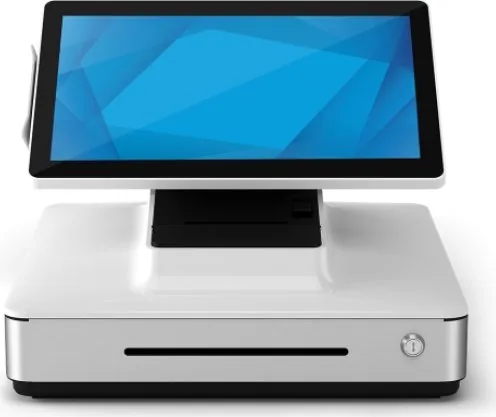
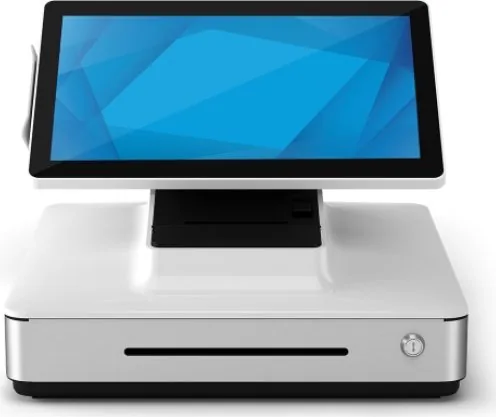
The unit integrates a 15.6-inch touchscreen, thermal receipt printer, cash drawer, magnetic stripe reader, 1D/2D barcode scanner, and speaker. This consolidated design helps reduce counter clutter and simplifies deployment.
Is this answer helpful?
This configuration is suited to everyday Windows POS workloads such as transactions, inventory access, customer management, and peripheral control. The SSD supports fast system response and storage without the moving parts found in a conventional hard drive.
Is this answer helpful?
The integrated thermal printer supports 80 mm paper as standard. It can also use 58 mm rolls when the paper roll guide is installed. The maximum roll diameter is 80 mm.
Is this answer helpful?
Yes. The scanner is configured for printed barcodes by default, but it can be adjusted for mobile-device barcode reading. It also supports presentation mode, manual trigger mode, scan beeps, and configurable reread delays.
Is this answer helpful?
Available connections include USB, powered 12 V USB, Ethernet, Micro-HDMI, an RJ12 cash drawer port, and two serial RJ45 ports. These can support compatible displays, payment devices, network connections, and external peripherals.
Is this answer helpful?
Disconnect power before cleaning. Use a soft lightly dampened cloth on the enclosure, and use a suitable glass cleaner applied to a cloth for the touchscreen. Clean the printer roller, paper compartment, and thermal head about every six months.
Is this answer helpful?
Advantages and Disadvantages
Advantages

- All-in-one POS design combines touchscreen, receipt printer, barcode scanner, cash drawer, and magnetic stripe reader.
- Core i5-8500T, 8GB RAM, and 128GB SSD support responsive Windows POS workflows.
- 15.6-inch Full HD PCAP multitouch display can rotate toward customers for assisted transactions.
- Broad connectivity includes USB, powered 12 V USB, Ethernet, Micro-HDMI, serial RJ45, and RJ12.
- Integrated scanner reads 1D and 2D codes and offers configurable scan modes and feedback.
Disadvantages

- Operating system recovery reformats the primary drive and deletes user data and settings.
- Recommended operating duty cycle is limited to 12 hours in each 24-hour period.
- Thermal printing requires correctly loaded compatible paper and regular printer maintenance.
- The built-in magnetic stripe reader requires appropriate encryption managed by the application provider.
- The system is intended for indoor commercial use and may cause interference in residential environments.
Product Specification
Type
stationary all-in-one
CPU
Intel Core i5-8500T, 6C/6T, 2.10-3.50 GHz, 9 MB+1.5 MB cache, 35 W TDP, 25-35 W cTDP, codename "Coffee Lake-S" (Coffee Lake, Intel 14 nm++)
RAM
8 GB DDR4-2666 SO-DIMM (1x 8 GB module, 2 slots, max. 32 GB)
SSD
128 GB M.2
HDD
N/A
Optical drive
N/A
Graphics
Intel UHD Graphics 630 (iGPU), 24 EU/192 SP, 0.35-1.10 GHz, architecture "Gen 9.5" (Coffee Lake GT2)
Ports
1x Micro HDMI, 4x USB-A 2.0, 1x Gb LAN, 2x serial (2x RJ-45), 1x cash drawer (RJ-12)
Card reader
N/A
Wireless
Wi-Fi 5 (WLAN 802.11a/b/g/n/ac), Bluetooth 5.0
Operating system
Windows 10 Pro 64-bit
Monitor
15.6 in, 1920x1080, multi-touch (capacitive)
Dimensions (W x H x D)
16.18 x 12.72 x 16.54 in
Special features
All-in-one, speakers (1x 1 W), receipt printer (Star Micronics TSP100III), barcode scanner (Honeywell N3680), magnetic card reader (MCR)
Color
white
Manufacturer warranty
three years
Product Description
Elo Touch Solutions PayPoint Plus White, Core i5-8500T, 8GB RAM, 128GB SSD Manual
The Elo Touch Solutions PayPoint Plus white, Core i5-8500T, 8GB RAM, 128GB SSD Manual highlights a streamlined all-in-one point-of-sale solution designed for busy retail, hospitality, and service environments. Its clean white finish and compact counter-friendly layout help create a professional checkout area while combining essential transaction hardware in one integrated system.
At the center is a 15.6-inch Full HD PCAP multitouch display, built for responsive interaction with Windows-based POS software. The Core i5-8500T processor, 8GB of RAM, and 128GB SSD configuration provides dependable performance for daily sales workflows, inventory tasks, customer records, and connected payment applications. Solid-state storage also supports quick startup behavior and quieter operation than traditional hard drives.
Integrated POS tools
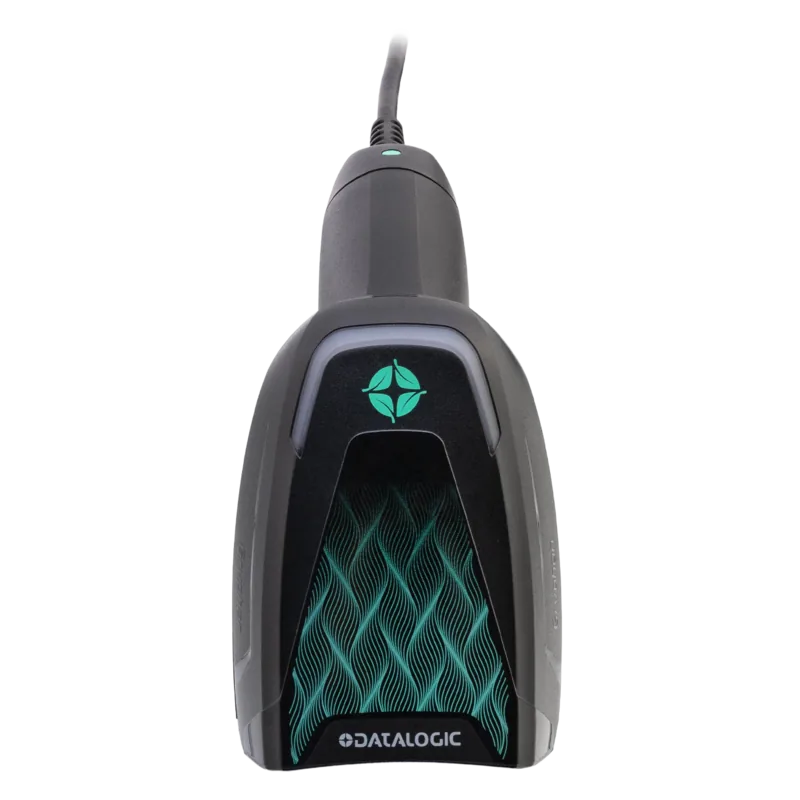
PayPoint Plus reduces the need for separate peripheral devices by including a thermal receipt printer, cash drawer, magnetic stripe reader, and 1D/2D barcode scanner. The scanner operates in presentation mode by default and can be adjusted for manual triggering, audible scan confirmation, mobile barcode reading, and repeat-scan delay. These options help businesses tailor scanning behavior to their checkout process.
The thermal printer supports 80 mm receipt paper and can also use 58 mm rolls with the appropriate guide installed. It includes paper feed, power, and printhead release controls for straightforward loading and routine upkeep. A cash drawer with lockable storage and a media slot adds practical cash-handling support.
Connectivity and flexible operation
The system includes USB, powered 12 V USB, Ethernet, Micro-HDMI, RJ12 cash drawer, and two serial RJ45 ports. This connection range supports external payment terminals, customer displays, peripherals, and network access. The display can rotate toward the customer, supporting card swipes and on-screen signature interactions where the POS application supports them.
Power is supplied through the integrated power system and supports 100-240 V AC input. Status lighting helps identify whether the unit is off, in sleep mode, or operating. For long-term reliability, the recommended duty cycle is up to 12 hours in each 24-hour period.
Notes
- Use quality thermal paper and load it in the correct direction for clear receipts.
- Clean the printer roller, paper area, and thermal head approximately every six months.
- Back up all important information before using the operating system recovery option, as recovery erases user data.
- Keep liquids away from the unit and disconnect power before cleaning.
Search for 67,706 Manuals online


Type-in Brand or Model