
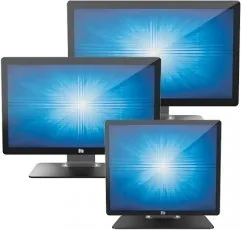
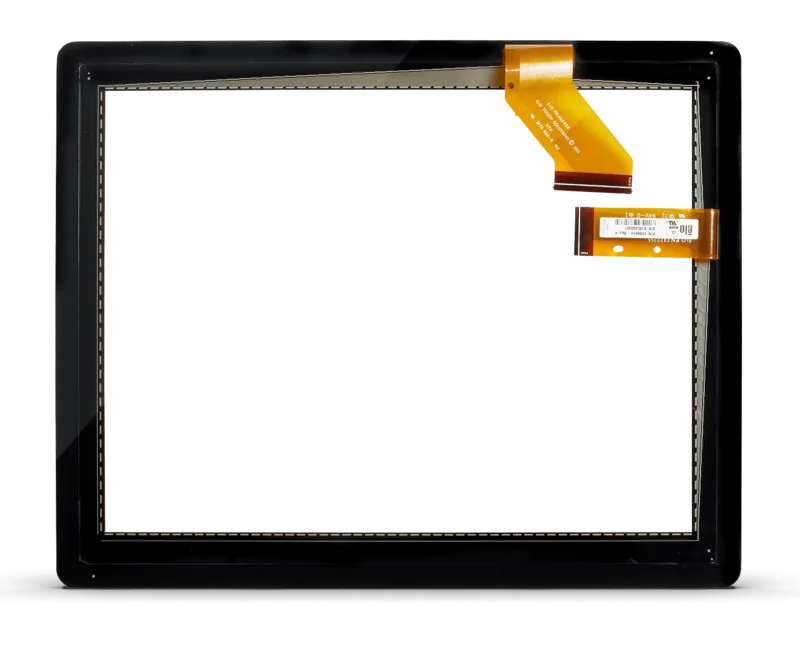
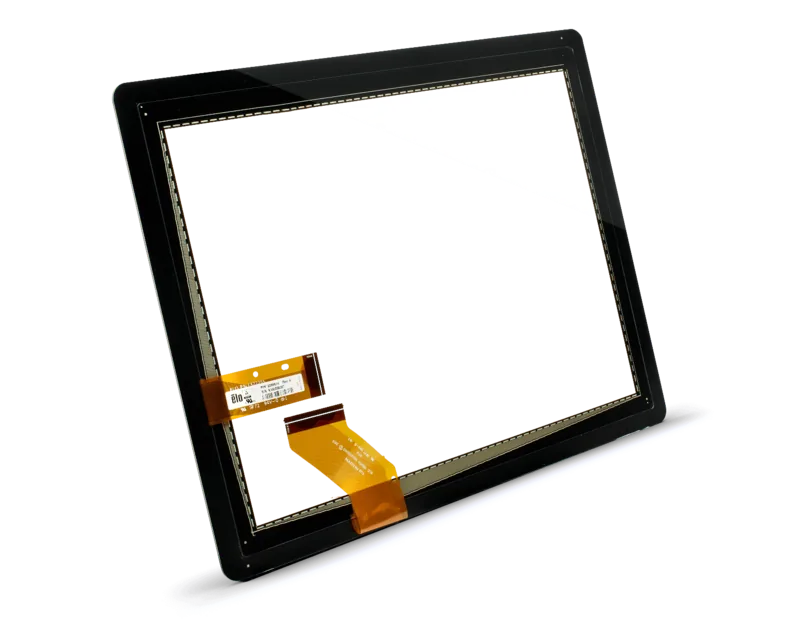
Elo Touch Solutions ET2202L Manual
PDF manual · 33 Pages
English



Quick check
Incorrect answer, please try again.
Chat with your Elo Touch Solutions ET2202L manual using AI
Get instant AI answers from your Elo Touch Solutions ET2202L manual
Ask anything about the Elo Touch Solutions ET2202L. Answers come from this manual, with the pages they are based on.
ET2202L Maintenance Schedule
Use a clean cloth lightly dampened with a mild detergent. Disconnect AC power before cleaning.
Apply window or glass cleaner to a cloth, never directly to screen. Do not use alcohol or abrasive cleaners.
Ask a Question
Do you recommend ET2202L?
Yes NoFrequently Asked Questions
No additional drivers are needed for Windows 7, 8, or 10. The monitor utilizes standard Windows HID drivers automatically.
Is this answer helpful?
Use a soft cloth dampened with window cleaner. Never spray liquid directly on the screen and avoid alcohol or abrasive chemicals.
Is this answer helpful?
Yes, the rear features a 100x100mm VESA MIS-B interface allowing for secure wall mounting after removing the included stand.
Is this answer helpful?
You must enable the touch-through function via the OSD menu on 19 and 22-inch models to ensure the touch sensor works correctly.
Is this answer helpful?
No, the monitor is designed for indoor environments only and should not be exposed to outdoor weather conditions.
Is this answer helpful?
Advantages and Disadvantages
Advantages

- Supports up to 10 simultaneous touches for enhanced multi-user interaction
- Native Full HD 1920x1080 resolution ensures crystal clear image quality
- VESA compatible mounting allows flexible installation on walls or arms
- LED backlighting reduces power usage and eliminates hazardous mercury
- Peripheral ports enable easy addition of optional hardware like MSR
Disadvantages

- Windows XP requires manual driver installation unlike newer OS versions
- No built-in speakers; external audio source required for sound output
- Non-native resolutions may result in slight image scaling artifacts
- Handles are strictly for tilt adjustment and cannot be used for lifting
- Privacy filters require specific configuration changes to maintain touch sensitivity
Product Specification
Touchscreen
capacitive (TouchPro PCAP), Multi-Touch
Diagonal
22"/55.9cm
Resolution
1920x1080, 16:9
Brightness
240cd/m²
Contrast
3,000:1 (static), not specified (dynamic)
Response Time
25ms
Viewing Angle
178°/178°
Backlight
White-LED
HDR
N/A
Refresh Rate
60Hz
Signal Frequency
not specified (horizontal), not specified (vertical)
Connectors
1x VGA (60Hz@1920x1080), 1x HDMI, 1x 3.5mm jack (Line-Out)
Other Connectors
4x USB 2.0 Micro-B (480Mb/s), 1x USB-B (touch function)
Ergonomics
N/A
VESA
100x100 (occupied)
Power Consumption
not specified (max), 22.5W (typical), not specified (energy label old A+++ to G), 0.8W (standby)
Energy Efficiency Class SDR (A to G)
F
SDR Energy Consumption
16kWh/1000h
Dimensions (WxDxH)
527x384x193mm
Weight
6.80kg
Features
Speakers (2x 2W), stand
Manufacturer Warranty
three years
Product Description
Elevate Your Digital Interaction with the Elo Touch Solutions 2202L TouchPro PCAP
The Elo Touch Solutions 2202L TouchPro PCAP with Stand represents a pinnacle in interactive display technology, designed specifically for high-traffic environments where reliability and precision are paramount. This robust monitor seamlessly blends advanced projected capacitive touch capabilities with stunning visual performance, making it an ideal choice for point-of-sale systems, medical clinics, and self-service kiosks.
At the heart of the 2202L is a vibrant 22-inch active matrix thin-film-transistor LCD panel. It delivers sharp visuals with a native resolution of 1920 x 1080 pixels, ensuring that every detail is crisp and clear. The LED backlighting not only provides excellent color accuracy but also significantly reduces power consumption while eliminating mercury, aligning with modern environmental standards. Whether you are managing inventory or displaying patient records, the clarity of this screen ensures information is easily readable from various angles.
The standout feature of this device is its Projected Capacitive (PCAP) touch technology. Unlike older resistive screens, the 2202L supports up to ten simultaneous touches on Windows 7, 8, and 10 operating systems. This multi-touch capability enables intuitive gestures like pinching to zoom or rotating images, enhancing user engagement without the need for complex calibration. For users running legacy Windows XP systems, simple driver installation unlocks full functionality, ensuring compatibility across diverse IT infrastructures.
Versatility is another key strength. The unit comes equipped with a sturdy stand for desktop use but also features VESA-compliant mounting holes on the rear. This allows for easy conversion to wall mounts or articulating arms, adapting the monitor to fit any spatial requirement. Additionally, the inclusion of peripheral ports at the top, bottom, left, and right sides offers flexibility for attaching optional accessories like magnetic stripe readers, further expanding its utility in specialized applications.
Maintenance is straightforward thanks to the durable design and comprehensive On-Screen Display (OSD) controls. Users can fine-tune brightness, contrast, and audio settings directly through the monitor's interface. The system also includes smart features like sleep mode activation upon touch to save energy and lockout functions to prevent unauthorized adjustments. With a three-year warranty covering defects in materials and workmanship, the Elo 2202L stands as a dependable partner for businesses seeking long-term value and operational efficiency.
Search for 67,706 Manuals online


Type-in Brand or Model