
Eizo FlexScan EV2430 Manual
PDF manual · 49 Pages
English



Quick check
Incorrect answer, please try again.
Chat with your Eizo FlexScan EV2430 manual using AI
Get instant AI answers from your Eizo FlexScan EV2430 manual
Ask anything about the Eizo FlexScan EV2430. Answers come from this manual, with the pages they are based on.
FlexScan EV2430 Maintenance Schedule
Remove stains by moistening a soft cloth with water. Use EIZO ScreenCleaner or water only; do not use alcohol, thinner, or abrasives.
If images remain displayed when moving away or do not reappear when coming near, check for dirt on the sensor and clean it with a soft cloth.
Free maintenance reminders
Timed to your purchase date. Always free, unsubscribe anytime.
Ask a Question
Do you recommend FlexScan EV2430?
Yes NoFrequently Asked Questions
It is best for office work, document creation, web use, and general multimedia viewing. Its resolution, comfort features, and flexible controls make it especially practical for long daily sessions.
Is this answer helpful?
Yes. The EV2430 supports portrait orientation, and the on-screen menu can be rotated to match it. A compatible graphics board and correct stand positioning are required for proper use.
Is this answer helpful?
It includes DisplayPort, DVI-D, and D-Sub input options. This makes it easy to connect both modern and older computers without needing complex adapters in many setups.
Is this answer helpful?
It includes Auto EcoView, EcoView Optimizer 2, EcoView Sense, and Auto Power-OFF options. These help lower power use by adjusting brightness or switching to standby when needed.
Is this answer helpful?
Yes. The monitor has a USB hub with upstream and downstream ports. Once connected to a PC by USB, it can support peripherals such as keyboards, mice, and other compatible devices.
Is this answer helpful?
Use a soft cloth lightly moistened with water. Avoid alcohol, thinner, benzine, wax, and abrasive cleaners, as they may damage the cabinet or LCD surface.
Is this answer helpful?
Afterimages can occur if the same image stays on screen too long. Use a screen saver, power-saving features, or turn the monitor off periodically to reduce the risk.
Is this answer helpful?
Advantages and Disadvantages
Advantages

- 24.1-inch panel with 1920 × 1200 resolution for extra vertical workspace.
- Multiple inputs: DisplayPort, DVI-D, and D-Sub for broad compatibility.
- EcoView features help reduce power use and adjust brightness automatically.
- Ergonomic stand supports height, tilt, swivel, and portrait orientation.
Disadvantages

- 14 ms gray-to-gray response time is fine for work, but not ideal for fast gaming.
- Some advanced adjustments and behavior differ by input type, especially analog vs. digital.
- Display stabilization can take about 30 minutes before final tuning is recommended.
- Built-in speakers are basic, so audio-focused users may prefer external speakers.
Product Specification
Function
Monitor (stationary)
Diagonal
24.1" (24.09in)
Resolution
1920x1200 (WUXGA), 16:10, 94ppi
Panel
IPS
Backlight
LED, Blue Light Filter, flicker-free
Brightness
300cd/m Squared (typical)
Contrast
1.000:1 (static)
Response Time
14ms (GtG)
Refresh Rate
60Hz (1920x1200)
Signal Frequency
31-76kHz (H) / 59-61Hz (V)
Connectors
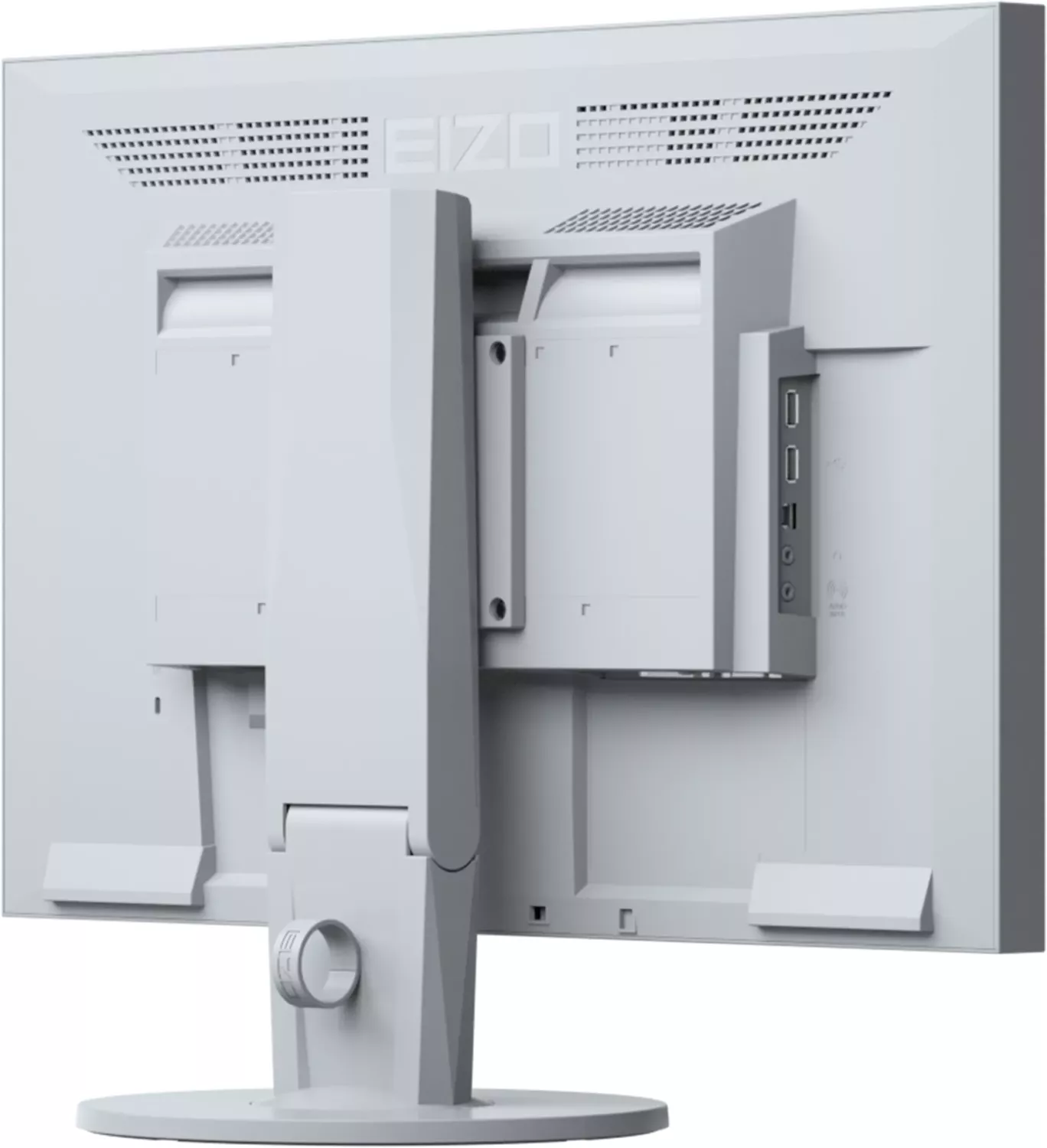
1x VGA (60Hz@1920x1200), 1x DisplayPort, 1x DVI, 1x USB-B 2.0 (Upstream, 480Mb/s), 2x USB-A 2.0 (Downstream, 480Mb/s), 1x 3.5mm jack (Line-Out), 1x 3.5mm jack (Line-In), 1x AC-In C13 (Power Connector)
Form
straight (flat)
Viewing Angle
178 Degrees/178 Degrees
Coating
non-glare (matte)
Color Depth
8bit (16.7 million colors)
FRC
unknown
LUT (Lookup Table)
10bit, factory calibration
Certifications/Standards
EPEAT Gold
Speakers
Speakers (2x 1W)
Ergonomics
with stand, height adjustable (5.51in), Pivot (+90 Degrees), rotatable (+-172 Degrees), tiltable (+35 Degrees/-5 Degrees)
VESA
100x100 (occupied)
Power Consumption
36W (maximum), 12W (typical), 0.3W (Standby)
SDR Energy Efficiency (A to G)
15kWh/1000h (E)
Special Features
Presence sensor, light sensor
Screen-to-Body Ratio
85.13% (calculated)
Dimensions
21.76x14.49x19.65in (WxHxD) with compressed stand, 21.76x14.09x2.24in (WxHxD) without stand
Weight
14.77lbs (with stand), 9.48lbs (without stand)
Power Supply
internal
Warranty
five years (On-site replacement service)
USB Naming Convention
Link
Product Description
Eizo FlexScan EV2430: Practical Comfort for Everyday Work
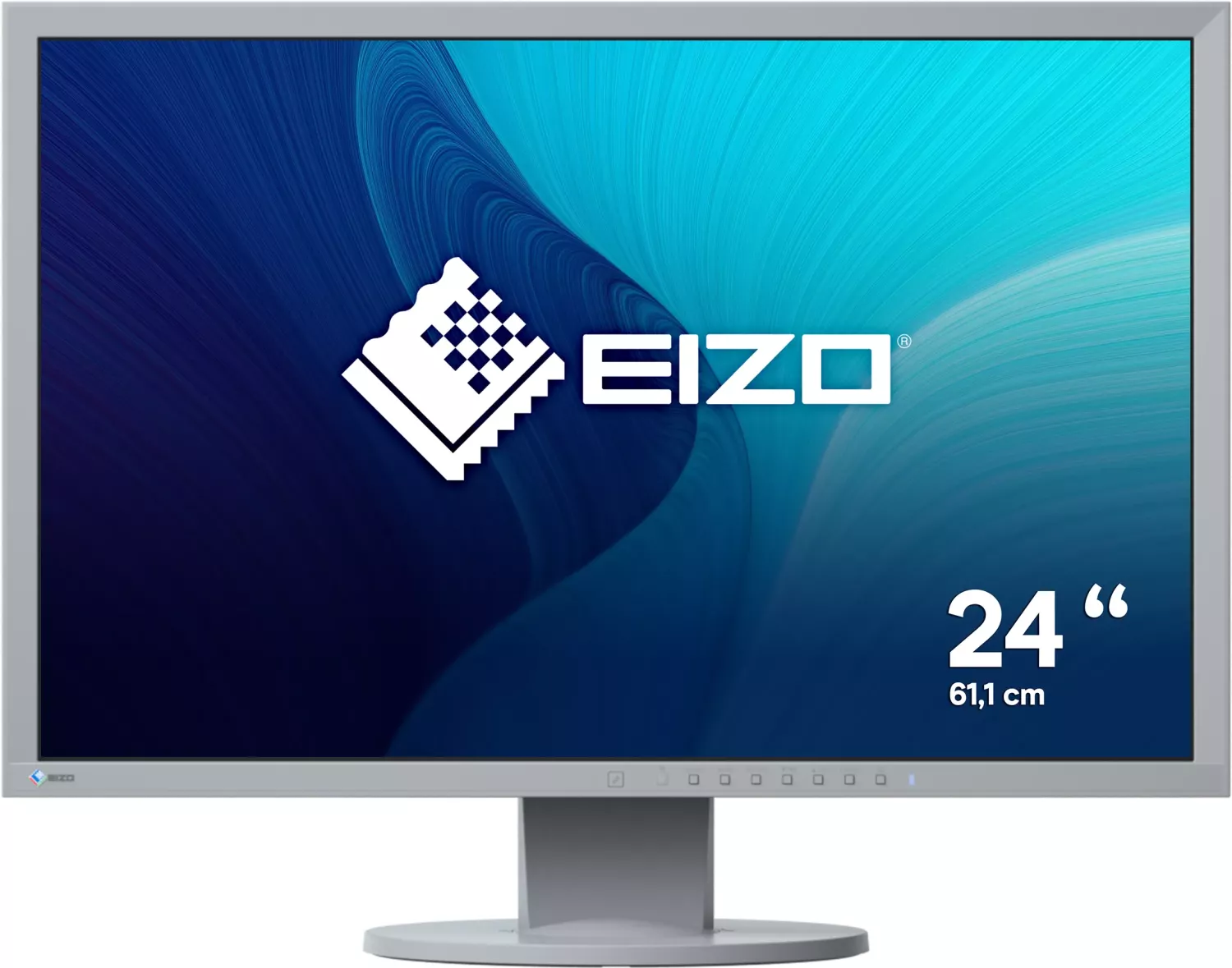
The Eizo FlexScan EV2430 is built for people who want a dependable monitor that feels calm, clear, and efficient in daily use. According to the Eizo FlexScan EV2430 Manual, this 24.1-inch color LCD display is designed for office tasks, document work, web browsing, and multimedia viewing, while still offering the kind of fine control that more demanding users appreciate. Its 1920 × 1200 resolution gives you a little more vertical space than standard widescreen panels, which is especially useful for long documents, spreadsheets, and split-window workflows.
One of the EV2430’s strongest qualities is flexibility. It supports DisplayPort, DVI-D, and D-Sub connections, making it easy to connect older systems and modern PCs alike. The monitor also includes a USB hub, built-in speakers, a headphone jack, and audio input, so it can serve as a compact desktop center rather than just a screen. For users who switch between devices, the input selection options and sound source controls make day-to-day use straightforward.
The monitor also stands out for comfort. EIZO’s EcoView tools automatically help manage brightness based on ambient light and input content, while the presence sensor can shift the display into power-saving mode when you step away. These features are not just about reducing electricity use; they also help create a smoother viewing experience over long work sessions. The panel’s anti-glare surface, brightness controls, gamma options, color modes, and orientation settings further support a tailored setup.
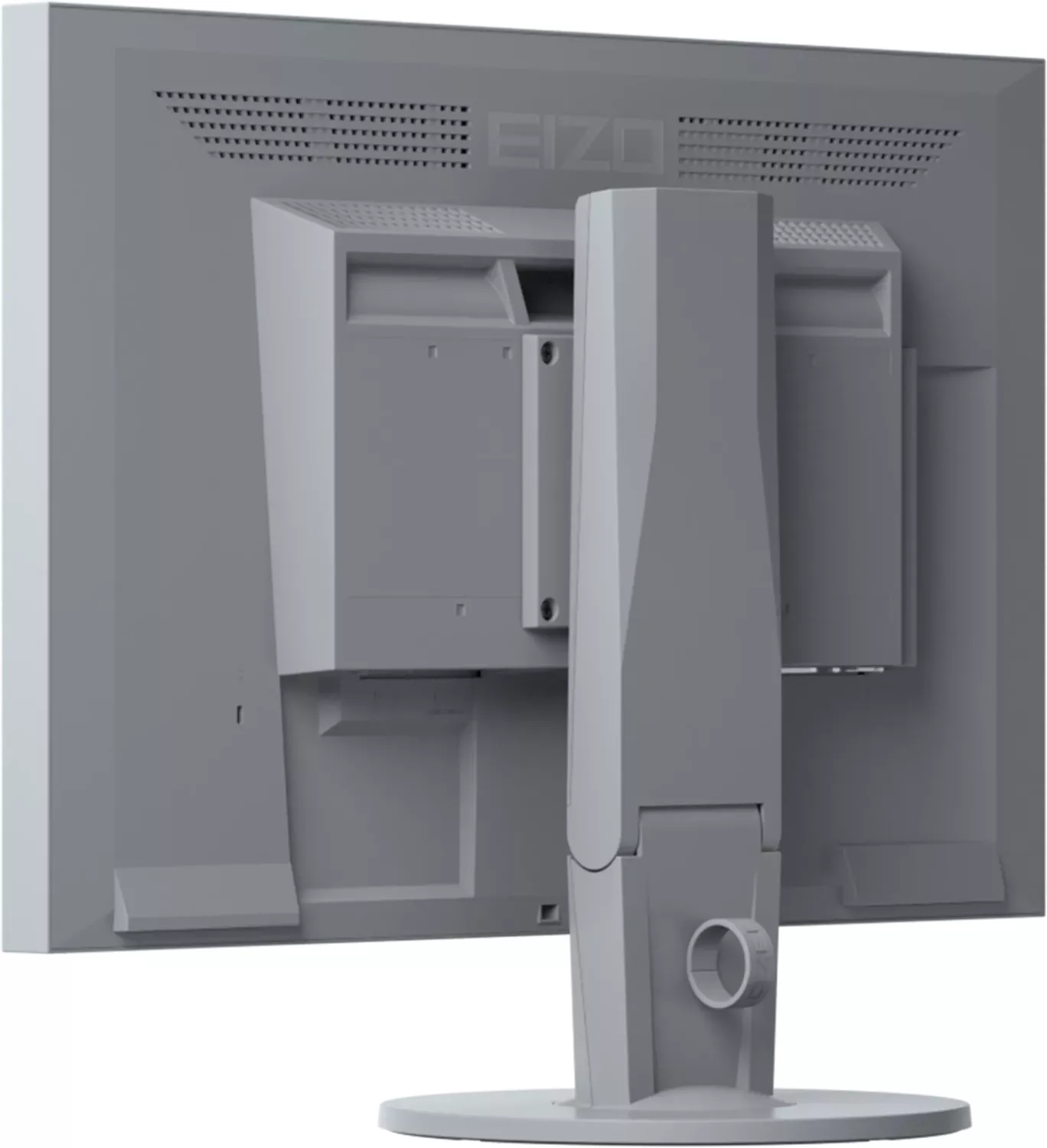
Ergonomics are another highlight. The stand supports height adjustment, tilt, swivel, and portrait mode, so the EV2430 can adapt to different desks and working styles. If you need a cleaner installation, the monitor can also be paired with an optional arm after the stand is removed. For users who care about organization, the included cable holder helps keep the workspace tidy.
Notes
- Best suited for general-purpose business and productivity use.
- Allow around 30 minutes after power-on for display stabilization before making detailed adjustments.
- Use periodic rest, moderate brightness, and screen-saving habits to reduce eye strain and prolong panel life.
- Avoid strong pressure on the LCD surface and use gentle cleaning methods only.
Overall, the Eizo FlexScan EV2430 combines practical resolution, flexible connectivity, and thoughtful power-saving features in a design that feels reliable and easy to live with. It is a solid choice for anyone looking for a professional monitor that balances comfort, control, and long-term everyday usability.
Search for 67,706 Manuals online


Type-in Brand or Model