
Eizo ColorEdge CS2410 Manual
PDF manual · 43 Pages
English



Quick check
Incorrect answer, please try again.
Chat with your Eizo ColorEdge CS2410 manual using AI
Get instant AI answers from your Eizo ColorEdge CS2410 manual
Ask anything about the Eizo ColorEdge CS2410. Answers come from this manual, with the pages they are based on.
ColorEdge CS2410 Maintenance Schedule
Wipe stains on the casing and LCD display surface with a soft cloth moistened with water. Do not use chemicals like alcohol.
Take a 10-minute break every hour to prevent eye fatigue while working at the monitor.
Free maintenance reminders
Timed to your purchase date. Always free, unsubscribe anytime.
Ask a Question
Do you recommend ColorEdge CS2410?
Yes NoFrequently Asked Questions
It is best suited for color-sensitive work such as photo editing, graphic design, and other visual tasks where accurate and consistent display performance matters.
Is this answer helpful?
Yes. It works with ColorNavigator 7, which helps calibrate the monitor and create color profiles for more precise color management.
Is this answer helpful?
The monitor includes DisplayPort, HDMI, and DVI-D inputs, plus a USB Type-B upstream port and USB Type-A downstream ports for hub functionality.
Is this answer helpful?
Yes. The stand supports portrait orientation, and the setting menu can also be rotated to match that layout. A compatible graphics board is needed.
Is this answer helpful?
The recommended resolution is 1920 × 1200. Using this setting helps ensure the sharpest and most accurate display performance.
Is this answer helpful?
No. The monitor does not include speakers, so audio playback requires external speakers or another sound output device.
Is this answer helpful?
Advantages and Disadvantages
Advantages

- 24.1-inch IPS panel with 1920 × 1200 resolution and wide viewing angles for clear, stable visuals.
- Strong color workflow support with ColorNavigator 7, CAL presets, and sRGB mode.
- Flexible connectivity with DisplayPort, HDMI, DVI-D, and a USB 3.1 hub.
- Highly adjustable stand supports height, tilt, swivel, and portrait use.
Disadvantages

- No built-in speakers, so audio must come from external devices.
- Best color calibration depends on using EIZO software and proper setup time.
- Some HDMI features require changing signal format settings before use.
- Displayed image can retain afterimages if static content stays on screen too long.
Product Specification
Function
Monitor (stationary)
Diagonal
24.1" (24.09 in)
Resolution
1920x1200 (WUXGA), 16:10, 94ppi
Panel
IPS
Backlight
LED, flicker-free
Brightness
300cd/m² (typical)
Contrast
1,000:1 (static)
Response time
14ms (GtG)
Refresh rate
60Hz (1920x1200)
Signal frequency
26-78kHz (H) / 26-63Hz (V)
Ports
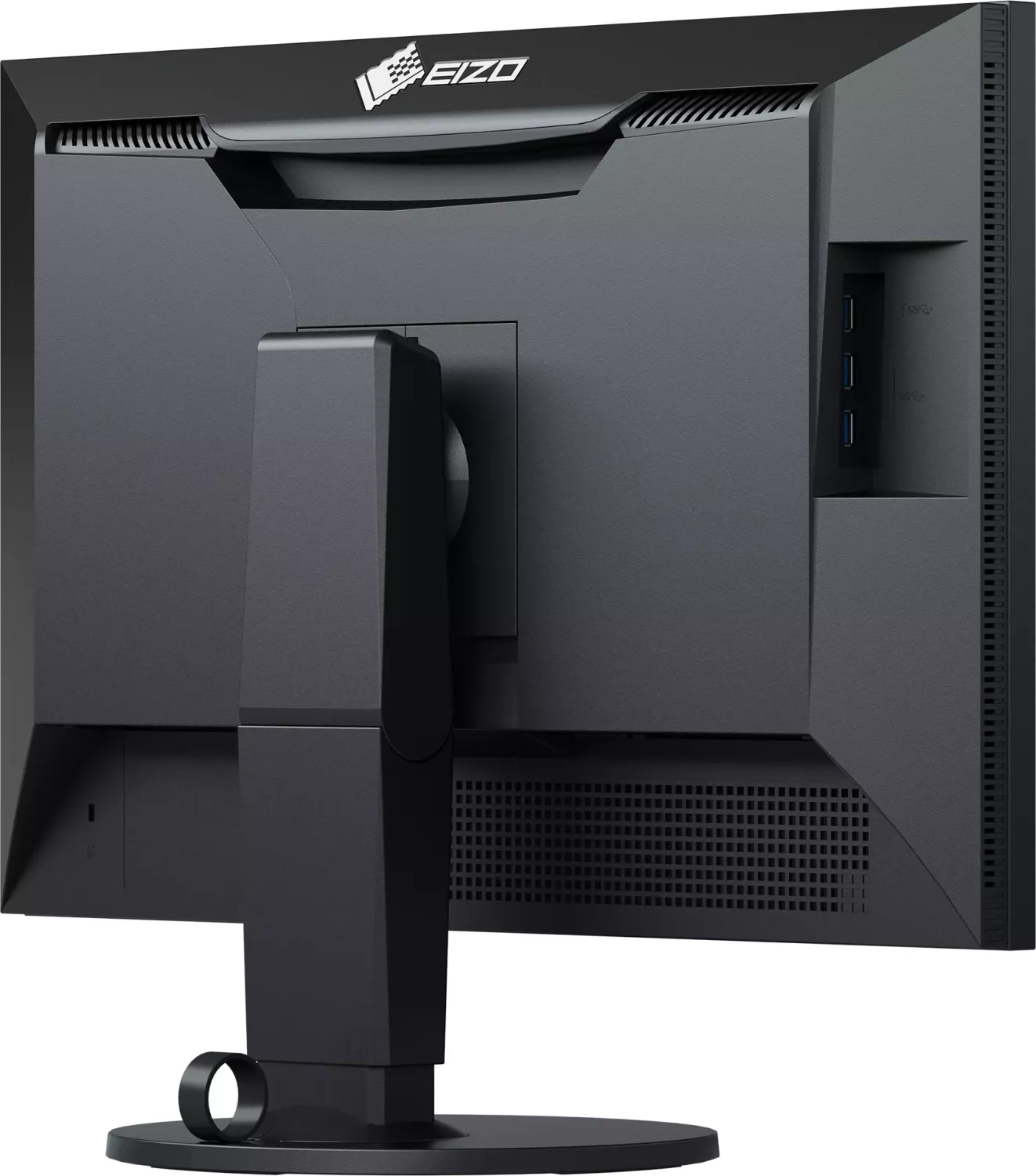
1x HDMI 1.4, 1x DisplayPort 1.1, 1x DVI, 1x USB-B 3.0 (Upstream, 5Gb/s), 3x USB-A 3.0 (Downstream, 5Gb/s), 1x AC-In C13 (Power connection)
Form
straight (flat)
Viewing angle
178°/178°
Coating
non-glare (matt)
Color depth
8bit (16.7 million colors)
FRC
unknown
sRGB
100%
Adobe RGB
80%
LUT (Lookup table)
16bit, Hardware calibration
Controls
mechanical buttons
Ergonomics
with stand, height adjustable (6.10 in), Pivot (+90°), rotatable (+172°), tiltable (+35°/-5°)
VESA
100x100 (occupied)
Power consumption
57W (maximum), 20W (typical), 0.6W (Standby), 20W (old energy label A+++ to G)
Energy efficiency SDR (A to G)
26kWh/1000h (G)
Old energy efficiency (A+++ to G)
29.2kWh (A)
Special features
Security lock (Kensington Security Slot)
Screen-to-Body-Ratio
83.96% (calculated)
Dimensions
21.81x15.59x9.65 in (WxHxD) with stand compressed, 21.81x14.25x2.52 in (WxHxD) without stand
Color
black (display frame) / black (bottom bezel) / black (stand) / black (rear)
Weight
17.42 lb (with stand), 11.25 lb (without stand)
Power supply
internal
Warranty
five years (on-site exchange service)
USB notation
Link
Product Description
Eizo ColorEdge CS2410, 24.1 Manual: A Practical Choice for Color-Driven Work
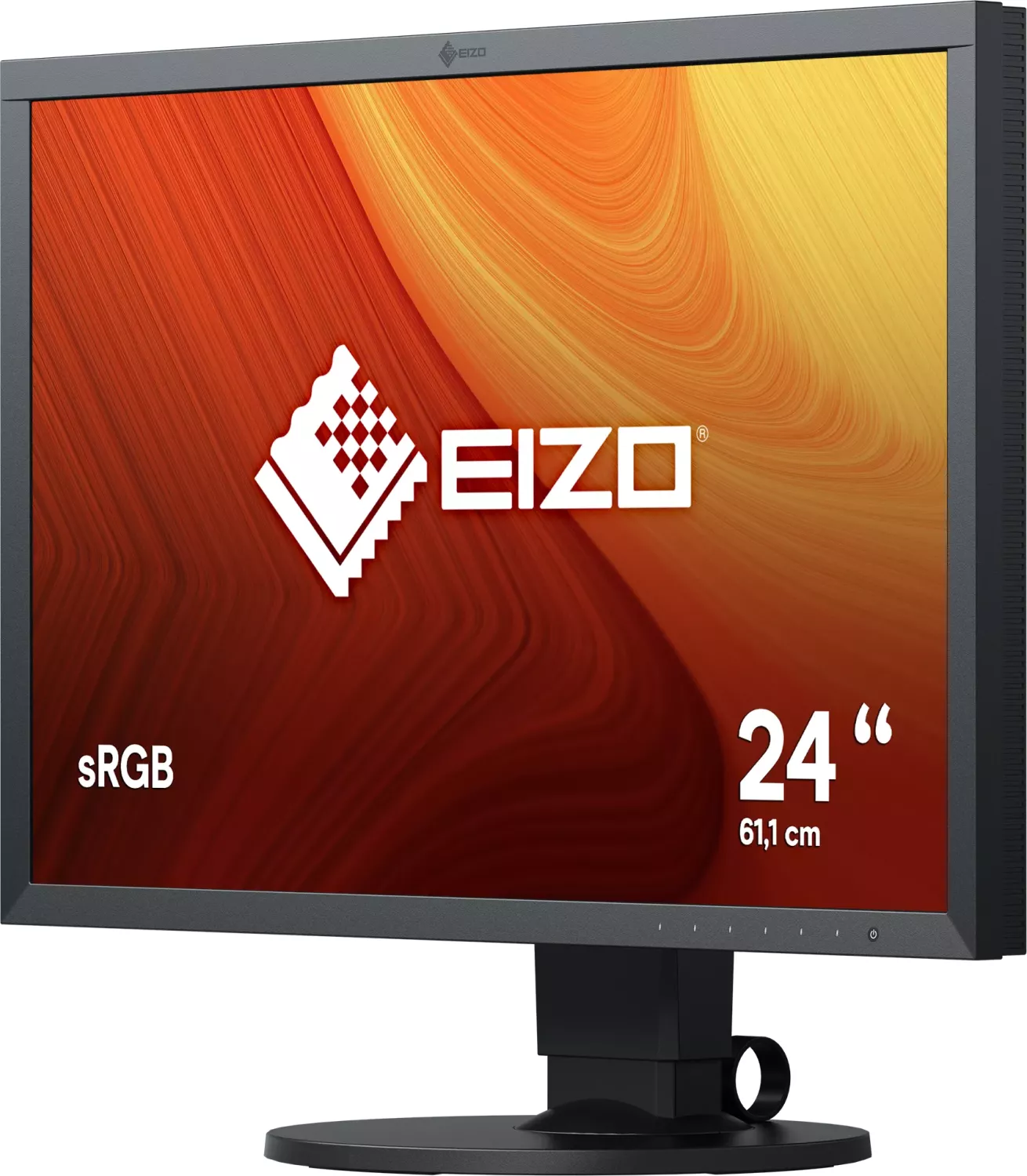
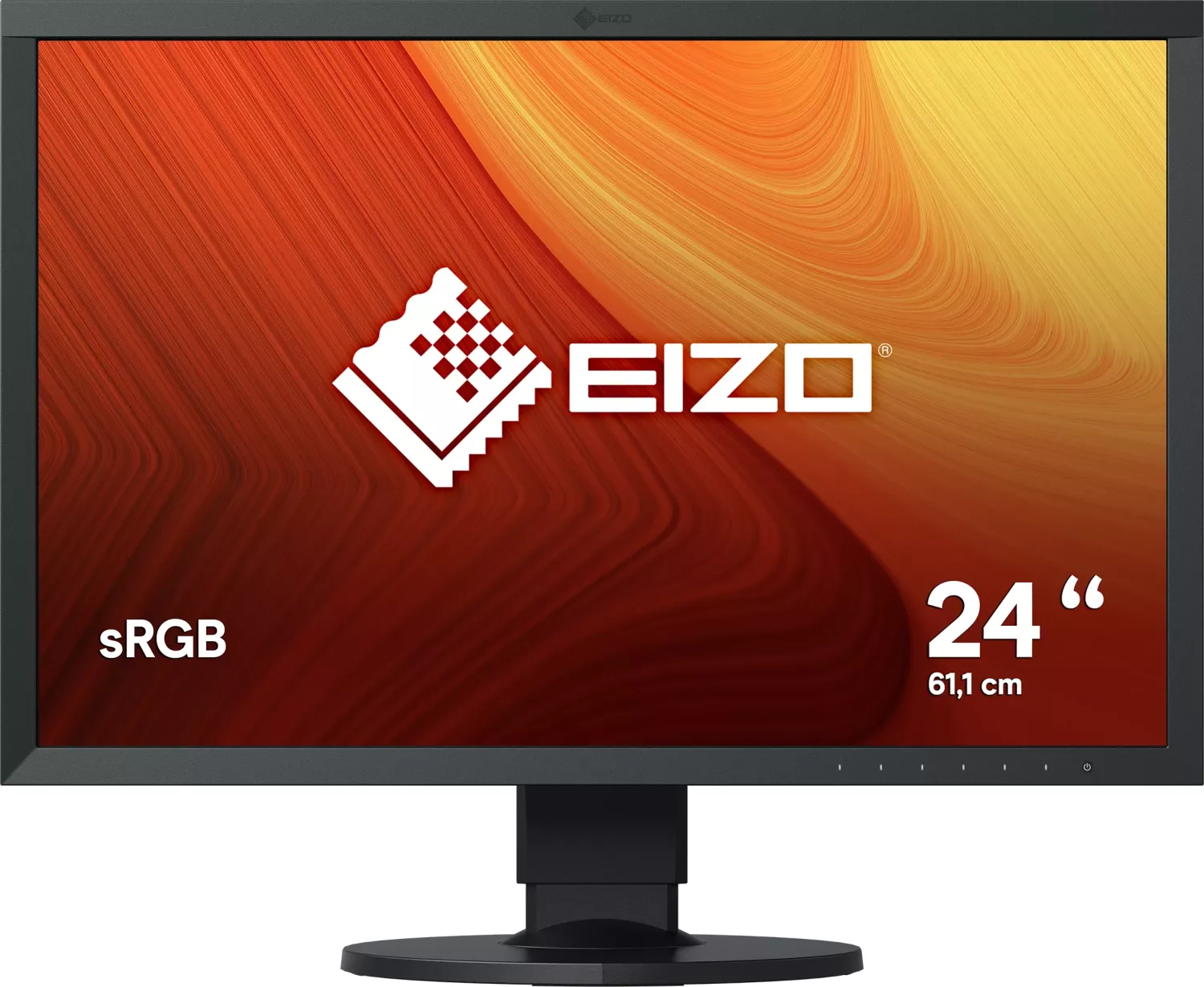
The Eizo ColorEdge CS2410, 24.1 Manual points to a monitor built with creative accuracy in mind. This 24.1-inch widescreen display is designed for people who care about reliable color, comfortable viewing, and flexible daily use. With a 1920 × 1200 resolution, IPS panel, and wide viewing angles, it fits naturally into workflows where detail and consistency matter.
What stands out most is the monitor’s focus on color management. It supports EIZO’s ColorNavigator 7 software, allowing users to calibrate the display and build color profiles with greater precision. That makes it especially appealing for photography, design, and other visual work where color matching is important. The available display modes, including sRGB and advanced CAL presets, give users room to adapt the screen to different tasks.
The CS2410 also offers practical hardware features. It includes DisplayPort, HDMI, and DVI-D inputs, plus a USB hub with USB 3.1 support for connecting peripherals. The stand is highly adjustable, with tilt, swivel, height, and portrait orientation support, so it can be positioned comfortably for long sessions. For mixed workspaces, that flexibility is a real advantage.
This monitor is also built with everyday usability in mind. The settings menu lets you control brightness, input formats, scaling behavior, noise reduction, power saving, and more. Helpful guidance covers display setup for Windows and macOS, along with troubleshooting tips for signal issues, image problems, and USB connections. It is clearly made for users who want dependable performance without guesswork.
Quick take
The CS2410 is a solid fit for creators who want a dependable 24.1-inch monitor with strong color tools and straightforward connectivity. It balances accuracy, comfort, and practical controls in a way that suits both office use and visual production.
Notes
- Wait for the display to warm up before making critical adjustments.
- Use recommended cables and supported accessories for best results.
- Lower brightness and periodic breaks can help preserve comfort and image quality.
Search for 67,706 Manuals online


Type-in Brand or Model