
Eizo ColorEdge CG319X Manual
PDF manual · 57 Pages
English



Quick check
Incorrect answer, please try again.
Chat with your Eizo ColorEdge CG319X manual using AI
Get instant AI answers from your Eizo ColorEdge CG319X manual
Ask anything about the Eizo ColorEdge CG319X. Answers come from this manual, with the pages they are based on.
ColorEdge CG319X Maintenance Schedule
Use the provided ScreenCleaner to remove stains. Do not use alcohol, thinner, benzine, wax, or abrasive cleaners.
Calibrate the monitor periodically as brightness and chromaticity change with usage to maintain accuracy.
The built-in calibration sensor automatically calibrates the monitor based on a set usage interval ranging from every 50 to 500 hours.
Free maintenance reminders
Timed to your purchase date. Always free, unsubscribe anytime.
Ask a Question
Do you recommend ColorEdge CG319X?
Yes NoFrequently Asked Questions
The CG319X uses a 31.1-inch IPS panel with native DCI 4K resolution (4096 × 2160), delivering high pixel density and wide 178° viewing angles for accurate video work.
Is this answer helpful?
The monitor includes a built-in calibration sensor that can run scheduled or manual calibrations. It works standalone or with EIZO ColorNavigator 6 and ColorNavigator NX, which set calibration targets and schedules and preserve professional color profiles.
Is this answer helpful?
Yes. It supports HDR PQ and HLG formats and complies with standards such as ITU-R BT.2100 and SMPTE ST2084, allowing accurate previewing of HDR streaming, film, and broadcast content.
Is this answer helpful?
The monitor offers dual DisplayPort 1.2 inputs and dual HDMI inputs (HDCP/Deep Color compatible), plus a USB 3.0 upstream port and three downstream ports that support quick charging for connected devices.
Is this answer helpful?
Yes. The CG319X provides safe area markers, aspect markers, REC709 gamut warning (clip or overlay), and luminance warning overlays to visualize clipping for PQ/HLG targets—useful for subtitle/safe-area checks and HDR clipping validation.
Is this answer helpful?
Use screen saver or power save to avoid static images, reduce brightness for long sessions, periodically power the monitor off, and follow recommended cleaning and ambient-light practices to maintain display quality and backlight longevity.
Is this answer helpful?
Check date/time and schedule settings, ensure the selected color mode is enabled for SelfCalibration, remove any obstructions near the sensor, power-cycle the monitor, and consult error codes in the Color menu; contact EIZO support if problems persist.
Is this answer helpful?
Advantages and Disadvantages
Advantages

- True DCI 4K (4096×2160) IPS panel with wide 178° viewing angles for high-resolution video work.
- Built-in SelfCalibration sensor compatible with ColorNavigator 6/NX for automated, repeatable calibration.
- Comprehensive HDR support (PQ and HLG) and compliance with ITU-R BT.2100 and SMPTE ST2084.
- Extensive color modes and advanced controls (per-channel gain/black, six-color adjustments, gamut clipping).
- Studio-friendly features: markers, gamut/luminance warnings, user custom keys, and USB 3.0 hub with quick charge.
Disadvantages

- Large professional monitor with higher cost and heavier footprint than consumer displays.
- Backlight has a finite lifetime and may require service or replacement over long-term heavy use.
- Some advanced features require ColorNavigator software and USB connection to a host PC.
- Certain functions and settings are region/firmware dependent; specifications may change without notice.
- HDR setup and calibration workflows demand time and expertise to achieve consistent studio results.
Product Specification
Function
Monitor (stationary)
Diagonal
31.1" (31.10in)
Resolution
4096x2160 (4K DCI), 256:135, 149ppi
Panel
IPS
Backlight
LED
Brightness
350cd/m² (typical)
Contrast
1,500:1 (static)
Response time
9ms (GtG)
Refresh rate
60Hz (4096x2160)
Signal frequency
25-137kHz (H) / 23-61Hz (V)
Connections
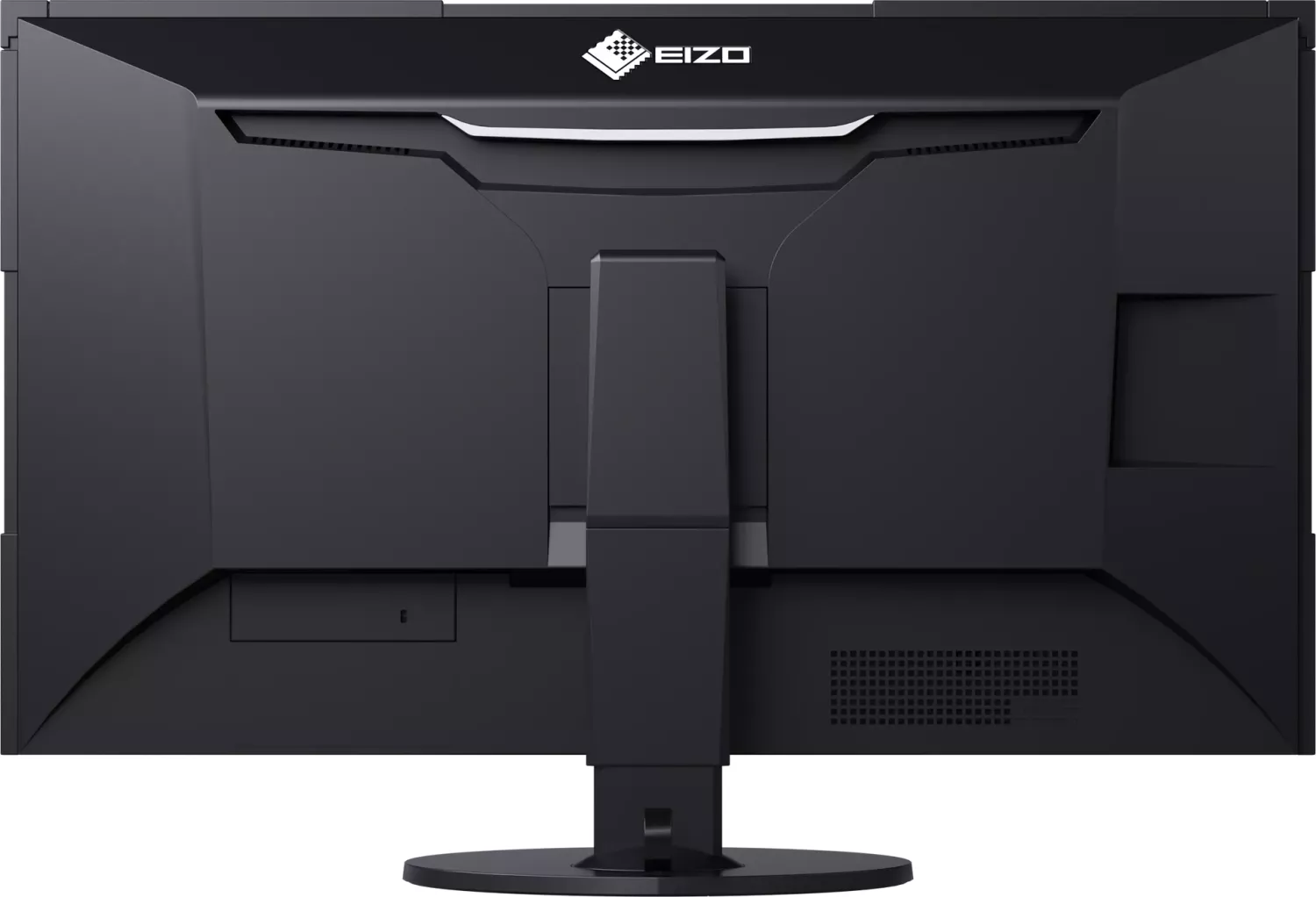
2x HDMI 1.4, 2x DisplayPort 1.2, 1x USB-B 3.0 (Upstream, 5Gb/s), 3x USB-A 3.0 (Downstream, 5Gb/s), 1x AC-In C13 (Power connection)
Shape
straight (flat)
Viewing angle
178°/178°
Coating
non-glare (matte)
Color depth
10bit (1.07 billion colors)
FRC
N/A (10bit native)
sRGB
100%
Adobe RGB
99%
DCI-P3
98%
REC 709
100%
LUT (Lookup Table)
24bit, Hardware calibration (Eizo SelfCalibration)
Ergonomics
with stand, height adjustable (5.91in), Pivot N/A, rotatable (+172°), tiltable (+30°/-0°)
VESA
100x100 (occupied)
Power consumption
140W (maximum), 55W (typical), 1.2W (Standby), 55W (Energy label old A+++ to G)
Energy efficiency SDR (A to G)
55kWh/1000h (G)
Energy efficiency old (A+++ to G)
80.3kWh (C)
Special features
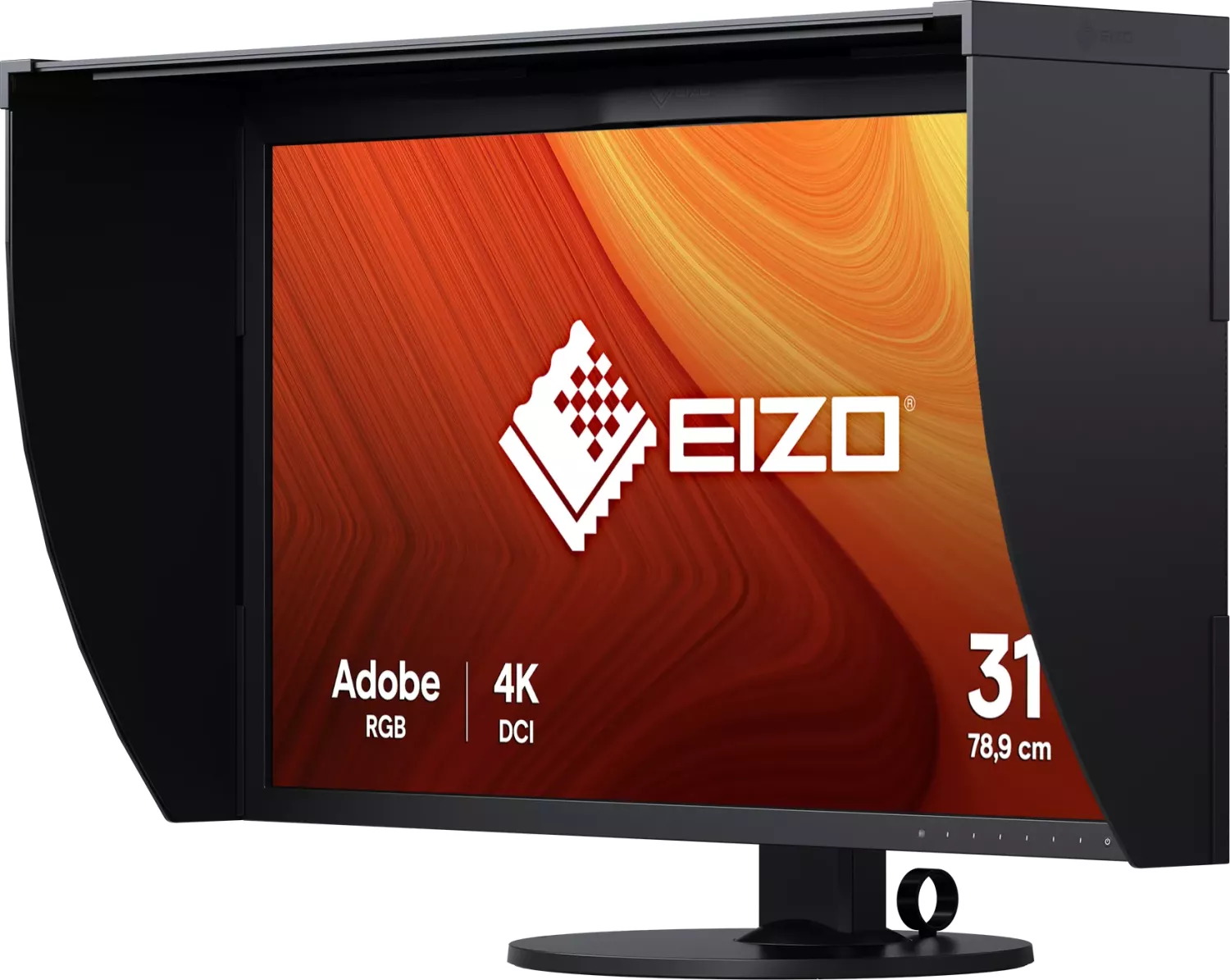
Glare shield
Screen-to-Body-Ratio
80.70% (calculated)
Dimensions
28.94x23.15x11.42in (WxHxD) with stand compressed, 28.94x17.09x2.80in (WxHxD) without stand
Color
black (display bezel) / black (lower bezel) / black (stand) / black (back)
Weight
27.34lb (with stand), 18.30lb (without stand)
Power supply
internal
Warranty
Five years (On-site replacement service)
USB notation
Link
Product Description
Eizo ColorEdge CG319X, 31.1" Manual
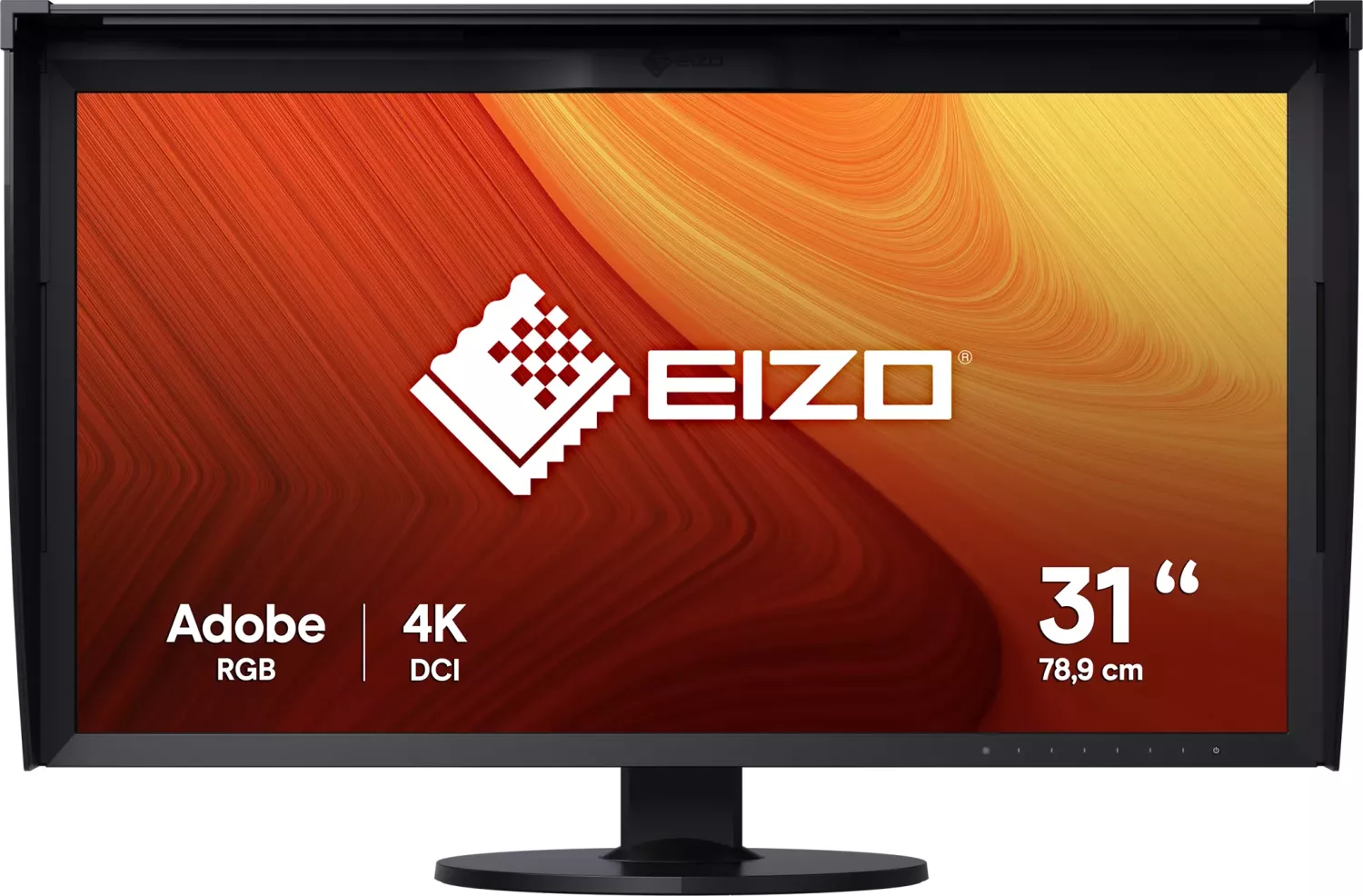
The Eizo ColorEdge CG319X is a 31.1-inch professional-grade color management monitor built for demanding video and color-critical workflows. With native DCI 4K resolution (4096 × 2160) and a wide color gamut covering 98% of DCI-P3 and extensive support for industry color standards, it delivers accurate, high-resolution imagery ideal for post-production, grading, VFX, and HDR content creation. The IPS panel provides wide 178° viewing angles and nearly flawless dot performance (99.9994% effective pixels), while a high-quality LED backlight and a robust contrast ratio ensure deep blacks and consistent luminance across the screen.
Key capabilities and workflow features
The CG319X supports both PQ and Hybrid Log-Gamma (HLG) HDR formats and complies with ITU-R BT.2100 and SMPTE ST2084 standards, enabling creators to preview HDR streaming and broadcast material faithfully. Multiple color modes (REC2020, REC709, DCI, Adobe RGB, sRGB, and user CAL modes) let you switch quickly between target color spaces. For consistent long-term accuracy, the monitor includes a built-in SelfCalibration sensor that can automatically calibrate on a schedule or on demand, or be managed through EIZO ColorNavigator 6 or ColorNavigator NX software. The monitor’s CAL1 and CAL2 targets can be set for different production pipelines, preserving precise white point, gamma, and luminance targets.
Practical ergonomics and connectivity round out the package. The monitor features front operation switches, user-assignable custom keys for functions like zoom, gamut warnings, and markers, an ambient light sensor, and a large set of input ports (dual DisplayPort 1.2 and dual HDMI with deep color/HDCP support). USB 3.0 hub ports include quick-charge capability. Administrator settings allow locking controls, tuning display uniformity (DUE), enabling dual-input display modes, and fine-tuning input handling for varied studio setups.
Calibration, image inspection, and on-set reference tools are built in: safe area and aspect markers, REC709 gamut clipping or overlay warnings, luminance warning overlays for PQ/HLG clipping checks, and a zoom function for inspecting 4K details. The monitor also provides tools for picture expansion, input color format selection, and advanced color adjustments such as per-channel gain/black level and six-color hue/saturation/lightness controls.
In short, the ColorEdge CG319X is a purpose-built 4K HDR reference monitor with integrated calibration, broad standards compliance, studio-friendly markers and warnings, versatile inputs, and administrator controls—making it a strong choice for professional video production and color-managed environments.
Notes
- Built-in SelfCalibration works with ColorNavigator 6 / NX and can run on schedules or manually; set clock and schedule for automated operation.
- Avoid pressing or scratching the LCD surface; use the supplied ScreenCleaner and avoid harsh chemicals.
- Use power-saving and screen-saver functions to prevent burn-in and afterimages; allow a 3-minute warm-up for stable display before critical adjustments.
Search for 67,706 Manuals online


Type-in Brand or Model