
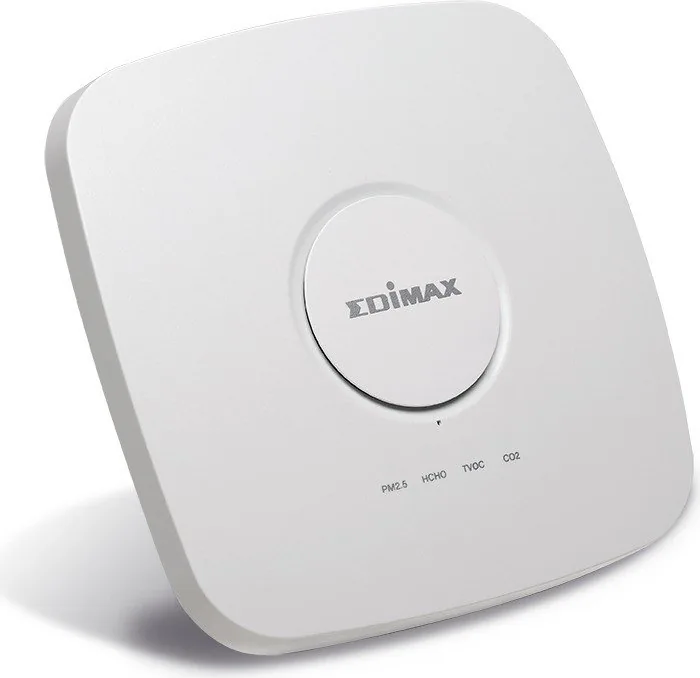
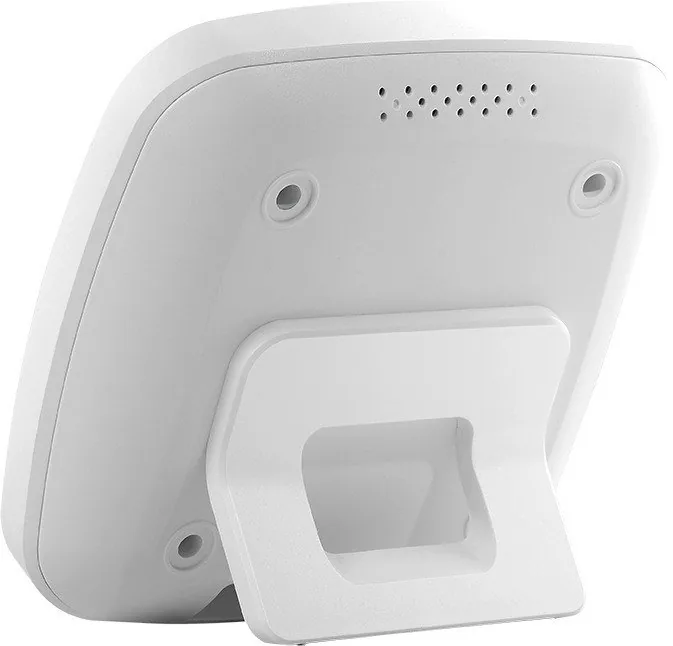
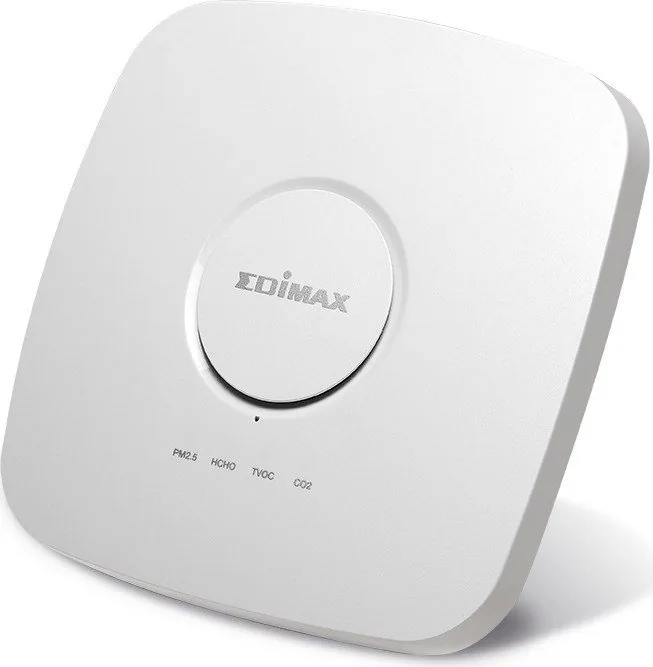
Edimax EdiGreen Home AI-2002W Manual
PDF manual · 42 Pages
English



Quick check
Incorrect answer, please try again.
Chat with your Edimax EdiGreen Home AI-2002W manual using AI
Get instant AI answers from your Edimax EdiGreen Home AI-2002W manual
Ask anything about the Edimax EdiGreen Home AI-2002W. Answers come from this manual, with the pages they are based on.
EdiGreen Home AI-2002W Maintenance Schedule
Use an air pump cleaner or compressed air to blow dust from sensor openings. Do not exert extremes of force or temperature.
Ensure the air inlet is kept clear and recheck it regularly to maintain proper air intake and cross ventilation.
Free maintenance reminders
Timed to your purchase date. Always free, unsubscribe anytime.
Ask a Question
Do you recommend EdiGreen Home AI-2002W?
Yes NoDo you recommend EdiGreen Home AI-2002W?
Yes NoFrequently Asked Questions
You must download the EdiGreen Home app and connect your phone to the device setup network AirBox.Setup.** first. Then follow the in-app instructions to select your home Wi-Fi network and enter the password.
Is this answer helpful?
The unit detects PM2.5, PM10, Carbon Dioxide, Formaldehyde, and Volatile Organic Compounds to provide a comprehensive view of indoor air health and potential hazards.
Is this answer helpful?
It is recommended to clean the sensor openings every three to six months using an air pump or compressed air to remove dust and maintain accuracy.
Is this answer helpful?
While local indicators work, full data logging and remote monitoring require a continuous internet connection for the app to sync with the cloud server effectively.
Is this answer helpful?
CO2 and TVOC sensors typically require up to seventy-two hours to self-calibrate completely after the initial installation is completed to ensure data reliability.
Is this answer helpful?
Press and hold the center button for at least ten seconds within three minutes of reconnecting power until the LED flashes red to reset settings.
Is this answer helpful?
Yes, the app supports both iOS and Android operating systems, allowing integration with most modern mobile smartphones available in the market today.
Is this answer helpful?
Advantages and Disadvantages
Advantages

- Real-time monitoring of multiple pollutants including PM2.5 and CO2 for comprehensive health tracking.
- Seamless connectivity with EdiGreen Home app on iOS and Android for remote management.
- Color-coded LED indicators provide instant air quality status without needing a screen.
- Support for shared access via QR code allows easy setup for other family devices.
- Simple cleaning process using standard air pump tools maintains sensor accuracy over time.
Disadvantages

- Sensors require up to 72 hours to self-calibrate after initial setup for precision.
- Requires stable Wi-Fi connection for full remote features and cloud data logging.
- Must be placed away from direct sunlight or heat sources to ensure accurate readings.
- Sensor openings need regular cleaning every three to six months for optimal function.
- Only includes power adapter and stand; no Wi-Fi router included with the purchase.
Product Specification
Type
Sensor
Standard
WLAN (802.11b/g/n)
Function
Temperature, Humidity, Air Quality
Topology
Star
Dimensions
5.31x5.31x1.38in
Features
App-controlled
Product Description
Discovering Pure Air with Edimax EdiGreen Home Multisensor
Maintaining a healthy environment inside our homes is more critical than ever in today's modern world. The Edimax EdiGreen Home Multisensor provides a robust and intelligent solution for monitoring indoor air quality consistently and accurately. This innovative device connects seamlessly to your home smart network, allowing you to track essential pollutants from your mobile device no matter where you are. Whether you are traveling at work or simply relaxing in the living room, real-time data keeps you informed about the very air you breathe throughout the day.
The advanced system utilizes high-precision sensors to detect PM2.5, PM10, CO2, HCHO, and TVOC levels effectively. Visual feedback is immediate through color-coded LED indicators located on the main unit that display current air quality status clearly. Green signifies good quality, while red indicates hazardous conditions requiring immediate attention or ventilation measures. This visual cue simplifies understanding for all family members without needing to check a separate application constantly every time you walk through the door.
Setup is incredibly straightforward using the EdiGreen Home mobile application available for both iOS and Android platforms. Users can pair the unit quickly via Wi-Fi after plugging it into a standard power source. Once connected successfully, the individual sensors self-calibrate over seventy-two hours to ensure maximum accuracy for specific gases like CO2 and TVOC concentration measurements. You can view detailed historical data charts that show environmental trends over one hour, one day, one week, or one month periods conveniently.
Placement matters significantly for accurate and reliable readings within your space. Ensure the device is in a location with good air circulation, strictly away from direct sunlight or heat sources during operation. Cleaning is simple using an air pump tool or canned compressed air to remove dust from sensor openings safely. Regular maintenance every three to six months ensures longevity and continued reliability of the sensitive measurement components inside.
Manage multiple units easily through the intuitive app settings menu. You can add new detectors or remove old ones without reconfiguring your entire home network connection. Sharing device settings via a QR code allows other family members to access your monitoring data quickly and efficiently on their own screens. This flexibility makes it perfect for larger homes or offices requiring zone-specific monitoring for complete environmental safety. Prioritize your health by investing in smart technology that ensures your environment remains safe for everyone living there. The device complies with FCC standards and supports EU radio equipment directives for widespread compatibility. It requires a stable internet signal to operate the cloud features fully while functioning locally for basic status checks. Enjoy peace of mind knowing you have control over your personal air quality ecosystem.
Safety is a priority with this unit as it must be kept out of corrosive environments or areas with extreme humidity to prevent lifetime reduction. Avoid injecting gas or smoke directly into the unit to protect the internal sensor components from damage during normal usage scenarios.
Search for 67,732 Manuals online


Type-in Brand or Model