
Edimax AX3000 2.4GHz/5GHz WLAN Bluetooth 5.0 LE PCIe x1 Manual
PDF manual · 17 Pages
English



Quick check
Incorrect answer, please try again.
Chat with your Edimax AX3000 2.4GHz/5GHz WLAN Bluetooth 5.0 LE PCIe x1 manual using AI
Get instant AI answers from your Edimax AX3000 2.4GHz/5GHz WLAN Bluetooth 5.0 LE PCIe x1 manual
Ask anything about the Edimax AX3000 2.4GHz/5GHz WLAN Bluetooth 5.0 LE PCIe x1. Answers come from this manual, with the pages they are based on.
Ask a Question
Do you recommend AX3000 2.4GHz/5GHz WLAN Bluetooth 5.0 LE PCIe x1?
Yes NoDo you recommend AX3000 2.4GHz/5GHz WLAN Bluetooth 5.0 LE PCIe x1?
Yes No
LiberoQuo26
5 months ago
Is the build quality durable enough for daily use given the mixed feedback on looks?
Frequently Asked Questions
This network adapter is compatible with Windows 10 and various Linux distributions. Drivers are available for download from the official Edimax website.
Is this answer helpful?
To activate Bluetooth, you must connect the included USB Bluetooth header cable from the adapter to a matching header on your motherboard after physical installation.
Is this answer helpful?
Yes, the MU-MIMO technology and dual-band support provide stable connections and low latency ideal for gaming and HD streaming applications.
Is this answer helpful?
While the 2.4GHz band can be used outdoors, the 5150-5350 MHz frequency range is strictly restricted to indoor use according to regulatory standards.
Is this answer helpful?
You should operate the device with a minimum distance of 20cm between the radiator and your body to comply with FCC and EU radiation exposure limits.
Is this answer helpful?
Advantages and Disadvantages
Advantages

- Supports high-speed dual-band Wi-Fi with MU-MIMO technology for superior throughput
- Integrated Bluetooth 5.0 LE allows easy connection of wireless accessories
- Includes external detachable antennas for enhanced signal range and stability
Disadvantages

- Requires a free PCI-E x1 expansion slot on the motherboard
- Bluetooth functionality requires connecting a specific USB header cable internally
- 5GHz channels 5150-5350 are restricted to indoor use only
Product Specification
Type
WLAN adapter, WPAN adapter
Form factor
1x PCIe card
Connection
1x PCIe 1.0 x1
Interface
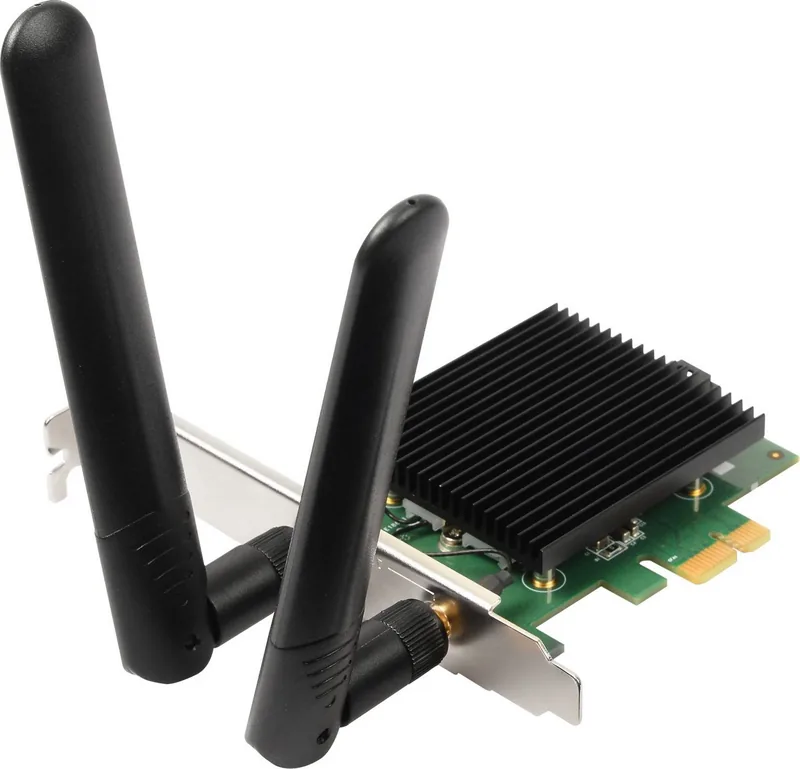
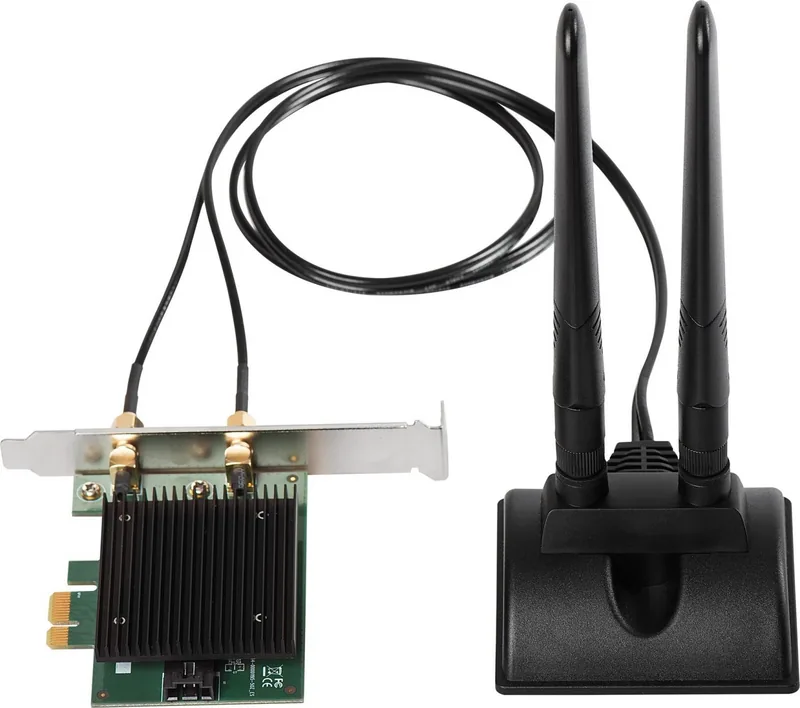
1x WLAN 802.11a/b/g/n/ac/ax (1x 2.4GHz/1x 5GHz simultaneous, including 802.11h/d/e/i/k/r/v/w), 1x signal booster (2x RP-SMA antenna connector), 2x antenna (RP-SMA, individually adjustable, with magnetic antenna holder)
Transmission
1x 2.4GHz WLAN (574Mb/s, 2x2, 40MHz, 1024-QAM), 1x 5GHz WLAN (2.402Gb/s, 2x2, 160MHz, 1024-QAM), 1x Bluetooth 5.0 (LE)
Power supply
Power supply only via connection
Dimensions
3.74x4.76x0.87in (WxDxH)
Weight
3.06oz
Compatibility
universal
Features
TPC/DFS, MU-MIMO
Product Description
Upgrade Your PC Connectivity with the Edimax AX3000
The Edimax EW-7833AXP is a powerful PCIe network adapter designed to bring next-generation wireless speeds and stability to your desktop computer. Leveraging advanced MU-MIMO technology, this device supports dual-band Wi-Fi across both 2.4GHz and 5GHz frequencies, ensuring you get the best possible performance for gaming, HD streaming, and heavy data transfers. Whether you are working from home or setting up a high-performance gaming rig, this card delivers the bandwidth required for modern applications without lag.
One of the standout features of the Edimax AX3000 is its integrated Bluetooth 5.0 Low Energy support. This allows you to seamlessly connect wireless peripherals like mice, keyboards, and headsets directly through your motherboard. The package includes an external detachable antenna system that significantly improves signal coverage and connection stability compared to internal-only solutions. Installation is straightforward; simply insert the card into a free PCI-E x1 slot and connect the included USB header cable to activate the Bluetooth functionality.
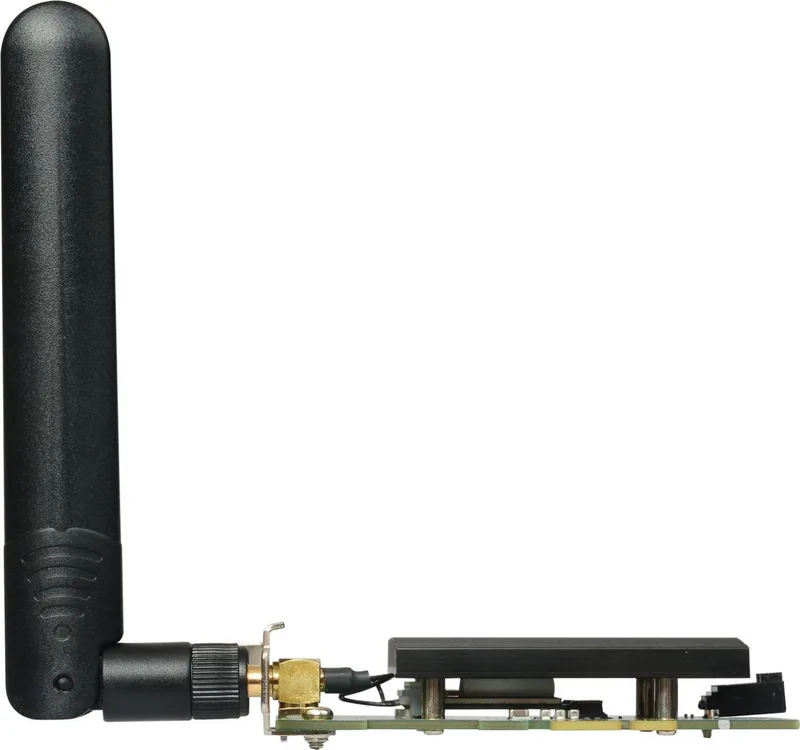
Designed for versatility, the adapter works with Windows 10 and Linux systems. Drivers can be easily downloaded from the official Edimax website using the model number. The hardware overview highlights key components such as the Wi-Fi antenna ports, mounting bracket, and the specific connector layout for easy assembly. Safety compliance ensures the device meets FCC, ISED, and EU RED standards, making it suitable for use in homes and offices across multiple regions. Always maintain a 20cm distance from your body during operation to comply with radiation exposure guidelines.
Important Notes
- Ensure your PC is powered off before installing the hardware.
- Use the provided USB Bluetooth header cable to enable Bluetooth features.
- Keep the device at least 20cm away from your body to meet safety regulations.
- The 5150-5350 MHz band is restricted to indoor use only.
Search for 67,732 Manuals online


Type-in Brand or Model
et_dolore
4 months ago
Does the product work as expected, and are there any concerns about its appearance?
Manual.ly
4 months ago
The product functions according to specifications. However, some users have noted that the design or finish may not meet all expectations, which has led to a slightly lower rating for aesthetics in certain reviews.