
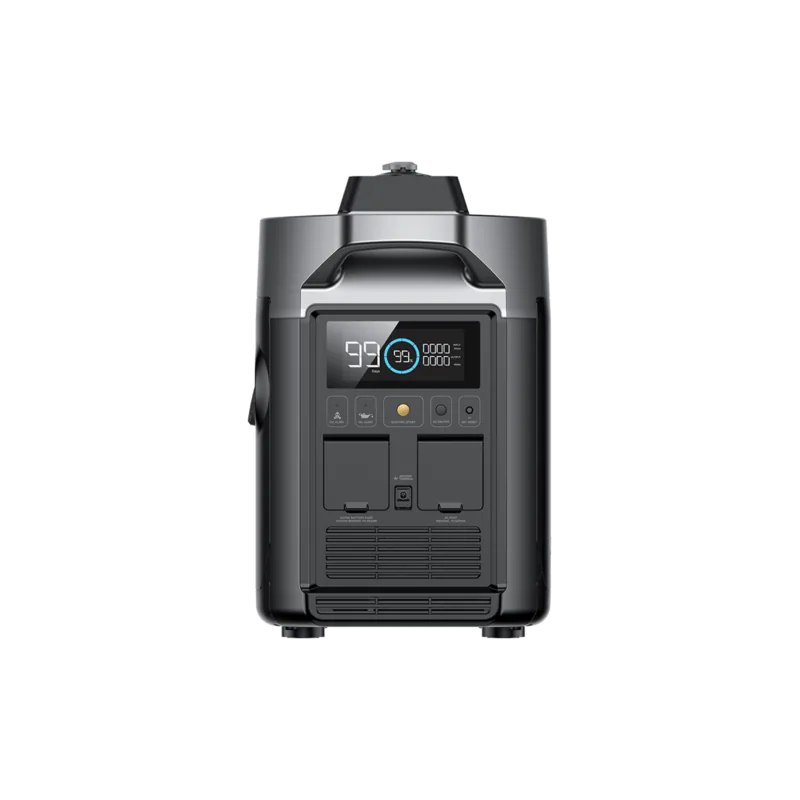
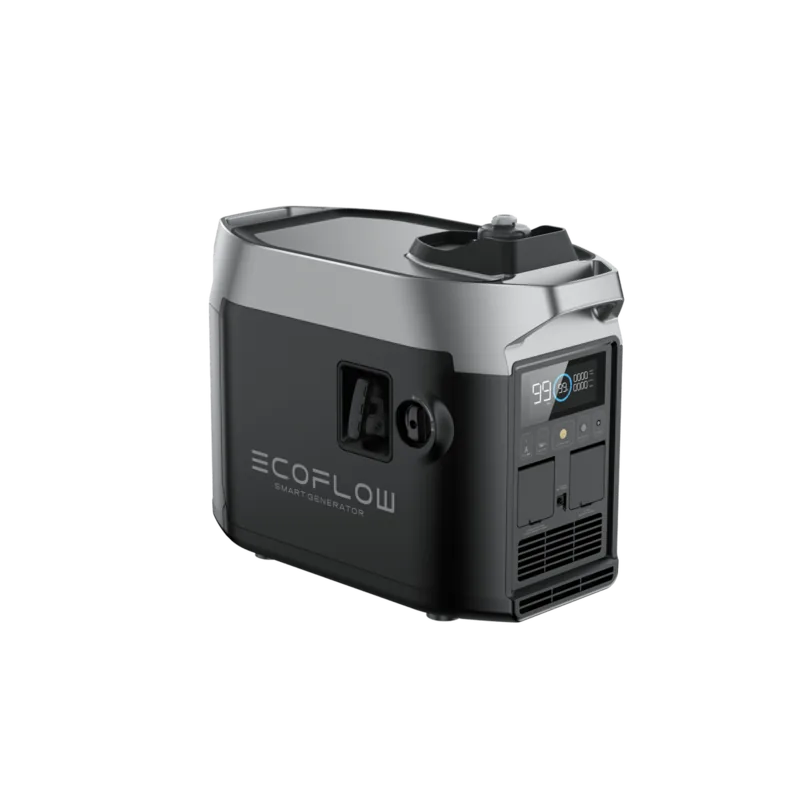
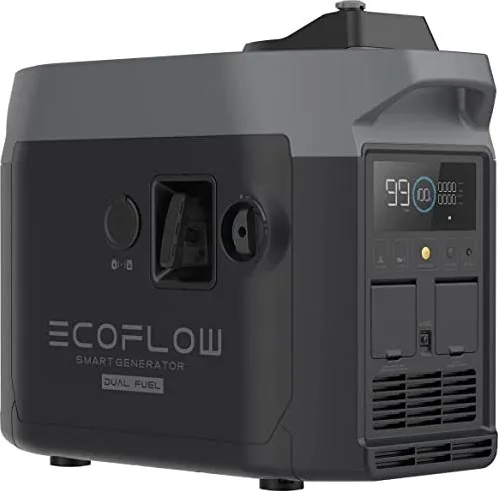
EcoFlow Smart Generator EFG100 Manual
PDF manual · 78 Pages
English


Quick check
Incorrect answer, please try again.
Chat with your EcoFlow Smart Generator EFG100 manual using AI
Get instant AI answers from your EcoFlow Smart Generator EFG100 manual
Ask anything about the EcoFlow Smart Generator EFG100. Answers come from this manual, with the pages they are based on.
Smart Generator EFG100 Maintenance Schedule
The internal rechargeable battery should be charged and discharged once every 3 months to maintain health.
Check the fuel tank and fuel filter every two years. Clean them and replace components if necessary.
Before each use, check the fuel level and add if low. Check the engine oil level using the dipstick and top up if necessary.
Replace the engine oil within the first month of operation or after 20 hours of running time, whichever comes first.
After the initial break-in, replace the engine oil once every three months or every 50 hours of operation, whichever comes first.
Subsequently, replace the engine oil once every year or every 100 hours of operation, whichever comes first.
If the generator works at high temperature under high loads, the engine oil should be replaced every 25 hours.
If working in dusty or harsh environments, clean the air filter element every 10 hours.
In dusty or harsh environments, replace the air filter element every 25 hours if necessary.
Every 300 hours, remove any carbon deposits from the muffler block and spark plug arrestor using a steel wire brush.
Regularly check the spark plug for wear and carbon deposits. Adjust the gap to 0.6-0.8 mm or replace if damaged.
Remove the fuel cap and filter screen, clean it with fuel, wipe it, and reinstall it back into the tank.
Free maintenance reminders
Timed to your purchase date. Always free, unsubscribe anytime.
Ask a Question
Do you recommend Smart Generator EFG100?
Yes No
Maria K
6 months ago
Is it possible to connect the generator to the mobile app while simultaneously connecting it to the Delta Max?
Frequently Asked Questions
No, you should never connect the generator directly to a building's electrical system unless a licensed electrician has installed a proper isolation switch. Doing so without one creates a backfeed hazard that can electrocute utility workers and damage property.
Is this answer helpful?
If the rechargeable battery is disconnected or dead, you can use the manual starter grip. Pull the cord firmly until the line tightens and push it to engage the engine. Ensure the engine switch is turned ON before attempting this.
Is this answer helpful?
You must use unleaded gasoline. Do not use leaded fuel as it will severely damage the internal parts of the generator. Also, ensure the fuel cap breather valve is turned ON before refueling.
Is this answer helpful?
Yes, the generator has several auto-shutdown features. It will stop automatically if the carbon monoxide level exceeds safe limits, if the oil level is too low, or if the connected DELTA battery reaches its full charge limit in ECO mode.
Is this answer helpful?
Under normal conditions, check the oil before every use. If working at high temperatures under high loads, replace the oil every 25 hours. For standard use, follow the maintenance schedule which suggests checking every time and replacing based on operating hours.
Is this answer helpful?
Advantages and Disadvantages
Advantages

- Automatically charges EcoFlow DELTA Max and Pro battery packs
- Built-in carbon monoxide sensor for enhanced safety
- Remote control via EcoFlow mobile application
- Fuel-efficient ECO mode adjusts engine speed dynamically
- Multiple starting options including electric and manual
Disadvantages

- Requires regular maintenance of spark plugs and filters
- Cannot be used indoors due to carbon monoxide risk
- Noise level may be noticeable in very quiet environments
- Initial setup requires adding engine oil manually
- Performance may decrease at high altitudes without modification
Product Specification
Type
Gasoline generator
Engine power
4.86 cu in, 4-stroke
Continuous power
1.8kW (230V)
Fuel tank capacity
1.06 gal
Display
yes
Features
Carrying handle, App control
Noise level
67dB(A)
Dimensions
11.65x18.7x23.5 in (WxDxH)
Weight
64.6 lbs
Product Description
EcoFlow R80-i Smart Generator: Your Ultimate Power Solution
The EcoFlow R80-i Smart Generator represents a significant leap in portable power technology, designed to seamlessly integrate with the EcoFlow DELTA series for uninterrupted energy. This gasoline-powered unit is not just a standalone generator but a smart component of a larger ecosystem, capable of automatically charging your DELTA Max or DELTA Pro batteries when their levels drop below a set threshold. Whether you are camping off-grid, managing construction sites, or preparing for emergency outages, this generator ensures you stay powered without the hassle of manual refueling or constant monitoring.
At the heart of the R80-i is its intelligent operation system. It features an LCD screen that provides real-time data on fuel levels, remaining runtime, and output status. The built-in carbon monoxide sensor adds a crucial layer of safety, automatically shutting down the engine if dangerous gas levels are detected. Users can control the generator remotely via the EcoFlow app, allowing for startup, shutdown, and mode adjustments from anywhere within range. The ECO mode intelligently adjusts engine speed based on power demand, optimizing fuel efficiency and reducing noise levels during operation.
Setup is straightforward, requiring only the addition of unleaded fuel and engine oil before first use. The generator supports multiple starting methods, including electric start, manual pull-start, and automatic self-starting when connected to compatible battery packs. With a rated power of 1800W and a peak capacity of 1900W, it handles a wide range of appliances and tools. Its compact design and robust build make it easy to transport and store, while the comprehensive maintenance schedule ensures long-term reliability. Always remember to operate in well-ventilated areas to prevent carbon monoxide buildup.
Important Notes
- Never operate the generator indoors or near open windows due to exhaust fumes.
- Use unleaded fuel only; leaded fuel will damage internal components.
- Ensure the generator is grounded before connecting to any electrical system.
- Regularly check the spark plug and air filter to maintain optimal performance.
Search for 67,706 Manuals online


Type-in Brand or Model
ohill28
5 months ago
Does the generator lose Wi-Fi connectivity and become unresponsive via the app when it enters standby mode?
Manual.ly
5 months ago
Yes, the generator automatically enters standby mode after a few minutes if not actively charging or running. This action disables the Wi-Fi module, making remote control via the app unavailable until you manually restart the unit using the power button. To prevent this behavior during firmware updates or charging sessions, ensure the DC charging cable is connected to the device.