

Free EcoFlow Manuals – Read, Download & Print
18 Manuals
Manuals
82 Pages
82 Pages
96 Pages
97 Pages
98 Pages
19 Pages
120 Pages
78 Pages
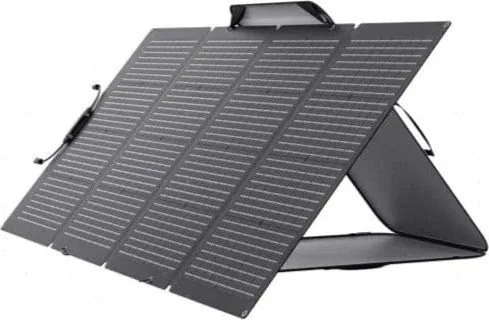
98 Pages
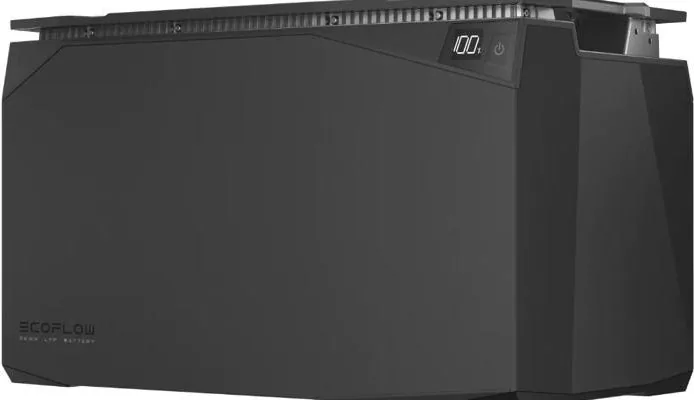
106 Pages
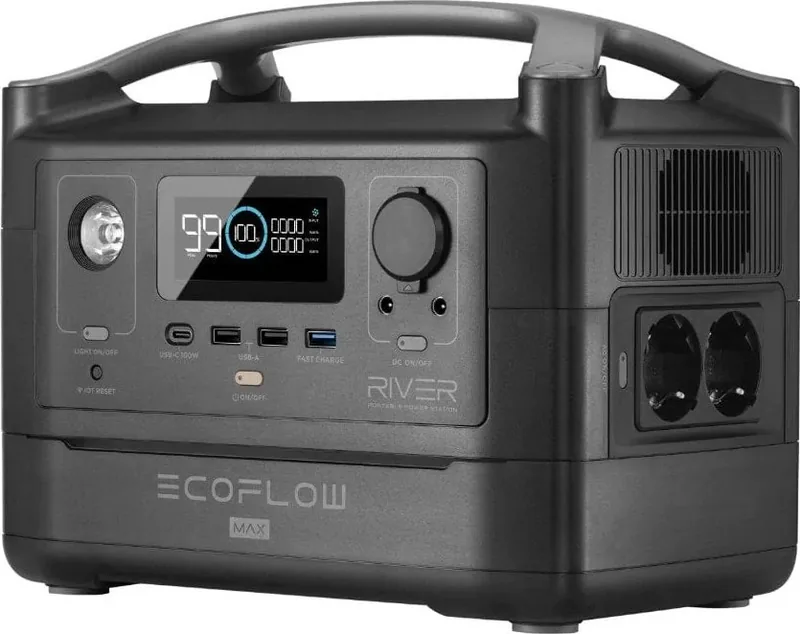
20 Pages
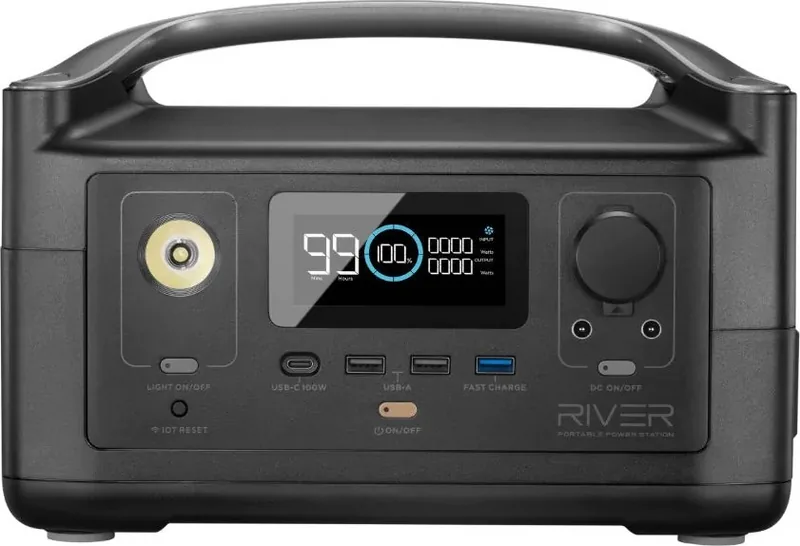
20 Pages
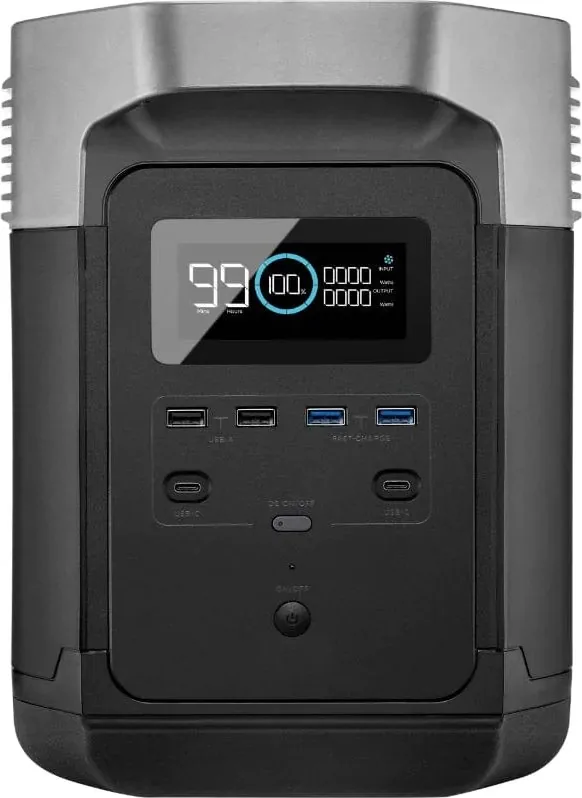
56 Pages
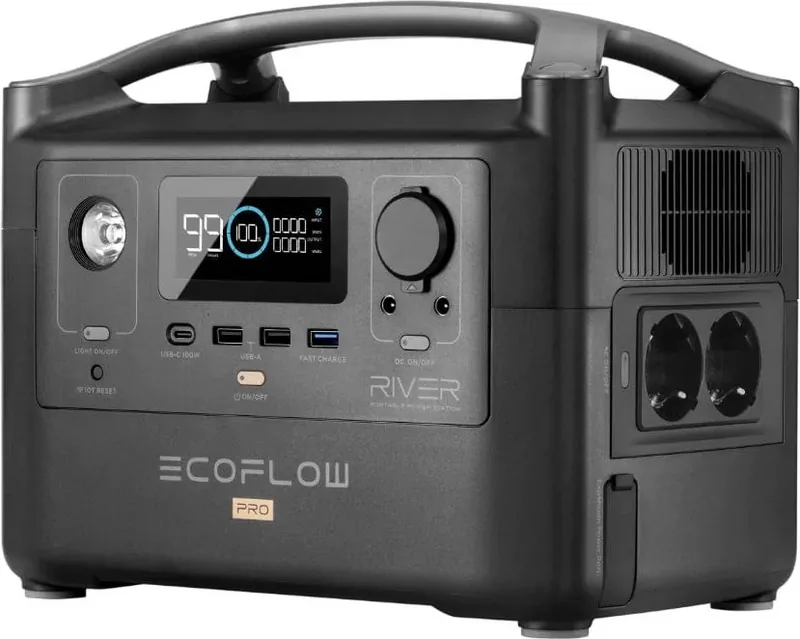
157 Pages
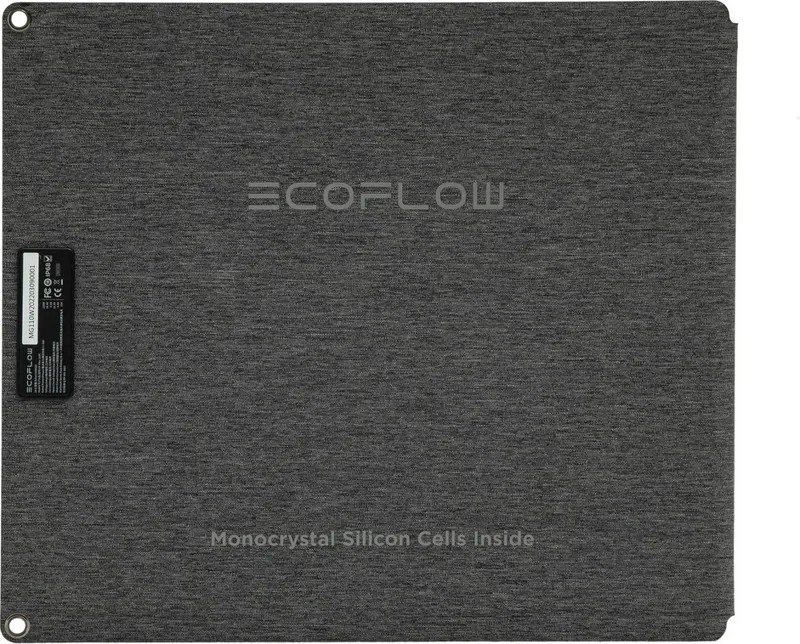
48 Pages
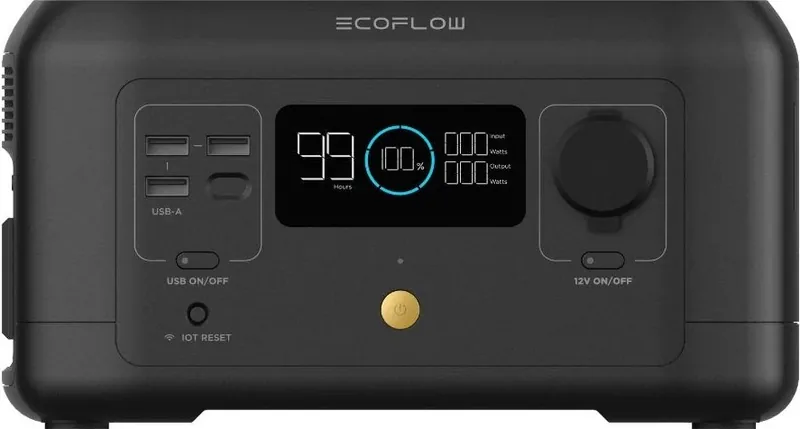
118 Pages
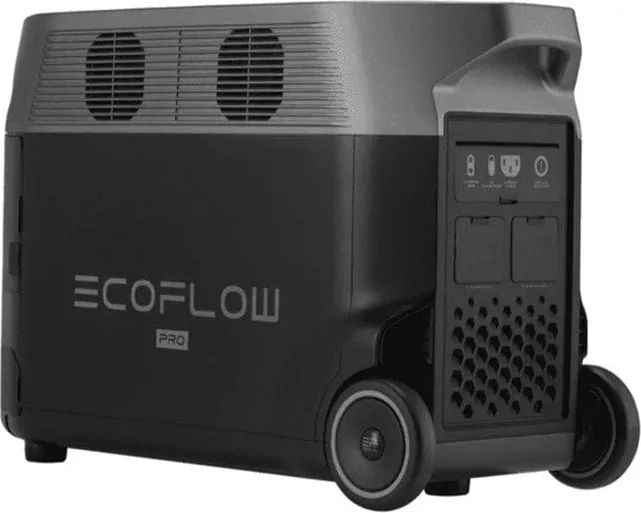
123 Pages
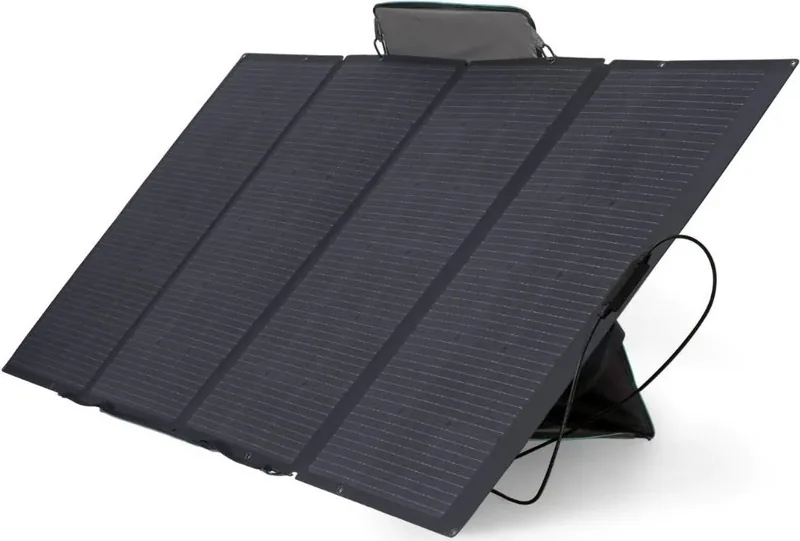
104 Pages
Categories


Free EcoFlow Manuals - Read, Download & Print
Find EcoFlow Product Guides in One Convenient Place
Looking for clear instructions for your EcoFlow power station, solar panel, battery, or accessory? Free EcoFlow manuals make it easier to understand your equipment, set it up correctly, and get the most from portable energy at home, on the road, or outdoors. Browse helpful product documentation online, read it directly from your device, download it for future reference, or print a copy to keep with your gear.
EcoFlow products are designed to provide flexible power for camping, RV travel, emergency backup, remote work, off-grid projects, and everyday charging needs. Because each model includes specific ports, settings, safety requirements, charging limits, and operating features, having the correct manual available is important. A detailed guide can help new users get started and can also support experienced owners who need to check a setting, review a connection diagram, or troubleshoot an issue.
Read Manuals Online Anytime
Reading an EcoFlow manual online is a simple way to access important product information without storing paper copies. Digital manuals can be opened on a computer, tablet, or phone, making them useful whether you are at home, in a vehicle, at a campsite, or preparing for an unexpected power outage.
Online manuals typically include the core information needed to operate a device safely and effectively. Depending on the product, you may find sections covering package contents, component names, display indicators, input and output ports, charging methods, app connectivity, maintenance recommendations, technical specifications, and warning notices. Search within a document to quickly locate topics such as AC output, solar charging, battery storage, Wi-Fi setup, firmware updates, or error messages.
Keeping a digital guide within reach can save time when you need to confirm how a feature works. Instead of guessing which cable, port, or setting should be used, you can review the instructions and make a more informed decision.
Download EcoFlow Manuals for Offline Access
Downloading a manual gives you access to product instructions even when an internet connection is unavailable. This is particularly useful for outdoor trips, remote worksites, RV adventures, and emergency situations where service may be limited or unreliable.
Save the appropriate manual to your phone, laptop, or tablet before you travel. You can also organize downloaded files by product type or model name, making it easier to find the right document later. For households with multiple power products, creating a dedicated folder for manuals can help keep setup guides, warranty information, and product references together.
Offline manuals are practical for routine tasks as well. Use them while planning a solar setup, checking compatible charging options, preparing equipment for seasonal storage, or reviewing operating instructions before lending a unit to a family member. A downloaded PDF can be revisited whenever needed without searching again.
Benefits of Downloading Product Documentation
- Keep instructions available without internet access.
- Store manuals on several personal devices.
- Search for terms, model details, and troubleshooting topics.
- Reference technical specifications while planning power needs.
- Preserve a copy for travel, backup power preparation, and long-term ownership.
Print Manuals for Quick Reference
A printed EcoFlow manual can be a useful companion for users who prefer paper instructions. Print the complete document or select only the pages that matter most, such as the quick start section, safety precautions, charging instructions, and troubleshooting table.
A paper copy is especially helpful when setting up equipment in a garage, workshop, RV, cabin, or outdoor location where using a phone may be inconvenient. Keep printed pages in a protective folder near your power station or solar equipment so essential information is easy to locate. You may also want to print a quick reference page for family members who may need to operate backup power equipment during an outage.
When printing, review the manual first and choose the sections that are most relevant to your product and usage. This can reduce paper use while ensuring key instructions remain accessible. For longer manuals, double-sided printing and secure storage can provide a practical balance between convenience and organization.
Manuals for EcoFlow Power Stations and More
EcoFlow documentation may cover a wide range of portable power and energy products. Whether you own a compact battery-powered unit or a larger backup energy solution, the correct manual can explain the features unique to that model.
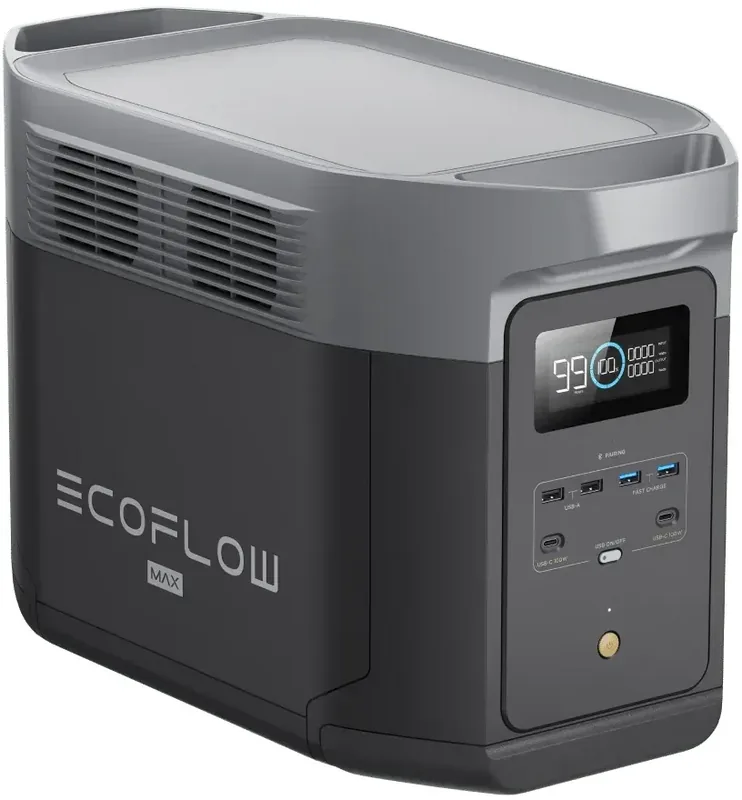
Portable Power Stations
Portable power station manuals often explain how to charge the unit from wall power, a vehicle outlet, solar panels, or other supported inputs. They may also describe AC outlets, USB ports, DC outputs, display screens, battery status readings, output limits, and power-saving features. Review these instructions before connecting sensitive electronics or high-demand appliances.
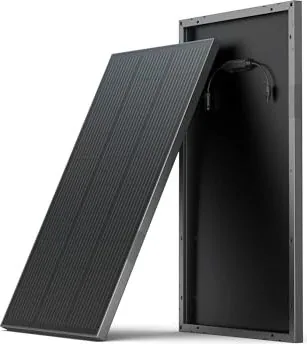
Solar Panels
Solar panel guides can provide information about panel placement, cable connections, environmental considerations, cleaning, storage, and compatible input ranges. Proper positioning and safe connection practices can help support effective solar charging while protecting equipment.
Extra Batteries and Expansion Systems
Expansion battery manuals may explain how to connect additional capacity, confirm system status, manage charging, and maintain safe operation. Since compatibility can vary by series and model, always check the product-specific documentation before connecting batteries or accessories.
Accessories and Smart Features
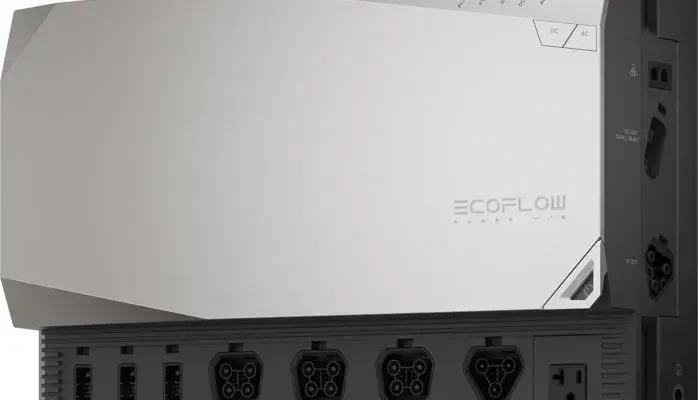
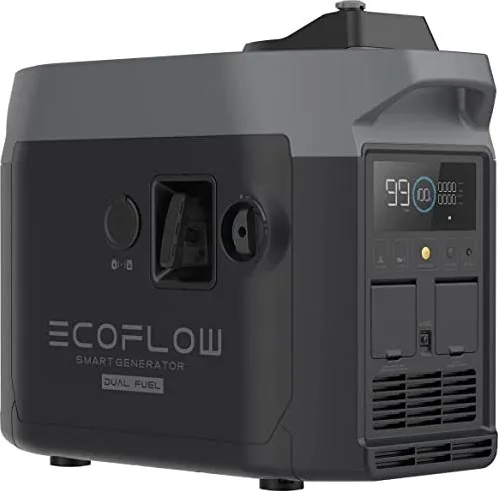
Some manuals include details for adapters, cables, remote controls, app features, smart generators, transfer equipment, and monitoring tools. These guides can clarify supported uses, connection order, device pairing, and maintenance requirements.
Use the Correct Manual for Your Exact Model
EcoFlow products can have similar names while offering different capacities, ports, charging speeds, and features. Always verify the model number on your device, packaging, or original purchase information before selecting a manual. Using the documentation for the exact product helps ensure that specifications and safety instructions apply to your equipment.
Check the manual version when possible, especially if your product has received firmware updates or if newer product revisions are available. Manufacturer documentation may be updated to reflect software changes, revised procedures, or added compatibility information. For the most current details, compare your product information with the latest official support resources.
Safety Information Matters
A manual is more than a setup guide. It contains important safety information intended to help users avoid damage, injury, and improper operation. Read the warnings before charging, using AC output, connecting solar equipment, placing a unit in storage, or operating it around children, pets, water, heat, or flammable materials.
Follow instructions regarding ventilation, temperature limits, approved accessories, cable condition, input specifications, and cleaning procedures. Do not modify batteries, power stations, cords, connectors, or internal components. If a product is damaged, overheated, swollen, making unusual sounds, or showing persistent error messages, stop using it and consult qualified support guidance.
For home backup installations, high-power connections, or electrical work involving building wiring, follow local codes and use a qualified professional when required. Product manuals provide useful information, but they do not replace professional advice for complex electrical installations.
Troubleshooting Common Questions
EcoFlow manuals can help answer many common operating questions. If a device is not charging, not powering an appliance, or displaying an alert, begin by reviewing the troubleshooting section for your specific model. Confirm that cables are firmly connected, inputs are within supported ranges, output modes are enabled, and the unit has sufficient battery capacity.
The guide may explain display icons, alarm indicators, reset steps, app connection procedures, and recommended maintenance actions. It can also identify situations where customer support or professional service is appropriate. Avoid relying on generic instructions from unrelated models, since settings and procedures may differ.
Keep Your Energy Equipment Ready
Free EcoFlow manuals provide a practical resource for setup, operation, storage, and maintenance. Read online for immediate help, download guides for offline access, and print important pages for convenient reference. With the right product documentation available, you can better understand your equipment and prepare for daily use, travel, outdoor activities, and backup power needs.
Review your manual before first use and return to it whenever questions arise. Clear instructions, safe habits, and model-specific information can help you use your EcoFlow products with greater confidence.
Search for 67,706 Manuals online


Type-in Brand or Model