
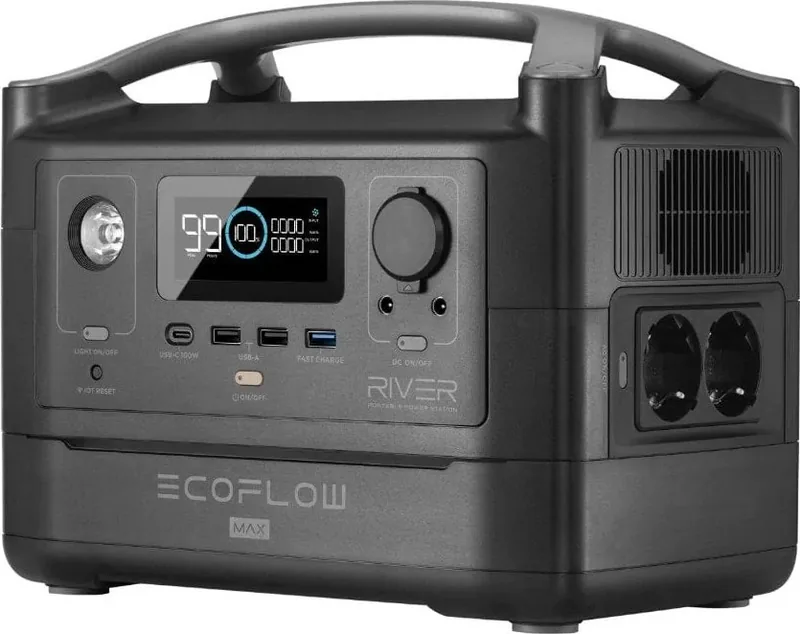
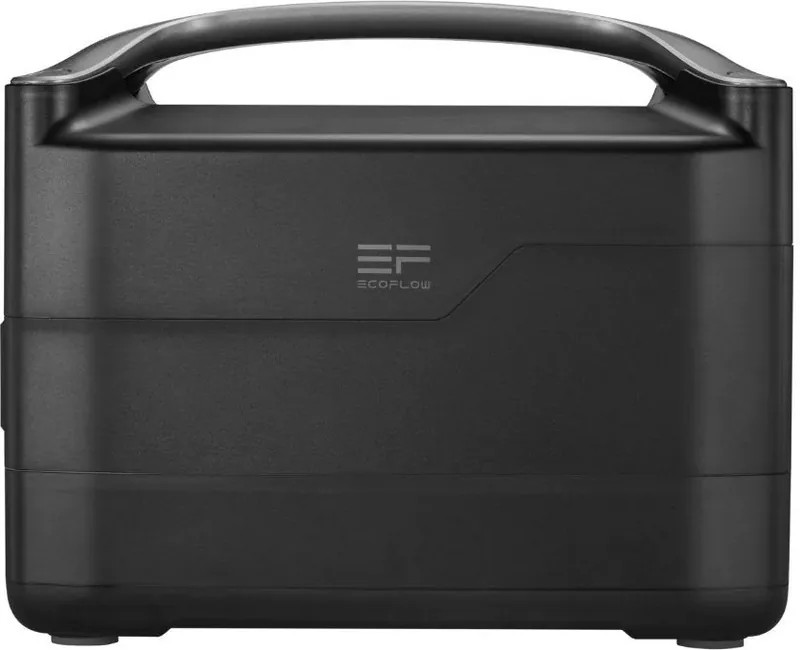
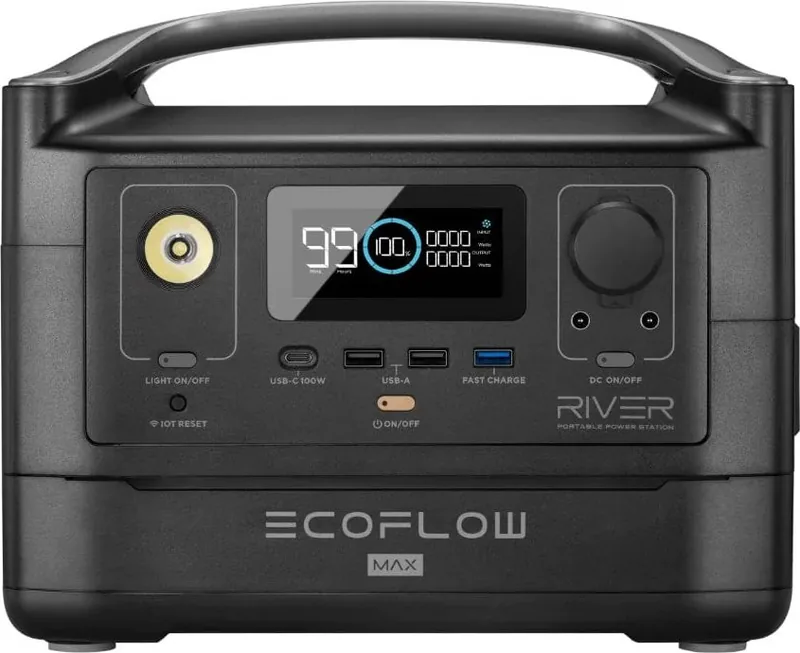
EcoFlow RIVER 600 Max Manual
PDF manual · 20 Pages
English


Quick check
Incorrect answer, please try again.
Chat with your EcoFlow RIVER 600 Max manual using AI
Get instant AI answers from your EcoFlow RIVER 600 Max manual
Ask anything about the EcoFlow RIVER 600 Max. Answers come from this manual, with the pages they are based on.
RIVER 600 Max Maintenance Schedule
Perform a full charge and discharge cycle at least once every 3 months to keep the battery healthy.
Use a dry cloth to clean any dirt from plugs or outlets to prevent abrasion, energy loss, or charging issues.
Use dry, non-abrasive cloths to wipe the exterior. Use screen-cleaning detergent for thorough cleaning; avoid liquids.
Free maintenance reminders
Timed to your purchase date. Always free, unsubscribe anytime.
Ask a Question
Do you recommend RIVER 600 Max?
Yes NoFrequently Asked Questions
Yes, the RIVER 600 MAX supports pass-through charging, allowing you to power devices while simultaneously recharging the battery.
Is this answer helpful?
Absolutely. With its 100W USB-C port and AC outlets, it can easily charge laptops, tablets, and other high-power electronics.
Is this answer helpful?
Using AC charging, it takes approximately 1.6 hours to reach 100%. Solar charging time depends on panel wattage and sunlight conditions.
Is this answer helpful?
Yes, provided they meet voltage and current specifications (10-25V DC). However, damage caused by improper panels may not be covered under warranty.
Is this answer helpful?
The product includes a one-year warranty after full charge, with a cycle life of 500 cycles maintaining 80% capacity.
Is this answer helpful?
Yes, the RIVER 600 MAX features an intelligent fan system that activates based on internal temperature to prevent overheating.
Is this answer helpful?
Yes, firmware updates can be performed via the EcoFlow App when the device is connected to Wi-Fi and has sufficient power.
Is this answer helpful?
Advantages and Disadvantages
Advantages

- Supports X-Boost mode for appliances up to 1200W
- Multiple charging options including AC, car, and solar
- Entry-level UPS function for seamless power switching
- Real-time monitoring via LCD screen and mobile app
- Safe operation with comprehensive protection systems
Disadvantages

- Cannot be carried on airplanes due to battery capacity regulations
- UPS function does not support zero-millisecond switching
- Third-party solar panels may void warranty if damaged
- Requires specific temperature ranges for optimal charging
- Ambient light customization requires app connectivity
Product Specification
Battery
Li-Ion, 28.8V, 576Wh, 20Ah
Charge Cycles
>500 to 80% remaining capacity
AC Output
2x Schuko outlets (Type-F)
AC Output Power
600W
AC Peak Output Power
1200W
DC Output
1x Cigarette lighter socket (13.60V/10A/136W), 2x DC 5521 (13.60V/3A/40.8W)
USB Output
2x USB-A (12W), 1x USB-A (QC, 18W), 1x USB-C (100W)
Charging Methods
Power adapter, Solar (200W), Vehicle
Charging Inputs
1
DC Charging Inputs
1
Solar Charging Inputs
1
Number of Power Adapters
1x
Solar Charging Voltage
10-25V
Max Solar Charging Current
12A
Charging Time with 1 Power Adapter
1.6h
Charging Time Solar
3-6h (220W Panel)
Charging Time with Vehicle Adapter
6.5h (12V)
Operating Temperature
32°F to 113°F
Storage Temperature
-4°F to 113°F
Weight
16.98 lbs
Dimensions
11.38x7.24x9.25 in
Features
Carrying handles
Manufacturer Warranty
2 years
Note
Prices may include 0% VAT rates for AT and DE
Product Description
EcoFlow River Max Power Station Solargenerator - Read, Download & Print Free
The EcoFlow River Max Power Station Solargenerator represents a pinnacle in portable energy solutions, designed to empower users with reliable power wherever they go. This versatile device serves as an ideal companion for outdoor adventures, emergency preparedness, and off-grid living. With its robust lithium-ion battery technology, the River Max ensures that your essential devices remain charged during power outages or while exploring remote locations.
Equipped with multiple output options including AC sockets, USB-A ports, and a high-speed USB-C port, this generator supports a wide range of electronics from smartphones to laptops and even small appliances. The integrated LCD display provides real-time monitoring of battery levels, input/output power, and system status, allowing users to manage their energy consumption efficiently. Safety is paramount, with built-in protections against overcharging, overheating, and short circuits.
One of the standout features is the X-Boost mode, which enables the connection of higher wattage appliances up to 1200W, expanding the utility of the unit beyond standard limitations. Additionally, the entry-level UPS function offers seamless switching between grid power and battery backup, ensuring uninterrupted operation for critical devices like routers or medical equipment.
Charging flexibility is another key advantage. Users can recharge the River Max via AC wall outlets, car chargers, or solar panels, with the ability to connect up to two 110W solar panels in parallel for rapid renewable energy harvesting. The accompanying EcoFlow App enhances user experience by enabling remote monitoring, firmware updates, and customization of ambient lighting modes.
Whether you are camping, working remotely, or preparing for emergencies, the EcoFlow River Max Power Station Solargenerator delivers consistent performance, safety, and convenience. Its compact design and durable build make it a reliable choice for modern power needs.
Search for 67,706 Manuals online


Type-in Brand or Model