
Easypix Cyberscanner View Manual
PDF manual · 27 Pages
English



Quick check
Incorrect answer, please try again.
Chat with your Easypix Cyberscanner View manual using AI
Get instant AI answers from your Easypix Cyberscanner View manual
Ask anything about the Easypix Cyberscanner View. Answers come from this manual, with the pages they are based on.
Cyberscanner View Maintenance Schedule
Use the included brush to clean the scanner slot and glass surface regularly to ensure clear images. Ensure film negatives and covers are also clean before insertion.
If the outside of the Cyberscanner needs cleaning, wipe it with a soft, dry cloth. Do not use water or liquids.
Ask a Question
Do you recommend Cyberscanner View?
Yes NoFrequently Asked Questions
It supports 135, 110, and 126 size negatives as well as 50x50mm transparent slides.
Is this answer helpful?
Yes, you can use an HDMI cable to view images on a TV or use USB to act as a card reader.
Is this answer helpful?
The scanner works with SD and SDHC cards but the maximum capacity is 32GB.
Is this answer helpful?
Use the Brightness button in Preview mode to adjust values from negative to positive EV settings.
Is this answer helpful?
You can scan directly to a memory card without a computer, but you need one to download data.
Is this answer helpful?
Yes, use the Calendar icon on the home page to set date and time settings for the image record.
Is this answer helpful?
Turn off the unit, wait at least five seconds, and then turn it back on again to reset.
Is this answer helpful?
Advantages and Disadvantages
Advantages

- Supports 135, 110, 126 film and 50x50mm slides easily
- Offers 14MP or 22MP scanning resolution options
- Features built-in five-inch LCD screen for previewing results
- Outputs directly to TV via HDMI for large screen viewing
- Includes auto-cropping and brightness adjustment features
Disadvantages

- Maximum SD card capacity is limited to 32GB only
- Does not support newer SDXC class memory cards
- 22MP scanning reduces TV preview resolution to 480P
- Requires separate formatting on computer if issues arise
- Power relies on external USB adapter or computer port
Product Specification
Type
Film / Slide Scanner (CMOS)
Resolution
3200x3200dpi
Paper/Film Format
Film (35mm, 110, 126), Slide (1.97 x 1.97 in)
Paper/Film Input
Slide Frame, Film Frame
Connections
1x USB-C 2.0, Card Reader (SD/SDHC), 1x HDMI-Out
Display
color, 5"
Dimensions
5.31 x 3.78 x 5.00 in
Weight
0.64 lb
Features
USB Direct Scan
Product Description
Easypix Cyberscanner Overview
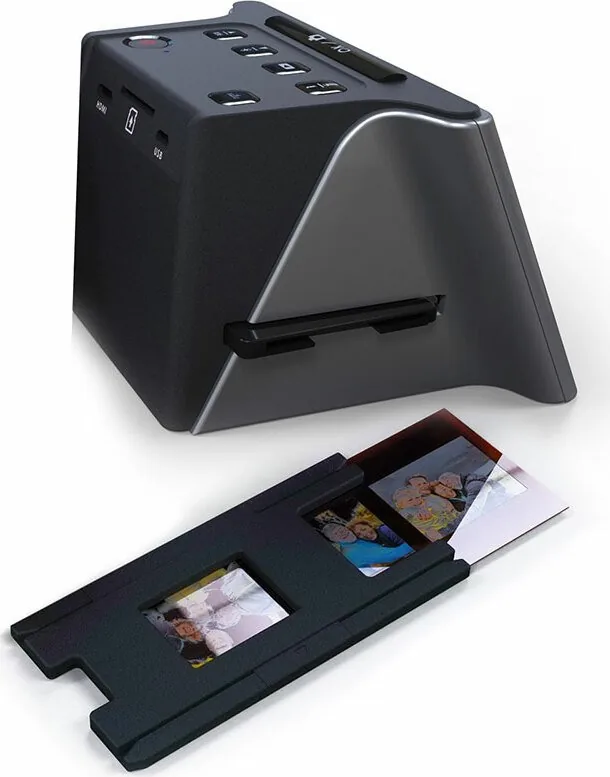
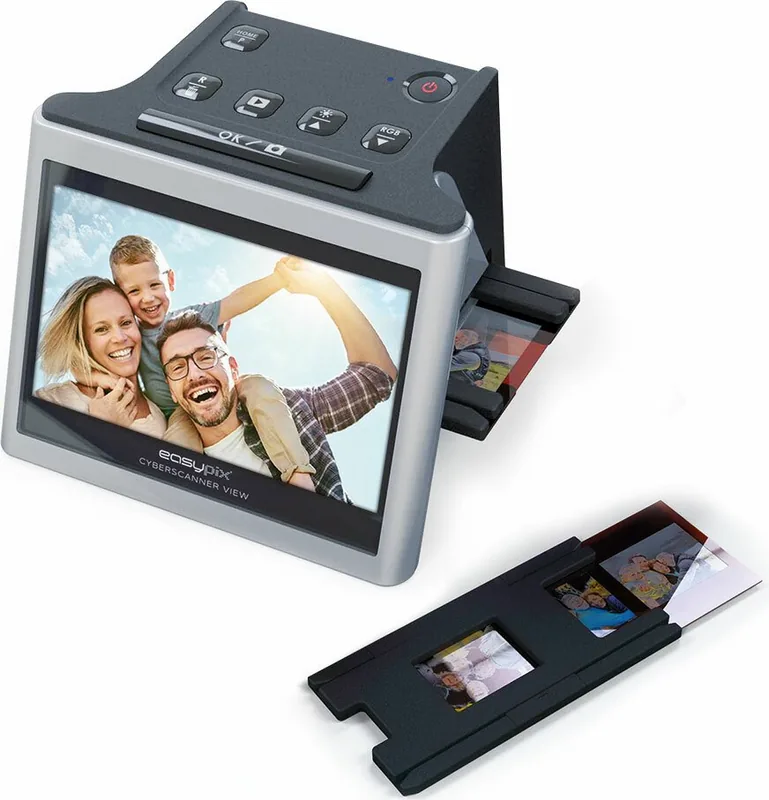
Welcome to the world of digital film preservation using the Easypix Cyberscanner View. This dedicated device transforms analog memories into high-quality digital photos instantly without complex software or external dependency for initial scanning. It serves as an essential tool for photographers and families looking to archive vintage negatives effectively. The unit features a large five-inch display that allows you to view, select, and organize scans directly on the device itself.
Key Features
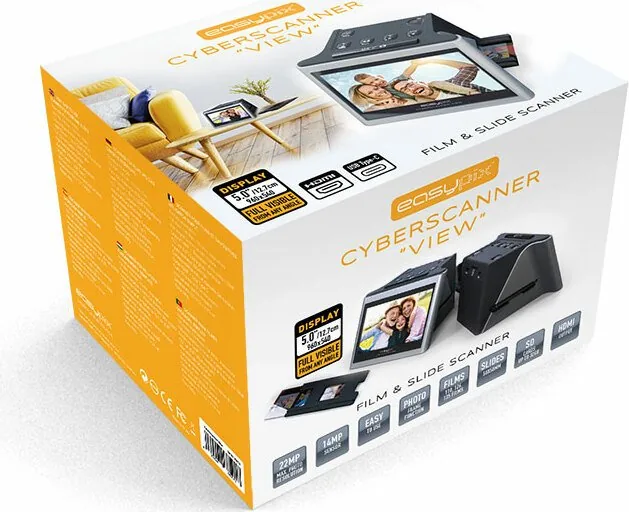
You can process multiple formats including standard 135 slides, vintage 110 small frames, and 126 legacy options. It also handles transparent 50x50mm slides effectively with the included holders. The scanning engine supports two distinct resolution settings to meet your varied needs. Users can choose between fourteen megapixels or twenty-two megapixels for exceptional clarity when saving images to memory storage media.
Usage Guide
Power is supplied through a standard USB connection or an external adapter easily. You may store the resulting images onto a Secure Digital card. The system supports cards up to thirty-two gigabytes in capacity securely. Connecting to larger screens is simple via HDMI cable to watch slideshows on your television set at home. Alternatively, use the USB data link to move data directly to a desktop computer for editing.
Advanced controls let you tweak brightness and color balance automatically or manually. Dust removal is recommended using the provided brush to ensure sharp results from the lens system. The interface includes icons for galleries, calendar settings, and direct computer data transfer. Safety measures warn against moisture and unauthorized modifications to the casing.
Conclusion
This scanner simplifies digitizing your photo collection significantly. It acts as a standalone electronic photo frame when using the gallery feature for desk display. Whether you are restoring old photos or creating a slideshow, this equipment offers great flexibility. It connects easily to Windows or Mac operating systems for further post-processing tasks. Enjoy your history in digital form today with a reliable and modern interface. The process is user-friendly and requires minimal learning time to master. Keep the unit dry and away from extreme weather conditions to maintain performance. Proper maintenance ensures long-term utility for your analog archives. The system provides a secure and efficient way to digitize your physical photo collection quickly.
Search for 67,706 Manuals online


Type-in Brand or Model