
Dreame Z10 Pro Manual
PDF manual · 110 Pages
English



Quick check
Incorrect answer, please try again.
Chat with your Dreame Z10 Pro manual using AI
Get instant AI answers from your Dreame Z10 Pro manual
Ask anything about the Dreame Z10 Pro. Answers come from this manual, with the pages they are based on.
Z10 Pro Maintenance Schedule
For optimal performance, replace the mop pad every 3-6 months.
If the air duct is blocked, clean it according to the steps provided in the manual.
Replace the dust collection bag when the app indicates it is full or after 8-10 weeks of use.
Free maintenance reminders
Timed to your purchase date. Always free, unsubscribe anytime.
Ask a Question
Do you recommend Z10 Pro?
Yes NoFrequently Asked Questions
Yes. The included docking station automatically extracts debris from the robot’s dust bin into sealed collection bags after cleaning cycles, reducing manual emptying frequency.
Is this answer helpful?
Yes. Water flow and mopping behavior can be adjusted through the Mi Home/Xiaomi Home app. The manual also recommends using only water and removing the mopping module when charging or idle to avoid odors.
Is this answer helpful?
The robot uses a laser distance sensor (LDS) combined with a high‑precision 3D obstacle avoidance sensor to map rooms, plan efficient routes and detect obstacles for safer navigation.
Is this answer helpful?
Routine maintenance includes emptying and replacing dust bags in the base, rinsing and drying filters, cleaning the main and side brushes, wiping sensors and replacing the mop pad every 3–6 months for optimal performance.
Is this answer helpful?
The robot supports 2.4GHz Wi‑Fi only. If connection fails, reset the robot’s Wi‑Fi and follow the latest app instructions to re-add the device.
Is this answer helpful?
No. The manual advises not to use the mopping function on carpets. Use mopping on hard floors and adjust water flow via the app as needed.
Is this answer helpful?
Ensure the base area is clear (recommended 1.5 m front and 0.5 m each side), check for obstacles or reflective surfaces, confirm base power and Wi‑Fi status indicators, and consult troubleshooting steps in the manual.
Is this answer helpful?
Advantages and Disadvantages
Advantages

- Auto-empty docking station reduces manual dust handling and airborne exposure.
- LDS mapping and 3D obstacle avoidance enable efficient, accurate navigation.
- Strong suction with coordinated main and side brushes lifts dirt from carpets and hard floors.
- App integration (Mi Home/Xiaomi Home) offers scheduling, water flow control, and remote management.
- Compact profile fits under furniture; black finish is modern and unobtrusive.
Disadvantages

- Mopping is basic—unsuitable for heavy stains and not recommended for carpets.
- Dust bag replacement and periodic maintenance (filters, brushes, mop pads) still required.
- Only 2.4GHz Wi‑Fi supported; some modern networks may need configuration.
- Some advanced app features depend on software updates and regional app versions.
- Initial setup requires clearing space around base and occasional troubleshooting for Wi‑Fi or docking.
Product Specification
Robot vacuum cleaner
Battery
1x Battery (14.4V, 5.2Ah, Li-Ion)
Color
black
Capacity
13.53 fl oz Dust, 5.08 fl oz Fresh water
Cleaning modes
Vacuuming, Vacuuming & Mopping
Navigation
Obstacle sensor, Bumper sensor, Laser sensor, Zones, Restricted zones, Obstacle detection, Obstacle climbing (up to 0.79in), Carpet detection
Filtering
HEPA filter
Display
no
Features
1x Floor brush, 1x Side brush, 1x Mop attachment (Microfiber pad), Programmable cleaning times
Smart Home
App control, Voice assistant (Amazon Alexa)
Operating time
2.5h
Charging time
3h
Charging system
automatic
Noise level
64dB(A)
Dimensions
13.90x3.81in (DxH)
Weight
8.16lb
Scope of delivery
Station, Water tank, Cleaning pad, Side brush, Cleaning tool, Dust bag
Station
Station color
black
Station display
no
Station features
Automatic charging function, Automatic dust emptying
Station capacity
1.06gal (Dust)
Product Description
Dreame Z10 Pro vacuum and mop robot incl. docking station black Manual
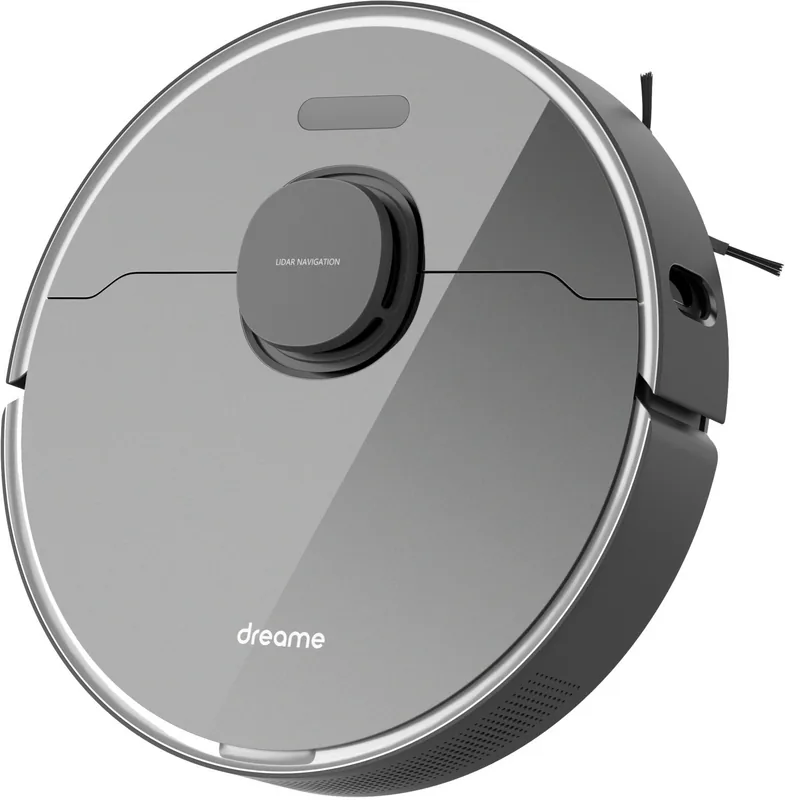
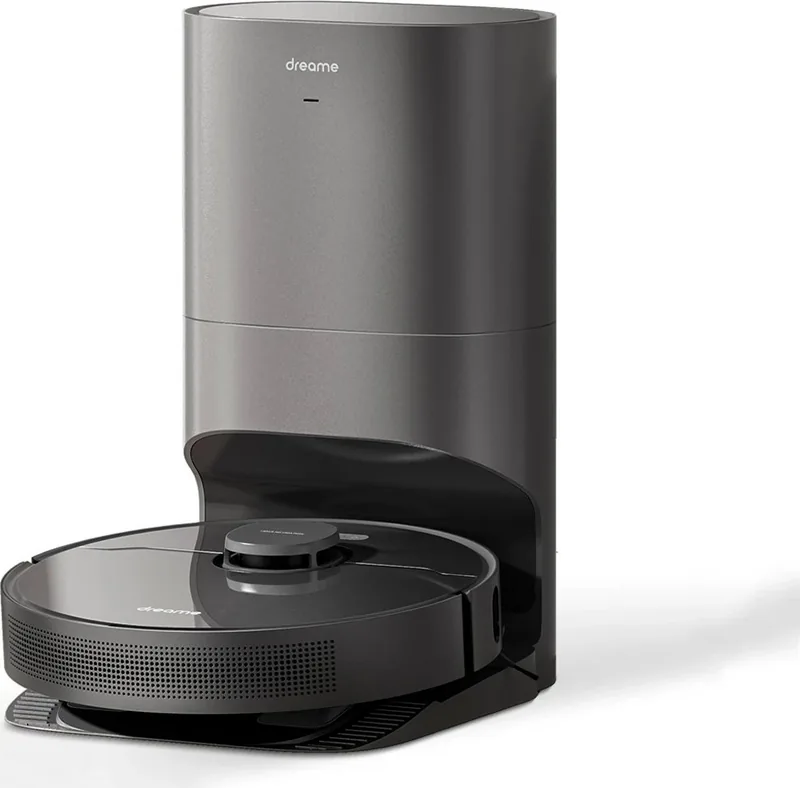
The Dreame Z10 Pro is a premium robot vacuum and mop bundle that combines powerful suction, intelligent navigation, and convenient auto-emptying in a sleek black package. Designed for busy households, it tackles dust, pet hair and daily debris while offering an integrated mopping mode for light floor maintenance. The included auto-empty docking station holds collected dust in disposable bags, reducing the need for frequent manual emptying and keeping airborne dust contained.
Features and Design
Outfitted with a laser distance sensor and 3D obstacle avoidance, the Z10 Pro maps rooms precisely and plans efficient cleaning routes. Its main brush and side brush work together with high-power suction to lift dirt from carpets and hard floors. The mopping module and water tank support gentle wet cleaning; water flow levels are adjustable via the companion Mi Home/Xiaomi Home app. The robot’s compact, low-profile body reaches under furniture, while the black finish gives it a modern, unobtrusive look.
Docking Station and Convenience
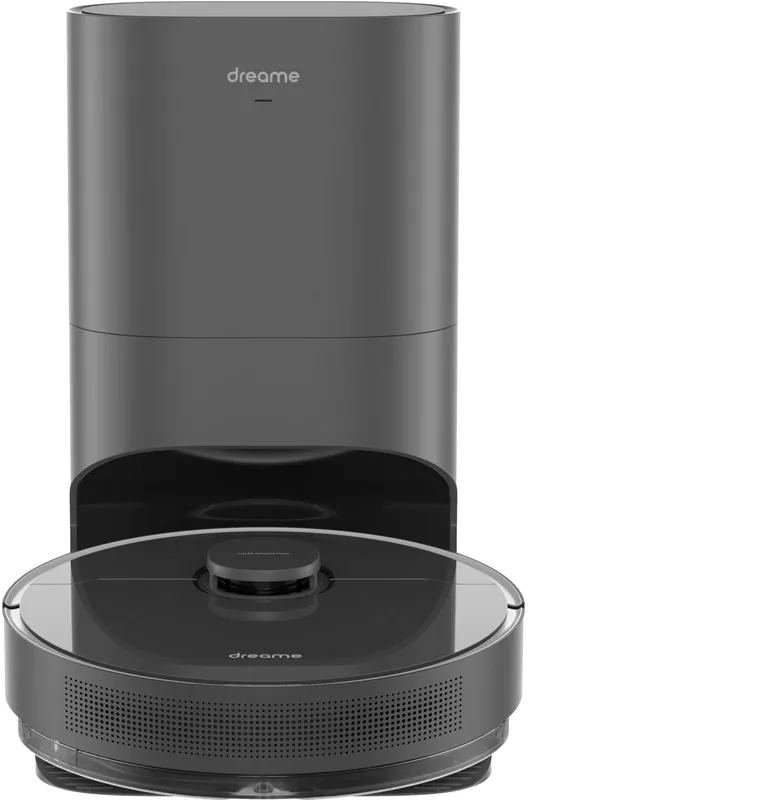
The auto-empty base automates dust removal: after each run the robot docks and the base vacuums debris from the dust bin into sealed bags. Status indicators on both robot and base show power, charging, Wi‑Fi, and bag status. The base includes a filter and dust channel design for hygiene and straightforward maintenance. App integration provides remote control, scheduling, cleaning mode selection and water flow adjustment.
Performance and Usability
Battery capacity and optimized pathing let the Z10 Pro cover large areas per charge, and it will return to the base to recharge and resume if needed. Routine maintenance—cleaning filters, brushes, mop pads and sensors—is covered in the manual; replaceable dust bags and washable filters simplify upkeep. Safety features, such as cliff sensors and bumpers, protect furniture and prevent falls.
Verdict
For households that want a largely hands-off cleaning experience, the Dreame Z10 Pro with auto-empty docking station delivers a balance of strong vacuum performance, basic mopping capability and the convenience of automated dust disposal. Its smart-app connectivity and robust navigation make it well-suited for multi-room homes and pet owners who need frequent cleaning without daily maintenance.
Notes
- Use only water in the mopping tank; avoid detergents or disinfectants.
- App features may vary with updates; follow the current app prompts.
- Replace mop pads every 3–6 months for best results.
Search for 67,706 Manuals online


Type-in Brand or Model
Laura König
7 months ago
How good is the mopping function in real life, and will it handle carpet areas without getting stuck or bumping into things?
Manual.ly
7 months ago
The mopping is designed for daily maintenance, so it can significantly improve floor cleanliness, especially on hard floors, but it will not replace the deep cleaning you get from a true manual mop on stubborn spots. For best results, set the water flow appropriately in the app and make sure the mop pads are clean before starting. For carpet areas, the robot uses its sensors (LIDAR/3D) to recognize floor surfaces and navigate around obstacles. In most homes it can move through carpet without getting stuck. If you have delicate carpets or areas where mopping should be avoided, create no-mop or restricted zones in the app.