
Cyrus 82 DAC Manual
PDF manual · 27 Pages
English



Quick check
Incorrect answer, please try again.
Chat with your Cyrus 82 DAC manual using AI
Get instant AI answers from your Cyrus 82 DAC manual
Ask anything about the Cyrus 82 DAC. Answers come from this manual, with the pages they are based on.
82 DAC Maintenance Schedule
Unplug the product from the mains before cleaning. Do not use liquid or aerosol cleaners; use a damp cloth.
Replace with AAA batteries of the same voltage and type when the remote control lights flash or fails to operate.
Free maintenance reminders
Timed to your purchase date. Always free, unsubscribe anytime.
Ask a Question
Do you recommend 82 DAC?
Yes NoFrequently Asked Questions
It is a stereo hi-fi component that combines amplification control, DAC functionality, and flexible source switching for both analogue and digital systems.
Is this answer helpful?
It can handle CD players, tuners, computers, streamers, TVs, satellite receivers, tape decks, and other line-level sources through its analogue, digital, and USB inputs.
Is this answer helpful?
Yes. The USB input is intended for computer audio playback. It is not designed for USB drives or flash media.
Is this answer helpful?
Yes. The Zone 2 output can feed powered speakers or another amplifier in a separate room, as long as the extra system has its own volume control.
Is this answer helpful?
The PSX-R or PSX-R2 is an external power supply that can improve performance by feeding sensitive circuitry with cleaner, more isolated power.
Is this answer helpful?
Yes. It can control Cyrus components and also learn commands from TV and satellite remotes, making it useful for broader system control.
Is this answer helpful?
Advantages and Disadvantages
Advantages

- Wide source support with analogue, digital, and USB connections.
- Flexible setup with input renaming, trim, display modes, and hidden inputs.
- Zone 2, tape loop, bi-amping, and MC-BUS make it system-friendly.
- Optional PSX-R/PSX-R2 supply offers a clear upgrade path.
Disadvantages

- USB input is limited to computer audio and does not accept flash drives.
- AV Direct mode can lock volume high, so it must be used carefully.
- Advanced setup may feel complex for users who want a simple plug-and-play unit.
- Full benefits depend on compatible Cyrus components or external gear.
Product Specification
Channels
2
Audio connections
2x Digital Audio In (coaxial), 2x Digital Audio In (optical), 6x Stereo Line In (RCA), 2x Pre Out (RCA), Tape Out (RCA), Headphones (3.5mm jack)
Other connections
USB-B
D/A converter
24bit/192kHz (coaxial, optical), 16bit/48kHz (USB)
Power consumption
280W max, 0.5W Standby
Color
black
Dimensions
8.46x2.87x14.17in (WxHxD)
Weight
15.21 lb
Product Description
Cyrus 82 DAC: a compact hub for serious listening
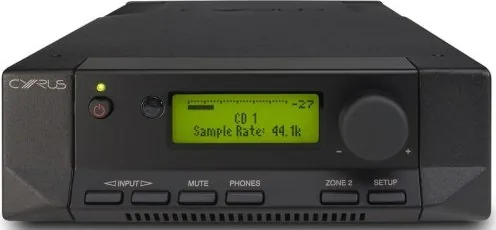
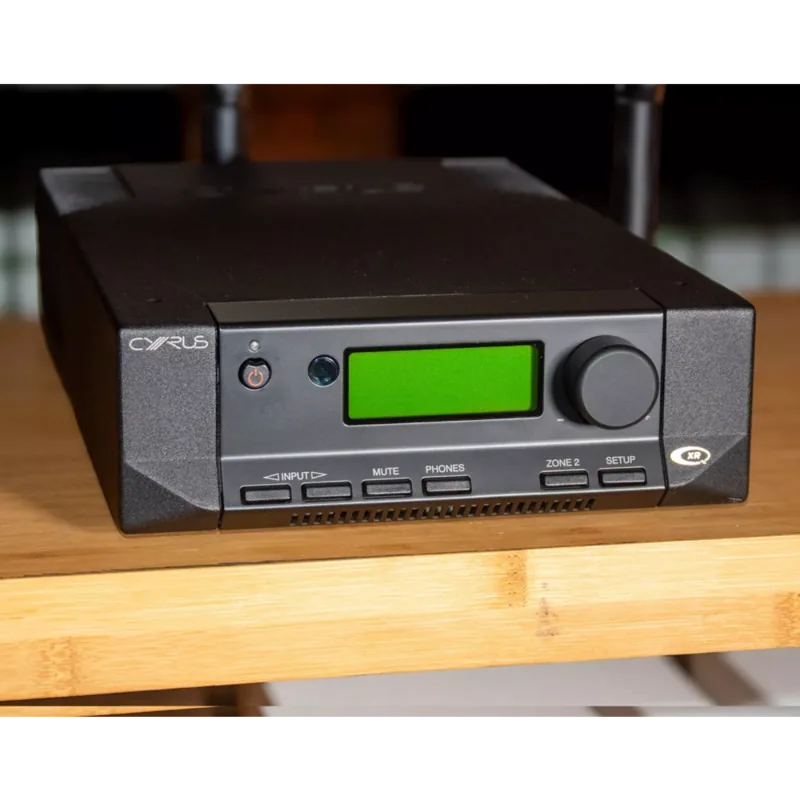
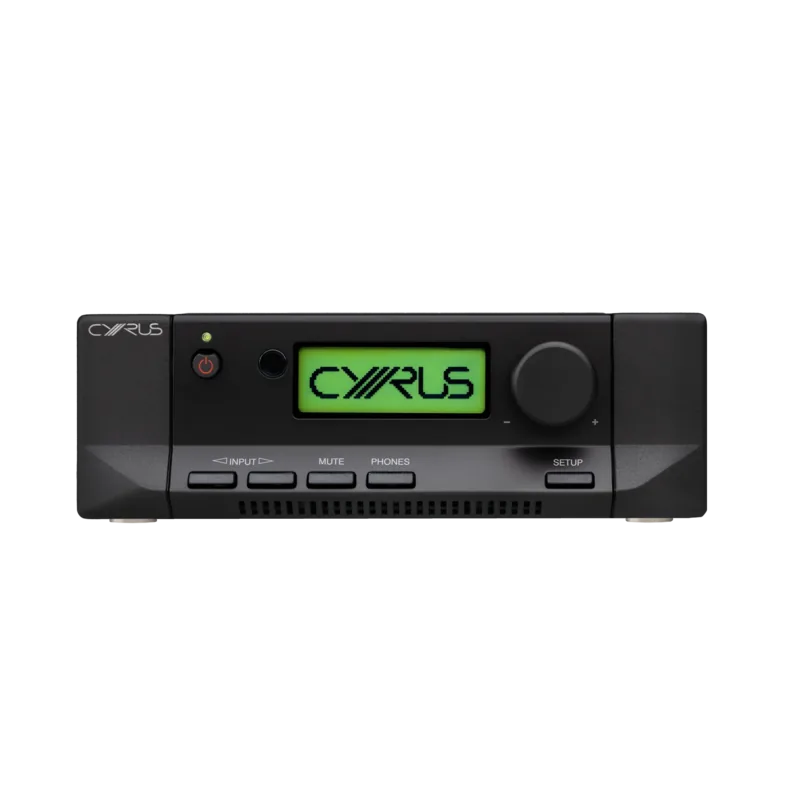
The Cyrus 82 DAC is designed for music lovers who want one component to manage a wide range of sources without losing a refined, audiophile feel. It blends a capable digital-to-analogue stage with flexible analogue switching, making it a strong match for modern systems built around CD players, computers, tuners, streamers, and classic line-level sources.
What makes it appealing is its balance of simplicity and depth. On one side, it offers straightforward operation with clear front-panel controls, headphone listening, and a clean display. On the other, it includes detailed setup options such as input renaming, input trim, display preferences, and hidden inputs for a tidier source list. That means the Cyrus 82 DAC Manual becomes especially useful for tailoring the unit to a specific system rather than treating it as a one-size-fits-all product.
Connectivity is a major strength. The unit supports multiple analogue inputs, several digital inputs, and USB audio from a computer, so it can serve as the center of a versatile hi-fi setup. It also works with Zone 2 systems, tape loops, bi-amping configurations, and MC-BUS linked Cyrus components. For users building a larger system, the optional PSX-R or PSX-R2 power supply adds an upgrade path aimed at cleaner, more isolated power delivery.
Sound-wise, the 82 DAC is built for clean stereo playback with low distortion, strong signal-to-noise performance, and support for PCM digital audio up to 96 kHz. That makes it a practical choice for listeners who value detail, control, and stable performance across different source types. It also handles everyday convenience well, with remote control support, learning functions for TV and satellite commands, and separate handling for headphones and second-zone playback.
In short, the Cyrus 82 DAC stands out as a flexible, well-engineered component for anyone who wants more than a basic amplifier or DAC. It is compact, expandable, and carefully thought out for users who enjoy fine-tuning a system to suit their listening habits.
Notes
- Best for stereo systems that mix digital and analogue sources.
- USB input is for computer audio, not flash drives.
- AV Direct should only be used with a decoder that has its own volume control.
- Good ventilation and careful installation help maintain reliable performance.
Search for 67,706 Manuals online


Type-in Brand or Model