
Corsair iCUE Elite Capellix Manual
PDF manual · 22 Pages
English



Quick check
Incorrect answer, please try again.
Chat with your Corsair iCUE Elite Capellix manual using AI
Get instant AI answers from your Corsair iCUE Elite Capellix manual
Ask anything about the Corsair iCUE Elite Capellix. Answers come from this manual, with the pages they are based on.
Ask a Question
Do you recommend iCUE Elite Capellix?
Yes NoFrequently Asked Questions
An arrow located on the side of the fan indicates the direction of air flow. Follow this arrow to ensure correct intake or exhaust positioning.
Is this answer helpful?
No, re-installation requires cleaning off the old pre-applied thermal paste completely and applying a fresh layer of aftermarket thermal compound for best results.
Is this answer helpful?
The best way is with tubes at the bottom of the case. However, you can install it upside down as long as the highest point of the radiator is visibly higher than the CPU pump.
Is this answer helpful?
No, Intel LGA 2011, 2011-3, and 2066 sockets do not require backplate installation. You can proceed directly to installing the standoff screws.
Is this answer helpful?
Connect the 24-pin pump cable and fan cables to the Commander CORE. Then link the CORE unit to a motherboard USB 2.0 header using the included USB cable.
Is this answer helpful?
If the tubes are lower, air bubbles may accumulate in the pump, leading to reduced cooling efficiency or potential damage due to lack of lubrication.
Is this answer helpful?
Advantages and Disadvantages
Advantages

- High-performance ML RGB fans provide excellent cooling with minimal noise
- Commander CORE integration allows centralized control of fans and lighting
- Comprehensive mounting hardware supports Intel and AMD socket types
- Pre-installed Intel bracket simplifies initial setup for many users
- Flexible radiator orientation options accommodate various case layouts
Disadvantages

- Requires removal of pre-applied thermal paste for any re-installation
- LGA 2011/2066 sockets require skipping backplate steps which may confuse beginners
- Complex cabling for Commander CORE may clutter the interior if not managed well
- AMD sTR4 installation requires careful bracket swapping and alignment
- Tubes must be positioned higher than the pump to prevent airlocks
Product Specification
Type
internal (closed system)
Radiator
CPU, copper
Reservoir
N/A
Pump
12V
Connectors
N/A
Lighting
LED (RGB), LED controller
Manufacturer warranty
5 years
Note
Warning! Mounting kit for Socket 1700 not included. The required LGA1700 Retrofit Kit is available separately from Corsair.
Product Description
Corsair iCUE Elite Capellix Liquid Cooling Review
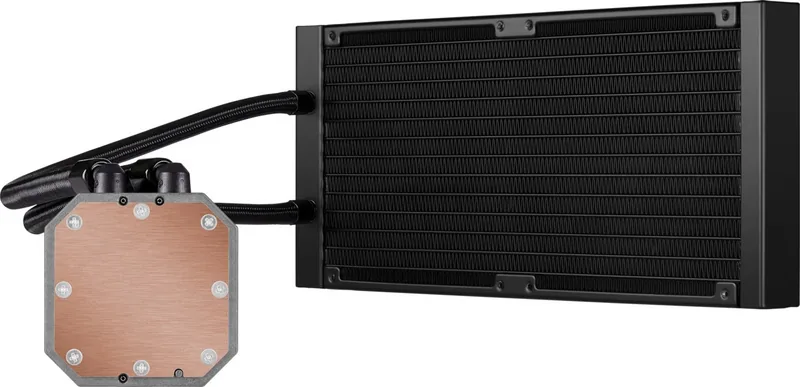
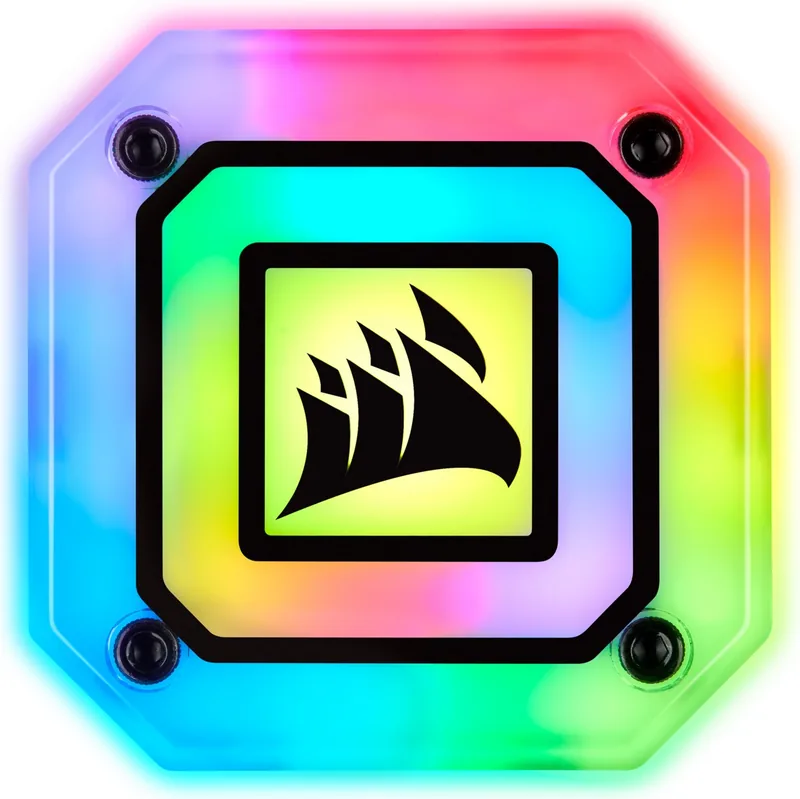
The Corsair iCUE Elite Capellix series represents a pinnacle in high-performance liquid CPU cooling, designed for enthusiasts who demand both superior thermal efficiency and stunning visual aesthetics. This comprehensive manual covers the installation process for various models including the H100i, H115i, H150i, and H170i. These coolers feature custom-designed low-noise ML RGB fans that deliver exceptional airflow while maintaining quiet operation, all synchronized through the powerful iCUE software ecosystem.
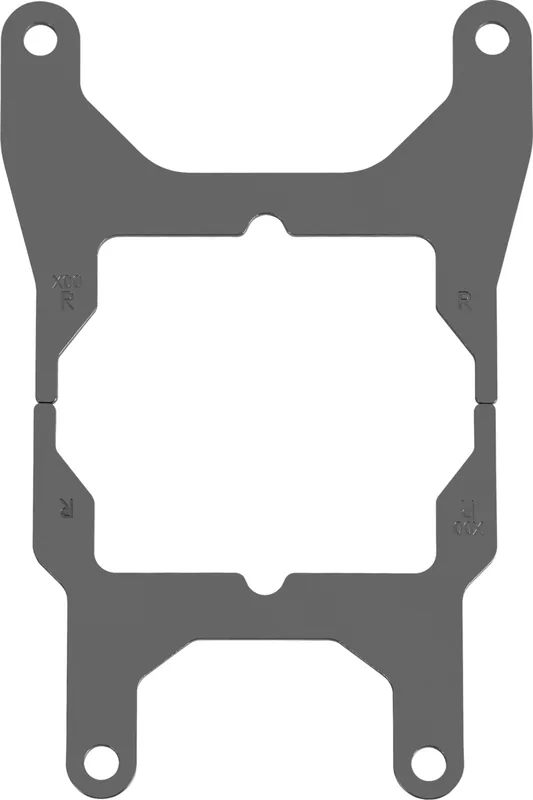
One of the standout features of the Elite Capellix lineup is its versatility across different processor architectures. The package includes pre-installed Intel mounting brackets for quick setup on LGA 1200 and older sockets, while also providing specific hardware for AMD AM3/AM4 and the high-end sTR4 platforms. The inclusion of Commander CORE integration allows users to manage fan speeds, pump performance, and dynamic RGB lighting effects from a single interface, creating a cohesive and customizable PC experience.
Installation is streamlined with thoughtful design choices. For Intel users, the backplate is often unnecessary for LGA 2011 variants, saving time during the build. The system utilizes thumb screws for secure attachment without requiring excessive torque tools. Whether you are building a new rig or upgrading an existing one, the detailed instructions ensure that even complex setups like the AMD sTR4 bracket replacement are manageable for DIY builders.
For optimal cooling performance, it is recommended to mount the radiator fans as air intakes. This configuration helps push cool air directly through the radiator fins before they reach the CPU block. While the tubes can be positioned in various orientations, ensuring the highest point of the radiator remains above the pump is crucial for proper coolant circulation and preventing airlocks.
Important Notes
- Always clean off pre-applied thermal paste before re-installation to ensure maximum heat transfer.
- Check your PC case for a CPU cutout to avoid removing the motherboard during installation.
- Connect the Commander CORE to a USB 2.0 header for full control over lighting and monitoring.
- Ensure the pump power cable is connected to a SATA power plug from your PSU.
Search for 67,732 Manuals online


Type-in Brand or Model