
Corsair Hydro X Series XC9 RGB Manual
PDF manual · 15 Pages
English



Quick check
Incorrect answer, please try again.
Chat with your Corsair Hydro X Series XC9 RGB manual using AI
Get instant AI answers from your Corsair Hydro X Series XC9 RGB manual
Ask anything about the Corsair Hydro X Series XC9 RGB. Answers come from this manual, with the pages they are based on.
Ask a Question
Do you recommend Hydro X Series XC9 RGB?
Yes NoDo you recommend Hydro X Series XC9 RGB?
Yes NoFrequently Asked Questions
It supports most Intel LGA-2066 and AMD sTR4 motherboards, and it is also physically compatible with older Intel sockets such as LGA-2011 and LGA-2011-3. Always check Corsair’s latest compatibility list before installation.
Is this answer helpful?
No. It is a CPU water block, not a complete cooling system. You need a custom loop with a pump, radiator, tubing, and fittings to make it work properly.
Is this answer helpful?
The RGB lighting requires a CORSAIR Commander PRO or Lighting Node PRO. Effects are managed in CORSAIR iCUE, and the XC9 RGB should be the final device in the RGB chain.
Is this answer helpful?
Yes. Best performance comes when coolant enters through the labeled INLET port. The block can still function in reverse, but cooling performance may be reduced.
Is this answer helpful?
No. The cold plate is nickel-plated copper, so it should not be mixed with aluminum components. Using mixed metals can increase corrosion risk and reduce reliability.
Is this answer helpful?
No. If you remove and reinstall the block, clean off the old paste and apply a fresh layer. This helps maintain proper CPU contact and thermal performance.
Is this answer helpful?
Yes. AMD sTR4 needs the bracket installed in the correct orientation for best results. Follow the recommended layout carefully, since the AMD platform is more sensitive to block direction than Intel.
Is this answer helpful?
Advantages and Disadvantages
Advantages

- Nickel-plated copper cold plate supports strong heat transfer and durable long-term use.
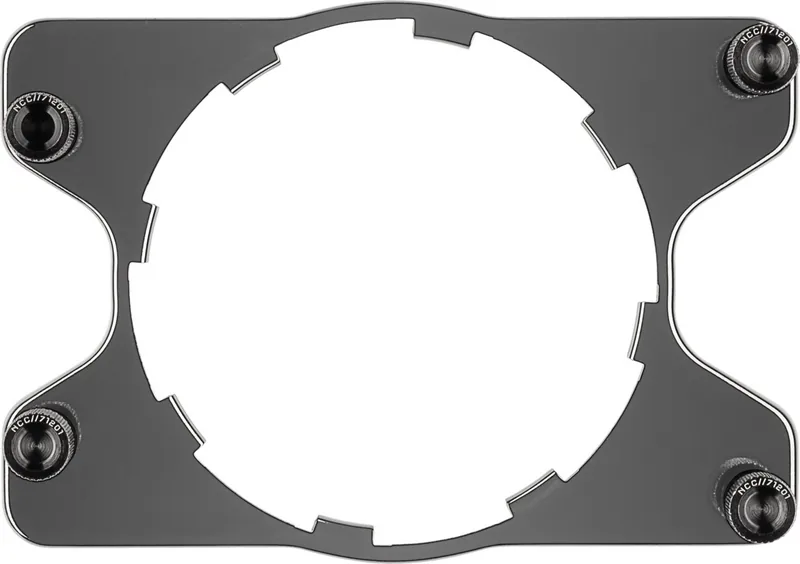
- Includes Intel LGA-2066 and AMD sTR4 brackets for broad high-end platform support.
- RGB lighting integrates with CORSAIR iCUE for coordinated effects and custom scenes.
- Intel mounting allows flexible rotation, making loop layout easier in compact builds.
Disadvantages

- Requires a full custom water-cooling loop, so it is not a simple plug-and-play solution.
- RGB control needs a CORSAIR Commander PRO or Lighting Node PRO; motherboard headers are not supported.
- AMD sTR4 installation has strict orientation rules, limiting layout freedom.
- Reinstallation needs new thermal paste, adding extra prep work during servicing.
Product Specification
Type
CPU
Material
Copper (nickel-plated), PMMA
Compatibility
2011-0, 2011-1, 2011-3, 2066, TR4, sTRX4, sWRX8, SP3
Connections
G1/4"
Lighting
LED (RGB)
Dimensions (LxWxH)
3.66x3.66x1.34in
Product Description
Corsair Hydro X Series XC9 RGB: Custom Cooling With Style
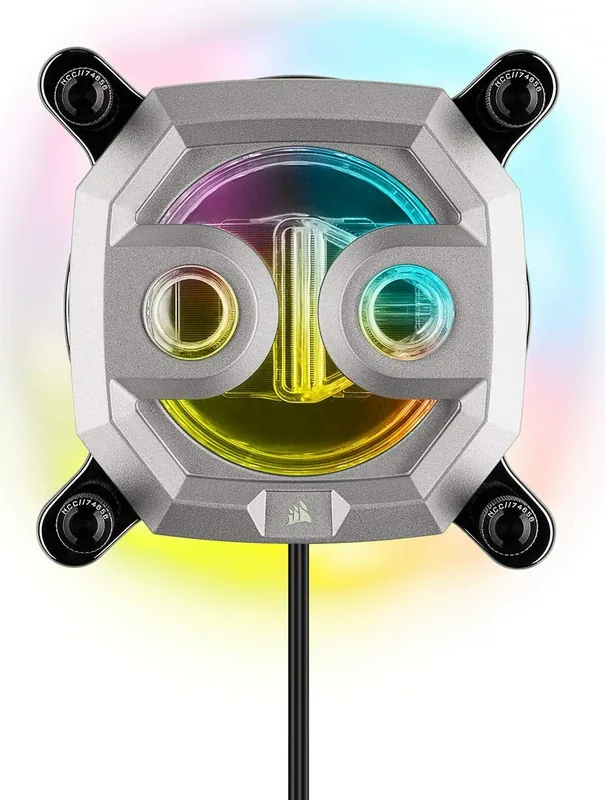
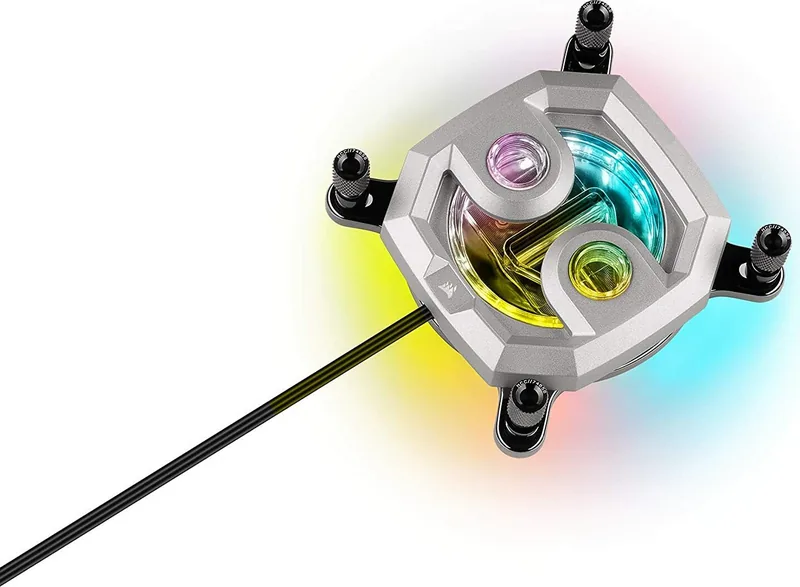
The Corsair Hydro X Series XC9 RGB is built for PC builders who want more than basic CPU cooling. It is a premium water block designed for custom liquid-cooling loops, combining strong thermal performance with a polished RGB look. For readers searching for the Corsair Hydro X Series XC9 RGB Manual, the biggest takeaway is simple: this is a serious component that rewards careful installation and a well-planned loop.
Performance-first design
At the core of the XC9 RGB is a nickel-plated copper cold plate, chosen for efficient heat transfer and reliable contact with the CPU. The block supports Intel LGA-2066 and AMD sTR4 platforms, and it also offers physical compatibility with older Intel sockets such as LGA-2011 and LGA-2011-3. That makes it a flexible option for high-end systems, especially when paired with CORSAIR XF fittings and a properly assembled cooling circuit.
Built for custom loops
This product is not a stand-alone cooler. It needs a complete custom loop that includes a pump, radiator, tubing, and fittings. The installation guidance emphasizes leak-testing the loop for at least 24 hours before regular use, which is a smart reminder that custom liquid cooling demands patience and precision. On Intel platforms, the block can be installed in multiple orientations without performance loss, while AMD sTR4 users must follow a specific orientation for best results.
RGB that matches the build
The XC9 RGB adds integrated lighting that works through CORSAIR Commander PRO or Lighting Node PRO controllers, with visual effects configured in iCUE. It can be linked with other Hydro X RGB parts, but the block should be the final device in the chain. This makes it easy to create a coordinated lighting setup without sacrificing the clean look of the cooling loop.
Notes
- Do not mix nickel-plated copper with aluminum loop parts.
- Reinstalling the block requires fresh thermal paste.
- Check current compatibility lists before buying or building.
- Use the correct inlet and outlet direction for best results.
Search for 67,732 Manuals online


Type-in Brand or Model