
Corsair HS50 Manual
PDF manual · 16 Pages
English



Quick check
Incorrect answer, please try again.
Chat with your Corsair HS50 manual using AI
Get instant AI answers from your Corsair HS50 manual
Ask anything about the Corsair HS50. Answers come from this manual, with the pages they are based on.
Ask a Question
Do you recommend HS50?
Yes NoFrequently Asked Questions
Use the included Y-adapter cable. Plug the female end into your headset and the two male ends into your PC's green (audio out) and pink (mic in) 3.5mm ports. This ensures both audio playback and microphone input work simultaneously.
Is this answer helpful?
Ensure the detachable mic boom is bent toward your mouth. It should be about 1.5 inches (4 cm) away and pointing directly at your lips. A 30-degree bend is recommended as a starting point. Adjust the angle if the volume is too low or too high.
Is this answer helpful?
Yes, the microphone boom is fully detachable. You can pull it out gently when you do not need to chat, converting the headset into a standard pair of headphones for listening to music or watching videos without the mic sticking out.
Is this answer helpful?
No, the Corsair HS50 is a stereo gaming headset. It provides high-quality stereo audio suitable for most games and media. If you require virtual or hardware-based surround sound, you might need to look at other models in the Corsair lineup.
Is this answer helpful?
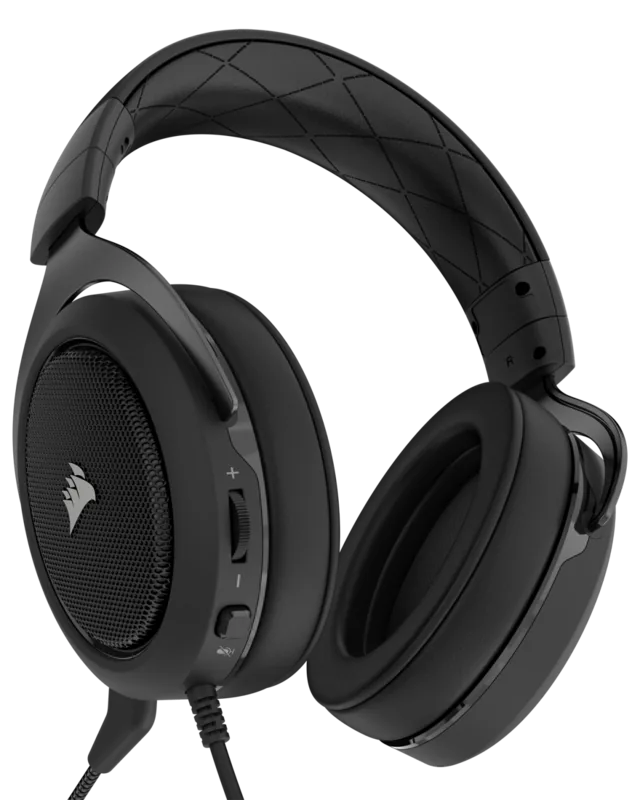
The controls are conveniently located on the left ear cup. There is a dial for adjusting the volume level and a dedicated button to mute the microphone. This allows you to make quick changes during gameplay without reaching for your keyboard or mouse.
Is this answer helpful?
Advantages and Disadvantages
Advantages

- Detachable microphone boom allows for easy transition between gaming and listening to music.
- Includes a Y-adapter cable for seamless compatibility with PC audio jacks.
- On-earcup controls provide quick access to volume adjustment and microphone muting.
- Unidirectional microphone effectively rejects background noise for clearer voice chat.
- Simple setup process makes it ideal for beginners and experienced gamers alike.
Disadvantages

- Microphone requires precise positioning near the mouth for optimal performance.
- Lacks advanced software integration found in higher-end gaming headsets.
- Stereo sound only, meaning no surround sound capabilities for immersive gaming.
- Build materials may feel less premium compared to more expensive alternatives.
- No inline remote control, requiring users to use the earcup dials for adjustments.
Product Description
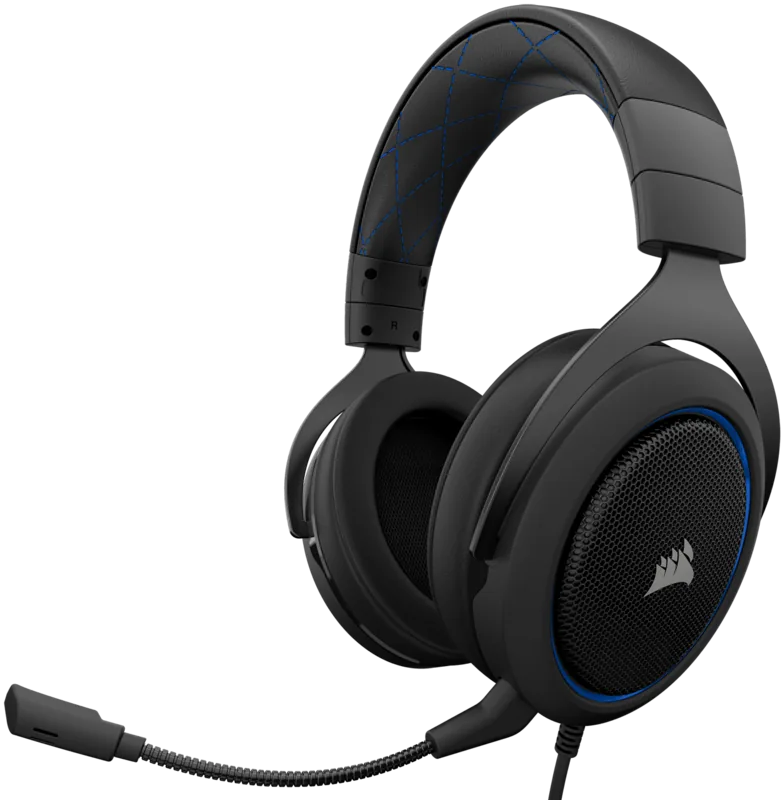
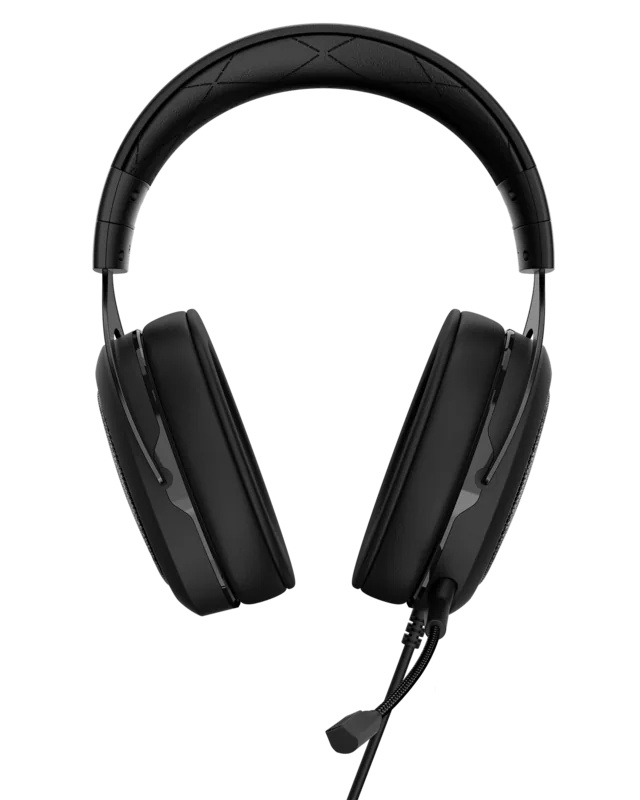
Corsair HS50 Stereo Gaming Headset
The Corsair HS50 is a reliable stereo gaming headset designed for gamers who want clear audio and comfortable communication without breaking the bank. This guide helps you get started with your new gear, ensuring you know how to set it up correctly for the best experience.
Package Contents
When you unbox the HS50, you will find everything needed to start playing right away. The package includes the headset itself, a Y-adapter cable for connecting to PC audio ports, and this quick start guide. The Y-adapter converts the single 3.5mm four-pole connector into two three-pole connectors, making it compatible with standard desktop computer setups.
Controls and Features
The HS50 features intuitive controls located directly on the ear cup. You can easily adjust the volume using the dial and mute the microphone with a dedicated button. One of the standout features is the detachable microphone boom. This allows you to remove the mic when you are not gaming or chatting, turning the headset into a sleek pair of headphones for music or movies.
Optimizing Your Microphone
To get the most out of the HS50's high-performance unidirectional microphone, proper positioning is key. The mic is designed to reject background noise and focus on your voice. For optimal performance, bend the flexible boom so that it points directly at your mouth. It should be approximately 1.5 inches (4 cm) away from your lips. A 30-degree bend is often a good starting point, but feel free to adjust based on your comfort and voice clarity.
Environmental Responsibility
Corsair encourages responsible disposal of electronic devices. Please do not throw old electronics in household waste. Instead, utilize public collection points or return them to the place of purchase to support recycling efforts and environmental protection.
Final Notes
With its simple setup and durable design, the HS50 is an excellent choice for casual and competitive gamers alike. Take a few minutes to adjust the mic position, and you will enjoy crystal-clear communication during your gaming sessions.
Search for 67,732 Manuals online


Type-in Brand or Model