
Cooler Master MasterBox MB530P Manual
PDF manual · 2 Pages
English



Quick check
Incorrect answer, please try again.
Ask a Question
Do you recommend MasterBox MB530P?
Yes NoVideo Manual
How To Build A Editing and Gaming PC With Rubeun & Klimston || ProTech Table ||
Frequently Asked Questions
The MB530P supports ATX, micro-ATX, and Mini-ITX motherboards, offering flexibility for most mainstream and enthusiast builds while providing sufficient space for GPU and cooling components.
Is this answer helpful?
Yes. The case supports multiple radiator placements including front, top, and rear positions. Verify radiator thickness and fan clearance against GPU and drive cage placements to ensure compatibility with your chosen cooling hardware.
Is this answer helpful?
The tempered glass side panel is a standard feature for the MB530P. Included fans and ARGB lighting can vary by region and SKU, so check the specific package contents or manual for your market to confirm bundled accessories.
Is this answer helpful?
The interior offers routed channels, tie points, and rear clearance to hide cables and improve airflow. Tool-less drive mounts and removable panels further aid tidy builds and simplify access during assembly or upgrades.
Is this answer helpful?
Yes, the MB530P includes removable dust filters on intake points. Remove and clean them regularly with compressed air or a gentle wash to maintain optimal airflow and cooling performance.
Is this answer helpful?
Consider that mid-tower dimensions may restrict very large custom water loops or extreme multi-GPU setups. Also verify included accessories by region and ensure radiator/GPU clearances match your components.
Is this answer helpful?
Advantages and Disadvantages
Advantages

- Tempered glass side panel offers a clear showcase for RGB components and custom builds.
- Strong airflow design with multiple fan and radiator mounting options for effective cooling.
- Spacious interior supports ATX motherboards, long GPUs, and tall CPU coolers for flexible builds.
- Tool-less drive mounts and accessible thumbscrews simplify installation and maintenance.
- Removable dust filters and steel construction provide durability and easy upkeep.
Disadvantages

- Glass side panel can add weight and requires careful handling during installation or transport.
- Regional variations in included fans or lighting may lead to inconsistent out-of-box features.
- Aggressive front styling may not suit minimalist aesthetic preferences.
- Mid-tower size limits extreme multi-GPU or very large custom water loop configurations.
- Front I/O and internal layout may feel basic compared with ultra-premium cases.
Product Specification
External
N/A
Internal
2x 2.5"/3.5" (transverse, drive rails), 4x 2.5"
Ports
2x USB-A 3.0 (5Gb/s), 2x USB-A 2.0 (480Mb/s), 1x 3.5mm jack (Line-Out), 1x 3.5mm jack (Line-In)
PCI slots
7
Fans (front)
3x 4.72in (RGB illuminated) or 2x 5.51in (optional)
Fans (rear)
1x 4.72in
Fans (left)
N/A
Fans (right)
N/A
Fans (top)
2x 5.51in (optional)
Fans (bottom)
N/A
Fans (other)
N/A
Radiator sizes
4.72/5.51/9.45/11.02/14.17in front, 4.72/9.45in top
Motherboard
up to ATX
Supported motherboards
ATX (12"x9.6")
Power supply
ATX
Power supply position
bottom
CPU cooler
max. 6.50in height
Graphics cards
max. 16.14in
Color
black/white, interior black
Lighting
RGB header, integrated LED control, illuminated fans
Dimensions (WxHxD)
9.02x18.46x19.25in
Volume
13.87gal
Weight
18.85lb
Case type
Midi-Tower
Front
closed, glass, side ventilation slots
Top
partially closed, mostly fan grille, external dust filter
Bottom
partially closed, rear fan grille, external dust filter
Left
closed, glass
Right
closed, glass
Rear
partially closed, top right fan grille, PCI slots (7x horizontal)
Front I/O position
Case side: top, Height: Front, Position: center
Special features
Cable management, dust filter, glass side panel
USB notation
Link
Product Description
Cooler Master MasterBox MB530P, Glass Window Manual
Overview
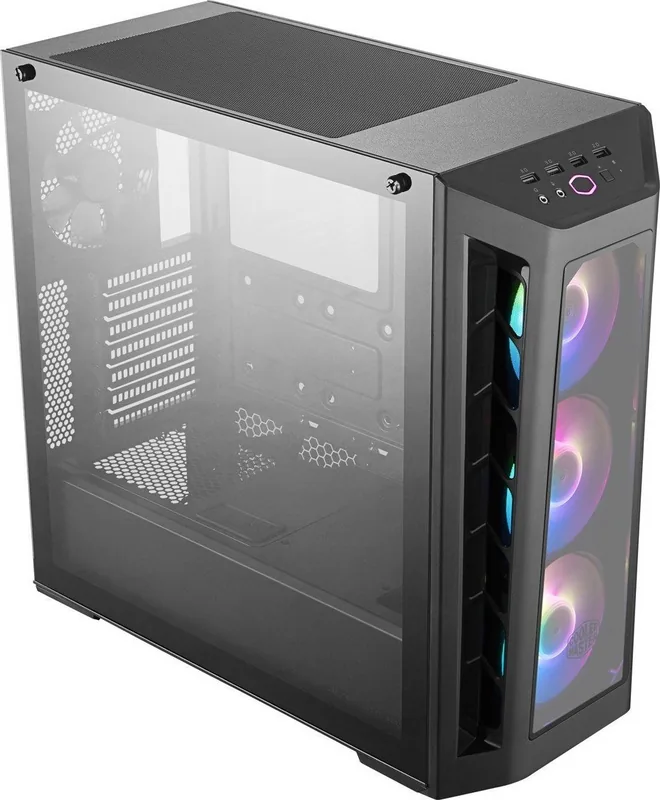
The Cooler Master MasterBox MB530P with a glass window is a mid-tower PC case that blends aggressive styling with practical features for gamers and builders. It emphasizes airflow, modularity, and a tempered glass side panel to showcase internal components. The MB530P supports multiple cooling configurations, spacious compatibility for ATX motherboards, and straightforward cable management to keep builds clean and efficient.
Design and Build
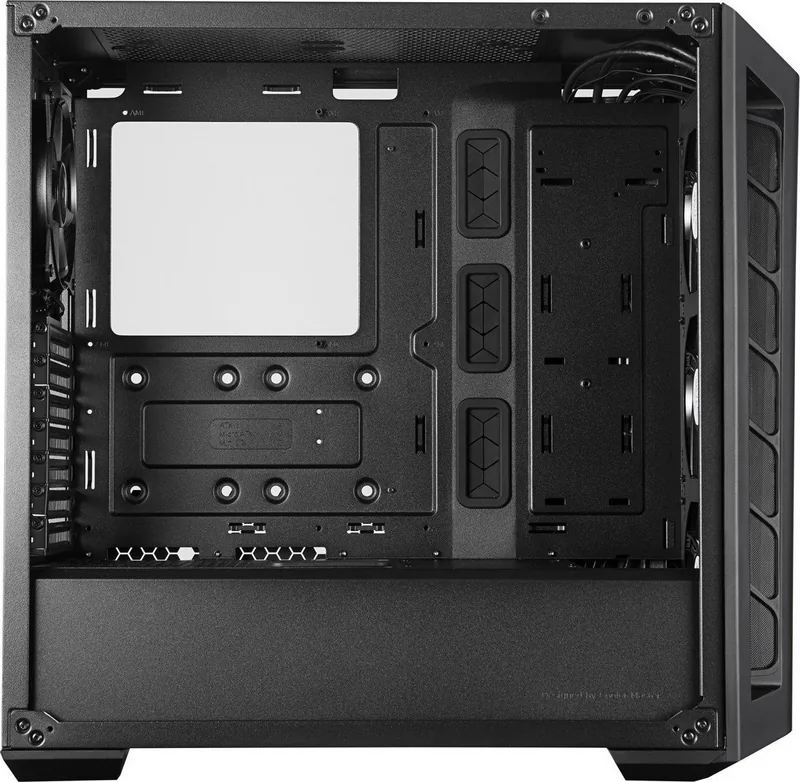
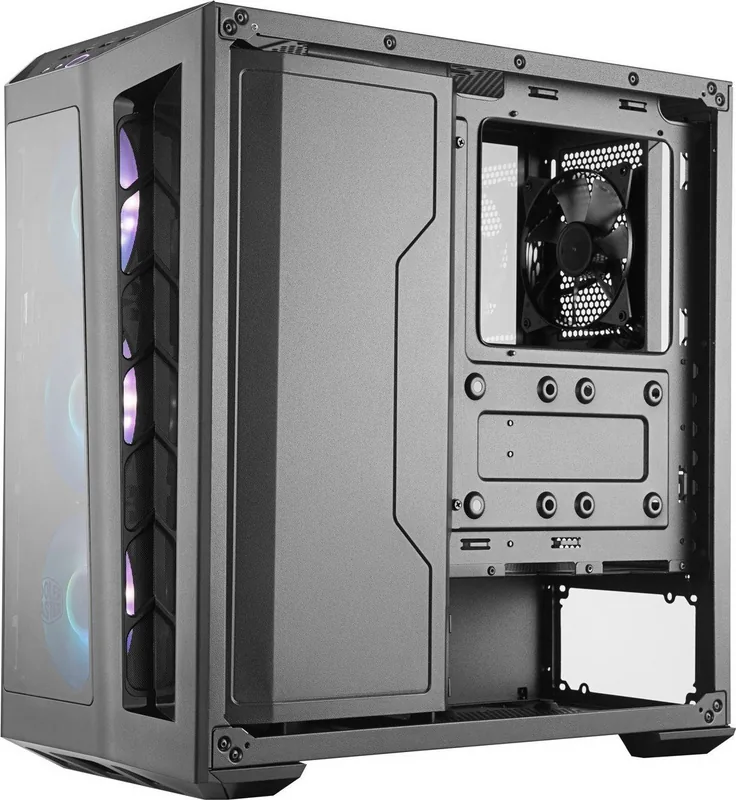
The case features a bold front panel with mesh accents and included ARGB fans (depending on region) to balance intake airflow and aesthetics. The tempered glass side window offers a clear view of the hardware, making it ideal for showcasing RGB components and custom cooling loops. Sturdy steel construction and removable dust filters make maintenance easy while maintaining a premium feel.
Cooling and Compatibility
Airflow is a central focus: the MB530P accommodates front, top, and rear fans as well as multiple radiator sizes for custom water cooling setups. There’s room for long GPUs and tall CPU coolers, and multiple drive mounts support SSDs and HDDs. The internal layout simplifies cable routing and improves airflow paths for thermally efficient builds.
User Experience
Installation is designed to be user-friendly, with tool-less drive bays and accessible thumbscrews. The glass panel attaches securely but can be removed for upgrades or cleaning. Front I/O includes essential ports for quick access to peripherals and audio. Overall, the MB530P aims to deliver a balance of visual flair and practical functionality for both novice and experienced builders.
Final Thoughts
For builders seeking a mid-tower that highlights internal components while offering solid cooling and expandability, the Cooler Master MasterBox MB530P, Glass Window is a compelling choice. It pairs a showcase-ready tempered glass panel with flexible hardware support and attention to airflow, making it a versatile platform for gaming and productivity rigs.
Notes
- Check included accessories and regional variations (fans and lighting may differ by market).
- Verify radiator and GPU clearance for custom cooling and large graphics cards.
- Regularly clean dust filters to maintain optimal airflow.
Search for 67,706 Manuals online


Type-in Brand or Model
Elyse Boehm
7 months ago
The case comes with 3 preinstalled ARGB fans. Are they really loud, and can I control their speed or lighting (controller or motherboard)?
Manual.ly
7 months ago
The preinstalled ARGB fans can be audible, especially at higher speeds. The MasterBox 530p includes an integrated controller and a front control button for the fans, so you can change lighting modes and manage the fan settings via the built-in options. If your motherboard has the matching ARGB header and fan control capability, you can also route control through the mainboard to set quieter fan curves depending on temperature. For best results, make sure the fans are connected correctly, remove any shipping blockages, keep the dust filters clean, and ensure airflow is not restricted by front accessories. This helps reduce perceived noise while maintaining good cooling performance.