
Cooler Master Hyper 212 Black Edition Manual
PDF manual · 18 Pages
English



Quick check
Incorrect answer, please try again.
Chat with your Cooler Master Hyper 212 Black Edition manual using AI
Get instant AI answers from your Cooler Master Hyper 212 Black Edition manual
Ask anything about the Cooler Master Hyper 212 Black Edition. Answers come from this manual, with the pages they are based on.
Ask a Question
Do you recommend Hyper 212 Black Edition?
Yes NoFrequently Asked Questions
It supports Intel LGA 1700, 1200, 115X, 1366, 2066, 2011-v3, and 2011. For AMD, it covers AM4, AM3+, AM3, AM2+, AM2, FM2+, FM2, and FM1 sockets.
Is this answer helpful?
Yes, the manual states that a second fan is optional. You can purchase one separately to install in a push-pull configuration for improved cooling efficiency.
Is this answer helpful?
No, both versions share the same four heat pipes and heatsink design. The only difference is the inclusion of RGB lighting on the fan shroud for the RGB model.
Is this answer helpful?
Yes, it is capable of handling moderate to heavy overclocking tasks due to its efficient heat pipe design. Adding a second fan can further enhance stability under extreme loads.
Is this answer helpful?
You need to use the specific mounting kit labeled C, F, or G depending on your motherboard. Follow the manual instructions to attach the backplate and secure the retention brackets properly.
Is this answer helpful?
Visit the official Cooler Master website at www.coolermaster.com or access the support portal at account.coolermaster.com for the most up-to-date information.
Is this answer helpful?
Advantages and Disadvantages
Advantages

- Supports an extensive range of Intel and AMD CPU sockets including LGA 1700 and AM4.
- Four direct contact heat pipes provide efficient heat dissipation.
- Optional second fan allows for push-pull configuration to boost performance.
- Excellent value for money compared to expensive liquid cooling systems.
- Durable construction with high-quality aluminum fins and copper pipes.
Disadvantages

- Large physical size may not fit in smaller computer cases.
- No included software for fan speed control on some older motherboards.
- Second fan must be purchased separately if needed for push-pull setup.
- Fan noise can be noticeable at maximum speeds under heavy load.
- Installation requires careful handling of the backplate and mounting screws.
Product Specification
Type
Tower Cooler
TDP Class
150W
Manufacturer Warranty
2 years
Product Description
The Cooler Master Hyper 212 Series: A Benchmark in Cooling Performance
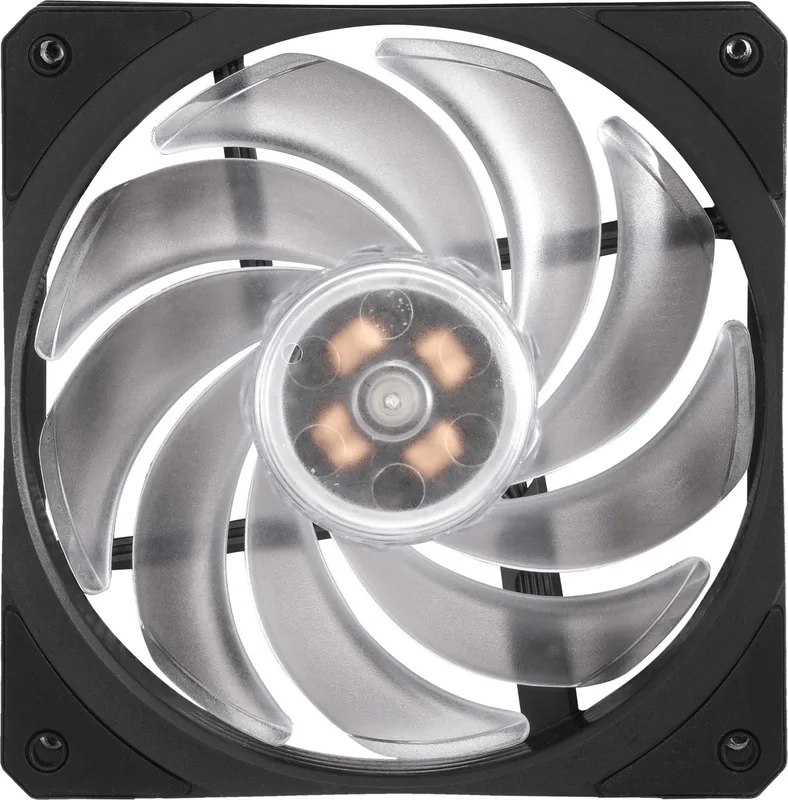
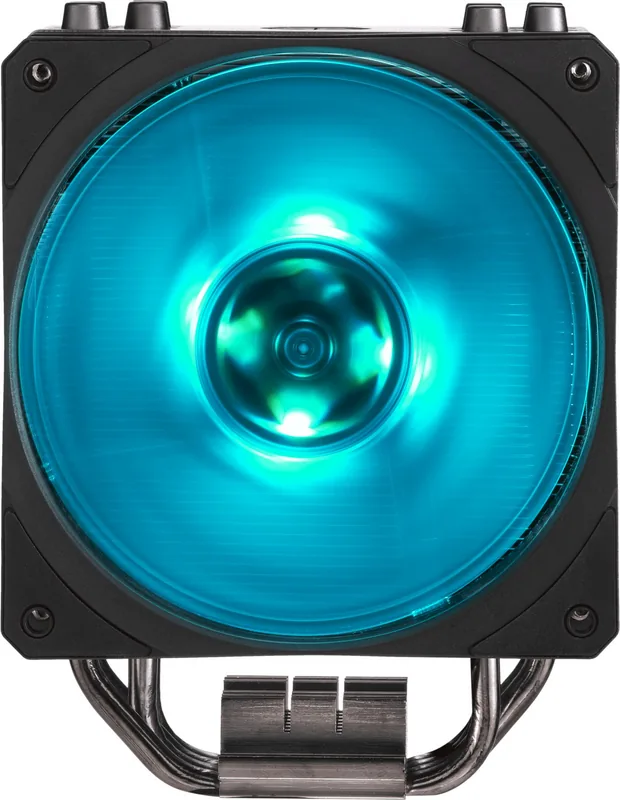
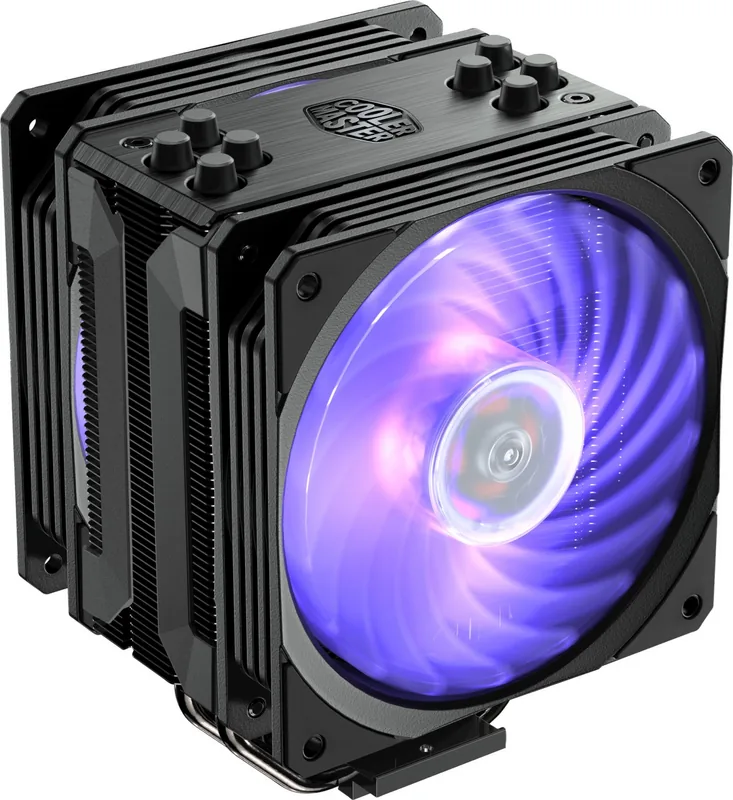
The Cooler Master Hyper 212 Black Edition and its RGB counterpart stand as enduring legends in the world of computer hardware. These air coolers are designed to provide exceptional thermal performance for both Intel and AMD processors without the complexity or cost associated with liquid cooling solutions. Whether you are building a budget-friendly gaming rig or a high-performance workstation, the Hyper 212 series offers a reliable foundation for maintaining optimal system temperatures.
Engineered for Compatibility
One of the standout features of this cooler is its broad compatibility across a vast array of CPU sockets. The mounting bracket system supports modern platforms like Intel LGA 1700 and LGA 1200, while also retaining support for legacy sockets such as LGA 1366 and AM4. This versatility ensures that users can upgrade their systems over many years without needing to replace their cooling solution. The design accommodates various motherboard form factors and case sizes, making it a universal choice for enthusiasts.
Thermal Efficiency and Design
The core of the Hyper 212 lies in its four direct-contact heat pipes. These pipes efficiently transfer heat away from the CPU base plate into the aluminum fin stack. The included fan delivers strong airflow and static pressure, ensuring that hot air is expelled quickly from the heatsink. For those seeking even more cooling headroom, the manual explicitly notes that a second fan can be added to create a push-pull configuration. This optional upgrade allows users to maximize cooling potential in extreme overclocking scenarios or when running thermally intensive applications.
Visual Appeal and Customization
The Black Edition offers a sleek, understated look with a matte finish that fits any aesthetic. The RGB version adds a layer of visual flair, allowing users to synchronize lighting effects with their rest of the system via software. Despite the added electronics, the RGB model maintains the same robust cooling capabilities as its non-illuminated sibling. The build quality reflects Cooler Masters commitment to durability, using high-grade materials that resist warping and degradation over time.
Important Notes
Always ensure proper thermal paste application before installation. Check your case dimensions against the cooler height to avoid clearance issues. Refer to the official website for the latest driver updates and firmware.
Pros and Cons
Pros
- Supports an extensive range of Intel and AMD CPU sockets including LGA 1700 and AM4.
- Four direct contact heat pipes provide efficient heat dissipation.
- Optional second fan allows for push-pull configuration to boost performance.
- Excellent value for money compared to expensive liquid cooling systems.
- Durable construction with high-quality aluminum fins and copper pipes.
Cons
- Large physical size may not fit in smaller computer cases.
- No included software for fan speed control on some older motherboards.
- Second fan must be purchased separately if needed for push-pull setup.
- Fan noise can be noticeable at maximum speeds under heavy load.
- Installation requires careful handling of the backplate and mounting screws.
Search for 67,706 Manuals online


Type-in Brand or Model