
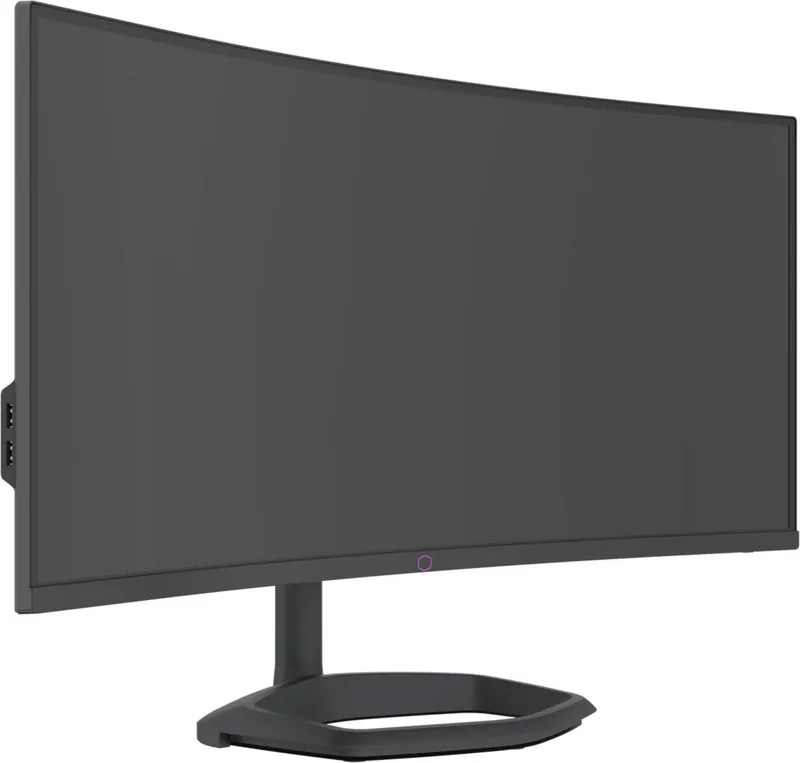
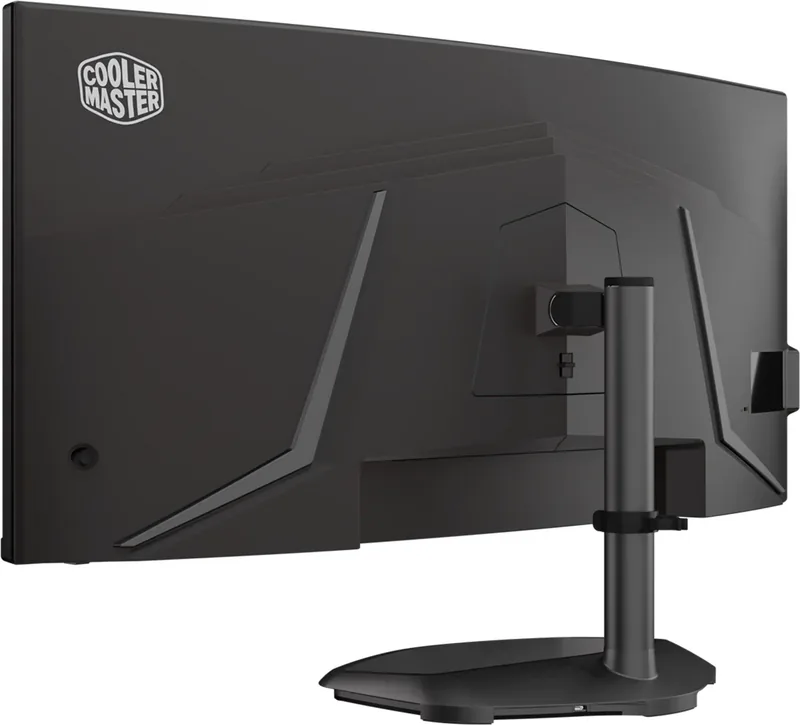
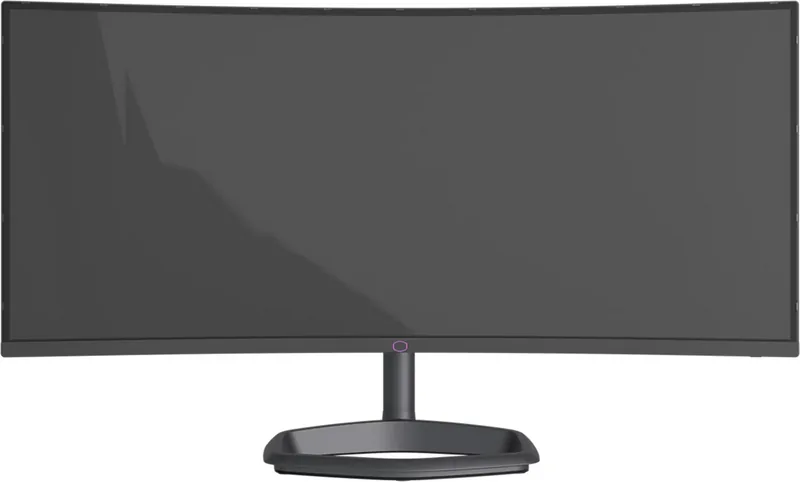
Cooler Master GM34-CWQ ARGB Manual
PDF manual · 19 Pages
English



Quick check
Incorrect answer, please try again.
Chat with your Cooler Master GM34-CWQ ARGB manual using AI
Get instant AI answers from your Cooler Master GM34-CWQ ARGB manual
Ask anything about the Cooler Master GM34-CWQ ARGB. Answers come from this manual, with the pages they are based on.
Ask a Question
Do you recommend GM34-CWQ ARGB?
Yes NoFrequently Asked Questions
The monitor reaches 144 Hz at 3440 x 1440 through DisplayPort. USB-C can also reach 144 Hz at native resolution when Type-C 3.0 mode is disabled. HDMI supports up to 100 Hz at 3440 x 1440.
Is this answer helpful?
Yes. Adaptive-Sync and FreeSync Premium can be enabled through the on-screen settings. Compatibility depends on the connected graphics hardware and its configuration.
Is this answer helpful?
It provides two HDMI inputs, one DisplayPort input, one USB-C port, one USB-B upstream port, two USB-A ports, and a headphone output. It also includes built-in 2 x 5 W speakers.
Is this answer helpful?
Yes. Connect the stand lighting using the Micro-USB to USB Type-A cable, then use Cooler Master MasterPlus+ software to configure the integrated Halo ARGB lighting.
Is this answer helpful?
Yes. It supports 100 x 100 mm VESA mounting. Use M4 x 10 mm screws and follow appropriate mounting safety practices for the display's size and weight.
Is this answer helpful?
The stand offers 0 to 80 mm height adjustment, -5 to 15 degrees of tilt, and -15 to 15 degrees of swivel. Adjust it while holding the stand rather than pressing on the screen.
Is this answer helpful?
Advantages and Disadvantages
Advantages

- 3440 x 1440 ultrawide resolution and up to 144 Hz over DisplayPort or USB-C deliver an immersive, high-speed desktop experience.
- Adaptive-Sync and FreeSync Premium support can help reduce screen tearing with compatible graphics hardware.
- Extensive connectivity includes 2 x HDMI, DisplayPort, USB-C power delivery, USB hub ports, headphone output, and 2 x 5 W speakers.
- Adjustable stand, 100 x 100 mm VESA support, gaming presets, HDR controls, crosshair tools, and customizable Halo ARGB lighting add versatility.
Disadvantages

- HDMI is limited to 100 Hz at 3440 x 1440, so 144 Hz requires DisplayPort or USB-C.
- Enabling Type-C 3.0 mode limits the native 3440 x 1440 resolution to 60 Hz.
- Motion Clearness can cause flickering or unwanted visual effects in certain conditions.
- The 80 mm height adjustment and -15 to 15 degree swivel range may be limited for some ergonomic desk setups.
Product Specification
Function
Desktop monitor
Diagonal
34 in (34.02 in)
Resolution
3440x1440 (UWQHD), 21:9, 110 ppi
Panel
VA, Quantum Dot, manufacturer: Samsung
Backlight
LED, blue light filter, flicker-free
Brightness
400 cd/m^2 (typical)
Contrast
4,000:1 (static)
HDR
VESA DisplayHDR 400
Response time
0.5 ms (MPRT)
Refresh rate
144 Hz (3440x1440)
Variable synchronization
Adaptive Sync, AMD FreeSync certified (48-144 Hz via DisplayPort, with LFC support, with HDR), NVIDIA G-Sync Compatible (48-144 Hz via DisplayPort)
Ports
2x HDMI 2.0 (100 Hz@3440x1440), 1x DisplayPort 1.4 (144 Hz@3440x1440), 1x USB-C 3.0 with DisplayPort 1.4 (upstream, 5 Gb/s, PD 65 W, 144 Hz@3440x1440), 1x USB-B 3.0 (upstream, 5 Gb/s), 2x USB-A 3.0 (downstream, 5 Gb/s), 1x 3.5 mm jack (line-out), 1x AC-In C13 (power connection)
Shape
curved, 1500R/59.06 in
Viewing angle
178°/178°
Coating
non-glare (matte)
Color depth
8-bit (16.7 million colors)
FRC
unknown
DCI-P3
98%
Speakers
speakers (2x 5 W)
Controls
mechanical buttons, joystick
Ergonomics
with stand, height-adjustable (3.15 in), pivot N/A, swivel (±15°), tilt (+15°/-5°)
VESA
100x100 (occupied)
Power consumption
31 W (typical)
SDR energy efficiency (A to G)
38 kWh/1,000 h (G)
HDR energy efficiency (A to G)
48 kWh/1,000 h (G)
Special features
security lock (Kensington Security Slot), stand lighting (RGB), slim bezel
Screen-to-body ratio
91.07% (calculated)
Dimensions
31.75x17.11x10.78 in (WxHxD) with stand compressed, 31.75x14.24x4.91 in (WxHxD) without stand
Color
black (display bezel) / black (lower bezel) / black (stand) / black (rear)
Weight
16.76 lb (with stand)
Power supply
internal
Warranty
two years
USB notation
Link
Product Description
Cooler Master GM34-CWQ ARGB 34 Manual: Ultrawide Gaming With Flexible Control
The Cooler Master GM34-CWQ ARGB 34 is a 34-inch ultrawide gaming monitor designed for immersive PC play, entertainment, and productive multitasking. Its 3440 x 1440 resolution provides a broad workspace and cinematic 21:9 presentation, while the 4000:1 typical contrast ratio helps create deeper-looking dark scenes. The Cooler Master GM34-CWQ ARGB 34 Manual highlights a display built around high refresh performance, practical connectivity, and extensive on-screen customization.
For gaming systems connected through DisplayPort or USB-C, the monitor supports up to 3440 x 1440 at 144 Hz. HDMI supports the same ultrawide resolution at up to 100 Hz. Adaptive-Sync and FreeSync Premium are available to help reduce tearing when paired with compatible hardware. The panel also offers a 0.5 ms MPRT response time when Motion Clearness is enabled, giving fast-moving scenes a sharper appearance. Users should note that this motion setting can introduce flicker or other visual side effects in some situations.
Connections and daily usability
The GM34-CWQ ARGB 34 includes two HDMI ports, one DisplayPort input, and a USB-C connection with power delivery up to 20 V/3.25 A maximum. USB-A ports, a USB-B upstream connection, a headphone output, and integrated 2 x 5 W speakers expand its convenience for a desk setup. USB-C refresh behavior depends on the Type-C 3.0 mode: switching that mode off allows up to 144 Hz at native resolution, while enabling it limits native-resolution operation to 60 Hz.
The stand supports height adjustment up to 80 mm, tilt from -5 to 15 degrees, and swivel from -15 to 15 degrees. For alternate installations, the monitor supports a 100 x 100 mm VESA mount using M4 x 10 mm screws. Cable routing can be kept neater with the included cable clip.
Picture modes and ARGB character
A wide set of OSD controls lets users adjust brightness, contrast, sharpness, gamma, color temperature, six-axis color, color space, and HDR settings. Presets cover Standard, Game, Movie, Web, Text, MAC, and color-weakness modes. Dedicated FPS, RTS, and MOBA profiles, black stabilization, crosshair options, a frame-rate display, and low-blue-light controls provide useful tuning tools for different activities.
The Halo stand adds a distinctive ARGB lighting element. With the optional Micro-USB to USB Type-A connection, the lighting can be customized through Cooler Master's MasterPlus+ software. This makes the monitor suitable for users who want an ultrawide display that combines high-refresh gameplay with coordinated desktop lighting.
Note: Use shielded cables where required, avoid pressing on the LCD panel, and clean the screen only with a soft cloth and solvent-free cleaning solution.
Search for 67,706 Manuals online


Type-in Brand or Model