
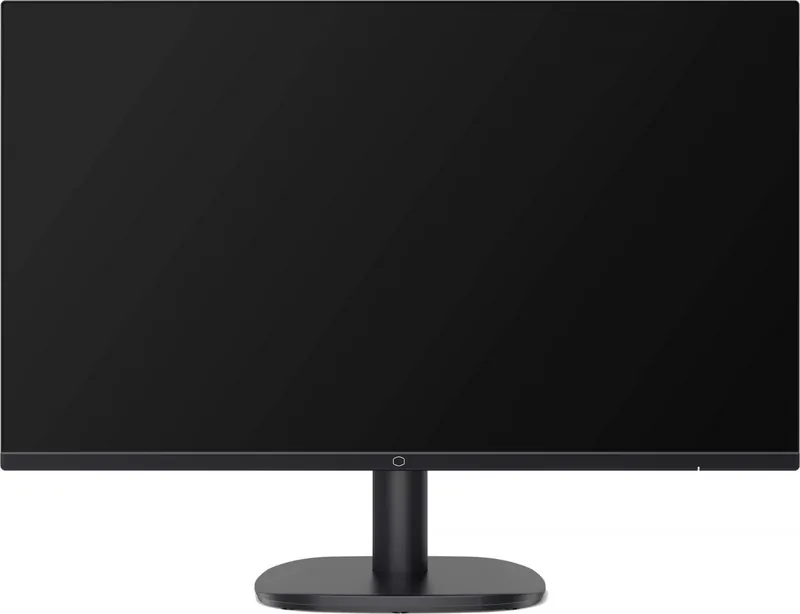
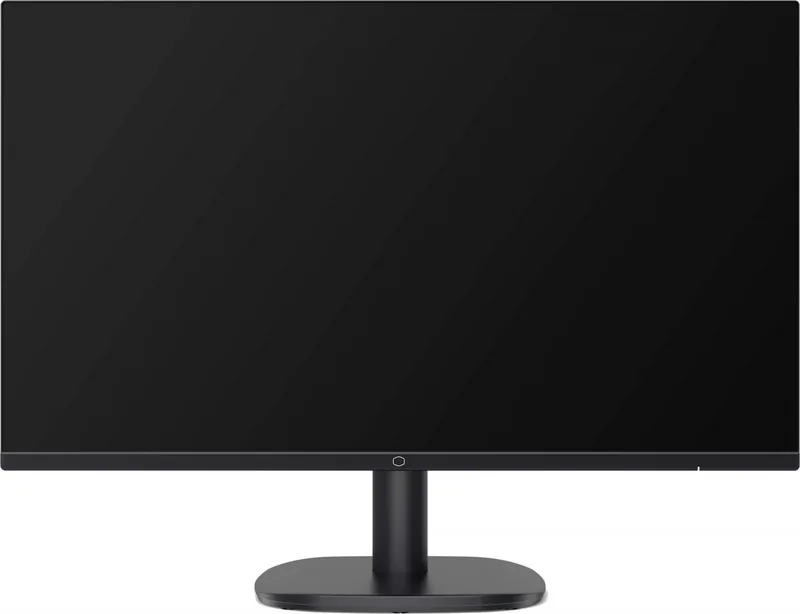
Cooler Master GA271 Manual
PDF manual · 20 Pages
English



Quick check
Incorrect answer, please try again.
Chat with your Cooler Master GA271 manual using AI
Get instant AI answers from your Cooler Master GA271 manual
Ask anything about the Cooler Master GA271. Answers come from this manual, with the pages they are based on.
Ask a Question
Do you recommend GA271?
Yes NoFrequently Asked Questions
The GA271 uses a 2560 x 1440 QHD resolution. This provides more pixel detail and desktop area than a 1920 x 1080 Full HD monitor, helping with games, documents, web content, and side-by-side windows.
Is this answer helpful?
The monitor supports up to 100Hz at 2560 x 1440 through DisplayPort and HDMI. A compatible computer, console, cable, and selected output setting are required to use the available refresh rate.
Is this answer helpful?
Gaming options include Adaptive-Sync, Off, Normal, and Advanced Over Drive modes, Motion Clearness, an FPS counter, and several crosshair overlays. Picture presets for Action, FPS, and RTS games are also available.
Is this answer helpful?
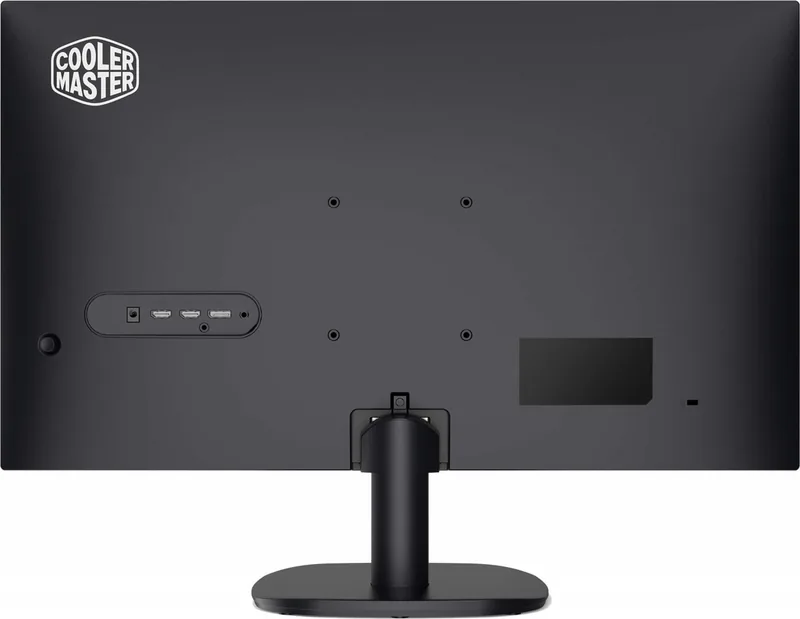
The monitor includes two HDMI inputs, one DisplayPort input, and one headphone jack. The input selection menu lets users choose a source manually or enable automatic source detection.
Is this answer helpful?
Yes. The monitor supports a 100 x 100 mm VESA mounting pattern. The specified mounting hardware is M4 x 10 mm screws. Confirm that the chosen arm or wall mount is compatible with the monitor's size and weight.
Is this answer helpful?
Yes. Users can adjust brightness, contrast, black stabilization, blue light filtering, gamma, color temperature, RGB gain, color space, volume, and OSD settings. A reset function restores settings to their defaults.
Is this answer helpful?
Advantages and Disadvantages
Advantages

- 2560 x 1440 QHD resolution gives games, text, and multitasking more detail and workspace than Full HD.
- 100Hz operation is supported through both HDMI and DisplayPort for smoother motion across modern devices.
- Adaptive-Sync, Over Drive, Motion Clearness, FPS counter, and crosshair tools provide useful gaming-focused controls.
- Two HDMI ports, one DisplayPort, a headphone jack, and 100 x 100 mm VESA support add setup flexibility.
Disadvantages

- The stand only offers tilt adjustment from -5 to 20 degrees, with no stated height, swivel, or pivot adjustment.
- Typical brightness is rated at 250 nits, which may be less suitable for very bright rooms.
- Motion Clearness is needed for the stated 1ms MPRT response time and may not suit every viewing preference.
- Adaptive-Sync can cause flickering in some graphics-card and refresh-rate situations.
Product Specification
Function
Monitor (stationary)
Diagonal
27 in
Resolution
2560 x 1440 (QHD), 16:9, 109 ppi
Panel
VA
Backlight
LED, blue light filter, flicker-free
Brightness
250 cd/m2 (typical)
Contrast
4,000:1 (static)
HDR
HDR10
Response Time
1 ms (MPRT)
Refresh Rate
100 Hz (2560 x 1440)
Variable Synchronization
Adaptive Sync
Ports
2x HDMI 2.0 (100 Hz at 2560 x 1440), 1x DisplayPort 1.4 (100 Hz at 2560 x 1440), 1x 3.5 mm jack (line-out), 1x DC-in barrel jack (power connection)
Shape
flat
Viewing Angle
178 degrees/178 degrees
Coating
non-glare (matte)
Color Depth
10-bit (1.07 billion colors)
FRC
unknown
sRGB
95%
Controls
Joystick
Ergonomics
with stand, height adjustment N/A, pivot N/A, swivel N/A, tilt (+20 degrees/-5 degrees)
VESA
100 x 100 (open)
Power Consumption
18 W (typical), 0.3 W (standby)
SDR Energy Efficiency (A to G)
26 kWh/1,000 h (F)
HDR Energy Efficiency (A to G)
28 kWh/1,000 h (G)
Features
Security lock (Kensington Security Slot), slim bezel
Screen-to-Body Ratio
753.66% (calculated)
Dimensions
24.13 x 8.84 x 17.95 in (W x H x D) with stand, 24.13 x 1.71 x 14.2 in (W x H x D) without stand
Color
black (display bezel) / black (bottom bezel) / black (stand) / black (rear)
Weight
7.72 lb (with stand), 6.83 lb (without stand)
Power Supply
external
Warranty
two years
USB Notation
Link
Product Description
Cooler Master GA271, 27" Manual: QHD Gaming Made Straightforward
The Cooler Master GA271 is a 27-inch gaming monitor designed for players and everyday users who want a sharp, spacious desktop without an overly complicated setup. Its 2560 x 1440 QHD resolution provides noticeably more workspace and detail than Full HD, making it suitable for games, streaming, browsing, and productivity tasks. With a maximum refresh rate of 100Hz through either DisplayPort or HDMI, the screen delivers smoother motion than a conventional 60Hz display.
Clear visuals and responsive gaming features
The panel offers a typical 250-nit brightness rating, a 4000:1 typical contrast ratio, and wide 178-degree viewing angles. These specifications support strong contrast and comfortable visibility from different seating positions. When Motion Clearness is enabled, the monitor supports a 1ms MPRT response time to help reduce perceived blur in fast-moving scenes.
The Cooler Master GA271, 27" Manual highlights several image presets for different uses. Action, FPS, and RTS modes target common game genres, while Web and Text modes support daily browsing and reading. Users can also select Standard, HDR, or a custom profile, then fine-tune brightness, contrast, black stabilization, blue light filtering, gamma, and color temperature. Color-space options include sRGB, Rec.709, HDR, EBU, and SMPTE-C.
Flexible connections and easy controls
Connectivity includes two HDMI inputs, one DisplayPort input, and a headphone jack. This arrangement makes it practical to keep a PC and console connected at the same time, then switch sources through the on-screen display. The rear control joystick handles power, menu navigation, confirmation, and adjustments in one compact interface.
Gaming tools include Adaptive-Sync, Over Drive settings, an optional FPS counter, and selectable crosshair overlays. Adaptive-Sync can help match the display refresh behavior to a compatible graphics card, although the settings note that flicker may occur in some situations. The monitor also supports automatic input detection, aspect-ratio selection, DDC/CI, and a quick-start mode.
Setup, ergonomics, and placement
The included stand supports tilt adjustment from -5 to 20 degrees, helping users position the screen more comfortably. For alternate desk layouts, the GA271 supports a 100 x 100 mm VESA mount with M4 x 10 mm screws. It measures 613.0 x 224.5 x 456.0 mm with the stand attached and weighs 3.50 kg.
Note: Use screened cables where required, avoid pressing directly on the LCD panel, and clean the display only with a soft cloth and solvent-free cleaner. The monitor should not be lifted by its stand.
For users seeking QHD clarity, a 100Hz refresh rate, and useful gaming controls in a clean 27-inch format, the Cooler Master GA271 offers a well-rounded display experience.
Search for 67,706 Manuals online


Type-in Brand or Model