
Cooler Master CH331 Manual
PDF manual · 8 Pages
English



Quick check
Incorrect answer, please try again.
Chat with your Cooler Master CH331 manual using AI
Get instant AI answers from your Cooler Master CH331 manual
Ask anything about the Cooler Master CH331. Answers come from this manual, with the pages they are based on.
Ask a Question
Do you recommend CH331?
Yes NoFrequently Asked Questions
Yes, the microphone is both detachable and flexible. You can plug it into the headphone microphone jack and adjust it parallel to your mouth.
Is this answer helpful?
The warranty period is two years starting from the first day of purchase with proof of invoice. It covers manufacturing defects but excludes misuse.
Is this answer helpful?
Yes, for Mac installation open the Apple Menu and select System Preferences. Click the Sound icon and set CH331 for input and output.
Is this answer helpful?
Right click the Speaker icon, select Playing Device, and set CH331 as default. Repeat under the Recording tab for microphone settings.
Is this answer helpful?
The driver diameter measures 50mm per unit. This size helps deliver the frequency response from 20 to 20 thousand hertz.
Is this answer helpful?
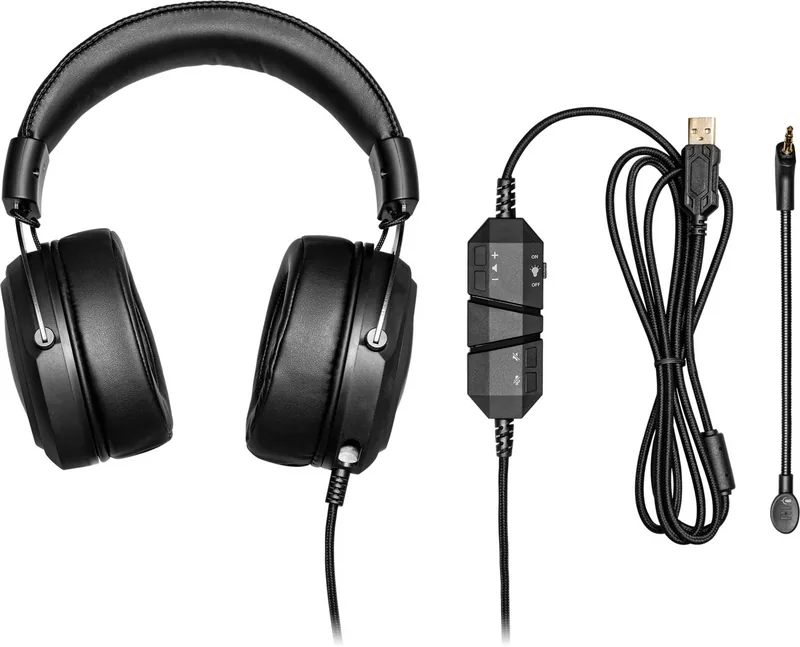
The package includes the CH331 Headset, the Detachable Flexible Mic, and a Quick Start Guide.
Is this answer helpful?
Advantages and Disadvantages
Advantages

- Detachable flexible microphone for better placement and convenience
- Virtual 7.1 surround sound enhances positional audio clarity
- RGB logo with customizable on and off lighting controls
Disadvantages

- Fixed cable length of 2.2 meters limits distance
- Microphone requires specific orientation for optimal results
- Warranty voids if modified or repaired by unauthorized personnel
Product Specification
Type
Headphones (Over-Ear)
Form Factor
Headband
Design
Closed
Microphone
Boom Microphone (Detachable)
Connection
USB
Wireless
No
Cable
7.22 ft, One-sided
Controls
Volume Control, Mute Button
Frequency Response
20Hz-20kHz (Headphones), 100Hz-8kHz (Microphone)
Impedance
16 Ohm
Sensitivity
103 dB
Driver
1.97 inch
Device Features
RGB Lighting
Software Features
Virtual 7.1 Surround
Color
Black
Weight
0.82 lb
Product Description
Immersive Audio Experience
Discovering the Audio Power
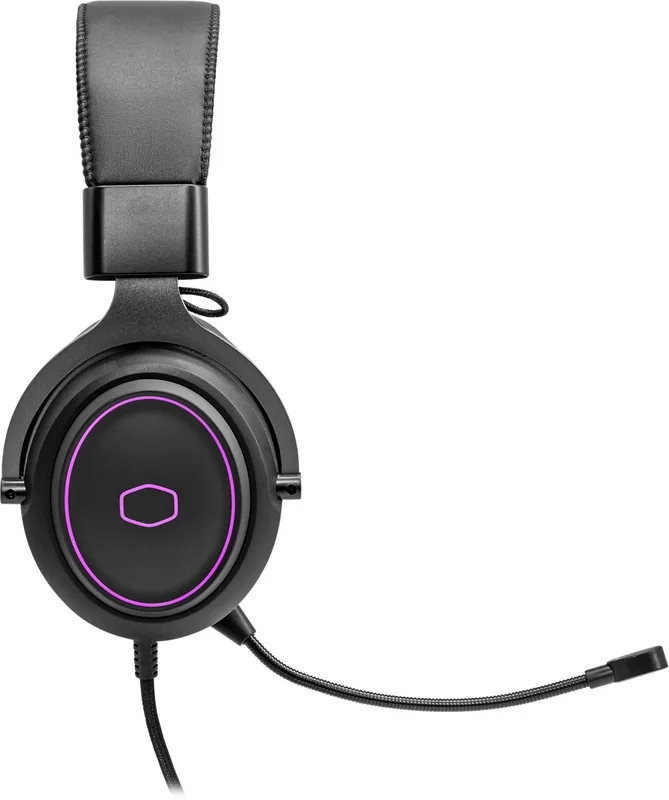
The Cooler Master CH331 headset brings a new level of immersion to your gaming sessions. With Virtual 7.1 surrounding sound, every step and gunshot sounds clear and positional. This device ensures you stay ahead in competitive games. The detachable flexible mic allows for convenient communication. You can attach it parallel to your mouth for best results. The microphone diaphragm must face your mouth for optimal capture. Many users rely on the Cooler Master CH331 Manual to guide their initial setup process. An additional USB cable connects the unit easily to your PC. The lighting is customizable.
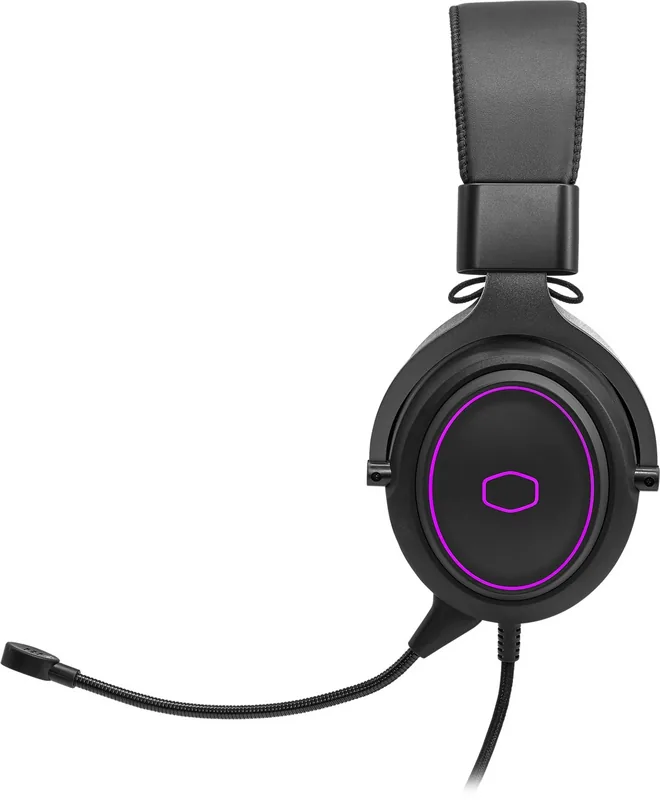
The RGB logo adds a touch of style. RGB on/off controls let you manage lighting. Volume adjustments are accessible directly on the unit. Muting options work for mic and volume. This design suits gamers who want aesthetics and function. Setup involves selecting the playing device on your desktop. You can set the CH331 as the default audio device through the control panel. This ensures seamless audio routing without complex configuration. Windows users right click the Hardware and Sound settings. Control your sound environment easily.
Technical Specifications and Performance
Under the hood, the drivers measure fifty millimeters. The frequency response ranges from twenty to twenty thousand hertz. This range covers the entire auditory spectrum for humans. Impedance sits at sixteen ohms, ensuring compatibility with most inputs. Sensitivity is rated at one hundred three decibels. The cable extends over two meters using Type A connectors. Dimensions reflect a comfortable fit around the ears. The weight is approximately three hundred seventy-one grams. Comfortable ear cushions ensure long listening sessions without fatigue. The materials used are soft and durable.
Users can find setup help for Windows and Mac systems. On Windows, right click the speaker icon to select Hardware and Sound. Choose sound and set the device as default. On Mac, open system preferences and select the sound icon. Choose CH331 under input and output tabs. Warranty coverage lasts for two years from the purchase date. This protects original purchasers against manufacturing defects. Keep your invoice safe for any replacement claims. Cooler Master offers support through their account portal.
Visit their official website for specific terms regarding service. It covers major failures and reasonable defects. You are entitled to a replacement or refund for major failures. Repair costs are covered if it is a natural use defect. Do not alter the product or void the warranty sticker. Non-authorized repairs will void the warranty. Contact the shop where you bought the goods first. Expenses for returning goods may vary by region. Always check your local laws for consumer guarantees. Adjust the headband size for a secure fit on your head. Audio quality remains consistent across different volume levels.
Search for 67,706 Manuals online


Type-in Brand or Model