
Conceptronic EMRICK03G Manual
PDF manual · 8 Pages
English



Quick check
Incorrect answer, please try again.
Chat with your Conceptronic EMRICK03G manual using AI
Get instant AI answers from your Conceptronic EMRICK03G manual
Ask anything about the Conceptronic EMRICK03G. Answers come from this manual, with the pages they are based on.
Ask a Question
Do you recommend EMRICK03G?
Yes NoFrequently Asked Questions
It adds four SATA ports to a computer using a single PCI Express slot for storage expansion.
Is this answer helpful?
You must use an available PCIe slot on your motherboard after turning off power.
Is this answer helpful?
Yes, you need to remove the cover to access internal components and install the card.
Is this answer helpful?
Insert the CD-ROM into the drive and run Autorun.exe to start the installation menu.
Is this answer helpful?
Yes, a restart is required to ensure all drivers load correctly on the system.
Is this answer helpful?
Advantages and Disadvantages
Advantages

- Easy physical installation process with clear hardware alignment steps
- Provides four additional SATA ports for storage expansion
- Utilizes fast PCIe 2.0 x1 interface for data transfer
- Includes driver software with multi-language support
Disadvantages

- Requires physical internal access to computer case
- Driver installation needs original CD-ROM media
- Needs power supply connection for additional drives
Product Specification
Bus Interface
PCIe 2.0 x1
Interfaces
4x SATA 6Gbps
Internal Connectors
4x SATA 6Gbps
External Connectors
N/A
RAID Support
N/A
Chipset
Marvell 88SE9215
Cache
N/A
Additional Features
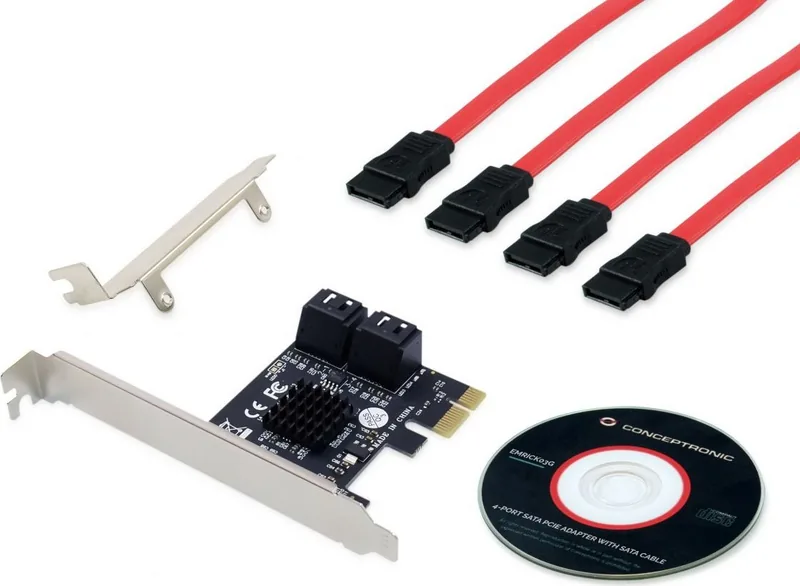
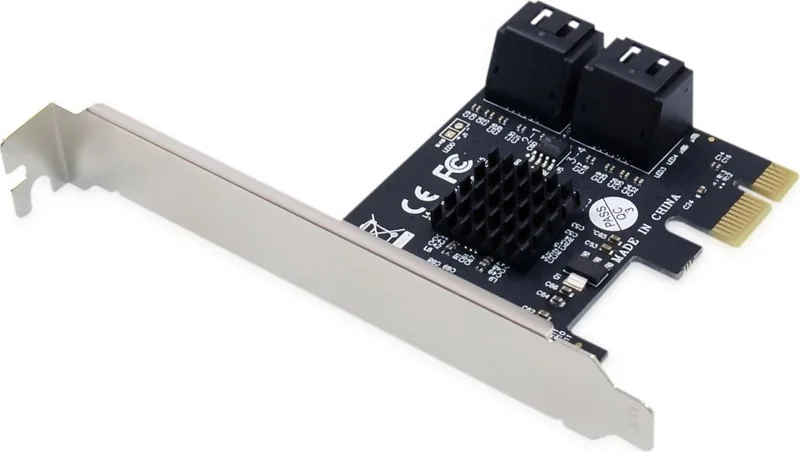
low profile PCB, including low profile bracket
Note
Different revisions available.
Product Description
Upgrade Your Storage With Conceptronic EMRICK03G
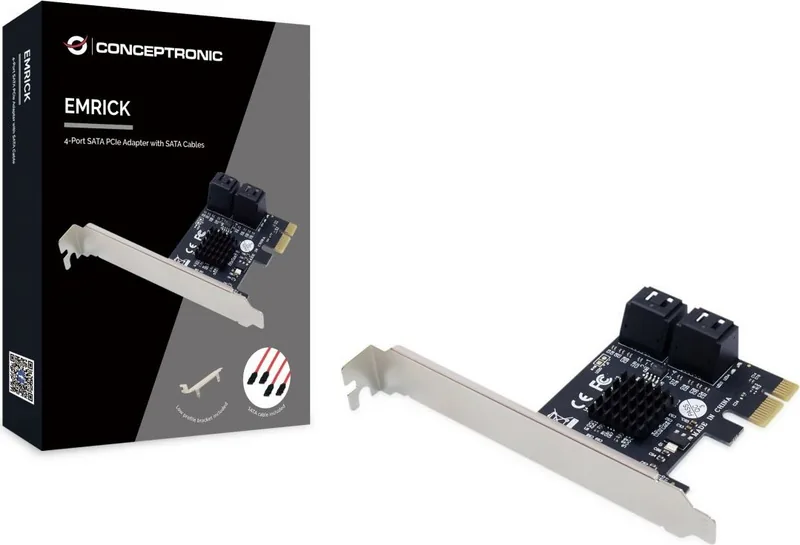
Expanding your computer storage capabilities is essential for modern users who handle large files efficiently. The Conceptronic EMRICK03G 4x SATA, PCIe 2.0 x1 Manual offers a seamless solution for adding ports quickly. This adapter transforms a single PCIe slot into a hub for four SATA devices securely. Whether you need extra hard drives or optical drives for media, this card delivers reliability for data access every day.
Key Features
The card utilizes the PCIe 2.0 standard to ensure fast data transfer speeds for connected drives simultaneously. It fits into standard PCIe slots on the motherboard without complex modifications required. The design focuses on stability and ease of use for technicians or home users alike. Many users find this upgrade perfect for servers or heavy storage systems needing expansion significantly. Installation is straightforward if you follow the guidelines provided by the manufacturer carefully. You avoid the expensive cost of buying a new motherboard expansion just for more ports available.
Setup Process
Turning off your computer is the mandatory first step in the setup procedure always. Unplug the power cord and remove your computer cover carefully to access internals safely. Locate an available PCIe slot on the motherboard near other expansion cards effectively. Align the card connector with the slot and push firmly until seated physically. Secure the bracket with the included screw to prevent movement during operation. Replace your cover and reconnect power cables to the system securely. The system detects new hardware automatically upon booting up. You can ignore the wizard prompt to proceed smoothly with setup without issues.
Software Configuration
Insert the CD-ROM into your drive to begin software setup immediately after booting. The autorun menu guides you through installation steps directly without confusion. Select install drivers and follow the instructions on the screen carefully. It is crucial to restart your computer after this step completes fully. This ensures the drivers load correctly for all four ports effectively. The software support includes multiple languages for global users easily to understand. Driver installation ensures compatibility with Windows systems for optimal performance.
Notes
Always ensure your power supply can handle additional drives without sagging under load. Check compatibility with your operating system before purchasing the adapter specifically. Keep the driver CD safe for future reinstalls or system recovery needs. This card supports standard SATA cables effectively for data transmission quality. Remember to consult the Conceptronic EMRICK03G 4x SATA, PCIe 2.0 x1 Manual for specific details regarding your specific hardware setup requirements.
Search for 67,706 Manuals online


Type-in Brand or Model