
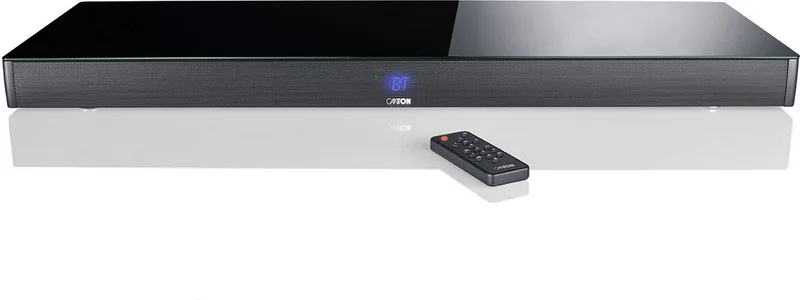
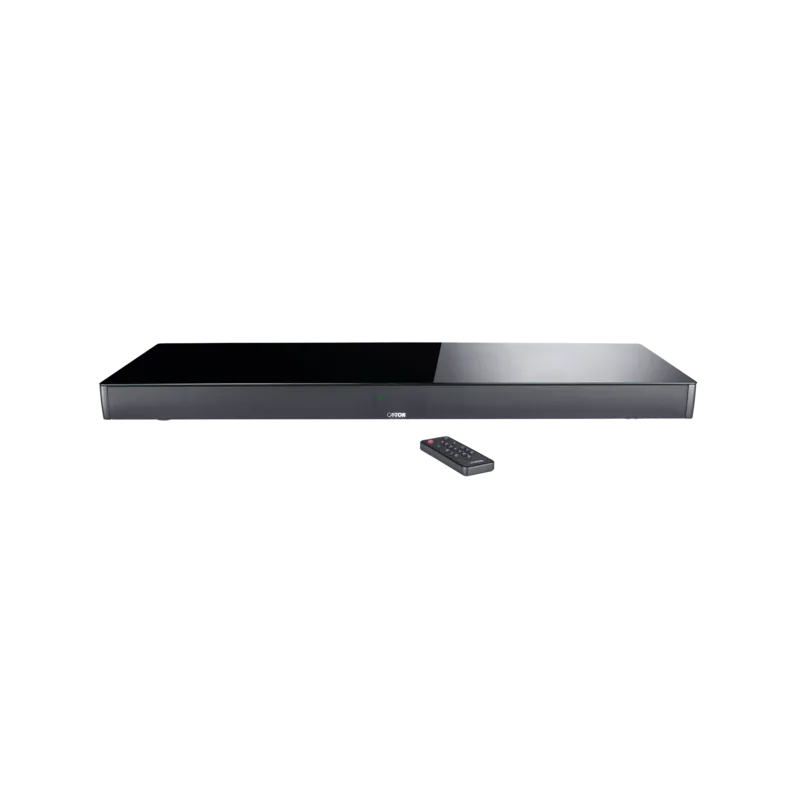
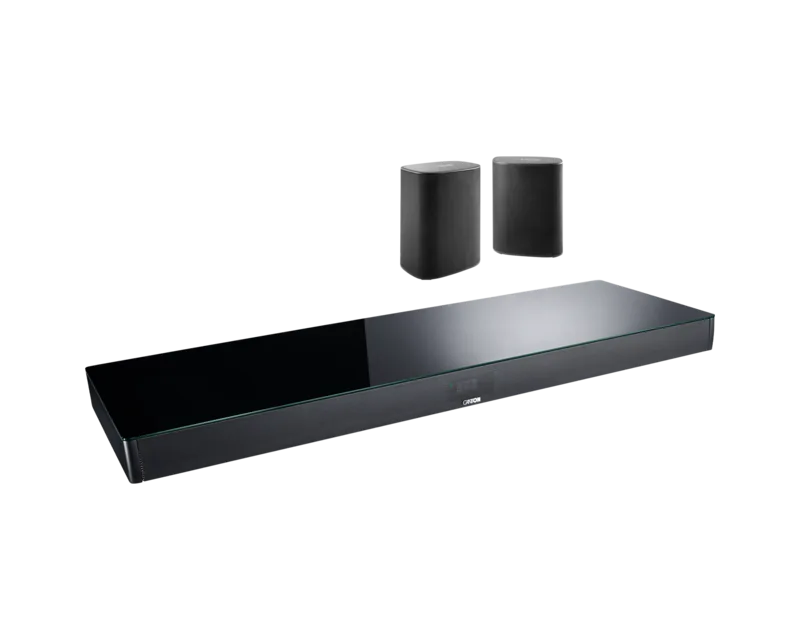
Canton Smart Sounddeck 100 Manual
PDF manual · 60 Pages
English



Quick check
Incorrect answer, please try again.
Chat with your Canton Smart Sounddeck 100 manual using AI
Get instant AI answers from your Canton Smart Sounddeck 100 manual
Ask anything about the Canton Smart Sounddeck 100. Answers come from this manual, with the pages they are based on.
Smart Sounddeck 100 Maintenance Schedule
Clean only with a clean, dry cloth. Do not use aggressive, alcohol-containing or abrasive cleaners.
Replace if the sound deck does not respond to the remote. Ensure correct polarity and type.
Ask a Question
Do you recommend Smart Sounddeck 100?
Yes NoFrequently Asked Questions
Use the pairing button on the remote and select the device in your phone menu.
Is this answer helpful?
Yes, install the Google Home app and follow setup instructions for the soundbar.
Is this answer helpful?
Adjust the Lipsync setting in the menu to delay audio for video synchronization.
Is this answer helpful?
Go to system menu and select reset option to restore default configurations.
Is this answer helpful?
Yes, support for wired or wireless Canton Smart subwoofers is included in settings.
Is this answer helpful?
Advantages and Disadvantages
Advantages

- Built-in Chromecast and Spotify Connect support.
- Google Assistant voice control integration available.
- Multiple HDMI inputs including ARC and CEC support.
- Automatic firmware updates ensure latest features.
- Virtualizer supports 3D audio and surround sound effects.
Disadvantages

- External wireless speakers needed for discrete surround modes.
- IR learning does not support radio frequency signals.
- Network connection required for full functionality updates.
- Standby power consumption varies by specific mode setting.
- Setup process requires specific 30 second power cut rule.
Product Specification
Type
Soundbase
Channels
2.1
Power
300W Peak
Frequency Range
25Hz-30kHz
Audio Decoder
Dolby Atmos, Dolby TrueHD, Dolby Surround, DTS, DTS-HD Master Audio
Streaming Clients
Google Cast, Spotify
Voice Assistants
Google Assistant
HDR
HDR, HDR10, HDR10+, HLG
Video Connectors
3x HDMI In, 1x HDMI Out, HDCP 2.2
Audio Connectors
1x Digital Audio In (coaxial), 1x Digital Audio In (optical), 1x Stereo Line In (RCA), 1x Sub Out (RCA)
Additional Ports
RJ-45
Wireless
Bluetooth 4.0, Wi-Fi (Wireless LAN)
Features
Lip Sync
Color
Black
Dimensions
39.37 x 2.76 x 12.99 in (WxHxD)
Consists of
Soundbase
Product Description
Canton Smart Sounddeck 100 (2019) Review
Welcome to advanced home audio. The Canton Smart Sounddeck 100 (2019) soundbar revolutionizes your living space. It features powerful virtualizers and 3D audio support for an immersive experience. Whether streaming music or watching films, the clarity is exceptional. Connectivity includes HDMI ARC, optical, and coaxial inputs. One standout feature is built-in Chromecast technology. This allows wireless streaming from mobile devices directly to the soundbar. You can control playback using the Google Home app on your smartphone. Google Assistant integration offers voice control capabilities for your convenience. Spotify Connect is another highlight. It turns your phone into a remote control for your music library. You can browse playlists and adjust volume via the Spotify app.
Setting up this system is straightforward thanks to the intuitive on-screen display. The menu structure allows easy navigation for adjustments like sound modes. You can customize the equalizer for different room placements. There are specific modes for movies, music, and nights. The device also supports Bluetooth connections for wireless audio streaming. Presets allow you to save your favorite settings quickly. Safety guidelines ensure longevity and secure operation regarding placement. The power consumption is optimized for energy efficiency in standby mode. Firmware updates happen automatically when connected to the network. This ensures you always have the latest features. Using the Canton Smart Sounddeck 100 (2019) Manual provides detailed guidance on installation. It covers connection types and troubleshooting steps. You can expand the system with wireless subwoofers from the Canton Smart series. Virtual speakers create a surround sound effect. For true discrete surround, external wireless speakers are needed. The IR learning function helps integrate with other home theater components. You can program your TV remote to control volume. This simplifies the entertainment center. Build quality feels robust and is designed for daily use. Cleaning requires a soft dry cloth to maintain appearance. Battery replacement in the remote uses standard CR2032 cells. Overall, this unit offers a comprehensive solution for modern audio needs. It bridges the gap between traditional audio and smart streaming services. Enjoy high fidelity sound without complex wiring setups. The interface is user-friendly for all age groups. Three HDMI inputs and one output are provided for your TV. Network settings allow for stable Wi-Fi connections. Subwoofer output supports wired or wireless integration options. Additional accessories are included in the box for immediate setup. The remote control allows for quick access to common functions without delay. Audio levels can be monitored effectively using the LED display indicators on the front panel. You should check the input source regularly to ensure the correct device is selected for playback. This ensures optimal performance and sound quality during your viewing sessions. Installation is quick and easy within minutes of unboxing the unit. The design fits seamlessly into modern home decor without visual clutter. It is highly recommended to keep the ventilation areas clear for cooling.
Search for 67,706 Manuals online


Type-in Brand or Model