
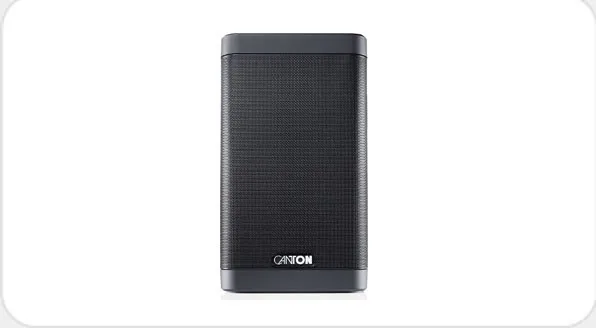
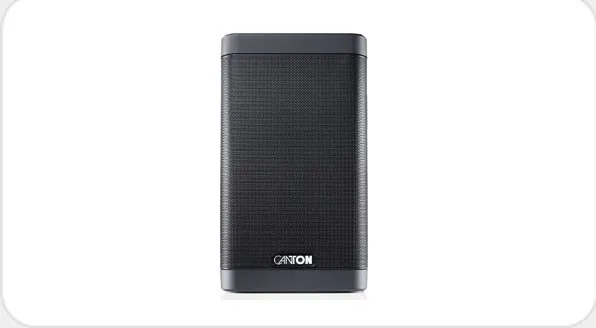
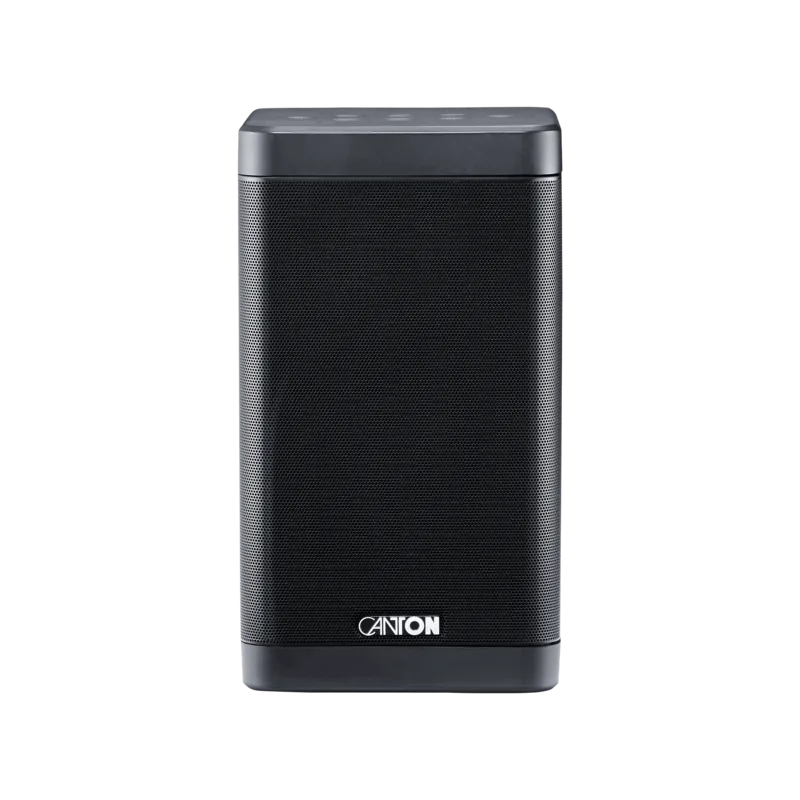
Canton Smart Soundbox 3 Manual
PDF manual · 93 Pages
English



Quick check
Incorrect answer, please try again.
Chat with your Canton Smart Soundbox 3 manual using AI
Get instant AI answers from your Canton Smart Soundbox 3 manual
Ask anything about the Canton Smart Soundbox 3. Answers come from this manual, with the pages they are based on.
Smart Soundbox 3 Maintenance Schedule
Use a clean, dry cloth. Do not use aggressive, alcoholic or abrasive agents.
Replace with CR 2032 battery ensuring correct polarity when inserting.
Ask a Question
Do you recommend Smart Soundbox 3?
Yes NoFrequently Asked Questions
It is designed for compact home listening with smart streaming, flexible connectivity, and adjustable sound settings. It suits music, podcasts, and TV dialogue, especially when users want easy control and room-tuned audio.
Is this answer helpful?
Yes. It supports Bluetooth, Wi‑Fi streaming, Chromecast built-in for audio, and Spotify Connect. This gives users several ways to play music from phones, tablets, and compatible apps.
Is this answer helpful?
Yes. The speaker includes an Ethernet port for a wired network connection, which can be useful if you want a more stable connection than Wi‑Fi. It also has an analog AUX input.
Is this answer helpful?
The three preset buttons can store preferred settings, inputs, and Spotify playlists. They are useful for quickly returning to a favorite sound profile or listening source without navigating menus.
Is this answer helpful?
Yes. The system supports pairing with other Canton wireless speakers and subwoofers. That allows stereo placement or a broader multi-speaker setup, depending on your needs.
Is this answer helpful?
It can be, because it supports infrared learning. This means some TV or universal remote commands can be assigned to speaker functions, reducing the need for multiple remotes.
Is this answer helpful?
Advantages and Disadvantages
Advantages

- Supports Chromecast built-in, Spotify Connect, Bluetooth, Wi‑Fi, and Ethernet for flexible streaming.
- Three presets make it easy to save favorite settings, playlists, or sources for quick recall.
- EQ, bass, mid, treble, and voice enhancement help tailor sound to the room and content.
- Can integrate with other Canton wireless speakers and subwoofers for larger setups.
Disadvantages

- Setup and menu navigation can feel complex for users who prefer a very simple speaker.
- Some advanced features depend on apps, network settings, or compatible devices.
- Bluetooth range is limited to about 10 meters in ideal conditions.
- Firmware, network, and pairing options may require occasional troubleshooting or resets.
Product Specification
Power
120W Peak
Tuner
Internet Radio
Streaming Clients
Google Cast, Spotify
Voice Assistants
Google Assistant
Audio Connections
AUX In (3.5mm Jack)
Other Connections
RJ-45
Wireless
Bluetooth 4.0, Wi-Fi 5 (WLAN 802.11a/b/g/n/ac)
Power Supply
Mains Operation
Dimensions
4.72x8.27x4.72in (WxHxD)
Weight
4.41lb
Product Description
Canton Smart Soundbox 3: Compact Smart Audio with Flexible Control
The Canton Smart Soundbox 3 Manual reveals a speaker designed for everyday listening with a strong focus on convenience, connectivity, and fine-tuned sound. This compact model brings together Wi‑Fi, Ethernet, Bluetooth, Chromecast built-in for audio, and Spotify Connect, making it easy to stream music from phones, tablets, and compatible apps without complicated setup.
At its core, the Smart Soundbox 3 is built to fit modern homes. It supports wireless playback, can be connected by cable for stable network access, and offers a clear front display plus touch controls for direct operation. The speaker also includes three preset buttons, which let users save favorite stations, playlists, or preferred sound settings for instant access. That makes it especially appealing for anyone who wants a speaker that feels smart without being hard to use.
Sound customization is another strength. The speaker provides menu-based control for bass, midrange, and treble, along with speaker EQ options that can adapt the output to different room positions. There is also a voice enhancement mode that helps improve dialogue clarity, which is useful for TV watching or spoken-word content. For users who like deeper control, the system menu includes options for sleep timer, standby behavior, maximum volume limits, and input selection.
The Smart Soundbox 3 also stands out for its integration features. It can pair with other Canton wireless speakers and subwoofers, opening the door to stereo setups or a more immersive multi-speaker system. Bluetooth pairing is supported as well, and the speaker can even learn infrared commands from some TV remotes, reducing the number of controllers needed in daily use.
Safety and reliability are clearly emphasized throughout the setup guidance. Placement on a flat surface, protection from moisture, and careful cable handling are all important. The speaker is also designed for automatic firmware updates, helping keep the system current over time.
In short, the Canton Smart Soundbox 3 is a versatile compact speaker for listeners who want strong streaming support, flexible controls, and room-friendly sound adjustment in one elegant package.
Notes
- Best suited for indoor use and stable placement.
- Works well as a main speaker or part of a wireless Canton setup.
- Presets and app-based streaming make daily use fast and simple.
- Room positioning and EQ settings can noticeably improve sound balance.
Search for 67,706 Manuals online


Type-in Brand or Model