
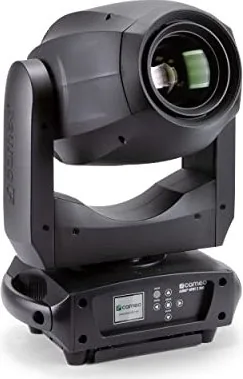
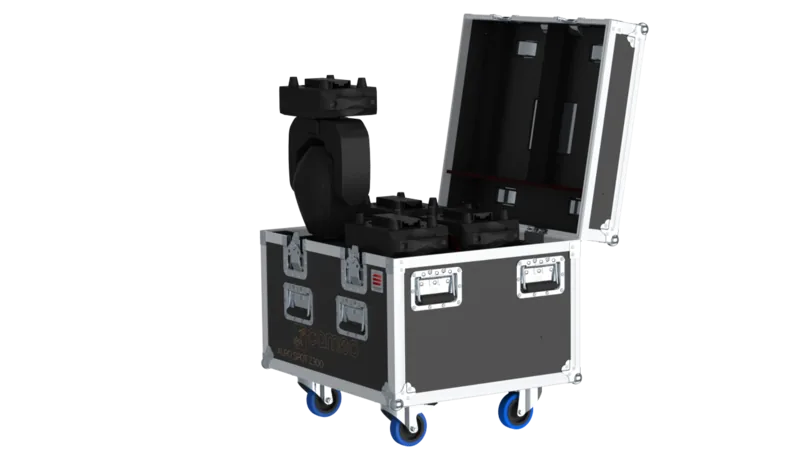
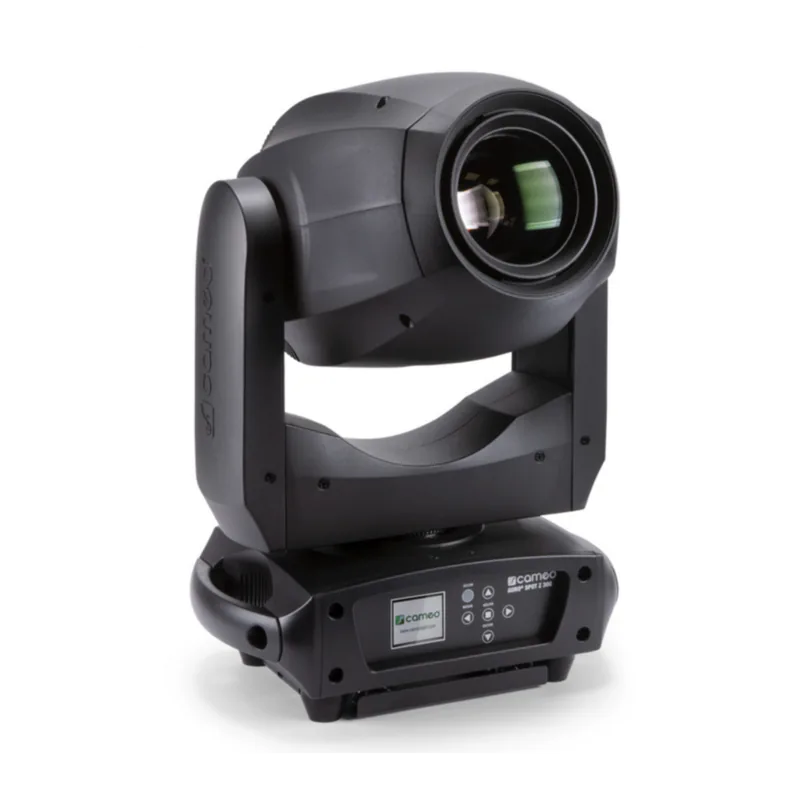
Cameo AURO SPOT Z 300 Manual
PDF manual · 94 Pages
English



Quick check
Incorrect answer, please try again.
Chat with your Cameo AURO SPOT Z 300 manual using AI
Get instant AI answers from your Cameo AURO SPOT Z 300 manual
Ask anything about the Cameo AURO SPOT Z 300. Answers come from this manual, with the pages they are based on.
AURO SPOT Z 300 Maintenance Schedule
Wait at least 10 minutes after operation before touching or transporting the device to allow cooling.
Use a dry cloth for cleaning. Do not open the unit or modify it.
Qualified personnel should service or clean the unit regularly depending on ambient conditions like dust, nicotine, or fog to prevent overheating.
Ask a Question
Do you recommend AURO SPOT Z 300?
Yes NoFrequently Asked Questions
It supports DMX-512 control in two modes (17-channel and 20-channel). It also provides Master/Slave operation and standalone functions such as Auto programs and Static user macros. The onboard menu lets you set DMX address and operating mode directly.
Is this answer helpful?
Use the MODE button to open the options menu, then select System Settings and the DMX Address option. The start address digits can be adjusted with the arrow keys, then confirmed with ENTER. Press MODE to return to the main screen.
Is this answer helpful?
When DMX is interrupted, the display indicates the loss of DMX and changes its background color. The fixture can be configured for DMX fail behavior, such as holding the last command or triggering blackout, depending on the selected system setting.
Is this answer helpful?
Yes. Static mode allows you to set pan/tilt, color, gobos, strobe, zoom, focus, frost, and prism parameters directly using the fixture controls. Four user macros are available so you can save and recall favorite settings for fast, repeatable looks.
Is this answer helpful?
Yes. The spotlight complies with the RDM standard, allowing an RDM-capable controller to request status and configure supported RDM endpoints. This is useful for monitoring and management in larger setups.
Is this answer helpful?
DMX devices are connected in series using DMX IN and DMX OUT. Keep connecting cables as short as possible for better transmission reliability. Also, the last device in the chain should be equipped with a terminator to reduce errors.
Is this answer helpful?
Advantages and Disadvantages
Advantages

- 200 W LED moving head with zoom, focus, and frost filter for versatile looks
- Color wheel, 2 gobo wheels, and 2 prisms enable layered, creative effects
- DMX control with 17CH and 20CH modes plus Master/Slave and standalone programs
- Static mode and 4 user macros allow scene building without an external controller
- RDM support enables status requests and remote configuration with RDM-capable controllers
Disadvantages

- Standard channel tables and operation rely on proper DMX addressing and cabling practices
- Standalone and macro results depend on careful in-fixture menu setup by the user
- Safety requirements include indoor-only use and professional handling for overhead installs
Product Specification
Beam pattern
Spot
Light source
LED
Power consumption
200W
Beam angle
10-25°
PAN angle
540°
TILT angle
270°
Color mixing
LED (RGBW)
Effects
Dimmer, Strobe
Control
DMX (20 channels), Master/Slave
Dimensions
11.10x18.46x7.32in (WxHxD)
Weight
24.69lbs
Product Description
Cameo AURO SPOT Z 300 - Powerful LED Moving Head Zoom for Stage and Events
The Cameo AURO SPOT Z 300 is a professional LED moving head designed for reliable, long-term performance in event lighting. Built around a 200 W LED engine, it delivers a sharp, dynamic beam with zoom control, focus, and an atmospheric look thanks to a frost filter. With a color wheel and two gobo wheels, plus two prisms, the spotlight supports versatile looks ranging from crisp gobos to layered, sparkling effects.
Control is flexible and production-friendly. You can operate it via DMX using DMX-512 in two channel modes, 17-channel or 20-channel. For live workflows, it also supports Master/Slave operation and standalone programs. If you want to start quickly on location, the onboard display and battery-powered settings let you configure system options even when the unit is not connected to power, making setup faster and more efficient.
The operating experience is guided by clear menu logic: you can set DMX start address, select operating mode, and adjust key behavior such as dimmer curves, pan/tilt inversion, and LED PWM frequency. The unit also features DMX fail behavior options (hold last command or blackout), an optional automatic position correction, and motor reset and function test tools. When DMX is interrupted, the display can clearly indicate the status, helping operators troubleshoot in real time.
For effects design, the Static mode is especially useful. It allows you to build custom scenes directly on the fixture by assigning values for pan/tilt movement, dimmer, strobe behavior, color and gobo selections, zoom, focus, frost intensity, and prism settings. Four user macros help store and reuse favorite setups, so you can reproduce looks consistently without an external controller.
Finally, the Cameo AURO SPOT Z 300 complies with the RDM standard (Remote Device Management), enabling RDM-capable controllers to request status and configure compatible endpoints. The result is a spotlight that fits both fixed installations and touring rigs, offering strong output, rich effect variety, and practical control features.
Key results you can expect
- High-impact 200 W LED output with zoom, focus, frost filter, and multi-layer optical effects
- DMX-512 control in 17CH or 20CH, plus Master/Slave and standalone auto programs
- Quick setup via LC display, onboard menu, and battery-backed system settings
- Static mode and user macros for controller-independent scene building
- RDM support for status checks and remote configuration (RDM-capable setups)
Notes
- Always follow the Cameo AURO SPOT Z 300 Manual safety guidance: indoor use, do not block ventilation, and avoid looking into the LED beam.
- For DMX chains, keep cables short and use a terminator on the last fixture.
- Overhead installation requires qualified experience and proper safety measures.
Search for 67,706 Manuals online


Type-in Brand or Model