
ButtKicker Gamer2 Manual
PDF manual · 8 Pages
English



Quick check
Incorrect answer, please try again.
Chat with your ButtKicker Gamer2 manual using AI
Get instant AI answers from your ButtKicker Gamer2 manual
Ask anything about the ButtKicker Gamer2. Answers come from this manual, with the pages they are based on.
Ask a Question
Do you recommend Gamer2?
Yes NoFrequently Asked Questions
Raise the chair’s pneumatic lift, push down the sleeve to expose the center post, loosen the clamp knob, place the ButtKicker around the post, tighten the knob, and secure the cable with the supplied Velcro ties.
Is this answer helpful?
Use the mini "Y" adapter in the PC line-out (or sub/center for 5.1). Connect the 5' mini-to-RCA cable to the adapter and plug the RCA into the amplifier’s white Line Level Input. For digital or surround setups, split the sub out with an RCA Y-adapter.
Is this answer helpful?
Install Voicemeeter to route audio to both the USB/HDMI device and the ButtKicker. Set Voicemeeter Input as Windows output, then select speakers for A1 and the USB/HDMI device for A2 per Voicemeeter instructions.
Is this answer helpful?
Rattles usually come from height or tilt levers. Immobilize them with foam or attach a weight to prevent movement. Also check clamp tightness and cable placement to minimize vibration transfer.
Is this answer helpful?
Knocking indicates the internal piston is being overdriven. Lower the amplifier volume or adjust the high-cut filter to reduce energy at problematic frequencies to prevent damage.
Is this answer helpful?
Yes. For consoles, split the sub output or use an optical-to-analog converter (not an HDMI extractor). For VR, follow platform-specific audio mirroring instructions or use Voicemeeter for PC-based headsets.
Is this answer helpful?
Always turn the amplifier off before disconnecting the quick-release cable. The connector allows easy removal, but disconnecting while powered risks pops or damage.
Is this answer helpful?
Advantages and Disadvantages
Advantages

- Compact clamp design fits most center-post chairs without permanent modification.
- Dedicated 90W amplifier with adjustable high-cut filter for tailored tactile response.
- Quick-release cable and wired remote enable easy detachment and convenient control.
- Compatible with PC, consoles, and VR with guidance for USB/HDMI audio routing.
- Includes necessary cables and adapters for common audio connection scenarios.
Disadvantages

- May cause chair rattling; requires foam or weights to immobilize adjustment levers.
- USB or HDMI audio can disable analog outputs; requires Voicemeeter or routing workarounds.
- Overdriving amplifier can produce internal piston noise if levels are too high.
- Optical connections need a converter; HDMI extractor is not recommended.
- Setup and tuning may be technical for users unfamiliar with audio routing or sound cards.
Product Specification
Type
Other
Compatibility
PC
Product Description
ButtKicker Gamer2 (PC) — Immersive Tactile Gaming
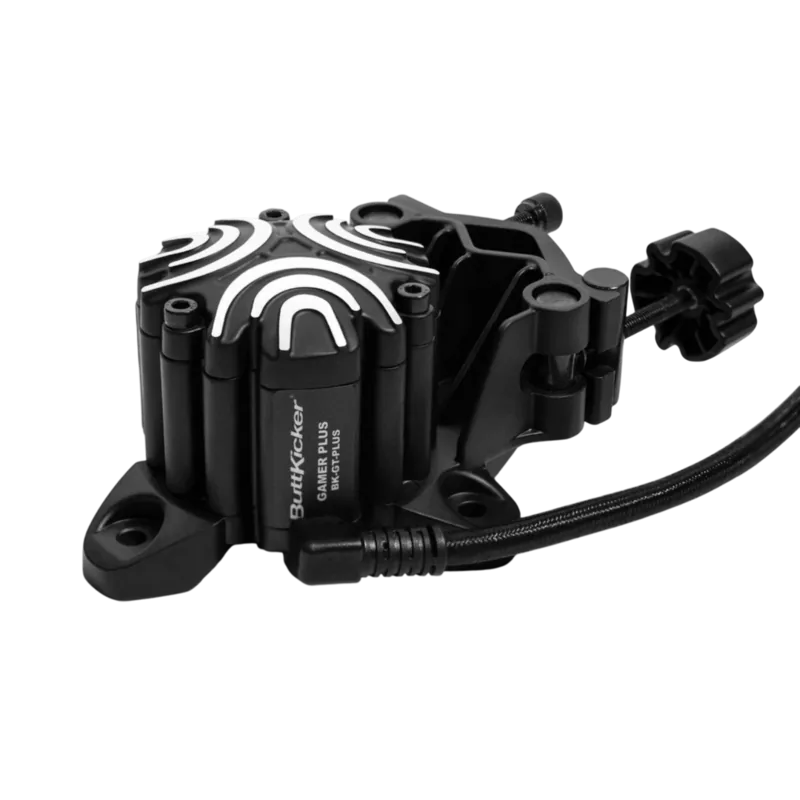
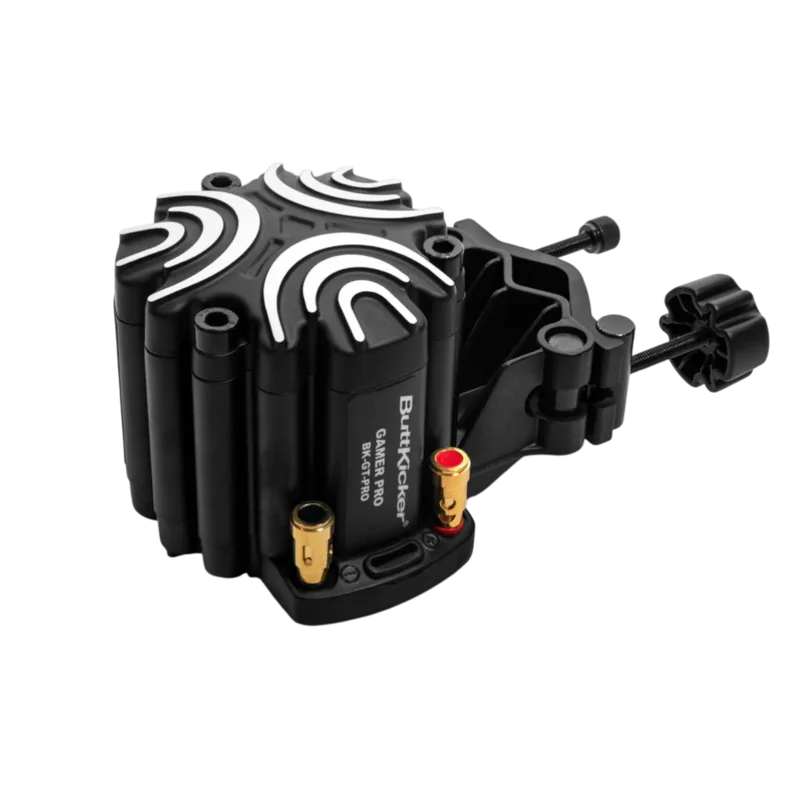
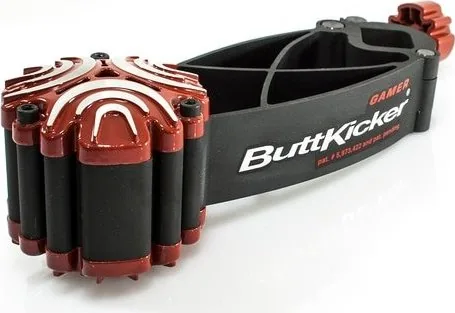
The ButtKicker Gamer2 (PC) brings low-frequency tactile feedback to your chair, turning explosions, engine roars, and bass-heavy effects into physical sensations. Designed for PC gamers and compatible consoles, the Gamer2 clamps to a center-post chair with an Easy Clamp™ mounting system and uses a dedicated 90-watt ButtKicker Power Amplifier to drive powerful, roomless vibration. The result is a heightened sense of presence in games, movies, and music without needing a subwoofer or large speaker array.
Installation is straightforward: mount the unit to the chair post, secure the quick-release cable, and position the power amplifier near your PC. Audio connects via RCA or a mini "Y" adapter into your sound card’s line-out or sub/center output. For USB headphones, HDMI, or VR headsets that disable analog outputs, the guide recommends using Voicemeeter to route sound simultaneously to headphones and the ButtKicker. For consoles, you can split the sub output, use an optical-to-analog converter, or plug into the controller headphone jack with the included adapters.
The ButtKicker Power Amplifier includes front-panel controls and switches to tailor frequency response and intensity. Media-specific presets and adjustments help reduce unwanted vibrations: use the high-cut switch and frequency knob to remove extraneous mid/high bass, or lower amplifier volume for gentler feedback. The wired remote and quick-disconnect cable make it easy to detach the chair when needed, while Velcro cable ties keep wiring tidy.
Practical tips in the setup guide address common issues: mute checks, correct cable seating, strain-relief for twisting chairs, and fixing chair rattles by immobilizing height or tilt levers. VR users receive guidance for audio mirroring for Oculus, Vive, and Windows Mixed Reality headsets. The manufacturer also emphasizes safety—always power off the amplifier before disconnecting cables and avoid overdriving the unit to prevent piston impact noises.
Whether you’re building a dedicated sim rig or upgrading a gaming chair, the ButtKicker Gamer2 (PC) offers a compact solution for tactile immersion. Its clamp design and included cabling make it accessible for most setups, and the amplifier’s adjustable filtering ensures compatibility with a wide range of audio sources and personal preferences.
Notes
- Always turn the amplifier off before connecting or disconnecting speaker cables.
- Use Voicemeeter for mixing USB/HDMI audio with analog outputs on PC.
- Immobilize loose chair levers to reduce rattling.
- If you hear knocking, reduce amplifier gain to avoid overdriving the transducer.
Search for 67,706 Manuals online


Type-in Brand or Model