
Broadcom SAS 9300-16e Manual
PDF manual · 9 Pages
English



Quick check
Incorrect answer, please try again.
Chat with your Broadcom SAS 9300-16e manual using AI
Get instant AI answers from your Broadcom SAS 9300-16e manual
Ask anything about the Broadcom SAS 9300-16e. Answers come from this manual, with the pages they are based on.
Ask a Question
Do you recommend SAS 9300-16e?
Yes NoFrequently Asked Questions
The adapter uses the PCI Express 3.0 interface with x8 lanes for high-speed connectivity.
Is this answer helpful?
It supports sixteen external 12Gb/s SATA and SAS ports via four mini-SAS HD connectors.
Is this answer helpful?
It supports Windows, Linux Red Hat, SuSE, Solaris 10, and VMware environments.
Is this answer helpful?
It requires 12.0 V at 2.35 A and 3.3 V at 0.13 A plus auxiliary power.
Is this answer helpful?
Yes, the hardware supports up to 1024 SATA or SAS end devices.
Is this answer helpful?
It meets UL 94V-0, FCC Class B, CE, RoHS, and WEEE directives.
Is this answer helpful?
Back up data, power off, insert into x8 slot, secure bracket, connect cables, and power on.
Is this answer helpful?
Advantages and Disadvantages
Advantages

- Supports 12Gb/s SAS connectivity for high speed
- Includes sixteen external ports for multiple devices
- Utilizes PCIe 3.0 x8 for high bandwidth
- Compatible with major operating systems like Windows and Linux
- Provides onboard Flash memory for firmware storage
Disadvantages

- Requires a dedicated x8 PCIe slot for operation
- Needs auxiliary six-pin power connector
- Specific thermal limits require adequate airflow
- Physical dimensions must fit chassis constraints
- Does not supply on-board RAM for caching
Product Specification
Connection
PCIe 3.0 x8
Interfaces
16x SAS 12Gb/s or SATA 6Gb/s
Internal
N/A
External
4x SFF-8644
RAID Level
N/A
Chipset
2x Broadcom SAS3008
Cache
N/A
Manufacturer Warranty
3 years
Product Description
High Performance Storage Connectivity Solutions
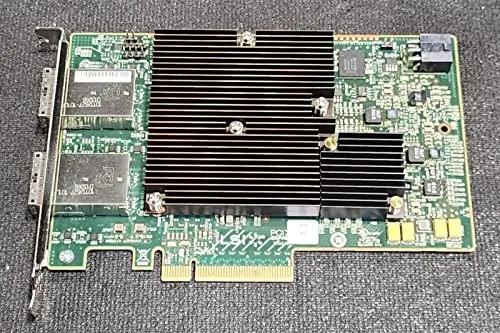
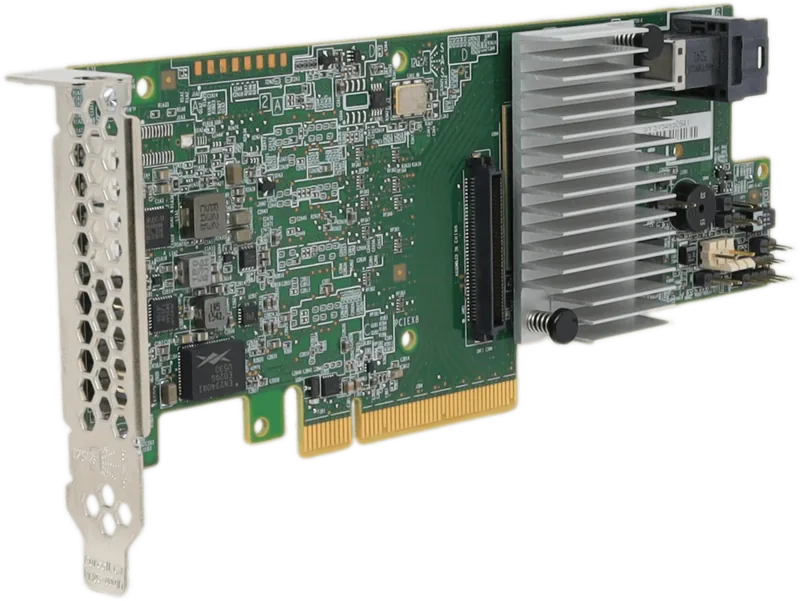
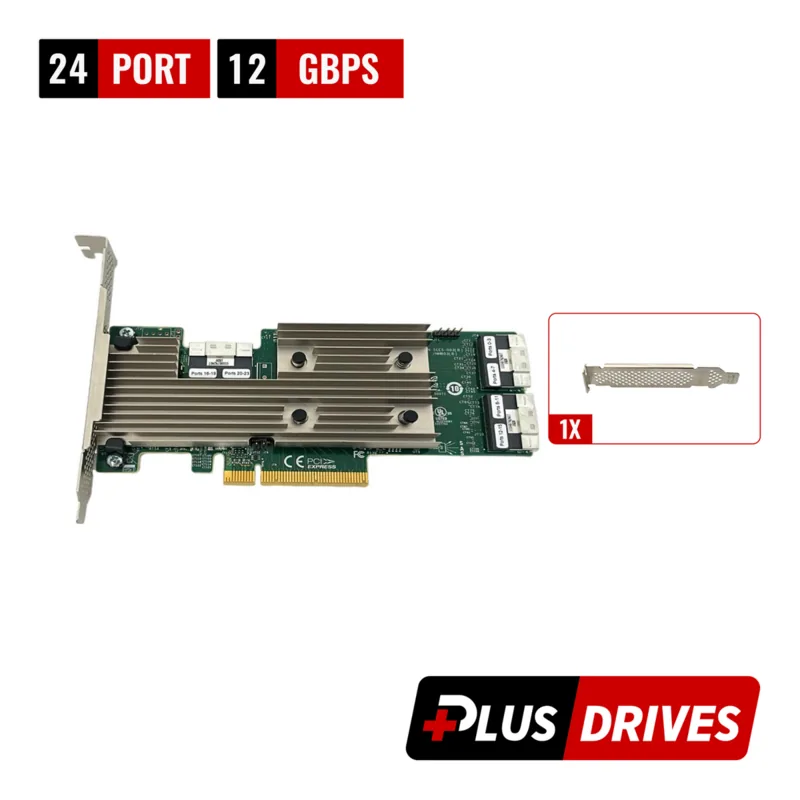
The LSI SAS 9300-16e PCI Express Host Bus Adapter delivers exceptional speed for modern enterprise environments. It offers sixteen lanes of 12Gb/s Serial Attached SCSI connectivity. This ensures rapid data transfer for heavy enterprise workloads. The card utilizes standard PCIe 3.0 x8 performance for efficient communication with the host system processor. It is built on the Fusion-MPT architecture with the SAS 3008 controller. This design integrates the latest enhancements in PCIe and SAS technologies for robust data handling.
Key Storage Features and Connectivity
Users benefit from two eight-port controllers within a single compact unit. It supports external 12Gb/s SATA and SAS drives seamlessly. There are four x4 external mini-SAS HD connectors available for high-speed cabling. Compatibility spans major operating systems including Microsoft Windows and Linux Red Hat. The hardware supports up to 1024 end devices per adapter reliably. This scalability suits server farms and large data centers well. Support also includes SuSE Enterprise Server and VMware environments for virtualization needs.
Technical Specifications and Physical Attributes
Memory storage is provided via onboard Flash ROMs for firmware management. Two 4-M 16-bit Flash ROMs handle firmware duties efficiently. The card includes two heartbeat LEDs for immediate status monitoring. Board dimensions measure 6.6 inches by 4.4 inches. Power requirements are defined clearly. Auxiliary six-pin PCIe power connector is necessary for full function. Thermal limits require adequate airflow to maintain 0 degrees Celsius to 55 degrees Celsius operation. Electrical characteristics specify 12.0 V and 3.3 V inputs for stability.
Operating System Support and Drivers
The adapter supports all major operating systems without major conflicts. Windows and Linux Red Hat are primary platforms. SuSE Enterprise Server is fully supported. Solaris 10 provides a built-in driver from Oracle. VMware environments integrate smoothly. For specific driver details, contact technical support teams regarding Oracle compatibility. This wide OS support ensures flexibility in deployment across diverse infrastructure standards.
Installation Process and Safety Guidelines
Installation starts with backing up all system data first. Turn off the system and disconnect power from the rear. Insert the HBA into an available PCIe slot safely. Secure the bracket to the system chassis firmly. Connect SAS cables between the HBA and the SAS enclosure. Use appropriate connectors for the device. Power up the system to initialize the new drive connectivity.
Compliance, Safety and Technical Support
The device meets UL 94V-0 flammability safety ratings. It complies with various electromagnetic interference standards like FCC and CE. Technical support is available via dedicated email channels. Teams referencing the Broadcom SAS 9300-16e PCIe 3.0 x8 Manual often find configuration details for deployment. The product meets RoHS environmental directives as well. WEEE compliance is also noted for proper disposal guidelines.
Important Notes
Data backup is critical before any storage changes occur. Ensure the slot is PCIe x8 compatible for performance. Maintain required airflow limits for consistent cooling stability. Use passive, active, or optical cables as needed. Verify system dimensions fit the full-height bracket.
Search for 67,706 Manuals online


Type-in Brand or Model