
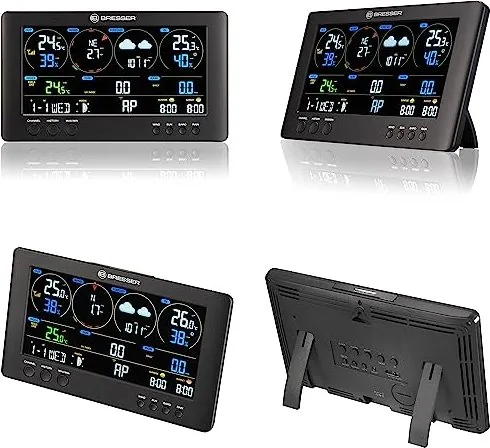
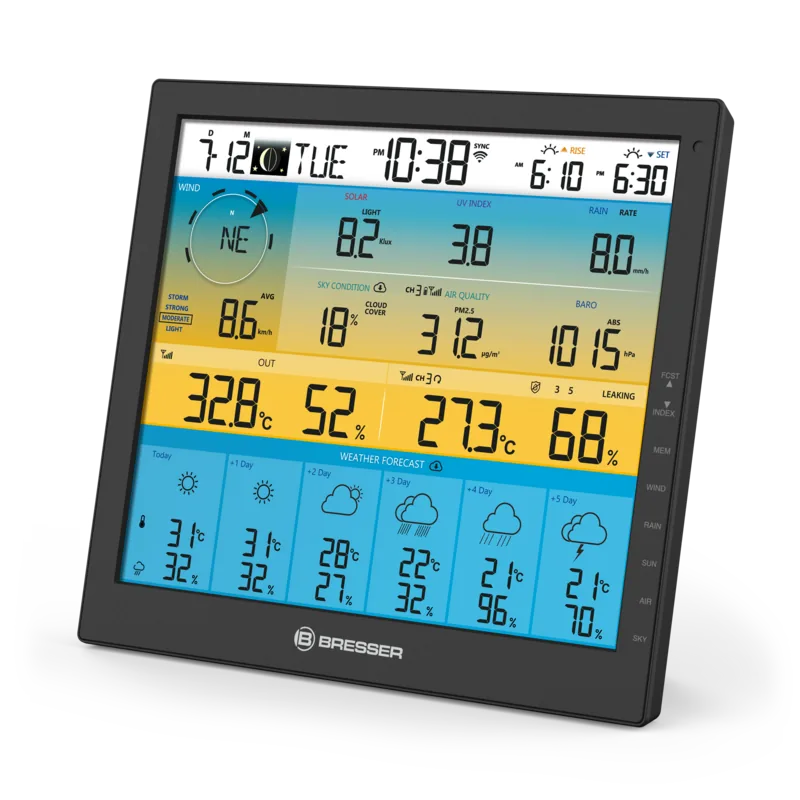
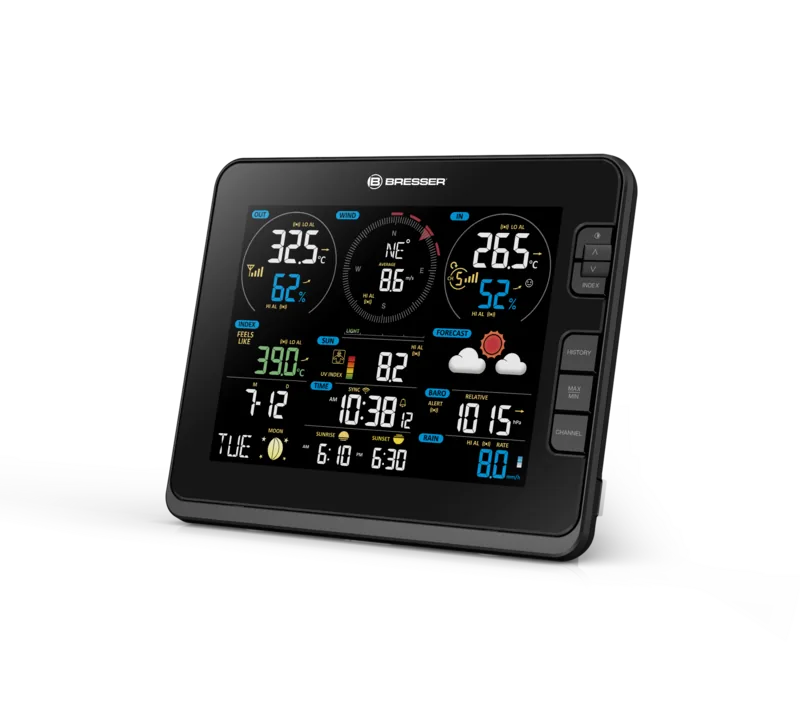
Bresser WiFi ClearView 7in1 Manual
PDF manual · 40 Pages
English



Quick check
Incorrect answer, please try again.
Chat with your Bresser WiFi ClearView 7in1 manual using AI
Get instant AI answers from your Bresser WiFi ClearView 7in1 manual
Ask anything about the Bresser WiFi ClearView 7in1. Answers come from this manual, with the pages they are based on.
WiFi ClearView 7in1 Maintenance Schedule
Always replace weak or empty batteries with a new, complete set of full capacity. Do not mix brands or types.
Inspect the device, cables, and connections for damage before each use. Never operate if damaged.
Keep the rain collector clean and ensure the internal tipping bucket functions smoothly to maintain accurate rainfall data.
Ask a Question
Do you recommend WiFi ClearView 7in1?
Yes No
Anna Schmidt
6 months ago
Is there an official app available to update firmware or configure settings on this weather station?
Frequently Asked Questions
Press the WIFI/SENSOR button for six seconds to enter AP mode. Connect your device to the station's network, then visit 192.168.1.1 in your browser to enter your router details and weather service credentials.
Is this answer helpful?
The station is compatible with Weather Underground, Weathercloud, and AWEKAS. You can also manually configure other services if they support standard data transmission protocols.
Is this answer helpful?
Yes, the package includes one button cell for the base station, but you must purchase three AA batteries yourself for the outdoor sensor.
Is this answer helpful?
No, while the base station is for indoor use, the outdoor sensor must be mounted outside to measure environmental conditions like wind and rain effectively.
Is this answer helpful?
Check if the rain collector is clogged with debris or if the tipping bucket inside is stuck. Cleaning the collector and ensuring smooth movement usually resolves the issue.
Is this answer helpful?
Yes, the outdoor sensor is designed to withstand rain and outdoor elements, but it should not be submerged in water or exposed to extreme heat.
Is this answer helpful?
Advantages and Disadvantages
Advantages

- Comprehensive 7-in-1 sensor measures wind, rain, UV, and temperature accurately
- Seamless Wi-Fi connectivity allows remote monitoring via mobile apps
- Compatible with major weather services like Weather Underground and Weathercloud
- Easy installation with multiple mounting options for various surfaces
- Automatic time synchronization ensures precise data logging
Disadvantages

- Requires separate purchase of AA batteries for the outdoor sensor
- Wi-Fi setup can be complex for users unfamiliar with router configurations
- Outdoor sensor range may be reduced by thick building materials
- Rainfall measurement requires regular cleaning to maintain accuracy
- Does not support 5G Wi-Fi bands, limiting compatibility with some routers
Product Specification
Type
digital
Temperature
indoor and outdoor
Humidity
indoor and outdoor
Weather forecast
symbols, high and low temperature
Forecast technology
barometer, internet
Other displays
time (radio clock), date, day of week, moon phases, rainfall, wind speed, wind direction, stored min/max values
Alarms
programmable weather warnings (temperature, frost, storm), alarm time, snooze function
Connectable outdoor sensors
up to 7
Outdoor temperature range
-40°F to 176°F
Placement
desktop unit, wall mounting possible
Power supply
3x AA battery, mains operation
Color
black
Package contents
1x outdoor sensor
Product Description
Bresser WLAN Weather Station Digital: Your Personal Meteorological Hub
The Bresser WLAN Weather Station Digital stands as a comprehensive solution for weather enthusiasts and homeowners seeking precise environmental data. This advanced device integrates a robust base station with a multifunctional outdoor sensor, delivering real-time insights into your local climate. By connecting seamlessly to your home Wi-Fi network, it bridges the gap between physical observation and digital analysis, allowing you to monitor conditions from anywhere via smartphone or tablet.
At the heart of this system is the 7-in-1 outdoor sensor, which captures a wide array of atmospheric variables including temperature, humidity, wind speed and direction, rainfall, UV radiation, and light intensity. The data is transmitted wirelessly to the indoor base station, which features a clear LCD display showing trends, forecasts, and historical maximums and minimums. Beyond local monitoring, the station supports integration with popular online services like Weather Underground and Weathercloud, enabling you to share your data with global networks or track your personal weather history over time.
Installation is designed for flexibility, supporting mounting on walls, pipes, or wooden structures. The sensor must be placed in an open area at least 1.5 meters above ground to ensure accuracy. Once powered, the unit automatically searches for sensors and can be configured through a dedicated web interface by connecting directly to its access point mode. This user-friendly setup process allows even beginners to establish a reliable connection and start receiving accurate weather reports immediately.
Whether you are planning a garden project, tracking seasonal changes, or simply curious about the weather outside, this station provides the tools needed for informed decision-making. Its ability to synchronize time automatically via the internet ensures that all recorded data remains precise and up-to-date without manual intervention.
Search for 67,706 Manuals online


Type-in Brand or Model
evelyn41
7 months ago
Can I access and analyze the weather data locally without using a cloud service like Wunderground?
Manual.ly
7 months ago
The BRESSER WLAN ClearView Wettercenter does not provide local data access in your own network by default. Data can only be read directly from the device or viewed via cloud services such as Wunderground. There is currently no official app or program from the manufacturer for local analysis. While some users attempt to integrate data into systems like Fhem, this process is complex and not officially supported. Firmware updates are also restricted to devices with version 2.0 or higher, which may prevent updates for units running version 1.0.