
Blaupunkt MS40BT Manual
PDF manual · 80 Pages
English



Quick check
Incorrect answer, please try again.
Chat with your Blaupunkt MS40BT manual using AI
Get instant AI answers from your Blaupunkt MS40BT manual
Ask anything about the Blaupunkt MS40BT. Answers come from this manual, with the pages they are based on.
MS40BT Maintenance Schedule
Wipe dust and fingerprints with a soft cloth in a straight line from center to edge. Do not use benzene or thinners.
Always unplug the product from the wall outlet before cleaning to avoid electric shock.
Ask a Question
Do you recommend MS40BT?
Yes NoFrequently Asked Questions
Press the source button repeatedly until BT appears on display. Enable Bluetooth on your device. Select BP MS40BT from the list. A sound will confirm pairing.
Is this answer helpful?
The system supports USB storage devices up to 32GB. Ensure the files are in MP3 format for best compatibility.
Is this answer helpful?
Yes. Set the clock time in standby mode. Choose radio, CD, or USB as the alarm source. The music will play at the set time.
Is this answer helpful?
Do not touch the lens directly. Use a soft dry cloth to clean discs. If the lens is dirty, professional cleaning is recommended.
Is this answer helpful?
No, the product is not required to be grounded. Just ensure the plug is fully inserted into the wall outlet or extension cord receptacle.
Is this answer helpful?
The equalizer offers mode switches including Flat, Rock, Classic, Pop, and Jazz. Press the EQ button to cycle through them.
Is this answer helpful?
The remote requires 1 x AAA battery. Install it correctly to ensure optimal operation distance of seven meters.
Is this answer helpful?
Advantages and Disadvantages
Advantages

- Supports CD, MP3, USB, and Bluetooth playback
- Built in alarm clock with audio wake up
- Remote control for easy operation from distance
- FM tuner saves up to 50 preset stations
- Compact design fits various home spaces
Disadvantages

- USB storage limit capped at 32GB
- System switches to standby after 30 minutes
- Satellite speakers require separate wiring setup
- Remote control range limited to seven meters
- No USB extension cable included
Product Specification
Includes
CD Player, Tuner, Speakers
Power
100W RMS
Tuner
FM
Audio Formats
CD-Audio, CD-R/RW, MP3
Audio Connectors
AUX In (3.5mm Jack), Headphones (3.5mm Jack)
Additional Ports
USB-A
Wireless
Bluetooth
Device Color
silver, black
Speaker Color
silver, black
Device Dimensions
9.06x5.91x9.06in (WxHxD)
Speaker Dimensions
5.51x11.81x8.27in (WxHxD)
Weight
14.99 lbs
Product Description
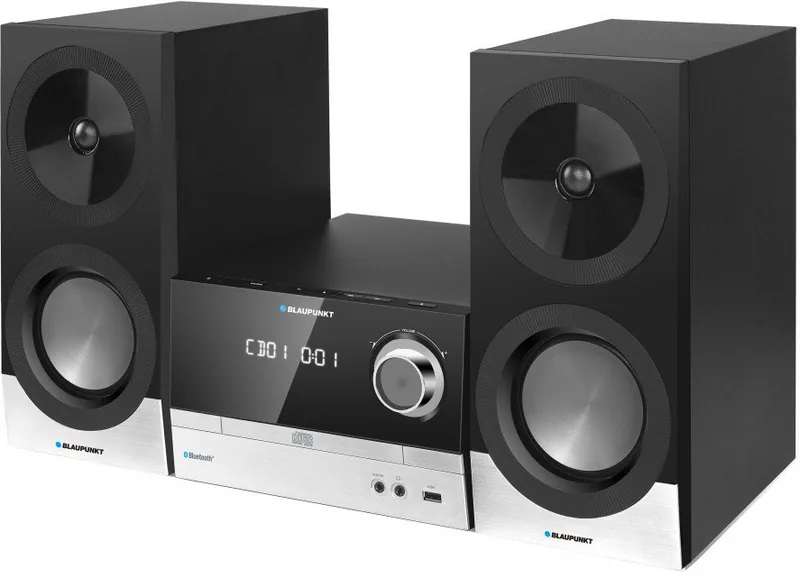
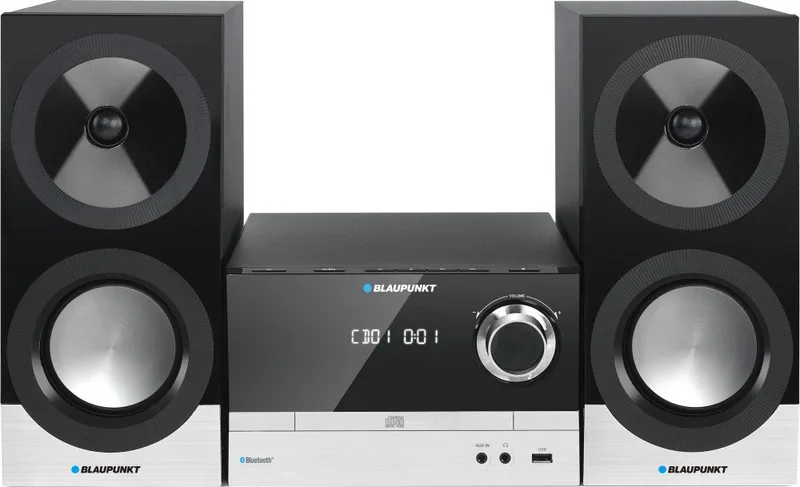
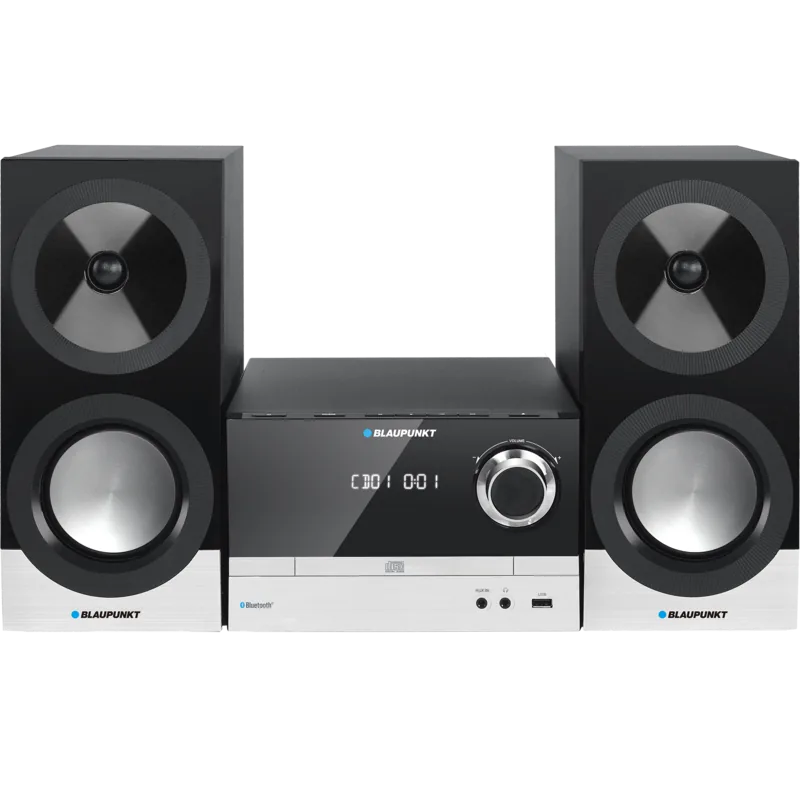
Discover the Blaupunkt MS40BT Micro System
The Blaupunkt MS40BT Micro System stands out as a versatile audio solution for modern homes. It combines classic compact disc technology with wireless connectivity options. Users appreciate the blend of retro aesthetics and contemporary functionality. This device supports various media formats including CD, CD-R, and MP3 discs. Additionally, the built in Bluetooth module allows seamless streaming from smartphones and tablets. The system delivers robust sound with two fifty watt RMS outputs.
Installation and Setup
Getting started requires minimal effort. The package contains a main unit, two satellite speakers, and a power adapter. Connecting the satellite speakers involves a specific wiring setup. Each speaker connects individually to the output terminals. The main unit handles power distribution. You must locate a stable power source nearby. The design allows flexibility in placement across the room. Ensure the cable length is sufficient for your layout. Connecting the speakers to the main unit is done using supplied wires. The unit also requires an FM antenna for radio reception. Positioning the device near a wall socket ensures easy access. Proper ventilation is crucial for longevity. Keep at least 20 cm of space above the unit. Avoid placing it on unstable surfaces or near heat sources. Do not block ventilation slots.
Media Playback Options
You can enjoy music through several different sources. The USB port supports storage devices up to 32GB. MP3 files are decoded directly for immediate playback. For radio enthusiasts, the FM tuner includes preset stations. Users can save up to 50 favorite channels. The equalizer offers various sound modes like Flat, Rock, and Jazz. Volume control is accessible via the front knob or remote control. You can also use the Aux input for older devices.
Convenience Features
Convenience is a priority for this model. An alarm clock function allows music to wake you up. You can choose radio, CD, or USB as the alarm source. The remote control simplifies navigation. It has a working distance of seven meters. Battery installation is straightforward. For wireless streaming, Bluetooth pairs quickly with the name BP MS40BT. Remember to disconnect other devices if not needed. You can adjust the wake up volume gradually.
Maintenance and Care
Protect your investment by following care guidelines. Clean the lens gently without touching it directly. Dust the woofer with a soft dry cloth. Avoid chemical solvents on the cabinet. Ensure the power plug is fully inserted to prevent shock hazards. Do not expose the unit to rain or moisture. These simple steps ensure years of trouble free performance. Experience high quality sound with the Blaupunkt MS40BT Manual guidance in mind. Enjoy every track with clarity and power.
Troubleshooting Basics
If the unit does not turn on, check the power cord connection. No sound output requires volume adjustment or mode check. Intermittent sound during CD playback may need disc replacement. Background noise in FM mode can be fixed by extending the antenna. Bluetooth issues might require moving the source device closer. Remote control problems often stem from dead batteries. These common issues are easily resolved without professional help. Following the Blaupunkt MS40BT Manual ensures you can resolve minor hiccups at home.
Safety First
Always read safety instructions before operation. Plug removal disconnects the unit from power supply. Keep batteries away from extreme heat. Never expose to water. Do not dismantle the casing as no user serviceable parts are inside. Refer servicing to qualified personnel only. Follow all warnings printed on the label. This ensures safety for you and your environment.
Conclusion
This micro system delivers reliable entertainment. It balances ease of use with advanced features. Whether streaming wirelessly or playing physical discs, performance remains consistent. The design fits various home decors. Enjoy music the way you like. The system meets energy saving standards regarding standby power. It switches off automatically after thirty minutes of silence. This feature helps reduce energy consumption effectively.
Search for 67,706 Manuals online


Type-in Brand or Model