
Blaupunkt Bluebot XBoost Manual
PDF manual · 104 Pages
English



Quick check
Incorrect answer, please try again.
Chat with your Blaupunkt Bluebot XBoost manual using AI
Get instant AI answers from your Blaupunkt Bluebot XBoost manual
Ask anything about the Blaupunkt Bluebot XBoost. Answers come from this manual, with the pages they are based on.
Bluebot XBoost Maintenance Schedule
Wash the primary filter with water after approximately 15 to 30 days of use. Ensure it is completely dry before reinstalling.
The maximum service life of the high efficiency filter is 3 months. Do not clean it with water; tap gently to remove dust.
If storing for a long time, fully charge and turn off. Re-supply power every 3 months to maintain battery life.
Empty the dust container before every use, especially when it is full.
Please clean the product after charging.
Free maintenance reminders
Timed to your purchase date. Always free, unsubscribe anytime.
Ask a Question
Do you recommend Bluebot XBoost?
Yes No
Holly Hughes
4 months ago
Can I schedule cleaning times for the robot vacuum without needing to be home?
Frequently Asked Questions
No, you should not use the floor mopping function on carpets. Doing so may damage the carpet fibers or the robot itself. Use the vacuum-only mode for carpeted areas.
Is this answer helpful?
It is recommended to rinse the primary filter screen with water approximately every 15 to 30 days of use. Ensure it is completely dry before reinstalling it into the dust container.
Is this answer helpful?
If the robot encounters an obstacle or gets stuck, it will stop and display an error message. You should remove the obstructing object and restart the cleaning cycle manually.
Is this answer helpful?
Yes. If the product will not be used for a long time, fully charge it before storing. You must re-supply power every three months to maintain the life of the battery.
Is this answer helpful?
No, only authorized technicians should disassemble this product. Self-disassembly may cause damage and void any warranty coverage.
Is this answer helpful?
Yes, the robot is equipped with a Downsense Sensor that detects drop-offs like stairs and prevents the robot from falling over them.
Is this answer helpful?
Advantages and Disadvantages
Advantages

- Dual functionality for both vacuuming and mopping tasks effectively
- Intelligent Downsense sensor prevents falling down stairs
- Flexible scheduling options via remote or app for automated cleaning
- Multiple cleaning modes including edge, spot, and automatic spiral paths
- Easy maintenance with washable primary filters and accessible components
Disadvantages

- High-efficiency filter cannot be washed with water and must be replaced periodically
- Mopping function is incompatible with carpeted floors
- Battery requires recharging every three months during storage to prevent failure
- Requires removal of loose items like wires and small objects before use
- Limited to indoor use and cannot operate in wet environments
Product Specification
Cleaning Robot
Battery
1x Battery (14.4V, 2.5Ah, Li-Ion)
Color
Black
Capacity
600ml Dust, 350ml Fresh Water
Recommended Room Size
Up to 1937 sq ft
Cleaning Modes
Vacuum, Mop, Vacuum & Mop
Navigation
Drop sensor, Obstacle detection, Obstacle crossing (up to 0.79 inch), Magnetic tape
Filtration
HEPA Filter
Display
No
Features
1x Main brush, 2x Side brushes, 1x Mopping attachment (Microfiber pad), Programmable cleaning times
Smart Home
App control, Voice assistant (Amazon Alexa, Google Assistant)
Operating Duration
2 hours
Charging Time
5 hours
Charging System
Automatic
Noise Level
59 dB(A)
Dimensions
13x3 inches (Diameter x Height)
Weight
5.95 lbs
Package Contents
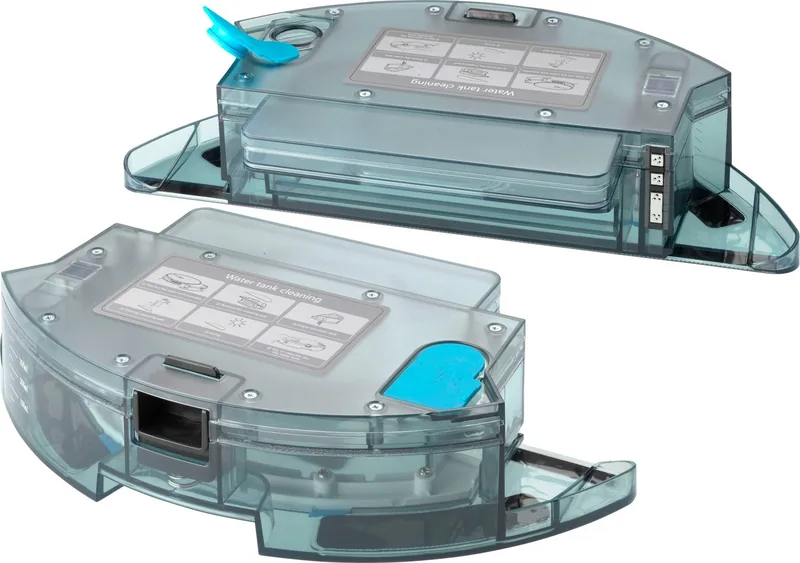
Station, Remote Control, Magnetic Tape, Dust Container, Water Container, Main Brush, 2x Side Brushes, Mopping Cloth, HEPA Filter, Cleaning Tool, Battery
Station
Station Color
Black
Station Features
Automatic charging function
Product Description
Blaupunkt Bluebot XBoost Vacuum and Mop Robot Review
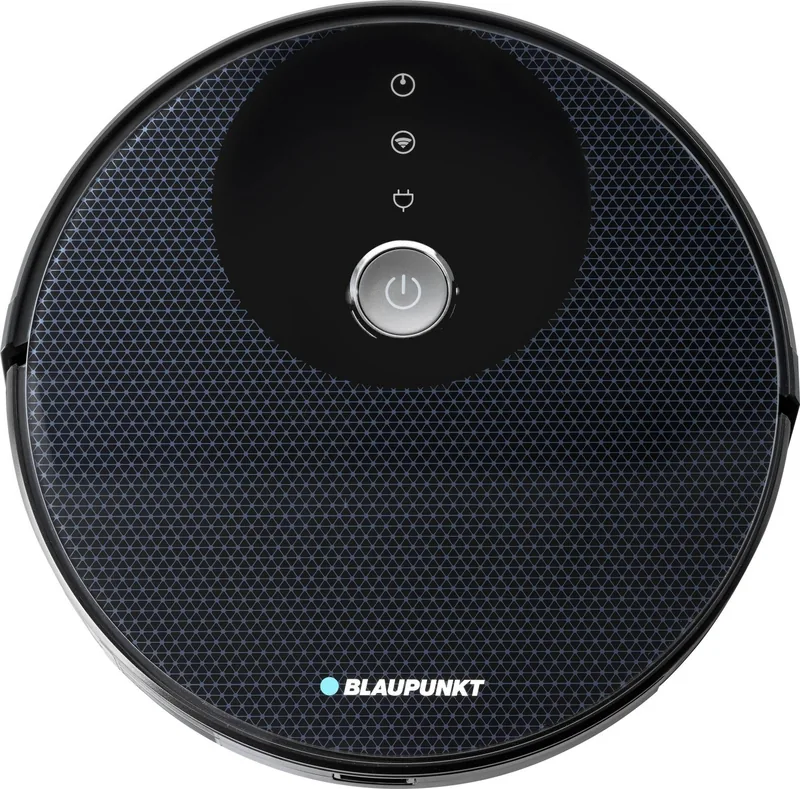
The Blaupunkt Bluebot XBoost is a versatile cleaning companion designed to simplify household chores. This advanced robot combines powerful suction with a dedicated mopping function, making it suitable for various floor types including hard surfaces and low-pile carpets. Users can control the device via the included remote control or through a dedicated mobile application, allowing for seamless scheduling and mode selection.
One of the standout features is its intelligent navigation system. The robot utilizes a Downsense Sensor to detect stairs and avoid falls, ensuring safety in multi-level homes. It offers multiple cleaning modes such as automatic spiral cleaning, edge cleaning for corners, and spot cleaning for specific areas. The time scheduling feature allows users to set specific times for the robot to start working automatically, providing convenience even when you are away from home.
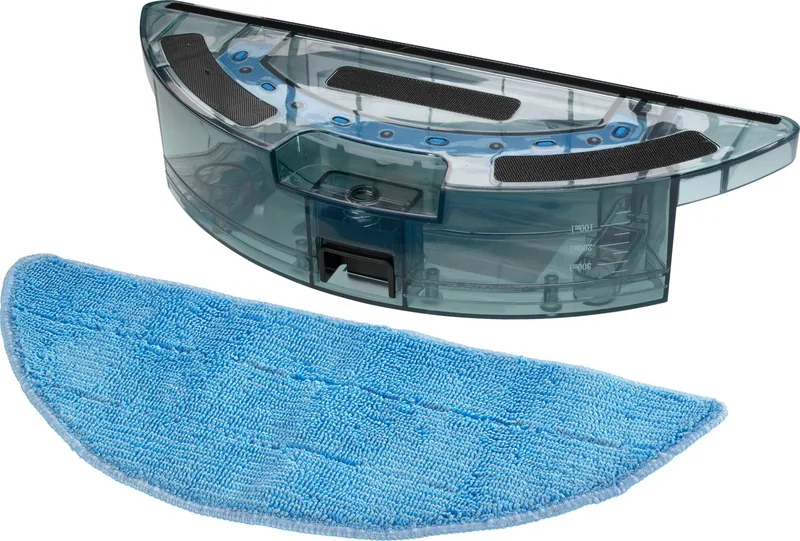
Maintenance is straightforward with clear instructions provided in the manual. The dust container includes a high-efficiency filter and a primary filter that require regular cleaning. While the primary filter can be rinsed with water after 15 to 30 days, the high-efficiency filter must only be tapped clean and air-dried. The water tank and mopping cloth assembly are also easy to remove and clean. It is important to note that the mopping function should not be used on carpets to prevent damage. For long-term storage, the battery should be fully charged and the unit recharged every three months to maintain optimal performance.
Safety regulations emphasize using only the provided power adapter and avoiding wet environments like bathrooms. The robot operates best in temperatures between 0 and 40 degrees Celsius. By keeping the area free of loose wires and small objects before operation, users can ensure smooth navigation and efficient cleaning cycles.
Search for 67,706 Manuals online


Type-in Brand or Model
Noelia Feeney
5 months ago
Does this robot vacuum work well with dual-band routers where both 2.4GHz and 5GHz share the same SSID?
Manual.ly
5 months ago
Thank you for your question. Our device primarily connects to 2.4GHz networks. If you are experiencing connection issues, we recommend temporarily renaming your 5GHz network or disabling it during setup. Once connected, the robot will function normally even if your router settings change later.