
Benning ST 725 Manual
PDF manual · 47 Pages
English



Quick check
Incorrect answer, please try again.
Chat with your Benning ST 725 manual using AI
Get instant AI answers from your Benning ST 725 manual
Ask anything about the Benning ST 725. Answers come from this manual, with the pages they are based on.
ST 725 Maintenance Schedule
Send the BENNING ST 725 to the manufacturer's service center for recalibration to maintain specified measurement accuracy.
Wipe the housing with a clean dry cloth. Do not use solvents or scouring agents. Clean battery compartment if electrolyte leaks occur.
Check the tester and measuring leads for visible damage, moisture, or signs of unsafe operation before starting any test.
Free maintenance reminders
Timed to your purchase date. Always free, unsubscribe anytime.
Ask a Question
Do you recommend ST 725?
Yes No
Kevin Morris
5 months ago
Why are the optional printer and adapters so expensive compared to other brands?
Frequently Asked Questions
The device complies with DIN VDE 0701-0702, DGUV Regulation 3, ÖVE/ÖNORM E 8701, and NEN 3140 for electrical safety testing.
Is this answer helpful?
With full battery capacity, the Benning ST 725 allows for approximately 2,500 device tests before needing replacement.
Is this answer helpful?
Yes, but you must use optional passive or active measuring adapters like the 16 A or 32 A CEE adapters to test three-phase loads.
Is this answer helpful?
Yes, it has a memory capable of storing up to 999 measurement records which can be recalled or downloaded via USB.
Is this answer helpful?
No, it has an IP 40 rating which protects against solid objects larger than 1 mm but offers no protection against water.
Is this answer helpful?
The display will show STOP and hot symbols; you must disconnect the device and let it cool down before continuing.
Is this answer helpful?
Advantages and Disadvantages
Advantages

- Supports testing for DIN VDE 0701-0702 and other major safety standards
- Can perform approximately 2,500 tests on a single battery charge
- Stores up to 999 measurement records for easy data management
- Measures tripping times for both fixed and portable RCDs accurately
- Features automatic polarity reversal for higher measurement accuracy
Disadvantages

- Requires optional adapters for testing three-phase appliances
- Mains operation is limited to single-phase 230 V networks only
- Cannot be used permanently connected to mains voltage
- Sensitive to strong interference sources nearby
- Batteries must be removed if storing the device long-term
Product Description
Benning ST 725 Device Tester Manual: Your Guide to Electrical Safety
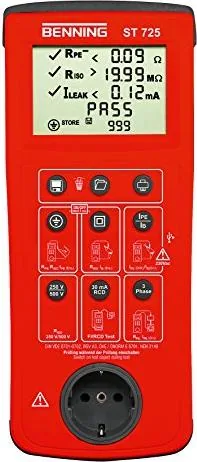
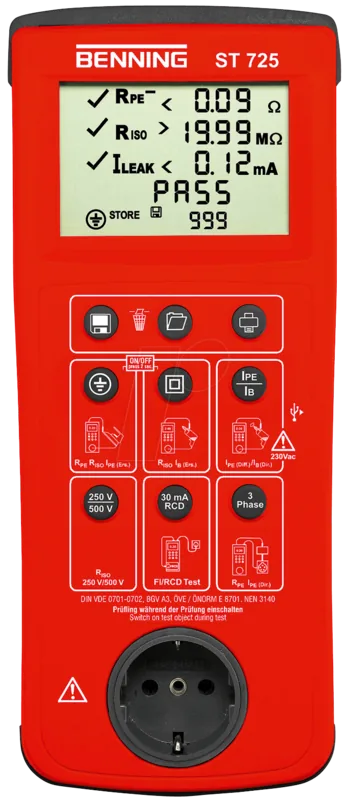
The Benning ST 725 Device Tester is a robust and versatile instrument designed for the safety-related testing of portable electrical devices and equipment. It ensures compliance with critical standards such as DIN VDE 0701-0702, DGUV Regulation 3, and NEN 3140. This device is essential for electricians who need to verify the integrity of various electrical appliances in both single-phase and three-phase configurations.
Operating the Benning ST 725 allows users to perform comprehensive checks including protective conductor resistance, insulation resistance, and leakage current measurements. The unit features an intuitive digital display that guides the user through automated test sequences. Whether you are inspecting Class I devices with protective conductors or Class II and III shock-proof appliances, this tester provides clear pass or fail results. It also supports advanced testing of cable reels, multiple distributors, and fixed RCDs (Residual Current Devices) by measuring tripping times accurately.
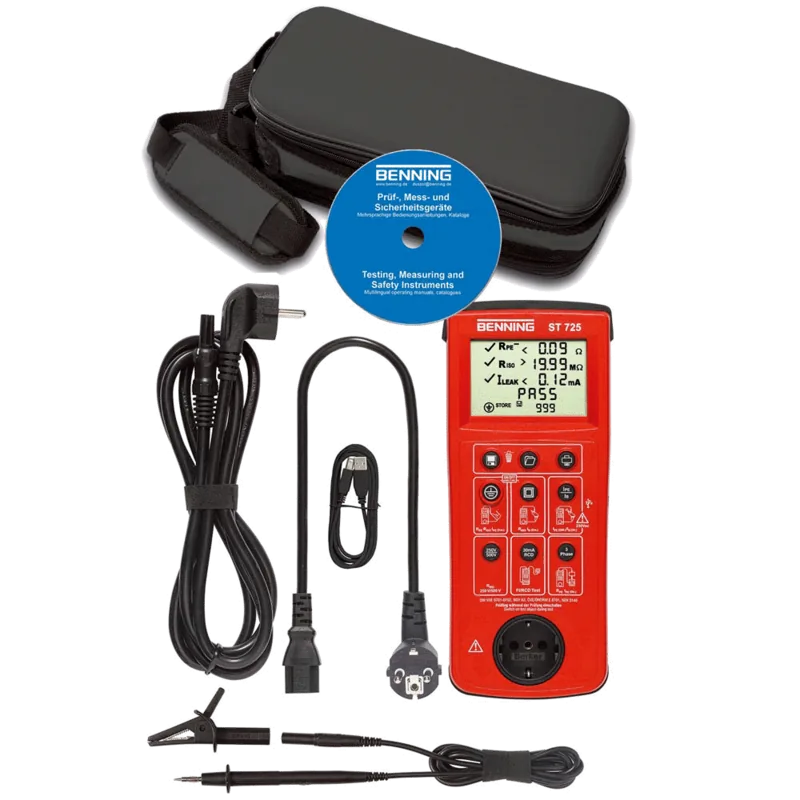
Designed for efficiency, the Benning ST 725 can store up to 999 measurement records, which can be retrieved later or printed using the optional BENNING PT 1 printer. The device operates on six AA batteries, offering approximately 2,500 tests per charge, or can be powered via mains connection for more demanding tests under operating conditions. Its compact design and durable build make it suitable for use in dry environments up to 2000 meters above sea level.
Key Features and Benefits
This tool simplifies complex electrical safety protocols into manageable steps. Users benefit from automatic polarity reversal during tests to ensure accurate readings of protective conductor currents. The ability to measure voltage on external sockets helps identify wiring issues before they become hazards. With preset limiting values based on international norms, the device removes guesswork from the evaluation process.
Maintenance and Support
Proper care ensures longevity. The device requires regular cleaning with a dry cloth and should never be opened by unauthorized personnel. Battery replacement and fuse changes are straightforward tasks documented within the manual. For precise calibration, the unit should be serviced annually by qualified technicians.
Notes
Always ensure the test object is switched off before connecting the device for resistance tests. When testing live equipment, follow all safety warnings regarding high voltages and potential electric shocks. The device includes an auto-power-off feature to conserve battery life.
Search for 67,706 Manuals online


Type-in Brand or Model
tina93
5 months ago
Is the device compatible with modern Office versions for data import, or do I need an older version like 2007-2010?
Manual.ly
5 months ago
Thank you for your inquiry. Our testing indicates that while the device functions excellently for all electrical safety checks, successful data export to Excel or specific Benning forms requires Microsoft Office versions from 2007 to 2010. We recommend ensuring this software is available on your computer before importing results.