
Avision PaperAir 10 Manual
PDF manual · 38 Pages
English



Quick check
Incorrect answer, please try again.
Chat with your Avision PaperAir 10 manual using AI
Get instant AI answers from your Avision PaperAir 10 manual
Ask anything about the Avision PaperAir 10. Answers come from this manual, with the pages they are based on.
Ask a Question
Do you recommend PaperAir 10?
Yes NoFrequently Asked Questions
It is designed to scan paper quickly and turn it into searchable digital content. The workflow supports OCR, keyword search, and output to formats like PDF, Word, Excel, and PowerPoint.
Is this answer helpful?
Yes. With OCR enabled, the scanner can create searchable PDF files. This helps users find text later by searching within the saved content instead of browsing page by page.
Is this answer helpful?
Yes. The software can convert scanned text into Microsoft Word, Excel, and PowerPoint formats. This is useful when you want to reuse or edit the text from paper originals.
Is this answer helpful?
You can choose image mode, resolution, paper size, file format, blank page removal, auto rotation, and simplex or duplex scanning where supported. These settings help match different scanning tasks.
Is this answer helpful?
The setup is designed to be simple. Install the software, connect the scanner with the included USB cable, and follow the on-screen instructions. Once installed, PaperAir Manager appears in the system tray.
Is this answer helpful?
Clean originals give the best OCR results. Very small fonts, handwriting, or stamped pages may reduce accuracy. In those cases, using a higher resolution like 600 dpi can help.
Is this answer helpful?
Advantages and Disadvantages
Advantages

- Easy one-button scanning with preset workflow options.
- OCR makes scanned text searchable and editable.
- Supports PDF, Word, Excel, PowerPoint, email, and print outputs.
- Compact design with USB connectivity and LED-based efficiency.
Disadvantages

- OCR accuracy may drop with stamps, handwriting, or very small text.
- Some features depend on scanner type and Windows setup.
- Requires proper installation and compatible system resources.
- Search results can vary if keywords are entered in an unexpected order.
Product Specification
Type
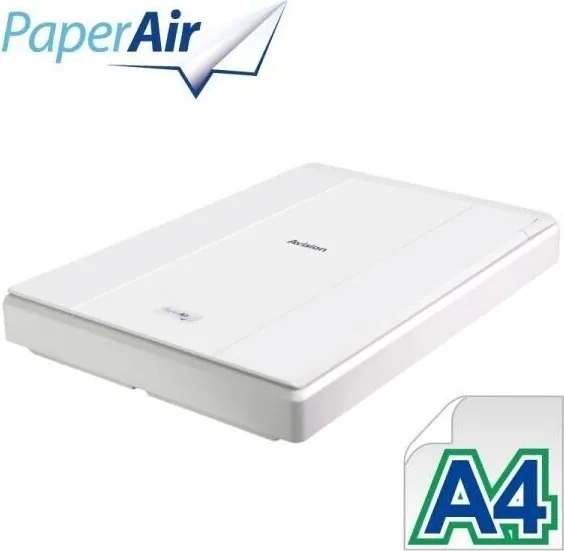
Flatbed scanner (CIS)
Resolution
600x600dpi
Speed
6.7/6.7 S/min (B&W/Color)
Paper/Film Format
A4
Paper/Film Feed
Single Sheet
Memory
16MB (RAM)
Ports
1x USB 2.0
Wireless
N/A
Software
OCR Software
Dimensions
10.04x1.81x13.98in
Weight
3.09lb
Special Features
LED lighting, USB-powered
Product Description
Avision PaperAir 10 Manual: A Compact Scanner Built for Fast, Searchable Workflows
The Avision PaperAir 10 is a slim flatbed scanner designed for people who want simple scanning without sacrificing productivity. Guided by the Avision PaperAir 10 Manual, setup is straightforward: connect the scanner by USB, install the software, and you are ready to scan, search, and share in just a few steps. Its compact size and lightweight build make it a practical choice for home offices, small teams, and anyone who needs an easy way to turn paper into digital content.
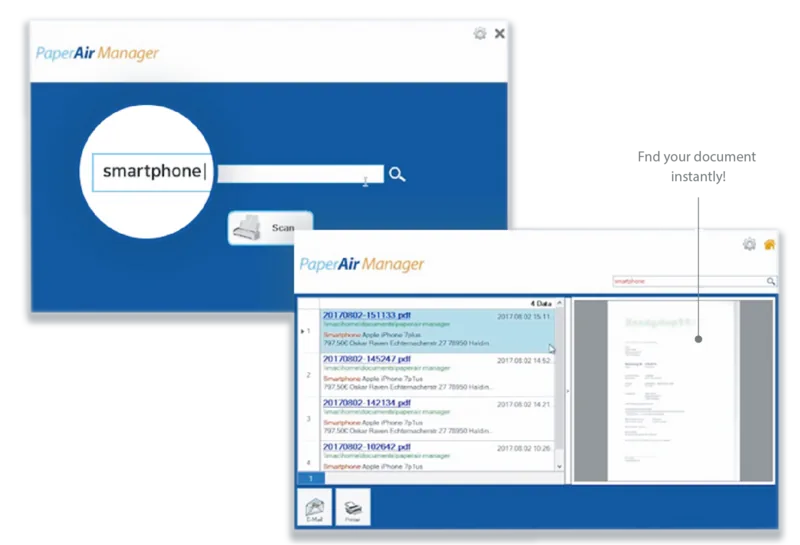
One of the strongest benefits of the PaperAir 10 is its focus on searchable results. With OCR support, scanned pages can be converted into searchable PDF files or exported into editable formats such as Word, Excel, and PowerPoint. That makes it useful not only for archiving receipts, letters, and forms, but also for reusing text in everyday work. The PaperAir Manager software adds more convenience by letting users search by keyword, file name, or tag information, which helps reduce time spent looking through folders.
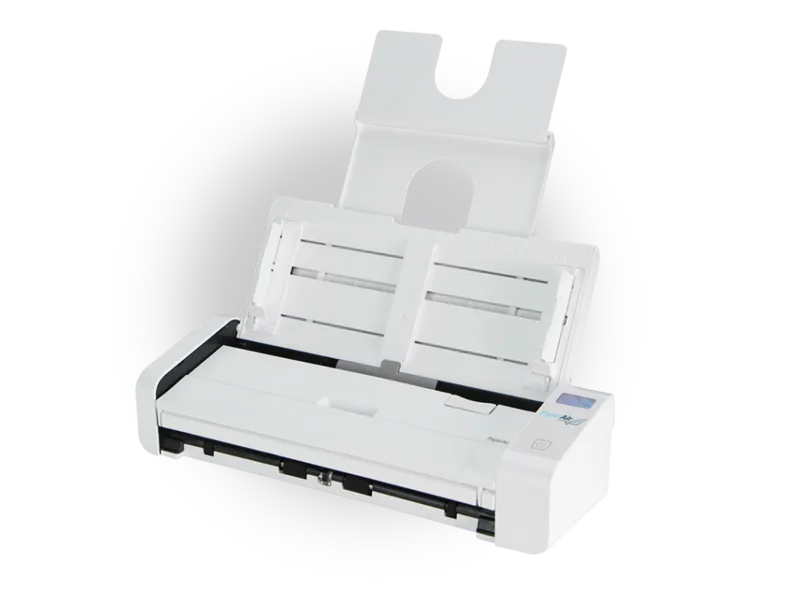
The scanner also offers flexible scan settings. Users can choose color, grayscale, or black-and-white modes, select resolutions from low to high, and pick common paper sizes or auto crop and deskew for mixed originals. Duplex support is available on compatible models, while features such as blank page removal and auto-rotate help keep results clean and organized. The output options go beyond saving, too: you can send scans directly to email, print them, or use BizCard functions for contact management.
Beyond everyday convenience, the PaperAir 10 includes thoughtful details for reliability and safety. The manual highlights proper placement, transport lock use, and safe handling practices, while also covering maintenance steps like cleaning the glass with a soft cloth and isopropyl alcohol. It is ENERGY STAR compliant, follows major FCC and CE requirements, and is built around a CIS sensor with LED lighting for efficient operation.
Notes
- Best for users who want simple scanning with searchable text.
- OCR quality improves when originals are clean, clear, and well aligned.
- Store the scanner on a flat, stable surface and use the supplied USB cable.
- Compatible with common Windows environments and everyday office workflows.
Search for 67,706 Manuals online


Type-in Brand or Model