
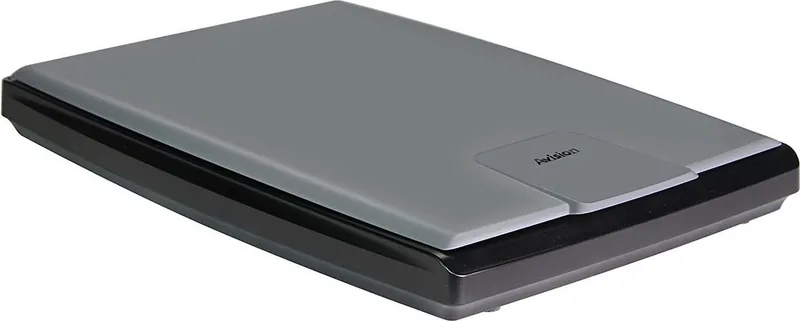
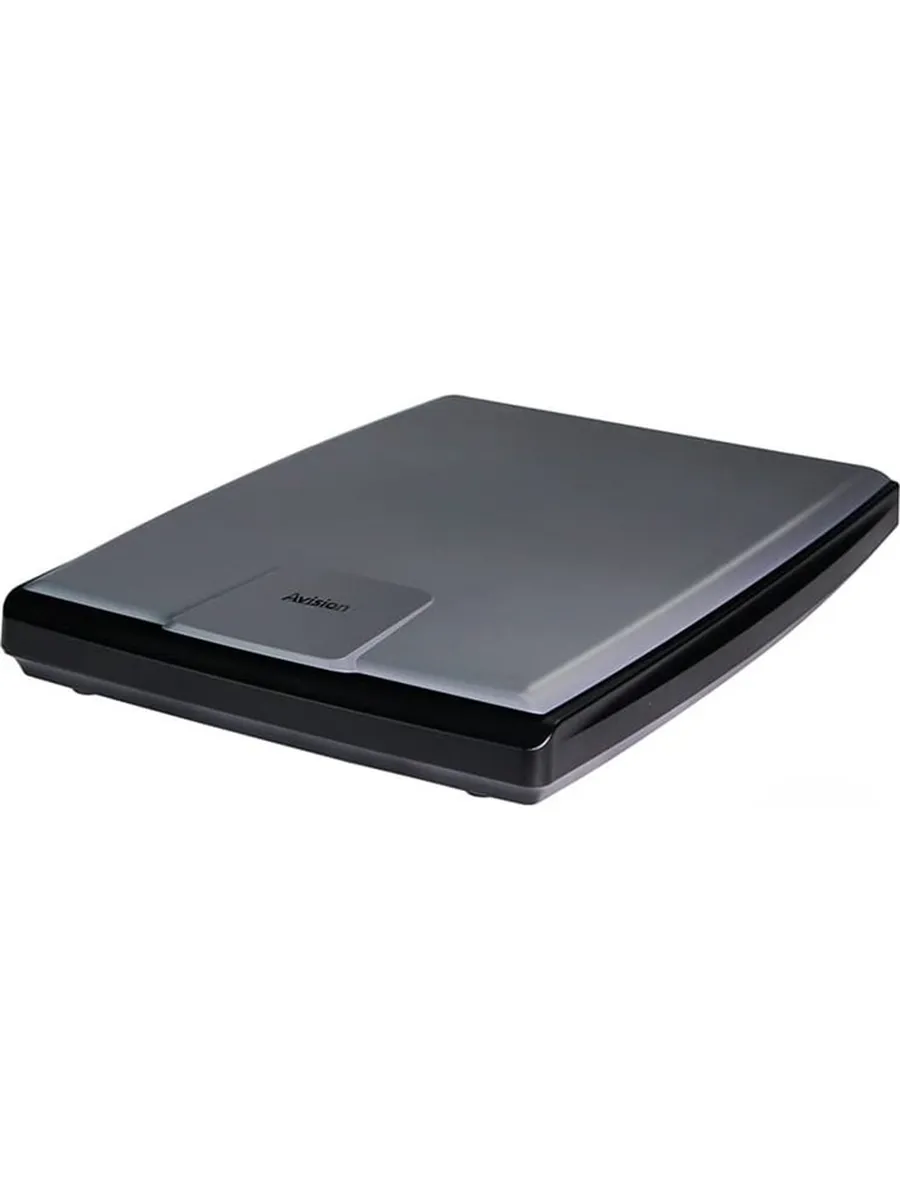
Avision FB25 Manual
PDF manual · 108 Pages
English



Quick check
Incorrect answer, please try again.
Chat with your Avision FB25 manual using AI
Get instant AI answers from your Avision FB25 manual
Ask anything about the Avision FB25. Answers come from this manual, with the pages they are based on.
Ask a Question
Do you recommend FB25?
Yes NoFrequently Asked Questions
The unit supports TWAIN and WIA interfaces for software compatibility.
Is this answer helpful?
Use isopropanol 95 on a lint free cloth.
Is this answer helpful?
Yes it complies with Energy Star guidelines for low power usage.
Is this answer helpful?
Max scan length is approximately three meters using extension mode.
Is this answer helpful?
Enable automatic skew correction in image settings.
Is this answer helpful?
Check power connections and ensure drivers are installed.
Is this answer helpful?
Advantages and Disadvantages
Advantages

- High resolution scan capability up to 1200 dpi ensures clear text and photo reproduction.
- USB 2.0 interface provides fast data transfer speeds for efficient workflow management.
- Supports various image formats including color, grayscale, and black and white data.
- Energy Star compliance guarantees lower power consumption during idle and active states.
- Compact physical dimensions allow easy placement on standard office desks or tables.
Disadvantages

- Requires specific computer drivers for full software functionality and feature access.
- Manual handling necessary for thick or fragile items like books and photo albums.
- Some advanced software features might need additional configuration for optimal performance.
- Power adapter is not included in all regions requiring separate purchase.
- Noise level increases slightly when scanning multiple items in rapid succession.
Product Specification
Type
Flatbed Scanner (CIS)
Resolution
1200 x 1200 dpi
Paper/Film Format
A4
Paper/Film Input
Single Sheet
Memory
64MB (RAM)
Connections
1 x USB 2.0
Software
OCR Software (PaperPort 14)
Power Consumption
10W (typical), 4W (standby), 2W (sleep)
Dimensions
11.18 x 1.77 x 15.79 inches
Weight
3.97 lbs
Features
LED Lighting
Product Description
Avision FB25 Scanner Overview
Experience high quality digitization with the Avision FB25. This flatbed scanner delivers sharp results for both personal and office use. It features a robust LED light source ensuring long life and stability during operation. Users will appreciate the USB 2.0 interface which allows fast data transfer to compatible computers running various Windows versions. The compact design fits easily on any desk alongside monitors. It measures approximately 284 mm width so space is not a major concern for small workstations. Detailed guides are available in the Avision FB25 Manual for further setup and configuration.
Performance and Features
The device captures details with optical resolution up to 1200 dots per inch. This allows restoration of old photos or precise scanned materials. Software included supports multiple interfaces including TWAIN for professional graphics applications and WIA for Windows users. Advanced settings enable automatic skew correction and color dropout to enhance text readability. Energy consumption remains low thanks to built-in power saving modes that activate after inactivity periods. You can adjust brightness and contrast directly within the control panel for perfect exposure settings without needing external photo editors. High quality output supports business needs and personal archives effectively.
Practical Applications
This unit handles various media types efficiently. Single sheet insertion works well for quick tasks while the flat glass supports books or fragile items. Adjustable crop options help remove unwanted borders automatically. Background removal tools clean up scanned materials by eliminating distracting colors. Troubleshooting steps are straightforward for users encountering connectivity issues. Contact information is available globally for support needs regarding warranty or repairs. It also supports long item scanning up to three meters for specific needs. Security standards are met with FCC and CE compliance for international safety regulations. Setup requires minimal effort and simple cabling for immediate use.
Environmental and Safety
Proper disposal guidelines apply to end of life electronics. The product carries specific icons indicating recycling requirements for batteries and internal circuits. Keep the unit away from direct sunlight or excessive moisture to ensure longevity. Do not attempt to repair internal components without authorized service training. Regular cleaning of the glass surface maintains image clarity over time. Always use only the provided power adapter to maintain safety standards and reliability.
Notes
Notes: Ensure stable surface placement to avoid damage during transport. Keep ventilation areas clear for optimal thermal management. Register product online for extended assistance access. Store cables safely to prevent accidental unplugging. Use proper tools for any maintenance tasks.
Search for 67,706 Manuals online


Type-in Brand or Model