
Avision AN335W Manual
PDF manual · 204 Pages
English



Quick check
Incorrect answer, please try again.
Chat with your Avision AN335W manual using AI
Get instant AI answers from your Avision AN335W manual
Ask anything about the Avision AN335W. Answers come from this manual, with the pages they are based on.
AN335W Maintenance Schedule
After the first 4,000-5,000 scans, clean rollers and glass weekly using a cloth soaked in 95% isopropyl alcohol to ensure image quality.
If multi-feed detection fails, gently wipe dirt from ultrasonic sensors with a cloth dampened with 95% isopropyl alcohol.
Remove the friction roller and wipe its surface with a cloth dampened with 95% isopropyl alcohol. Avoid getting alcohol on the inner foam.
Replace the ADF friction roller after scanning approximately 100,000 pages if feeding problems occur. Reset the roller count after replacement.
Replace the ADF roller after scanning approximately 200,000 pages if feeding problems occur. This service must be performed by an authorized center.
Ask a Question
Do you recommend AN335W?
Yes NoFrequently Asked Questions
The Avision AN335W supports various formats including JPEG, TIFF, PNG, PDF, and multi-page PDF. Specific formats like TIFF are best for black and white images, while JPEG works well for color photos.
Is this answer helpful?
Yes, the device allows direct scanning to cloud servers such as Google Drive, Evernote, OneDrive, and SharePoint Online. You simply need to configure the account credentials within the device settings.
Is this answer helpful?
You can connect via Wi-Fi by installing the MB Application on your mobile device. Ensure both devices are on the same network or use the scanner's AP mode to create a direct connection.
Is this answer helpful?
Yes, the Avision AN335W is fully compatible with Windows 10 (both 32-bit and 64-bit versions), as well as Windows 7 and 8. It utilizes TWAIN, ISIS, and WIA drivers for broad software support.
Is this answer helpful?
Scanned images saved to the product's internal memory via the Public Folder option are retained for only 24 hours. After this period, the files are automatically deleted to free up space.
Is this answer helpful?
Advantages and Disadvantages
Advantages

- Supports multiple cloud destinations including Google Drive and OneDrive
- Features a convenient LCD touch panel for easy navigation
- Enables Scancast functionality to send images to multiple targets at once
- Includes wireless scanning capability via built-in Wi-Fi module
- Offers high-resolution scanning up to 600 dpi for detailed images
Disadvantages

- Requires specific AC adapter which may be difficult to replace if lost
- Wireless setup can be complex for users unfamiliar with network configuration
- Public folder storage is limited to a 24-hour retention period
- Mobile app requires manual search if the scanner is not immediately detected
- Firmware updates must be performed manually via USB drive
Product Specification
Type
Document Scanner (CIS)
Resolution
600x600dpi
Speed
40/40 S/min (B/W/Color)
Paper/Film Format
A4
Paper/Film Feeder
50 Sheet DADF, Duplex Unit
Memory
2GB (RAM)
Connections
1x USB 3.0, 1x Gb LAN
Wireless
Wi-Fi 4 (WLAN 802.11b/g/n)
Display
Color, 8 in, Touchscreen
Software
OCR Software
Power Consumption
21W (typical), 10W (standby), 2.4W (sleep)
Dimensions
26.6x12.4x10.0 in
Weight
6.8 lbs
Features
LED Lighting, Double Feed Detection (Ultrasonic Sensor)
Manufacturer Warranty
2 Years
Product Description
Avision AN335W - Read, Download & Print Free
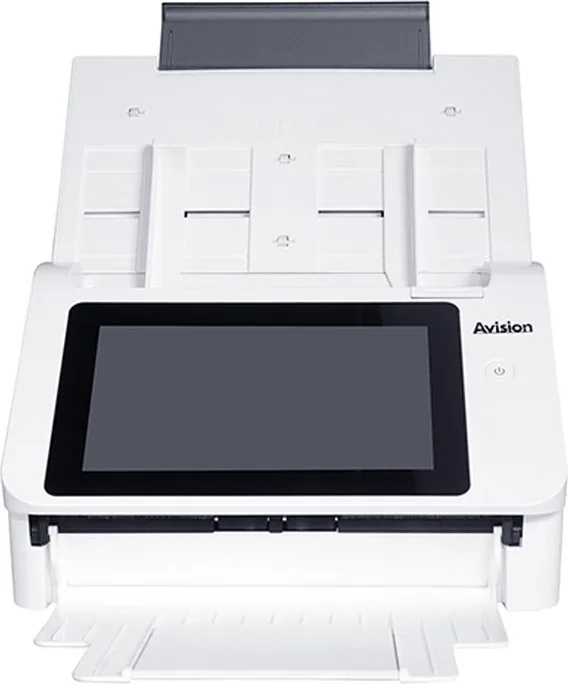
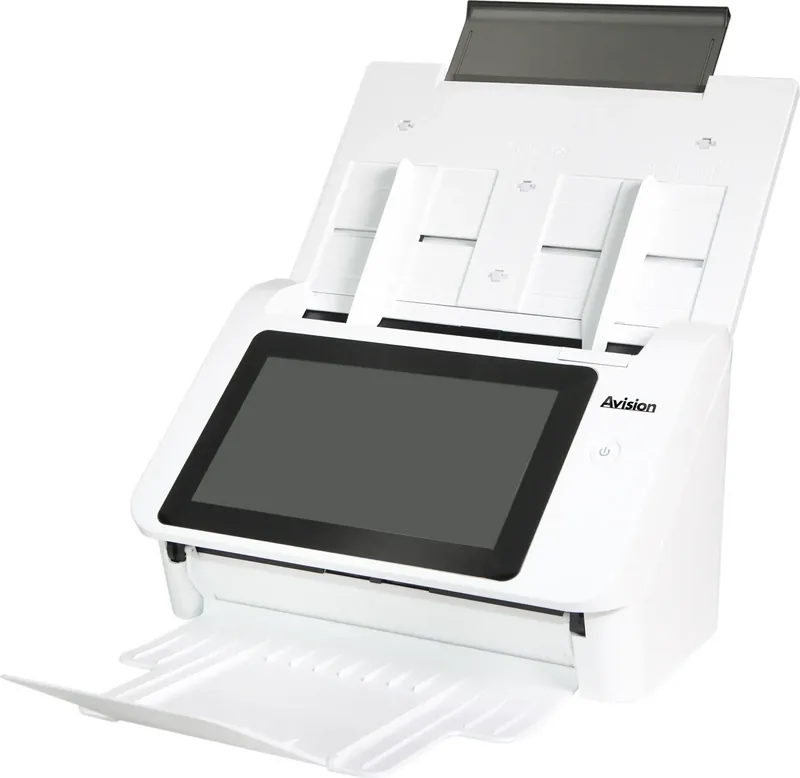
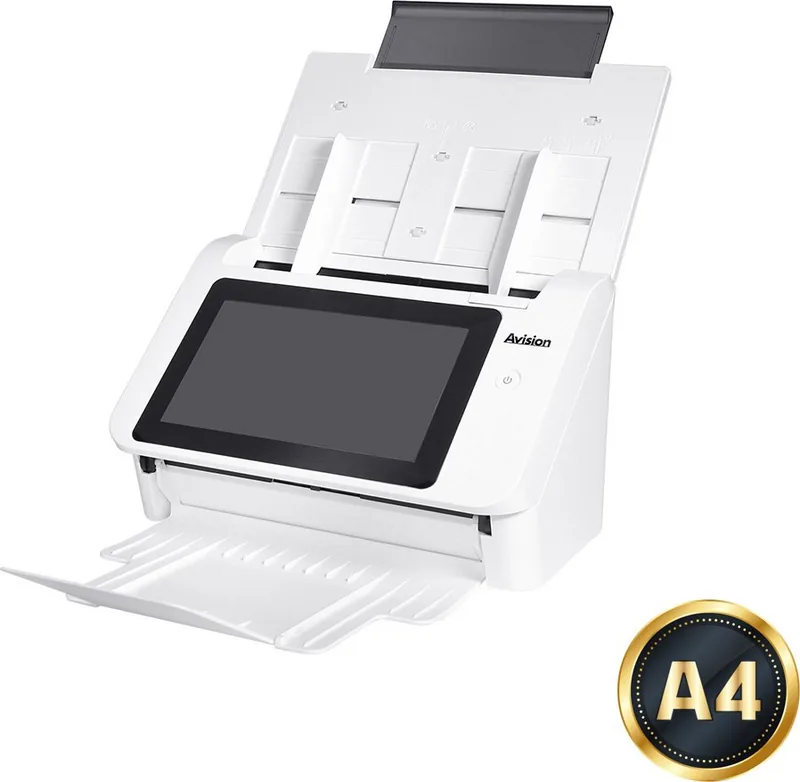
The Avision AN335W stands as a powerful network scanner designed to streamline document management for modern offices and home users. This device transforms paper records into digital assets instantly, offering seamless integration with various cloud platforms and network folders. Users can scan single or double-sided documents and deliver electronic images directly to email addresses, FTP servers, Google Drive, Evernote, OneDrive, and Microsoft SharePoint. The machine features an Auto Document Feeder that handles a wide range of paper sizes and weights, ensuring efficient batch processing without constant manual intervention.
Equipped with a user-friendly LCD touch panel, the AN335W allows for quick customization of scan settings. You can create shortcuts for frequently used destinations, saving time by completing tasks with a single button press. The Scancast feature further enhances productivity by broadcasting scanned images to multiple destinations simultaneously. Whether you need to save files locally on a USB flash drive, store them in the product's memory for web access, or distribute them across a corporate network, this scanner adapts to your workflow effortlessly.
Security and safety are paramount in its design. The unit complies with international standards including FCC Part 15 and EU Directives for low voltage and electromagnetic compatibility. It includes robust safety precautions to prevent electrical shock and fire hazards, such as using only the specified AC adapter and avoiding operation in extreme temperatures. The device also supports wireless connectivity via Wi-Fi, allowing mobile devices to scan documents remotely through the dedicated MB Application.
For administrators, the embedded web page offers extensive control over system configurations, user accounts, and network settings. Features like LDAP authentication and address book management simplify large-scale deployment. With support for high-resolution scanning up to 600 dpi and advanced image enhancement tools, the Avision AN335W ensures that every digitized document is crisp and clear. Its energy-efficient design aligns with ENERGY STAR guidelines, making it a responsible choice for eco-conscious environments.
Search for 67,706 Manuals online


Type-in Brand or Model