
Avision AD345F Manual
PDF manual · 184 Pages
English



Quick check
Incorrect answer, please try again.
Chat with your Avision AD345F manual using AI
Get instant AI answers from your Avision AD345F manual
Ask anything about the Avision AD345F. Answers come from this manual, with the pages they are based on.
Ask a Question
Do you recommend AD345F?
Yes NoFrequently Asked Questions
The scanner supports a direct USB connection to a computer and Ethernet networking for shared environments. Selected configurations may also provide Wi-Fi features for mobile workflows. USB and LAN modes are not intended to operate simultaneously.
Is this answer helpful?
Yes. The automatic document feeder is intended for multi-page batches, while the flatbed is useful for single sheets, curled pages, clippings, delicate items, and other materials that should not pass through the feeder.
Is this answer helpful?
The supplied driver supports TWAIN, ISIS, and WIA interfaces. This allows use with compatible imaging applications and Windows scanning tools. Button Manager V2 can also configure panel-based destinations and one-touch jobs.
Is this answer helpful?
Yes. Insert a USB flash drive into the dedicated port, select Scan to USB from the panel, choose color mode, resolution, and JPEG, PDF, or TIFF output, then begin the scan.
Is this answer helpful?
Use grayscale or black-and-white settings with tools such as color dropout, background processing, despeckle, line removal, deskew, and suitable resolution. These controls can reduce form backgrounds and unwanted marks while preserving text.
Is this answer helpful?
Yes. Virtual Scanner Link can locate and connect the scanner on a local network. Multiple users may connect, but scanning operation is limited to one user at a time to prevent simultaneous job conflicts.
Is this answer helpful?
Advantages and Disadvantages
Advantages

- Supports ADF and flatbed scanning for routine batches, delicate originals, cards, and irregular materials.
- Offers USB and Ethernet connections, with network access supported through Virtual Scanner Link.
- Provides TWAIN, ISIS, and WIA drivers plus configurable one-touch destinations through Button Manager V2.
- Includes advanced image controls such as deskew, crop, color dropout, blank-page removal, barcode detection, and multi-feed options.
- Can save scans directly to a USB flash drive in JPEG, PDF, or TIFF formats.
Disadvantages

- USB and LAN modes cannot be used at the same time.
- Network sharing permits multiple connections, but only one user can operate the scanner at a time.
- Wi-Fi and mobile functions vary by product configuration and may not be available on every unit.
- Some advanced features depend on scanner model, software support, or optional accessories.
- The documented operating system support is focused on Windows 7, Windows 8, and Windows 10.
Product Specification
Type
Document scanner (CIS)
Resolution
1200 x 1200 dpi
Speed
60/45 ppm (B&W/color)
Paper/film size
A4
Paper/film feed
100-sheet DADF, duplex unit
Memory
512 MB (RAM)
Display
Monochrome
Dimensions
12.64 x 11.85 x 29.69 in
Weight
15.21 lb
Product Description
Avision AD345F - Read, Download & Print Free
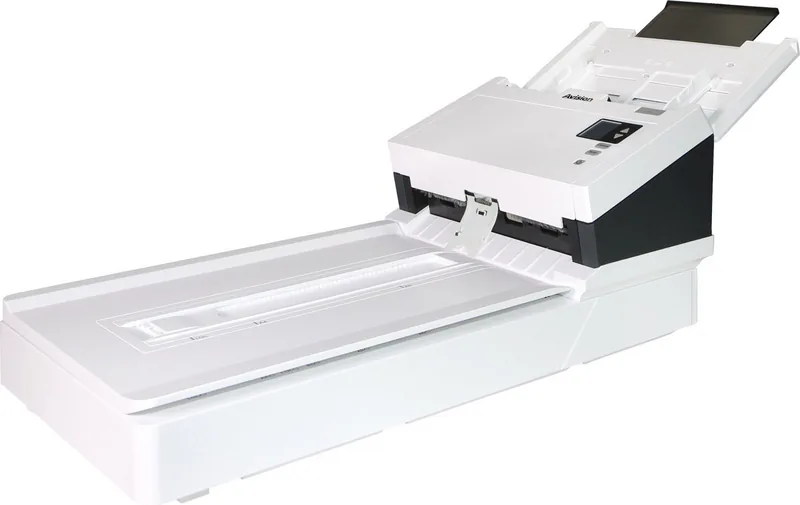
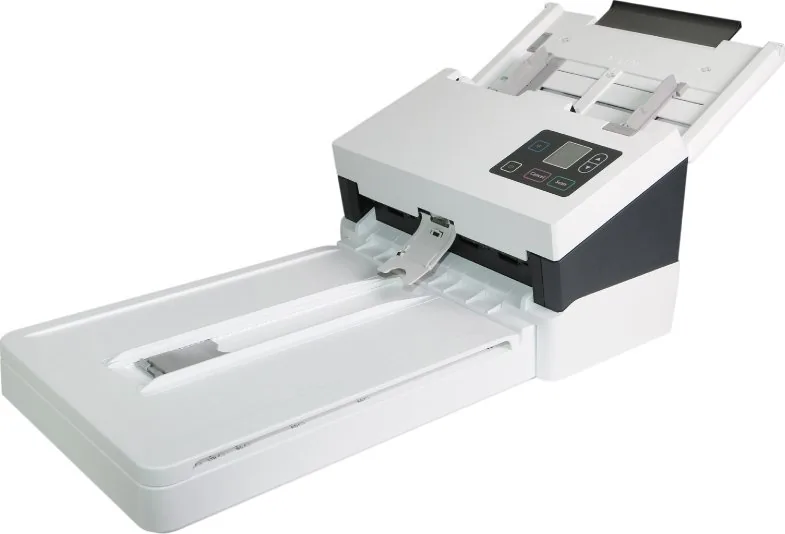
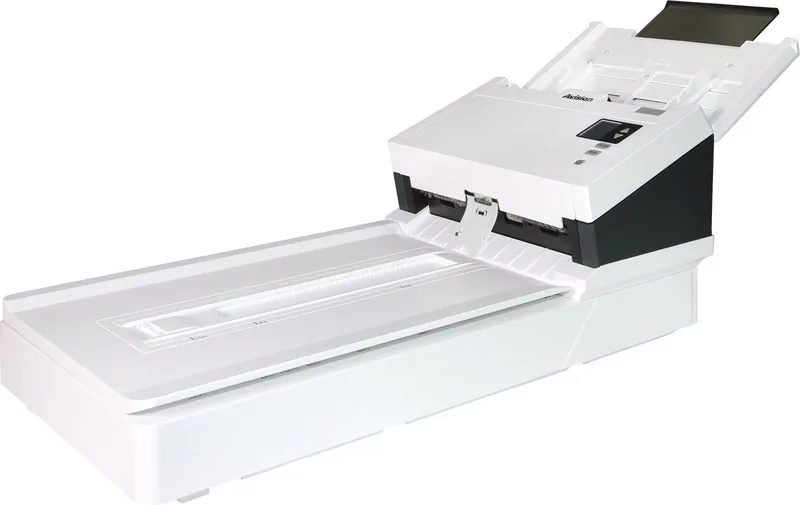
The Avision AD345F is a versatile document imaging solution designed for busy offices, home workspaces, and teams that need a practical way to capture paper-based information. With support for an automatic document feeder, a flatbed scanning surface, USB connectivity, and Ethernet networking, it brings flexible workflows to everyday scanning tasks.
Its adjustable feeder is built to handle a broad selection of paper sizes, from small cards to larger business forms. The flatbed provides an alternative for delicate, curled, or irregular materials that may not feed smoothly. Paper guides, a width switch, and an output stopper help keep batches aligned, while recommended preparation steps such as fanning pages can reduce feeding issues.
Flexible Connectivity and Destinations
The Avision AD345F can connect directly to a computer through USB or join a local network through Ethernet. Network users can locate and connect to the scanner with Avision Virtual Scanner Link, making it useful in shared work areas. One person can operate the scanner at a time, helping avoid conflicts during active jobs.
The front control panel includes an LCD display, navigation controls, scan confirmation, cancel, and power buttons. With Button Manager V2 installed, users can select from up to nine configured destinations and launch common jobs from the device. This can streamline routine tasks such as sending captures to an application, folder, or other preset workflow.
Image Controls for Detailed Results
Avision provides TWAIN, ISIS, and WIA driver support for compatibility with many Windows-based applications. The available settings include color, grayscale, and black-and-white modes, resolutions from 75 to 600 dpi, brightness, contrast, cropping, deskew, compression, and rotation. Advanced tools can remove background colors, punch holes, speckles, and form lines to create cleaner results for archiving or OCR processing.
The scanner also supports duplex workflows where available, blank-page removal, barcode detection, patch-code detection, and multi-feed detection options. These features can be valuable when organizing larger batches with different page types. Saved profiles make it easier to reuse preferred settings without rebuilding a configuration every time.
Direct USB and Mobile Options
For quick standalone operation, an inserted USB flash drive can receive scans in JPEG, PDF, or TIFF formats. Users can choose gray or color output at 200, 300, or 600 dpi directly from the panel. Selected product configurations may also offer Wi-Fi features and mobile scanning through the MB App, using either direct access point mode or an existing wireless network.
Note: Install the scanner driver before connecting by USB, unlock the transport lock before first use, and use the supplied power adapter. Wireless availability depends on the specific product configuration.
Avision AD345F - Read, Download & Print Free is a helpful starting point for exploring setup, connectivity, scanning controls, and maintenance guidance for this adaptable office scanner.
Search for 67,706 Manuals online


Type-in Brand or Model